




Photoshoots slow down launches
Every new product shoot takes planning, production, editing, and approval before a campaign can go live.
Turn product photos into lifestyle images, videos, and ads for your store, marketplaces, and campaigns, all in one workspace.
Start Free


Every new SKU, sales channel, and campaign adds more assets for your team to produce and review.
Every new product shoot takes planning, production, editing, and approval before a campaign can go live.
Turning product images into motion usually means another set of tools, assets, and reviews.
New SKUs, colorways, and long-tail products all need visuals that match the rest of the catalog.
A marketplace main image, a storefront lifestyle shot, and a vertical social ad each call for different framing.
Testing new hooks and product angles takes a steady supply of creative variations.
Campaigns often need different voiceovers, presenters, and messaging for each market.
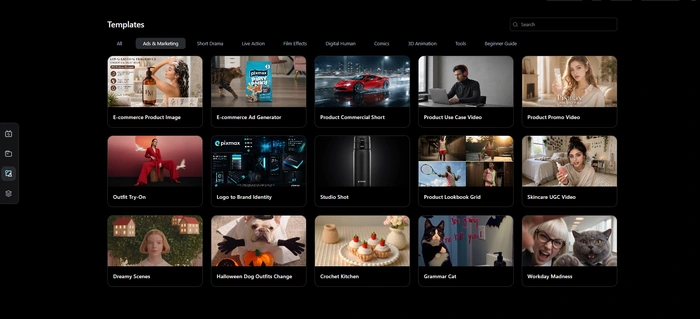
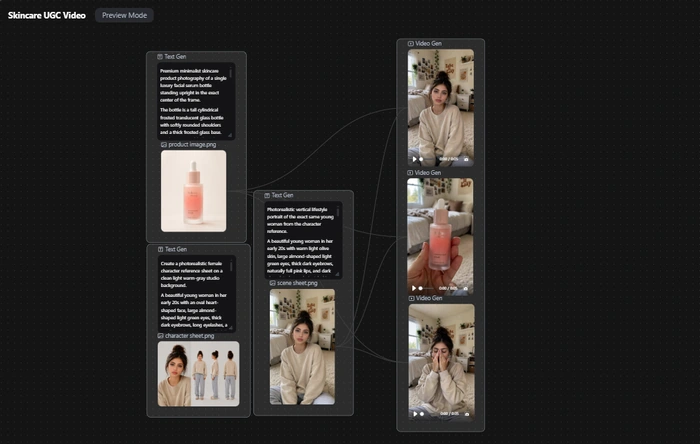
See what your team can create for product detail pages, seasonal launches, and paid campaigns.
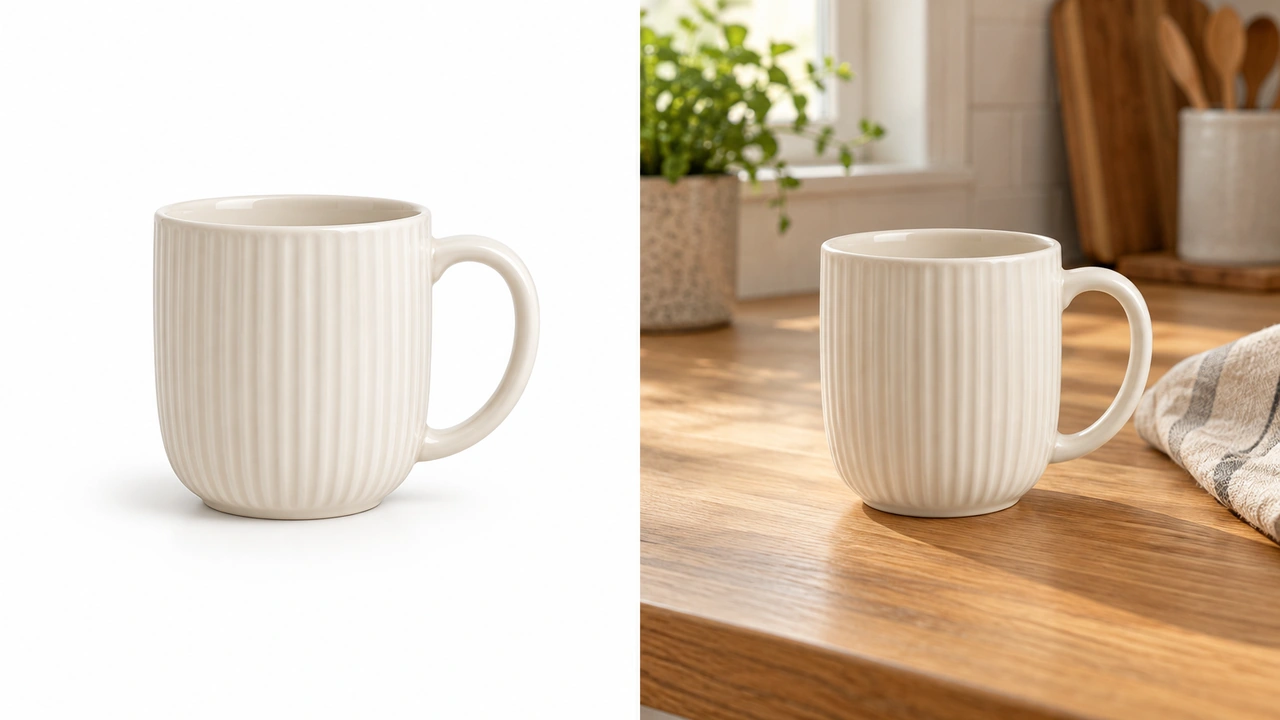
Use an existing product photo to create studio-style images, lifestyle scenes, or seasonal visuals for your storefront and campaigns.
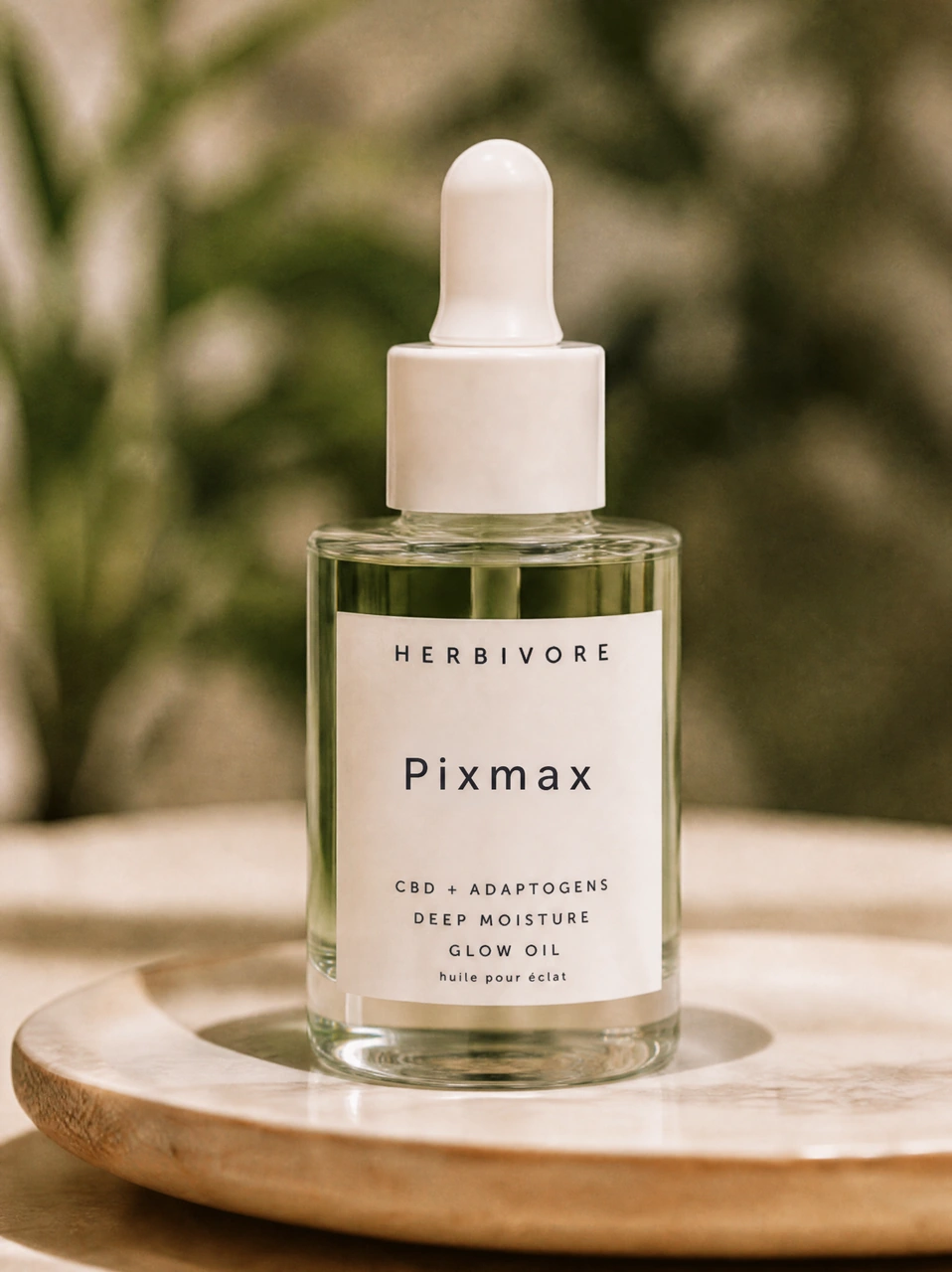
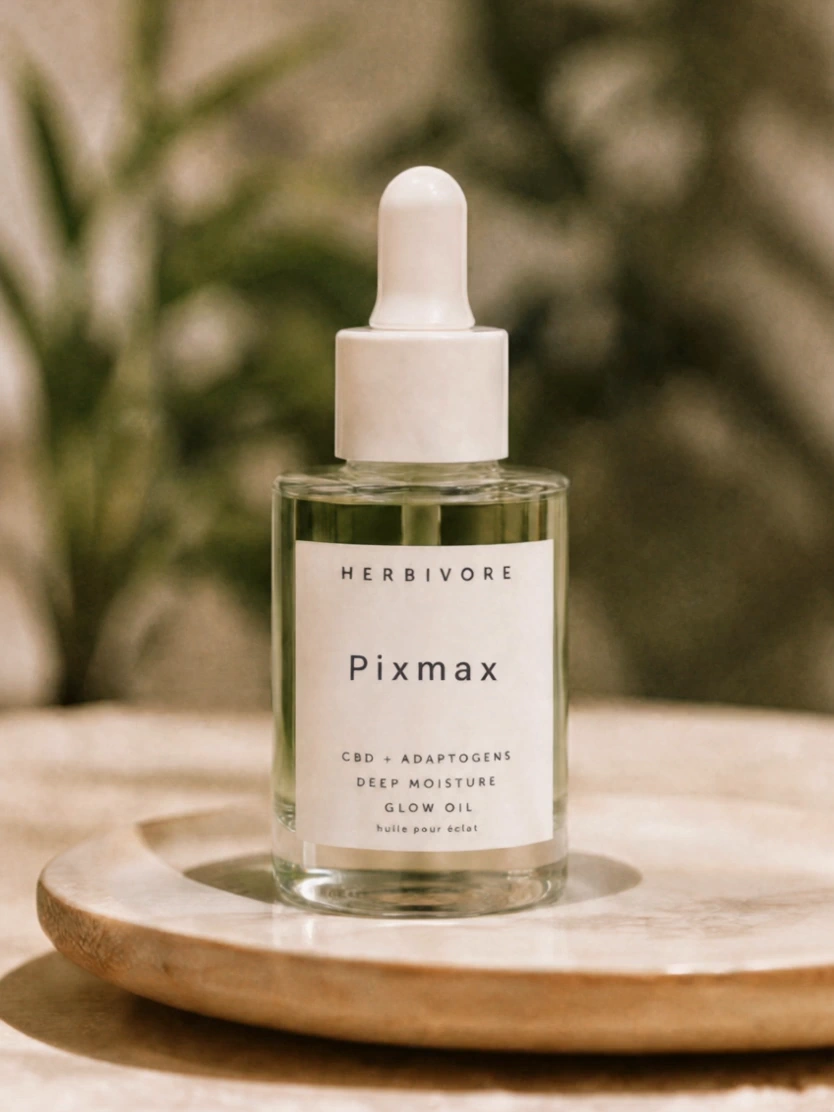
Add camera motion to a product still for a detail close-up, a product reveal, or a short showcase for your product page or social feed.
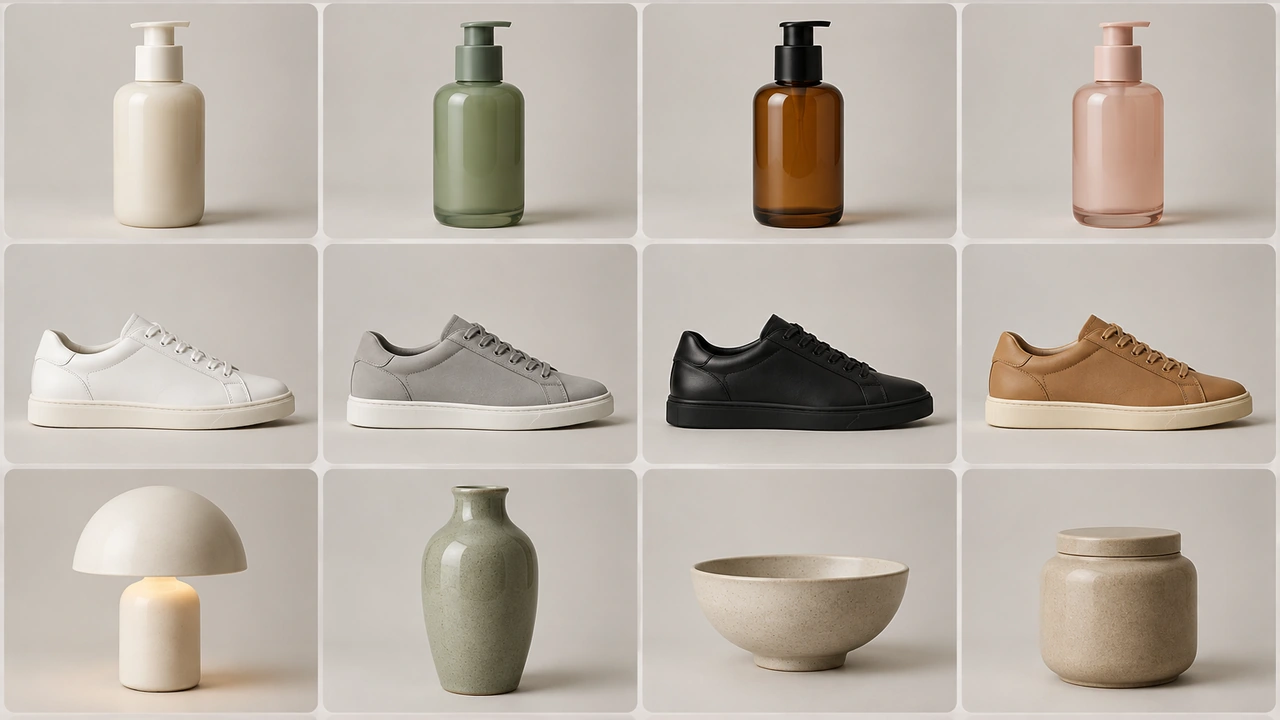
Reuse the same workflow and visual direction across SKUs and colorways. Group generation tasks to work through related assets together.

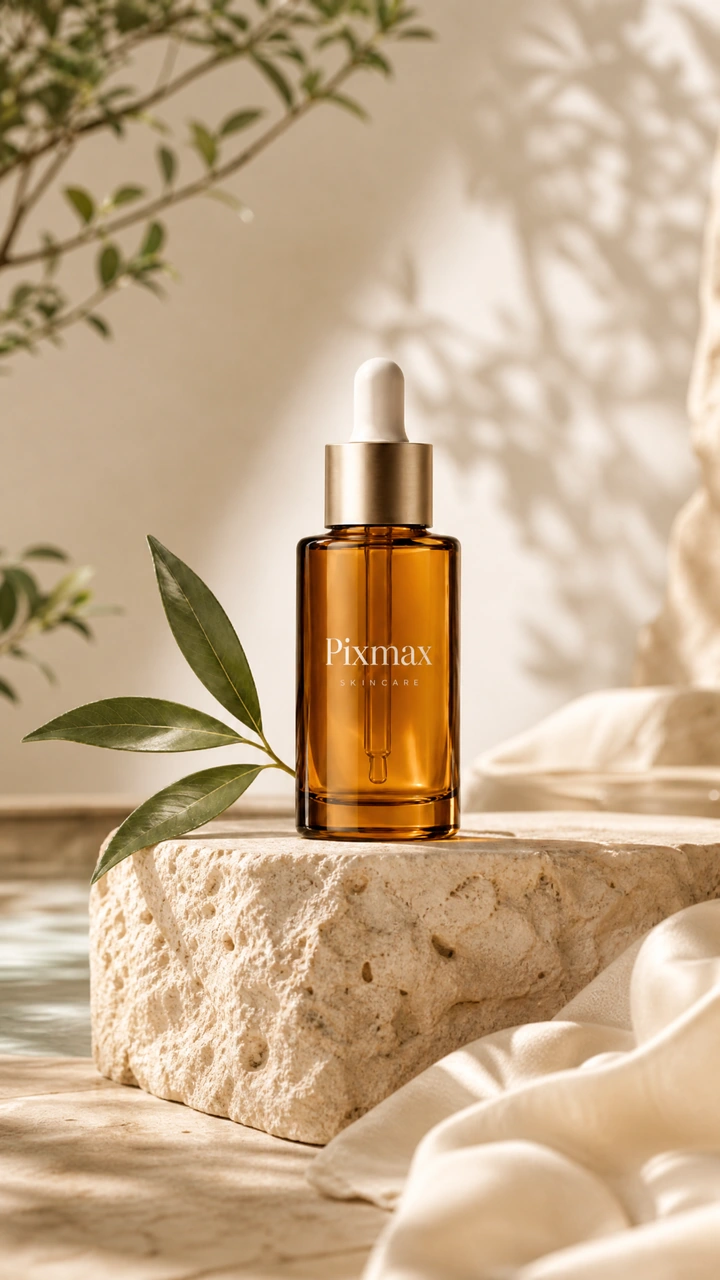
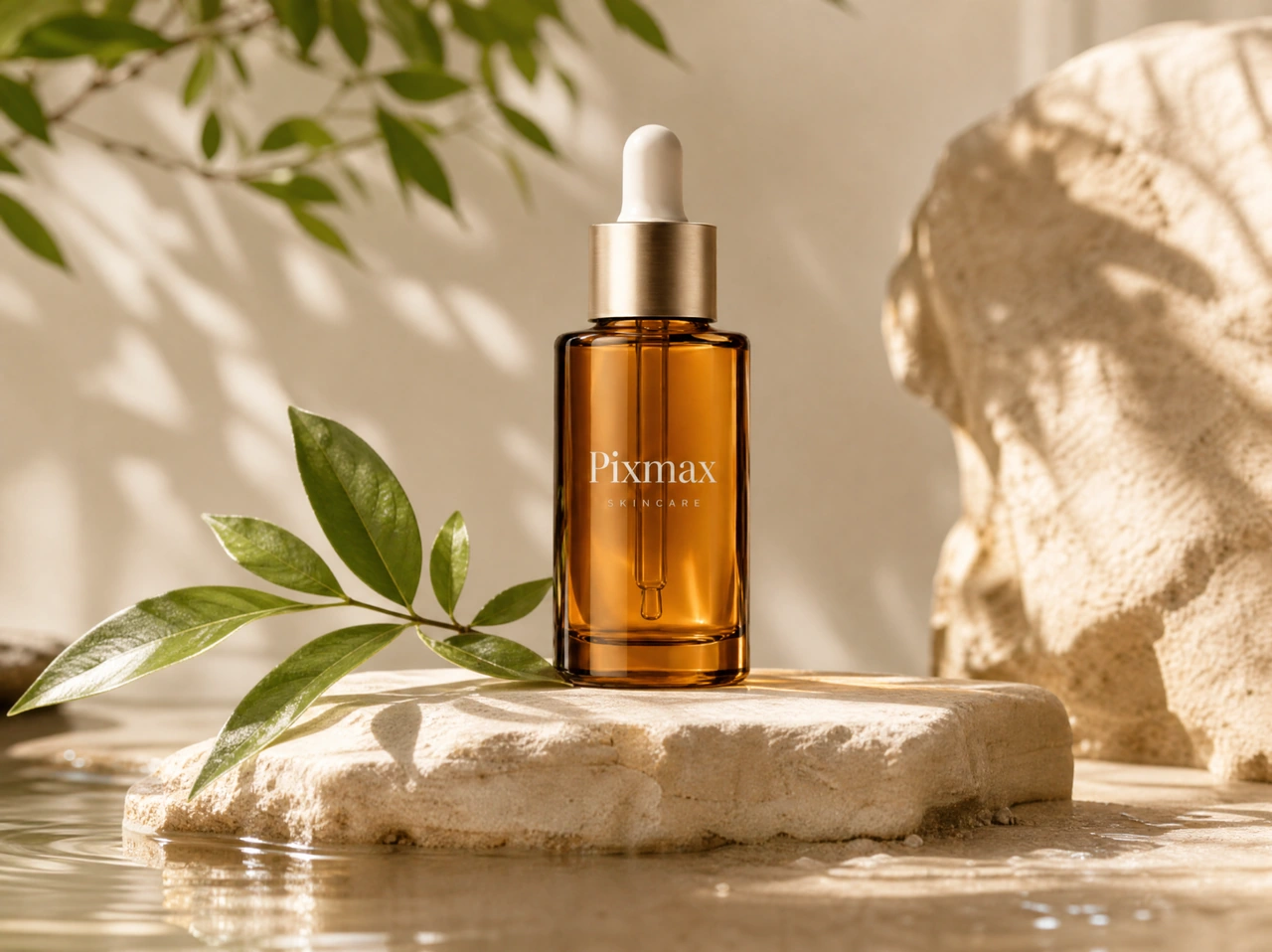
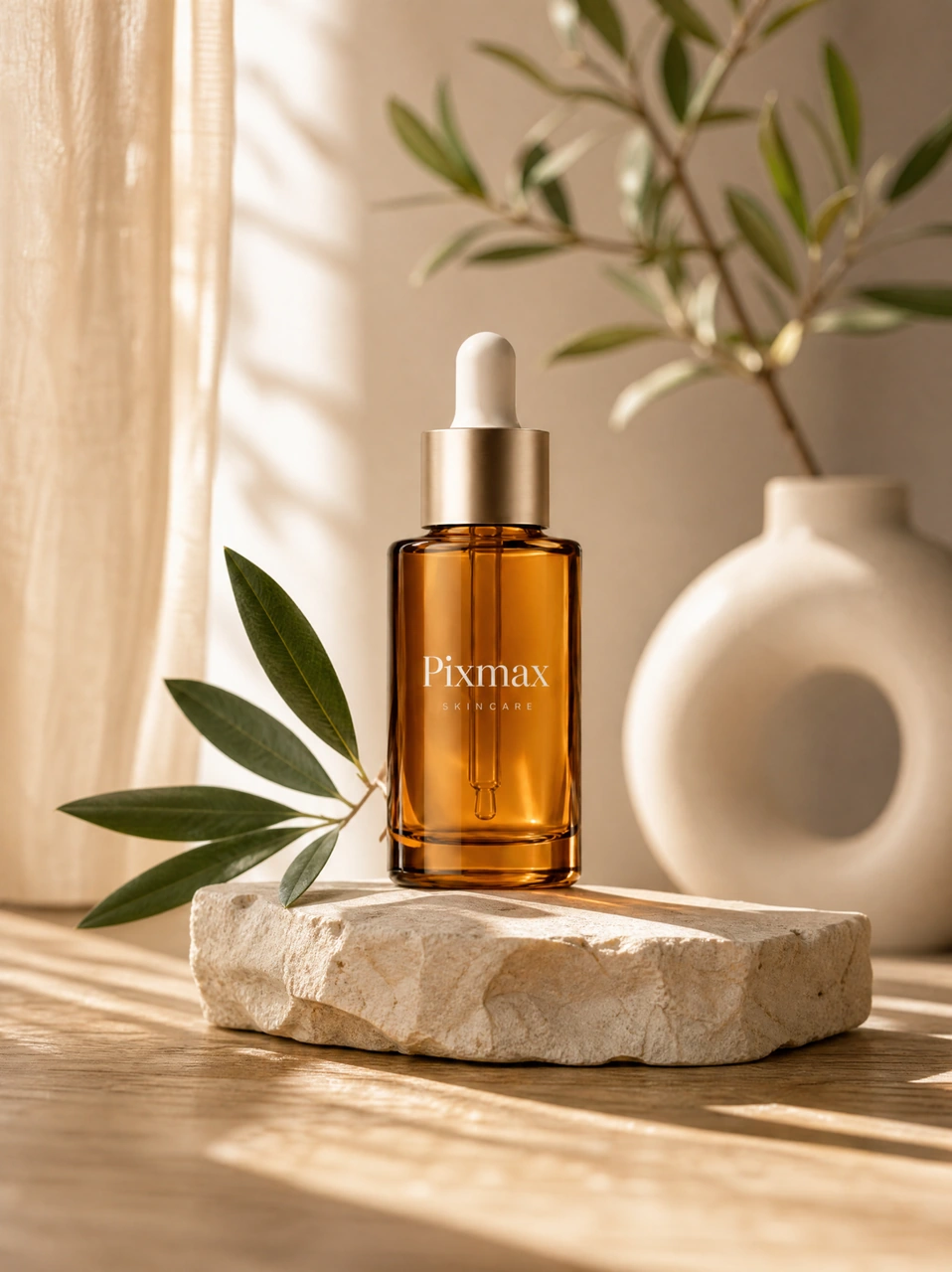
Create square product visuals and vertical social videos from the same source assets. Choose your framing and aspect ratio for each placement.
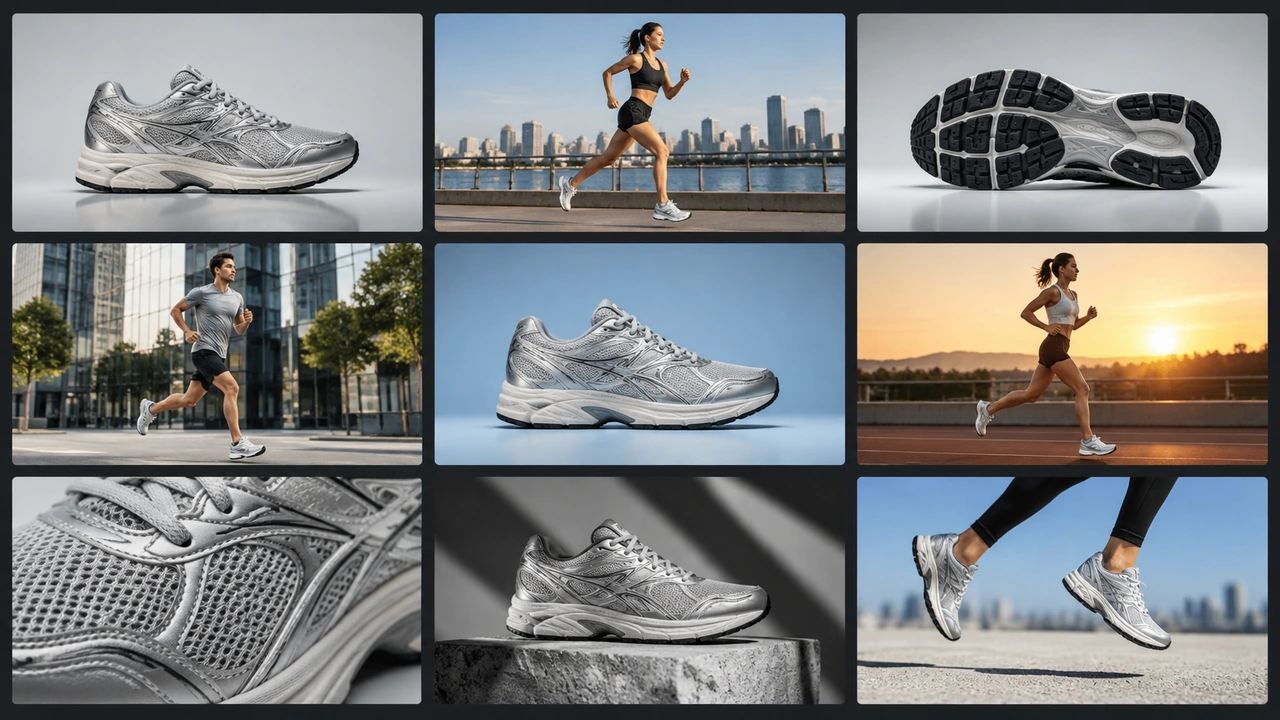
Create versions with different hooks, opening shots, or backgrounds so your team can test which creative works best for each audience.
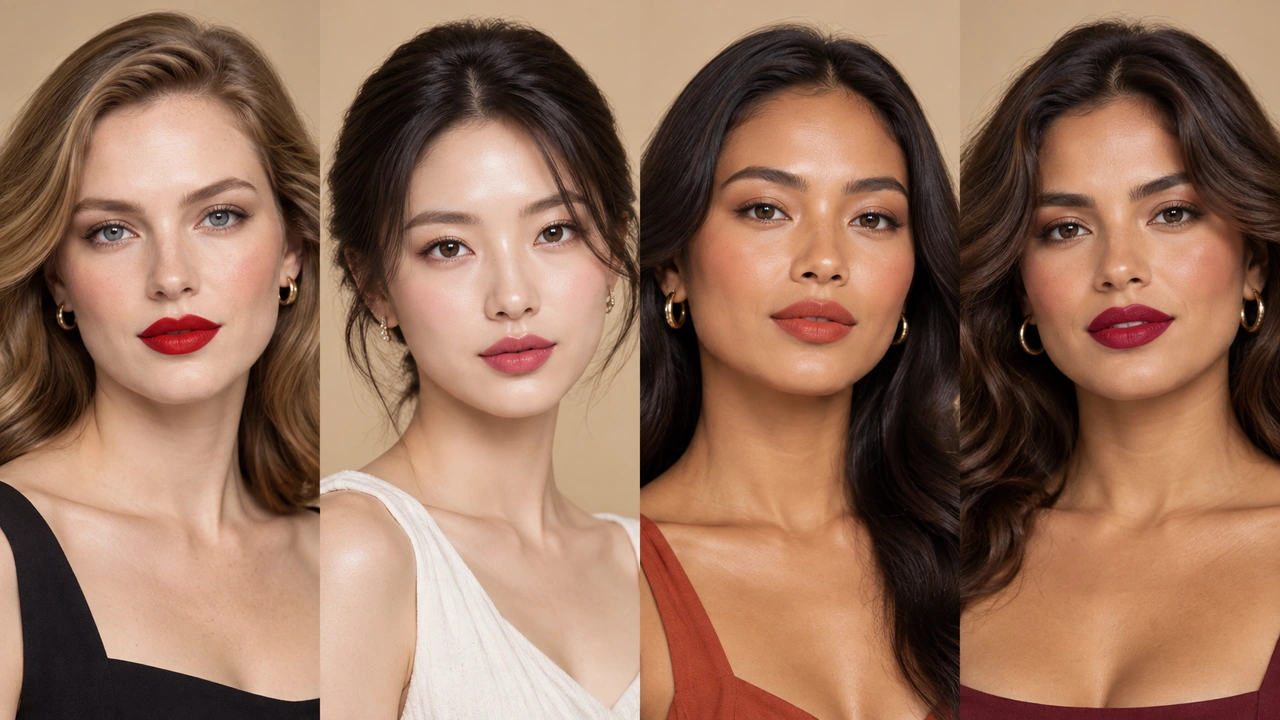
Adapt presenter-led videos with market-specific scripts and voiceovers while reusing the same product assets.
Add a reference photo and the key selling points you want to show.
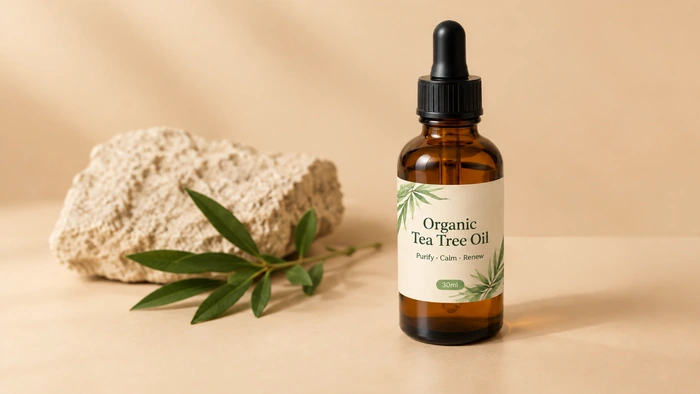
Pick a template or AI model for the asset you need.
Check product color, packaging text, and details against your reference.

Download the approved assets for your listing, product page, or campaign.
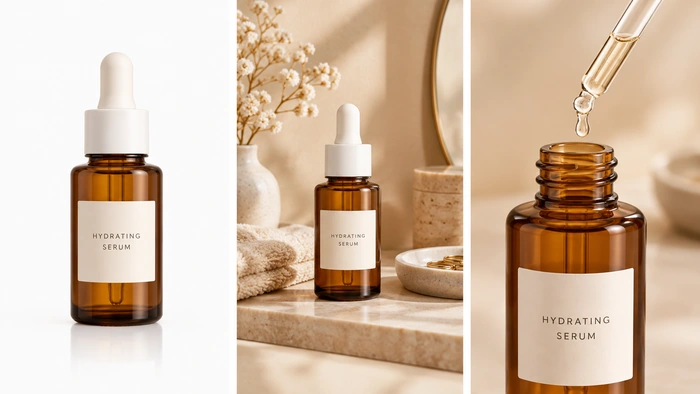
Different models are built for different creative needs and production scenarios.
| E-commerce task | Model | Use it for | Link |
|---|---|---|---|
| Product and lifestyle images | GPT Image 2 | Background edits and product visuals with packaging text | Model page → |
| Product showcase videos | Kling · Veo | Product reveals, camera moves, and detail shots | Model page → |
| Reference-led product videos | MiniMax H3 | Create short product clips from image, video, and audio references; refine backgrounds or pacing | Explore MiniMax H3 → |
| Short-form video ads | Seedance · Hailuo | Vertical campaign clips and motion-led openings | Model page → |
| Presenter-led product videos | Seedance · HappyHorse | Product demos and presenter-led ad concepts | Model page → |
| Creative effects and variations | Vidu · PixVerse · Wan | Stylized motion and alternate creative treatments | Model page → |
| Multilingual voiceovers | ElevenLabs v3 | Narration for different markets | Model page → |
| Listing copy and scripts | Gemini 3.1 Pro | Product titles, feature bullets, ad scripts, and shot lists | Model page → |
See what your team can create for product detail pages, seasonal launches, and paid campaigns.
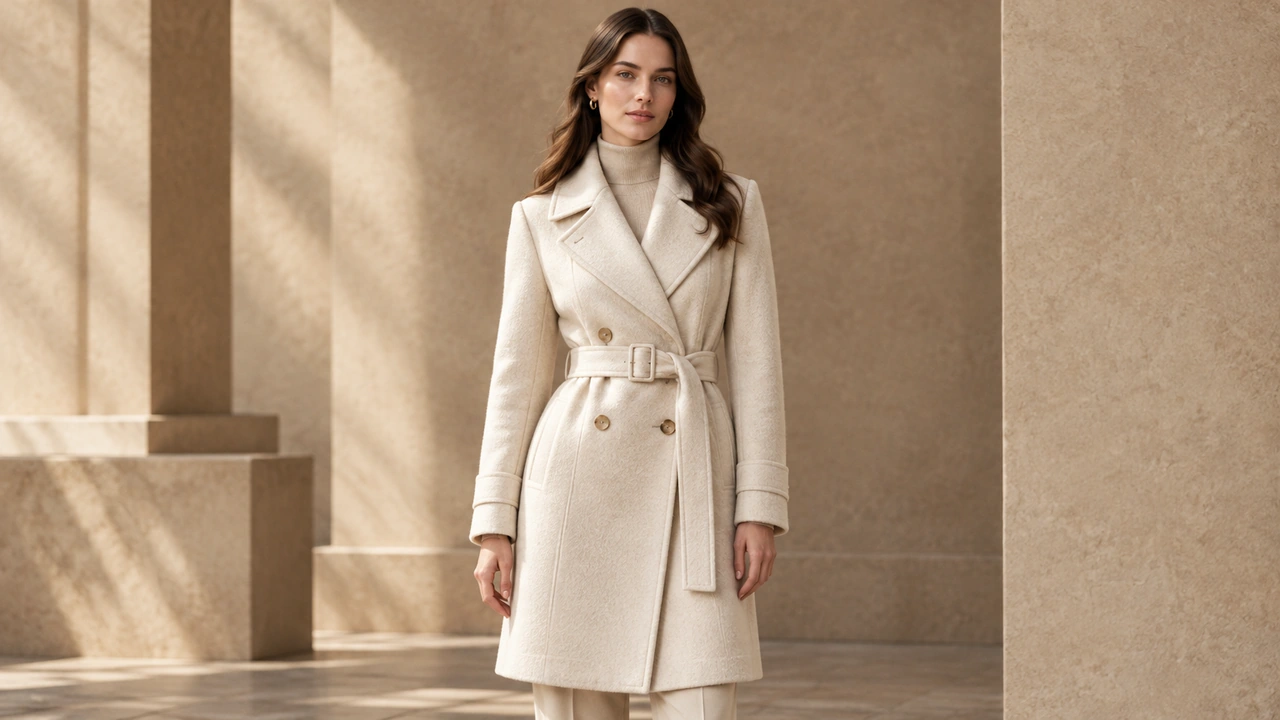
Create on-model lookbook concepts and short launch videos for seasonal collections and new colorways.
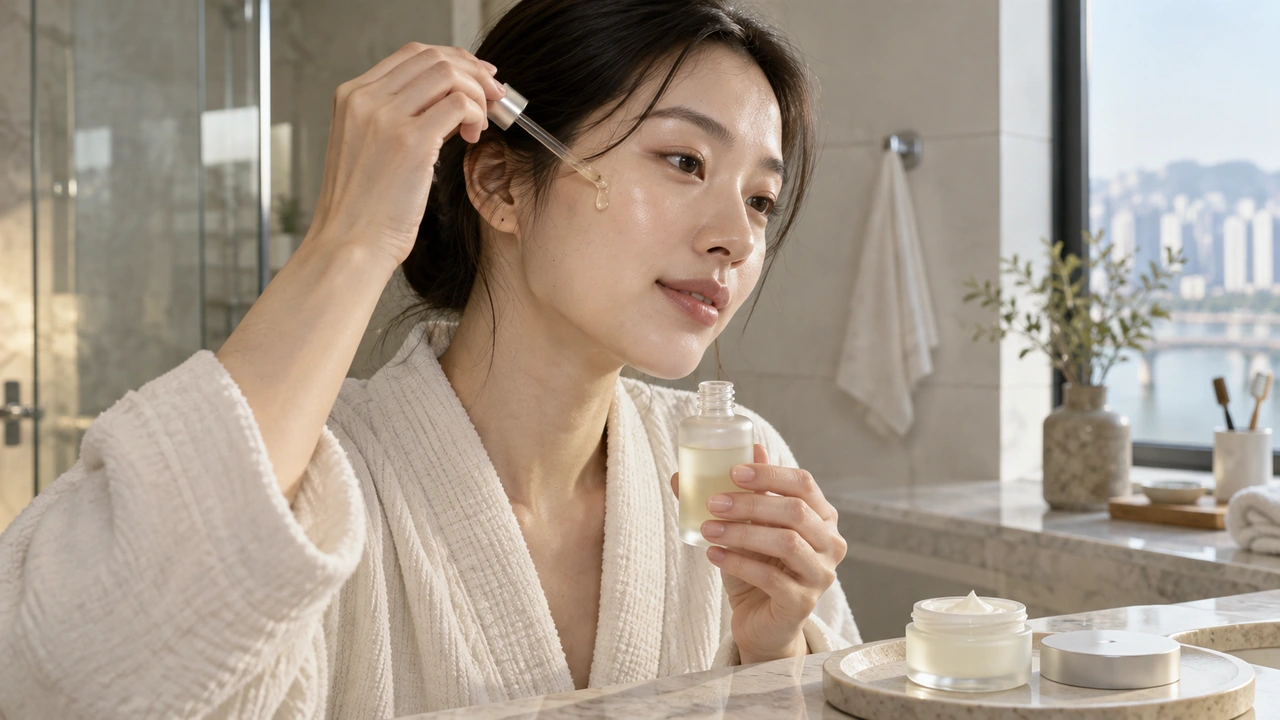
Create texture close-ups, shade-specific visuals, and routine videos that show how a product is used.

Place a furniture or decor product in different room settings for lifestyle galleries and campaign ads.
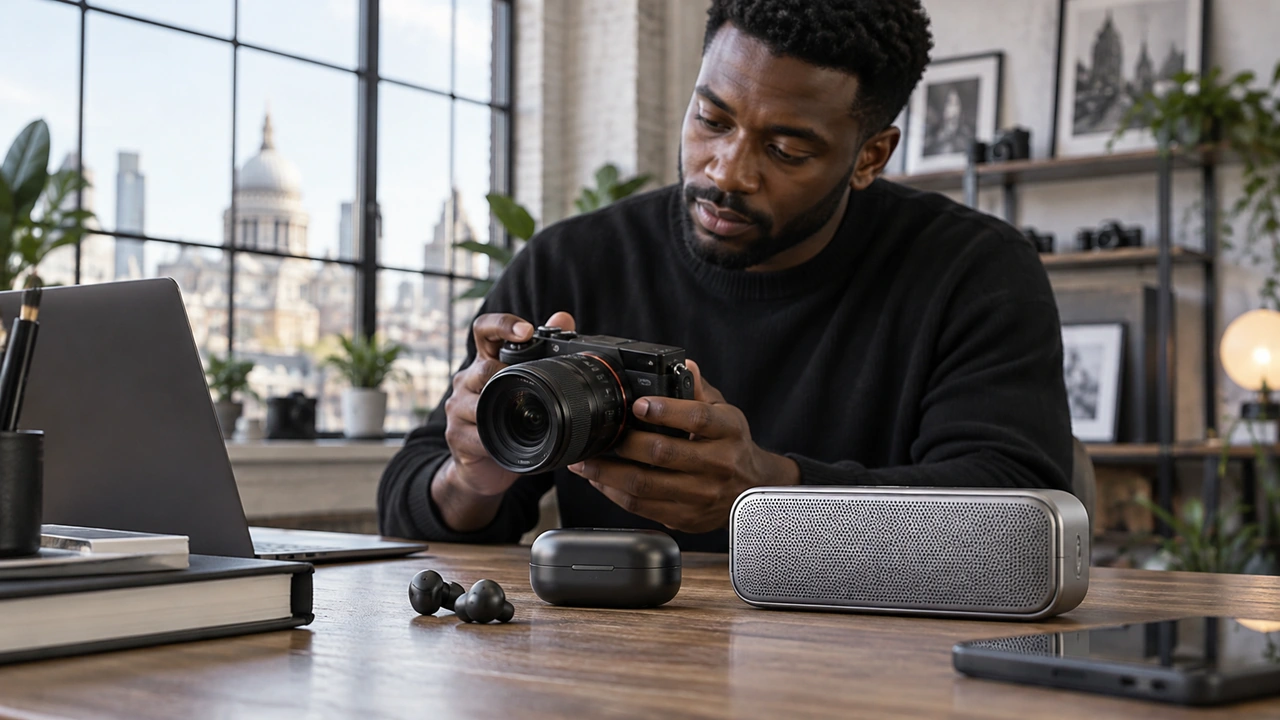
Show ports, controls, included accessories, and setup steps in product demos or unboxing videos.
Choose a format, then add your product images, selling points, and presenter or scene.
Start with a clear photo of the actual product. Use an image model to create a new background or lifestyle scene, then compare the result with the reference before publishing. Check color, shape, labels, and included accessories.
Use your original product photo and replace the background with pure white. Check the edges and product details against the original, then confirm the marketplace’s main-image requirements.
Yes. Upload a product photo to an image-to-video model and describe the movement you want, such as a slow push-in or a detail reveal. Review the clip to make sure the product matches the reference.
Yes. Use a presenter-led template to create a product demo or a short ad from your product assets and script. Check the applicable platform disclosure rules and make sure the presenter accurately describes the product.
Check the rules for the marketplace and placement you’re targeting. Verify that each image accurately represents the product being sold and meets the placement requirements.
You can reuse a workflow across SKUs and run grouped generation tasks together. Review each SKU’s output against its own reference before adding the images to your catalog.
Check the applicable terms and confirm you have permission to use the source assets, including trademarks, music, and any person’s likeness or voice, before publishing commercially.
You can start with Pixmax’s free trial. Available generations depend on the model and settings you choose.
Start with a product photo. Create a new listing visual, product video, or ad variation.
Start Free