



Happy Horse 1.1 Overview
Happy Horse 1.1 for Cinematic, Campaign-Ready AI Video
Pixmax brings Happy Horse 1.1 to creators who need cinematic short-form video with stronger motion, reference control, subject consistency, and synchronized audio.
Create with Happy Horse 1.1 in Three Steps
Move from model selection to a first video draft in three clear steps.
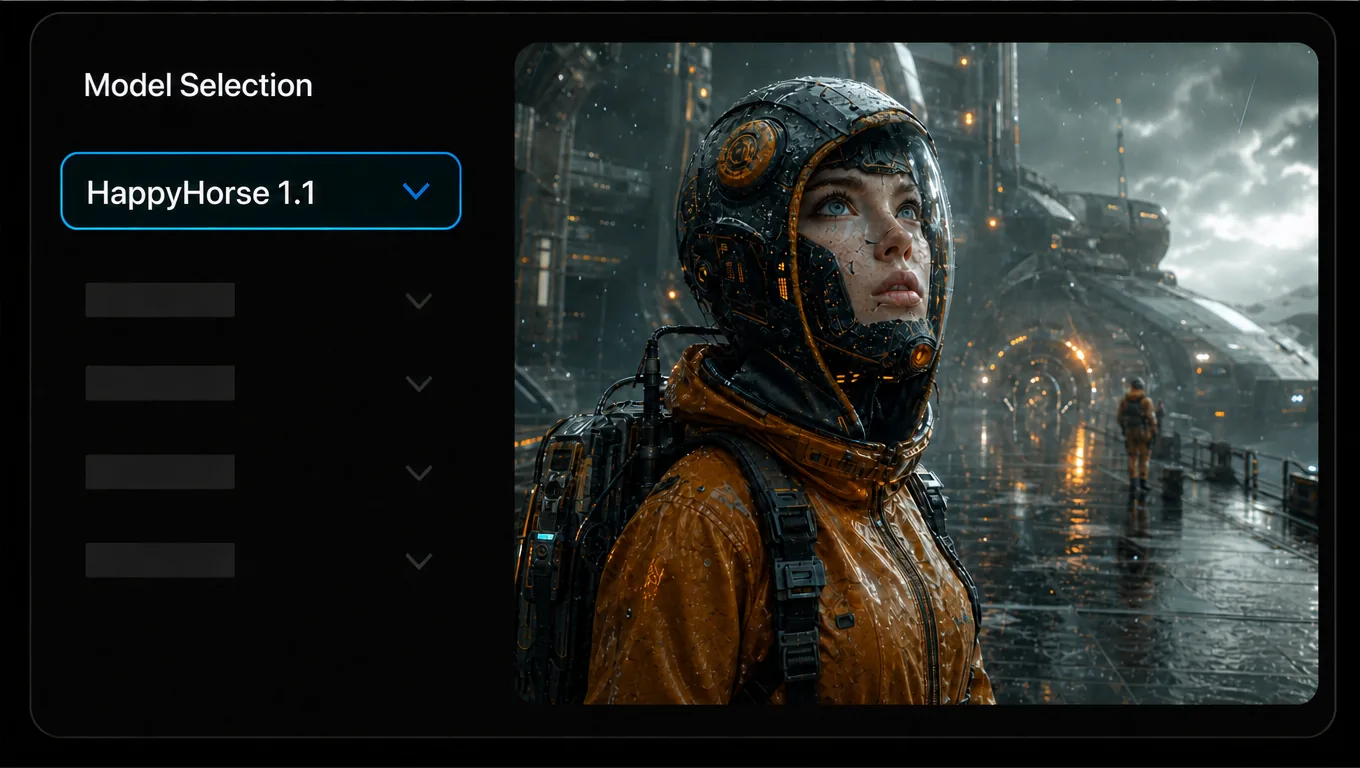
Choose Happy Horse 1.1
Select Happy Horse 1.1 from the video node's model list.
Add Your Creative Input
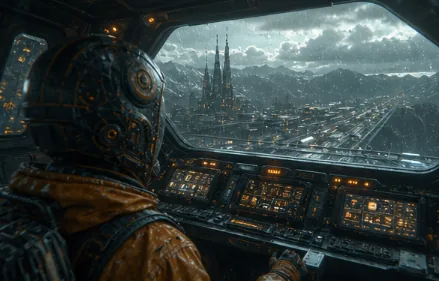
Write a prompt, then add first-frame or reference images.
Reference Image
 +
+Prompt
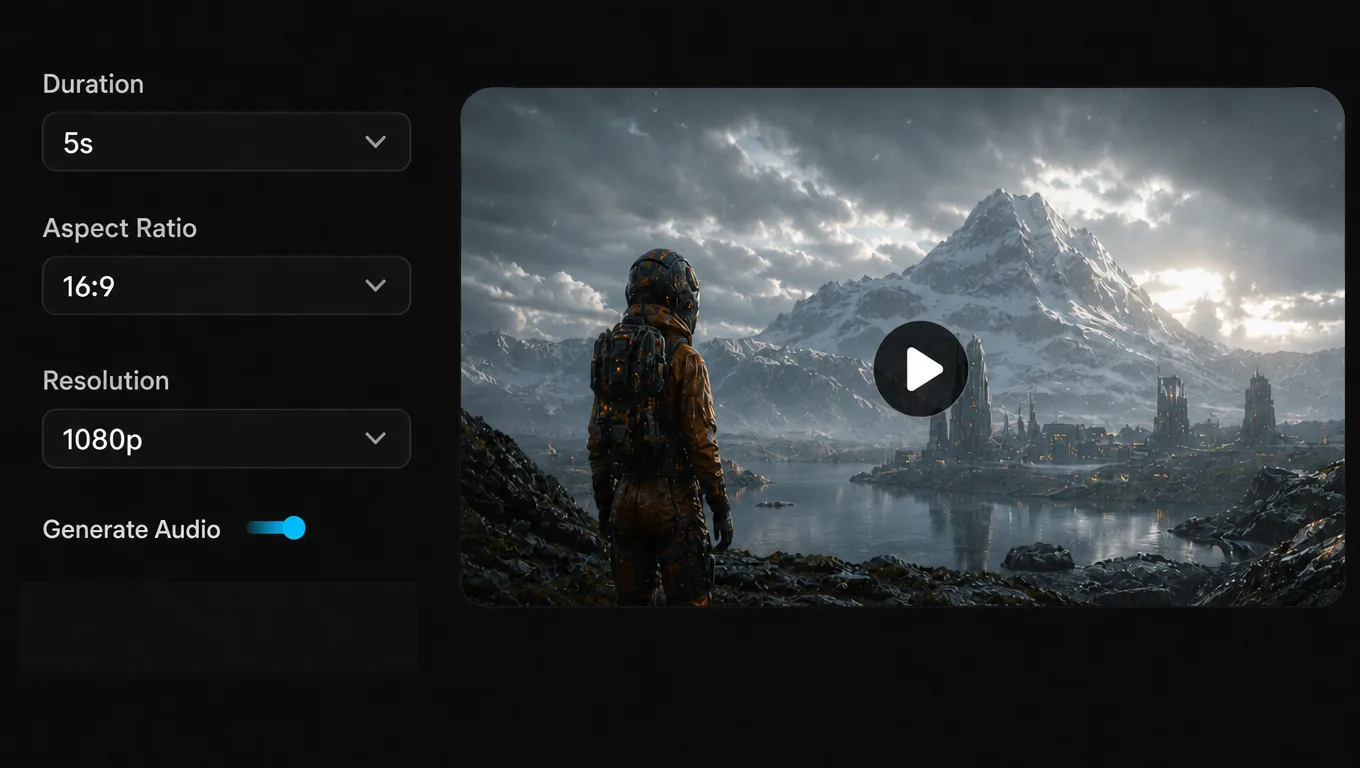
Set Up and Generate
Choose duration, aspect ratio, and available settings, then generate.
Happy Horse 1.1 vs. 1.0
The same simple workflow, upgraded for stronger production consistency and visual performance.
| Capability | HappyHorse 1.1 | HappyHorse 1.0 |
|---|---|---|
| Motion | Smoother complex action and stronger motion energy | Standard AI video motion |
| References | More accurate multi-reference fusion and subject identity | Reference-guided generation |
| Prompts | Stronger long-context planning and character relationships | Prompt-based scene generation |
| Visuals | More natural detail and cinematic shot continuity | High-quality generated video |
| Audio | Richer sound detail and more accurate synchronization | Native audio-video output |
Made for Real Creative Work
From short stories and product launches to branded content and social video.
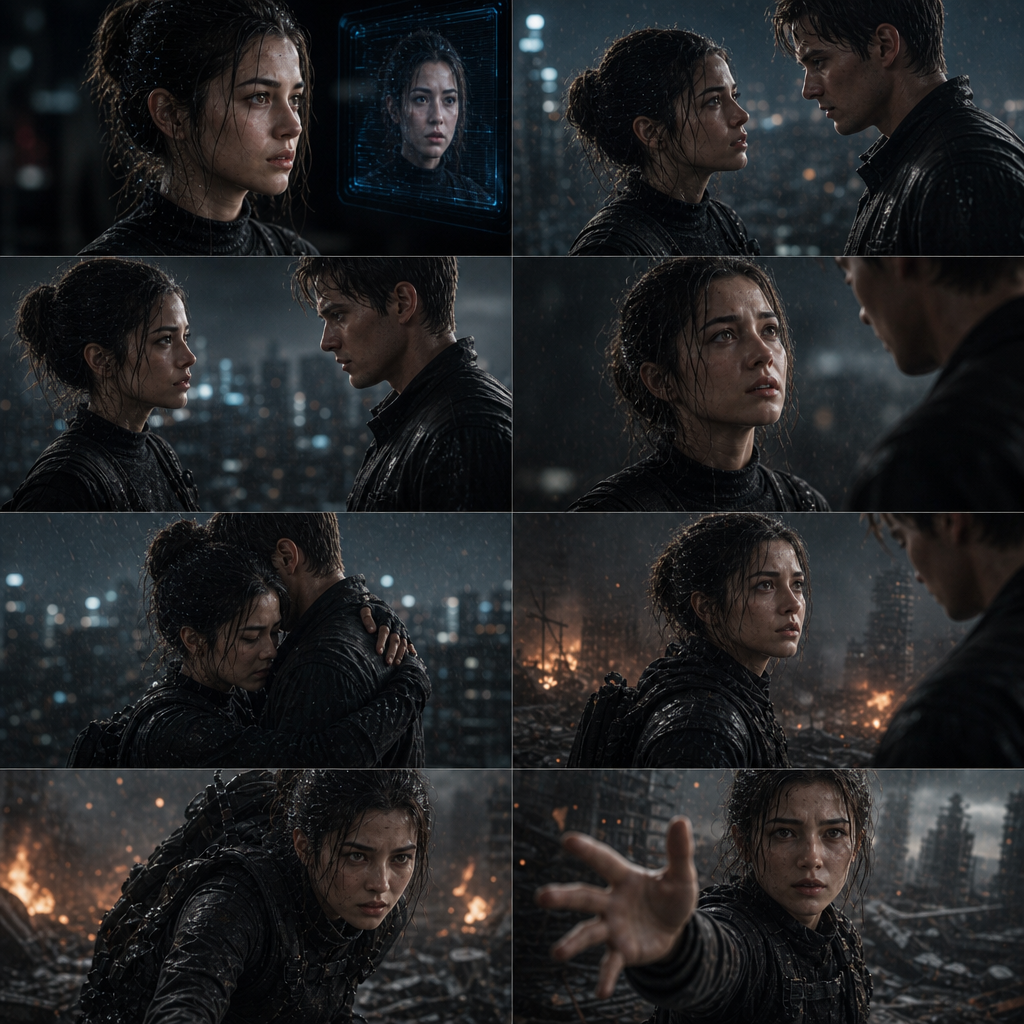
AI Short Stories
Generate single-shot narratives, dialogue, emotional beats, and story moments.

E-commerce Products
Bring product images to life for listings, launches, ads, and social campaigns.
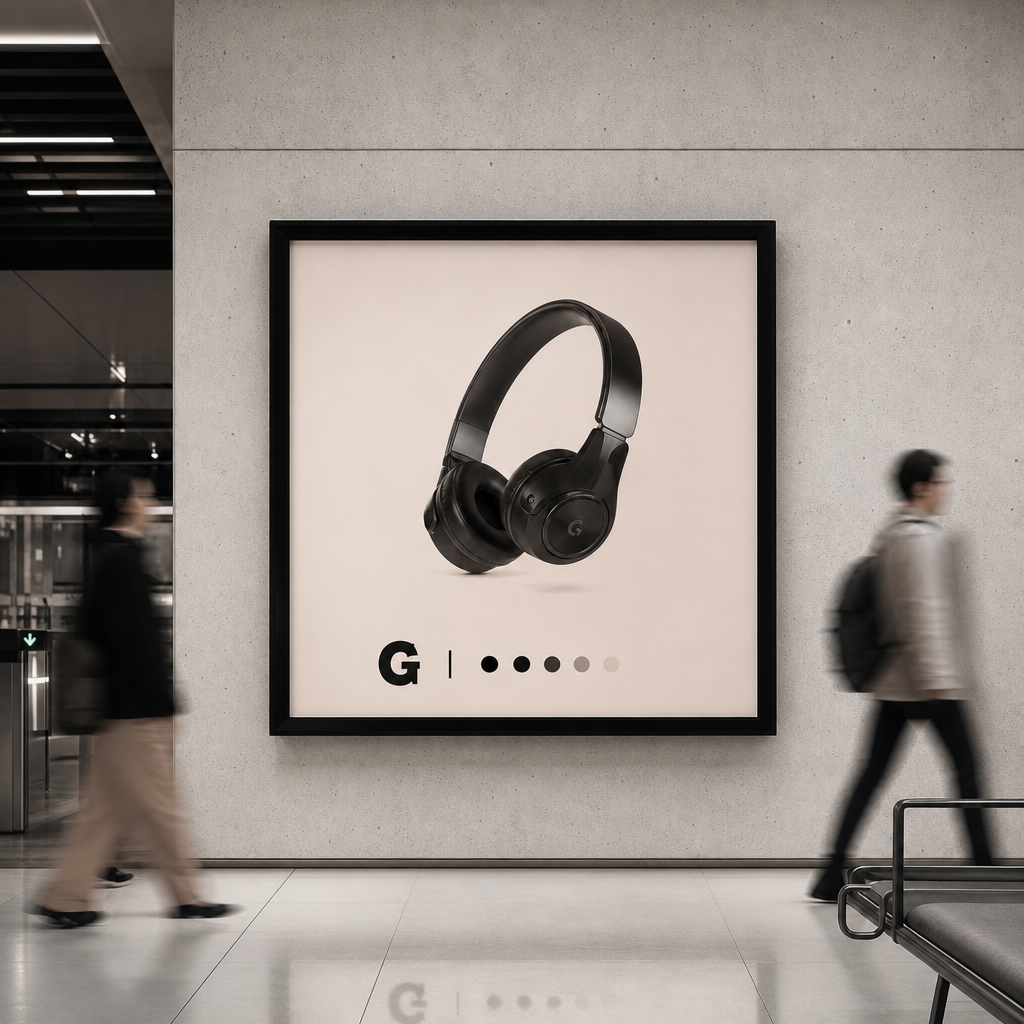
Brand Advertising
Test scripts, camera language, visual direction, and campaign ideas faster.

Digital Presenters
Create product explainers, lessons, news updates, and tool walkthroughs.
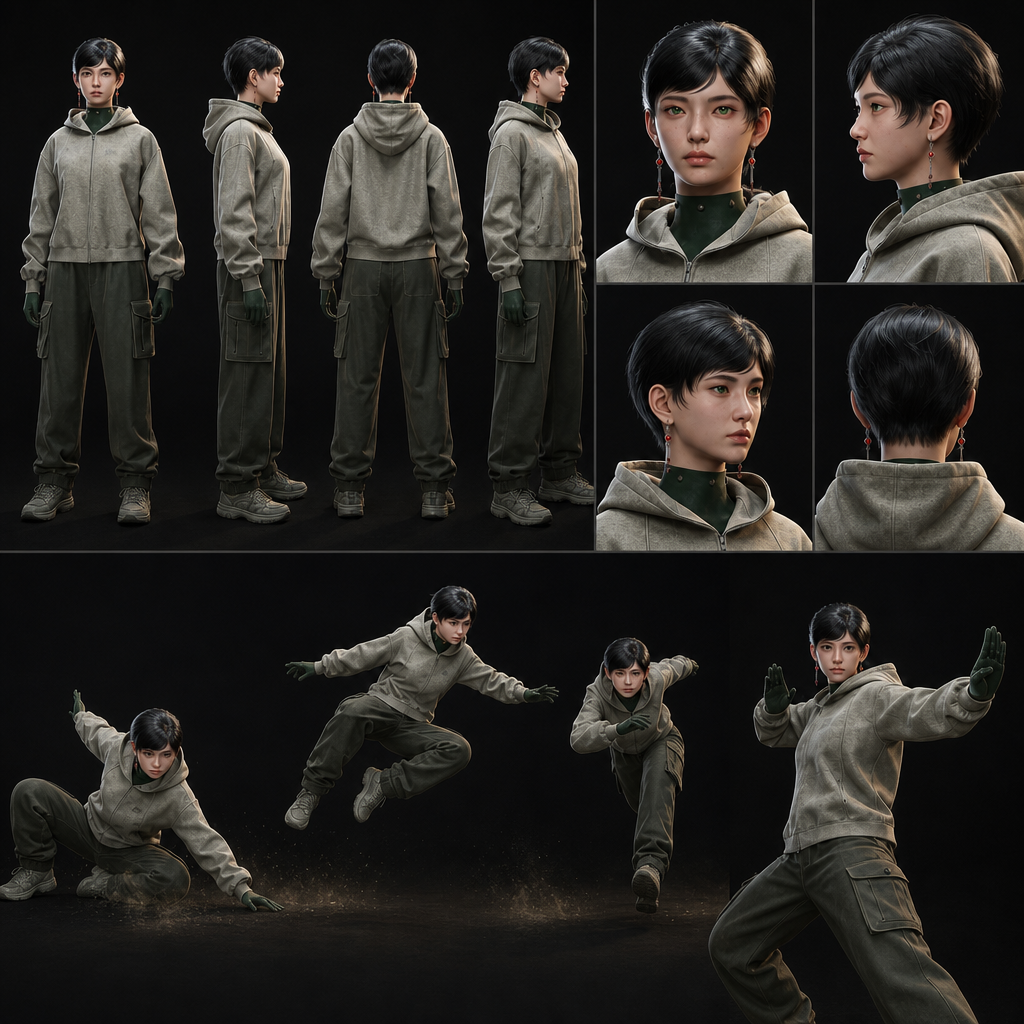
Character Concepts
Turn character art, IP identities, outfits, and concept scenes into motion previews.
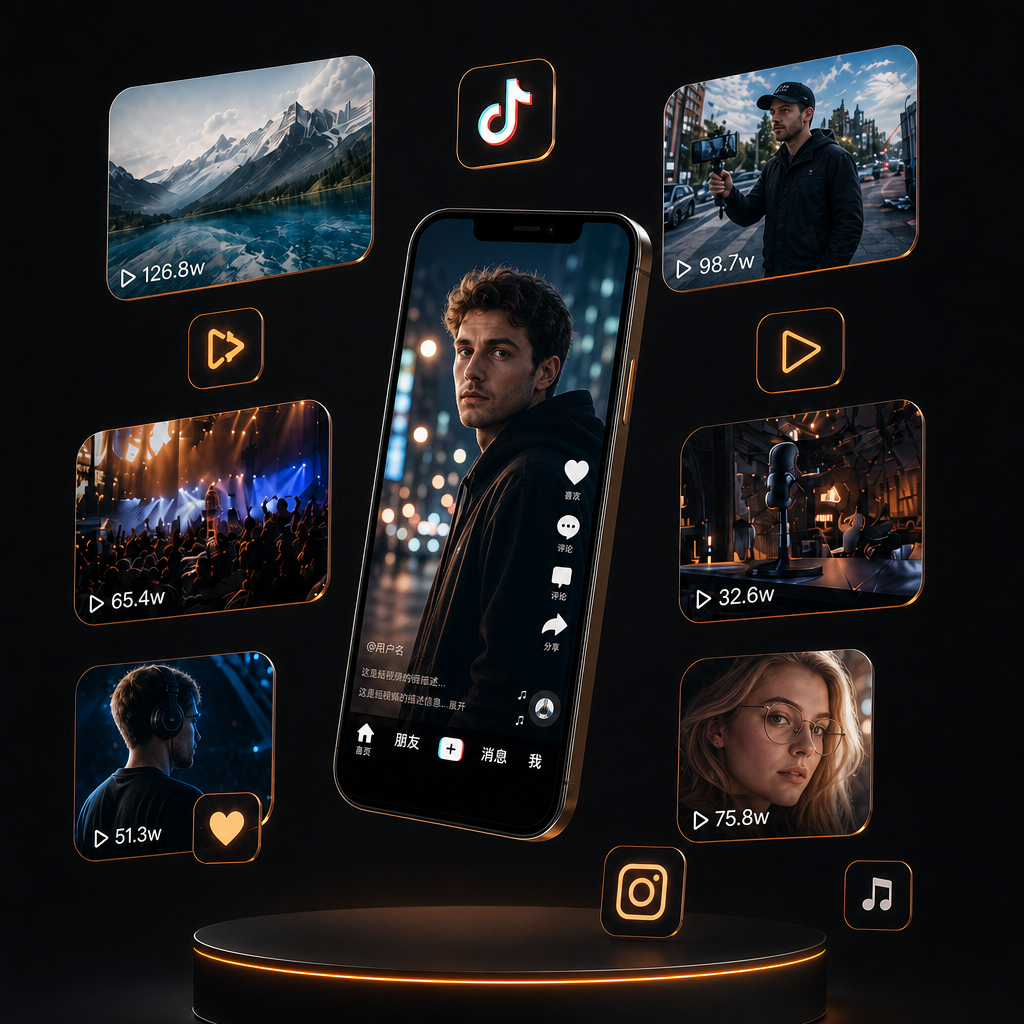
Social Video
Build short-form content for TikTok, Instagram, YouTube, and other platforms.
Ready to create with Happy Horse 1.1?
Bring a prompt, first frame, or visual references into Pixmax and turn your next idea into a polished video draft.
Happy Horse 1.1 Inputs & Output Specs
A quick view of supported modes, output formats, references, and release details.

CREATION MODES
T2V / I2V / R2V

OUTPUT QUALITY
720P / 1080P

VIDEO FORMAT
3-15 sec / 24 fps / MP4

REFERENCE IMAGES
Up to 9 references

AUDIO
Native synchronized audio

RELEASE
June 2026
More Leading AI Models on Pixmax
Pixmax also brings together leading AI models for video, image, voice, and creative production, supporting AI shorts, ad videos, product showcases, and social content workflows.
Happy Horse 1.1 FAQ
Create text-to-video, image-to-video, and reference-guided concepts for ads, social posts, products, characters, and campaign drafts.
It supports text-to-video, image-to-video, and reference-to-video workflows, commonly described as T2V, I2V, and R2V.
Yes. Supported modes include synchronized audio, with both 720p and 1080p output options.
Improved motion modeling and temporal consistency help complex character actions, object movement, and transitions feel more natural.
Short dramas, ads, games, podcasts, and other content that needs fast original music.
Ready to create with Happy Horse 1.1?
Bring a prompt, first frame, or visual references into Pixmax and turn your next idea into a polished video draft.