



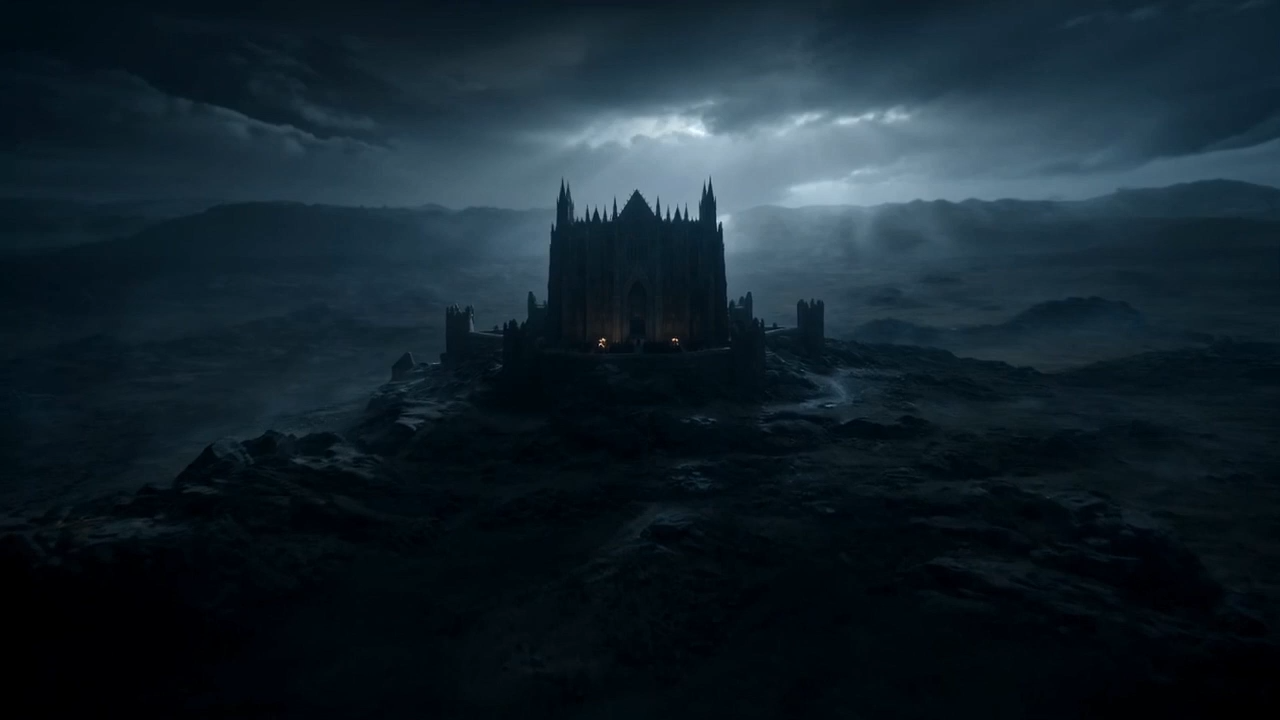
Wan 2.7
Generate, edit, and recreate videos with precise control.
Wan 2.7 turns AI video generation into a controllable production workflow for creators and teams.
It adds first/last-frame control, 9-grid image-to-video, subject + voice references, instruction editing, recreation, 2-15s clips, and 1080P output.
Wan 2.7 Core Capabilities

First- & Last-Frame Control
Define how a shot starts and ends, making motion, transitions, and narrative beats easier to plan than open-ended text-to-video.

9-Grid Image-to-Video
Turn a structured image board or moodboard into video drafts for storyboard previews, product sequences, and concept exploration.

Subject + Voice Reference
Keep a person, character, or product more consistent while matching voice style for talk tracks, creator series, and localized versions.

Instruction-Based Video Editing
Revise an existing clip with natural-language instructions instead of regenerating from scratch; adjust motion, framing, style, or emphasis.

Video Recreation & Replication
Use a strong existing result as a starting point, then recreate or refine it into more variants for testing, campaigns, or localization.
Wan Version Comparison
From one-off generation to controllable production workflows.
Built for Structured Video Production
For teams that need repeatable, controllable, multi-version video output across planning, ads, social content, demos, localization, and remixing.
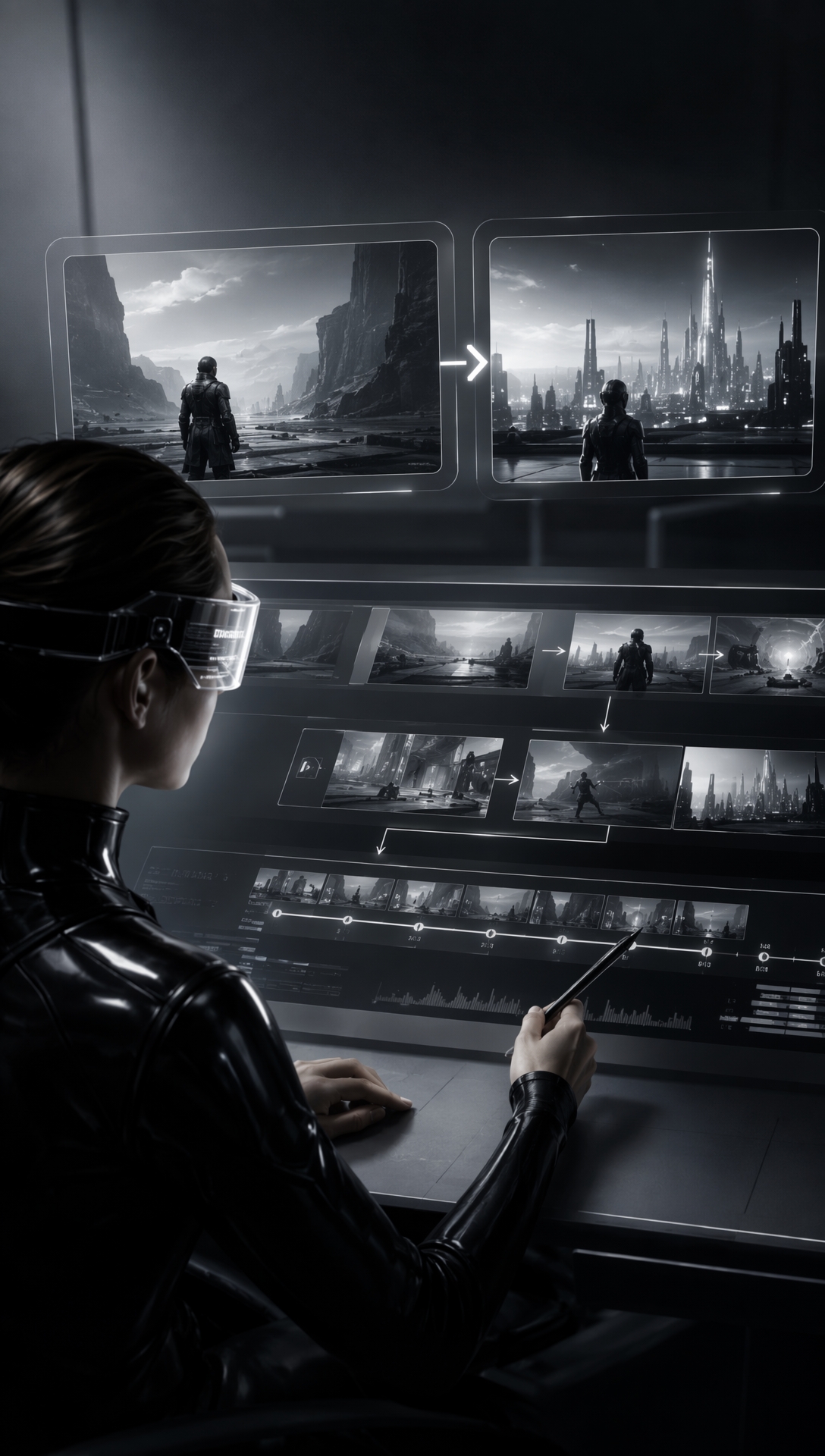
Shot Planning
Use first and last frames to define shot direction, transitions, pacing, and narrative endpoints before production.
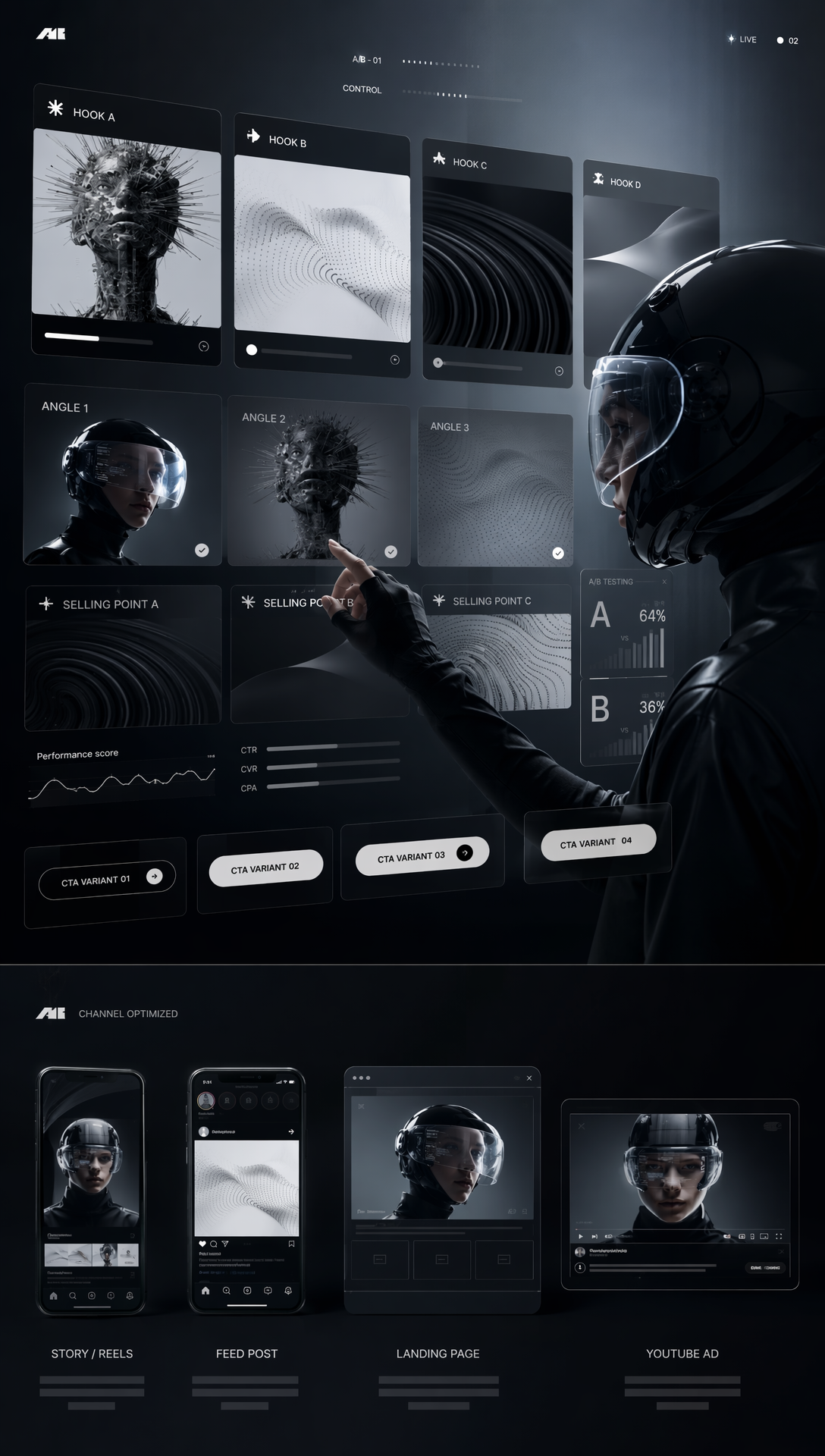
Ad Variants & A/B Testing
Create new hooks, selling points, CTAs, and channel-specific versions from proven assets.
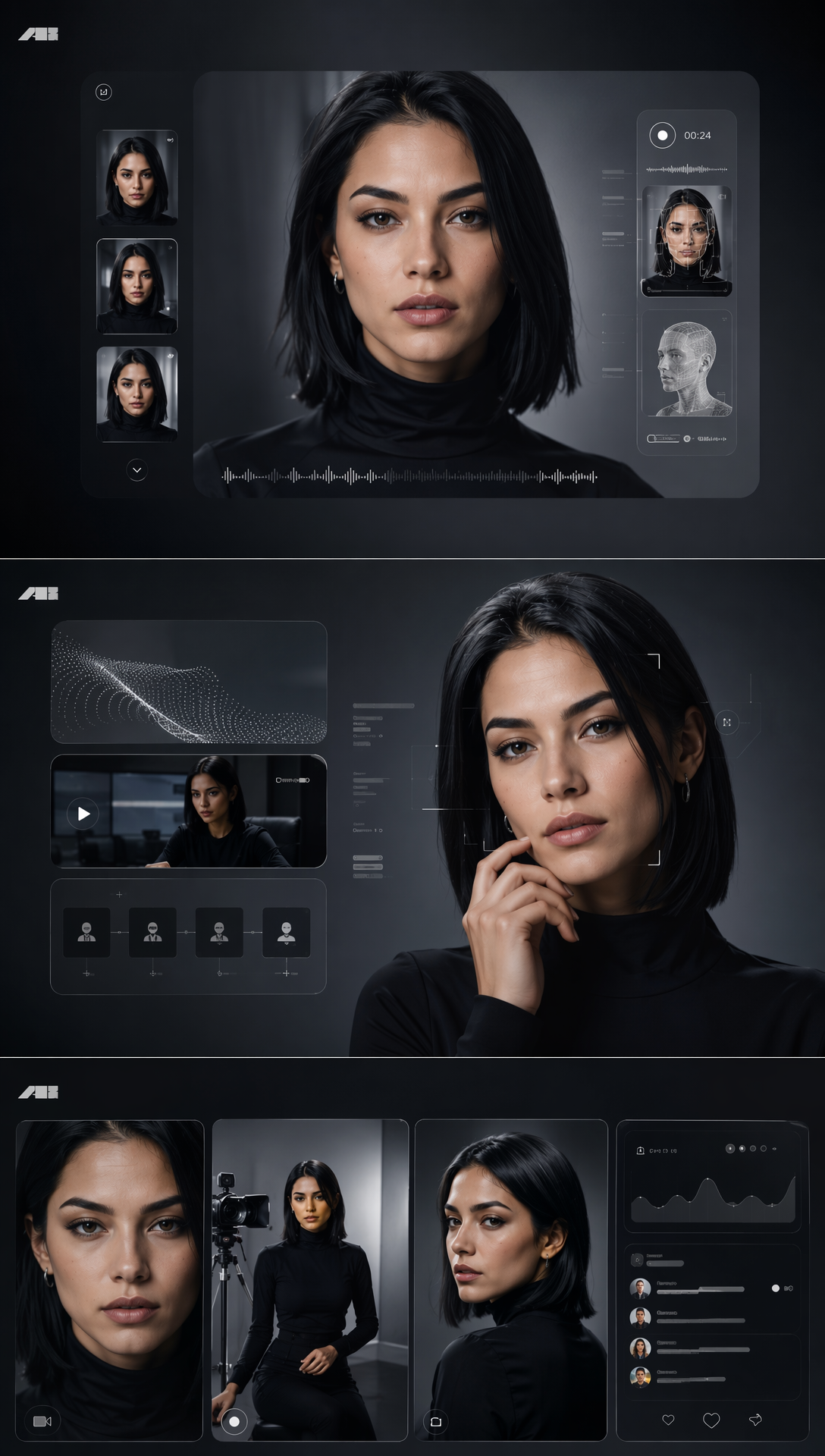
Character Social Videos
Keep subject and voice consistency across creator episodes, talking-head clips, and short-form series.
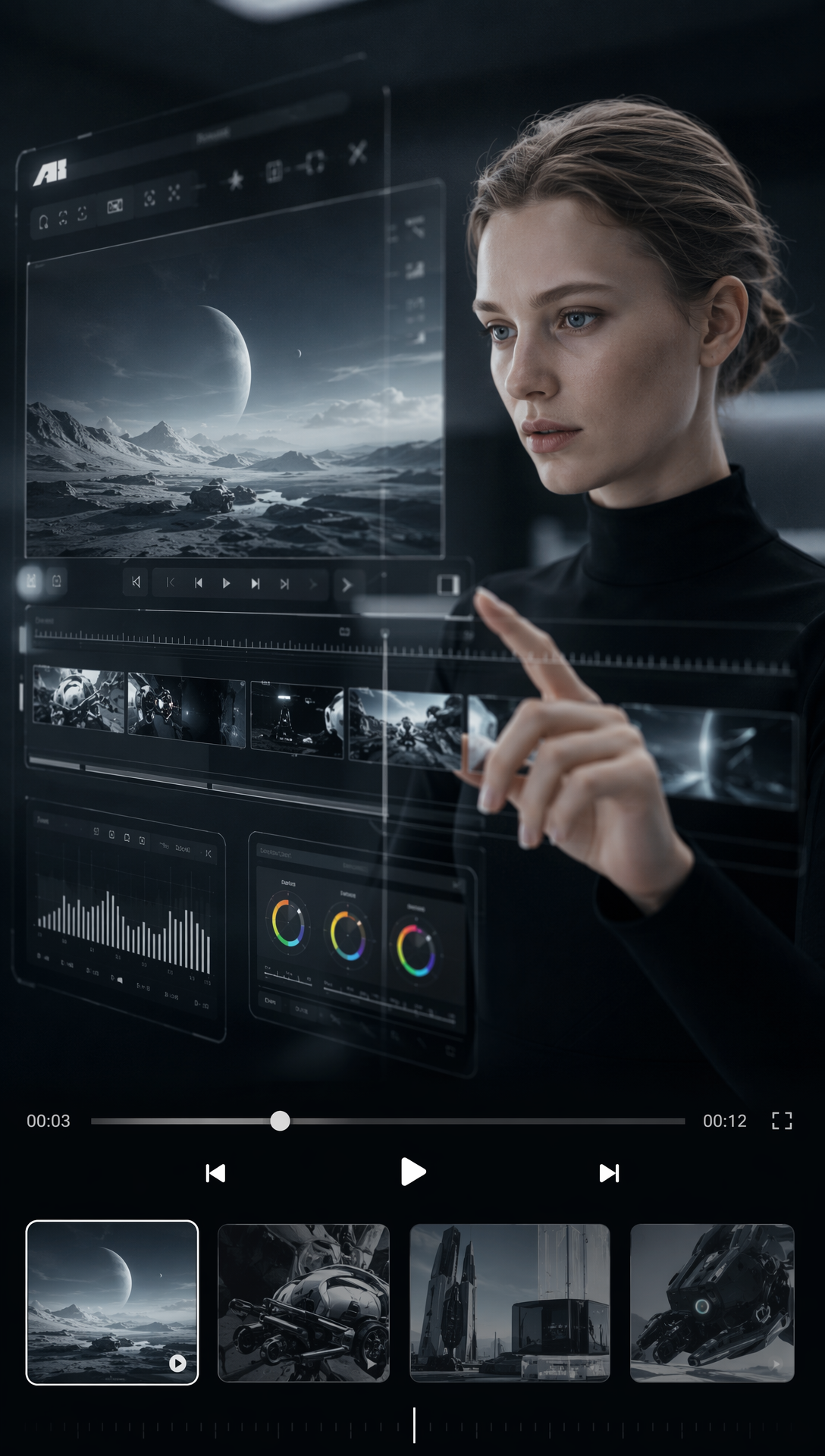
Product Demos
Turn product boards or reference images into 2-15 second demos, walkthroughs, and training clips.
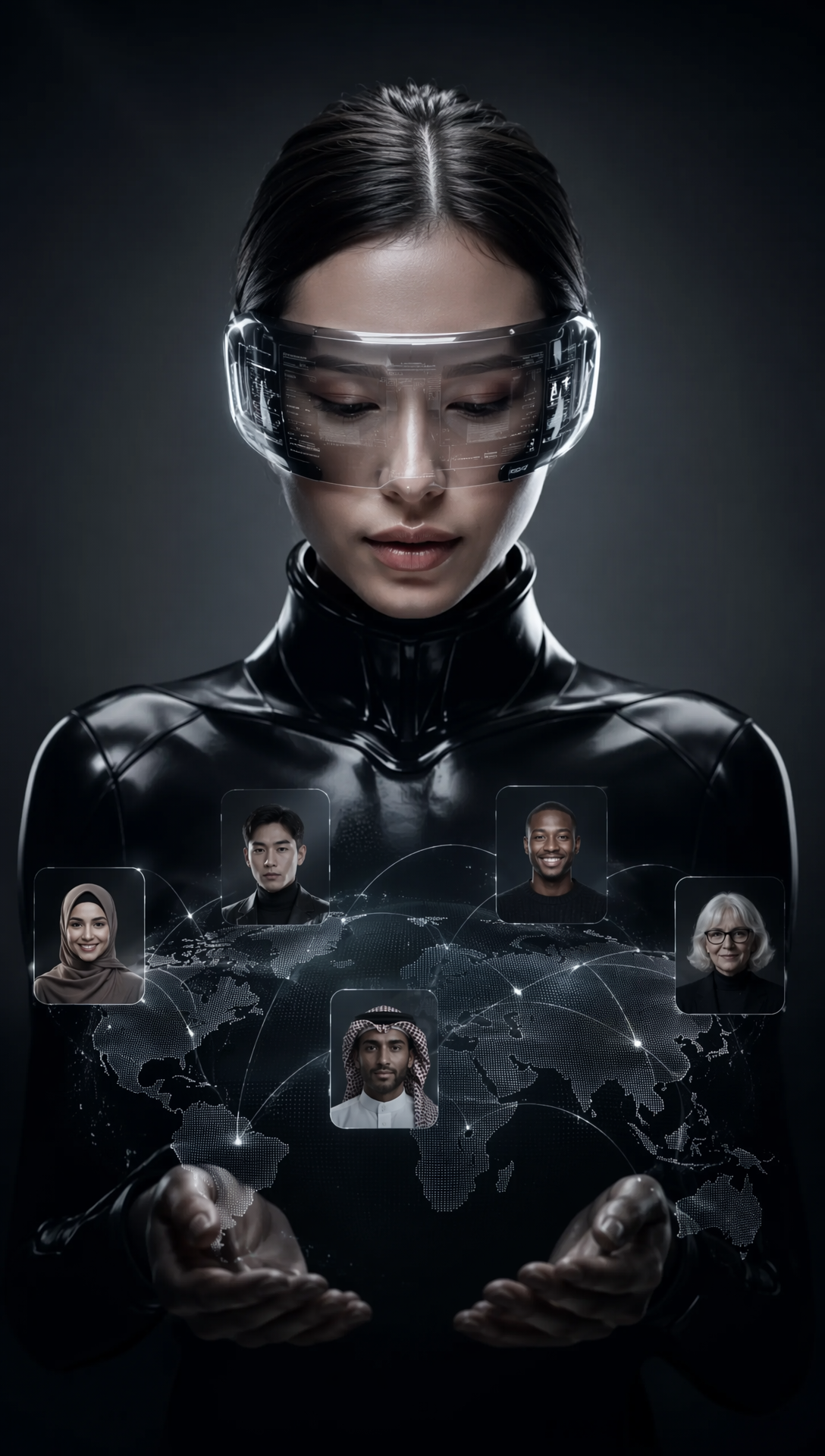
Localization Versions
Adapt the same idea for different markets and audiences using subject, voice, and recreation workflows.
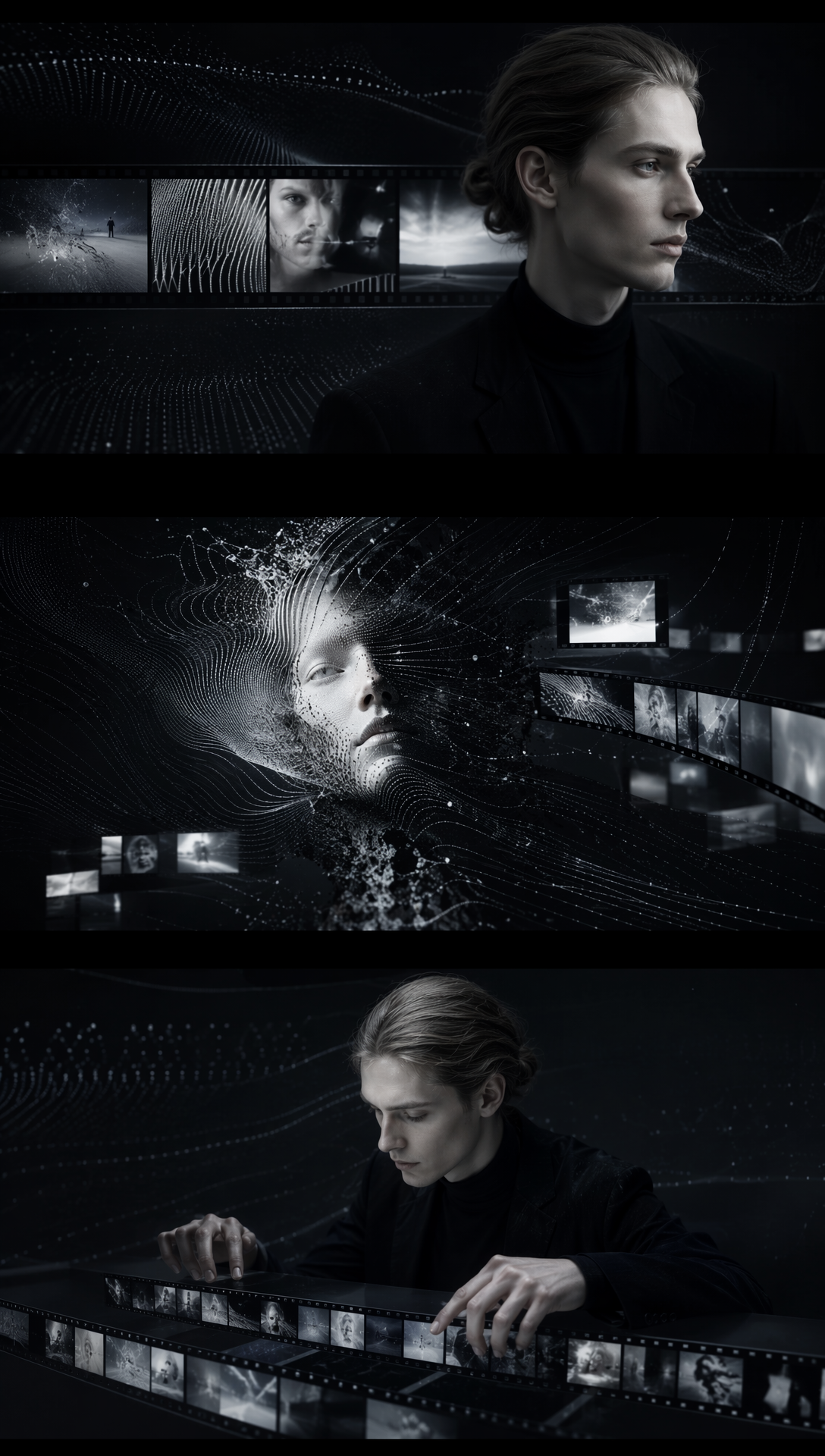
Clip Recreation
Rebuild, refine, or replicate existing clips while preserving creative direction, rhythm, and performance intent.
Explore More AI Models in Pixmax
Use Wan 2.7 alongside leading video, image, voice, and creative models for end-to-end production workflows.
FAQs
Wan 2.7 is best for controllable AI video generation, editing, recreation, and repeatable multi-version production.
It supports text, first/last frames, 9-grid boards, subject + voice references, real-person images, and up to 5 video refs.
It adds stronger visual quality, audio, motion, stylization, consistency, structured references, editing, and recreation.
Yes. Instruction-based editing helps adjust motion, framing, style, rhythm, or emphasis without starting over.
wan2-7.io highlights 2-15 second video duration and 1080P Wan video generation.
Creators, marketers, studios, educators, and content teams building ads, demos, social series, storyboards, localization, or variants.
Ready to create with Wan 2.7?
Generate, edit, and recreate controllable AI videos with structured references in Pixmax.