






Direct Every Shot with Pixmax 3D Stage
A major new Pixmax feature for building scenes, blocking characters, framing cameras, and exporting references before AI video generation.
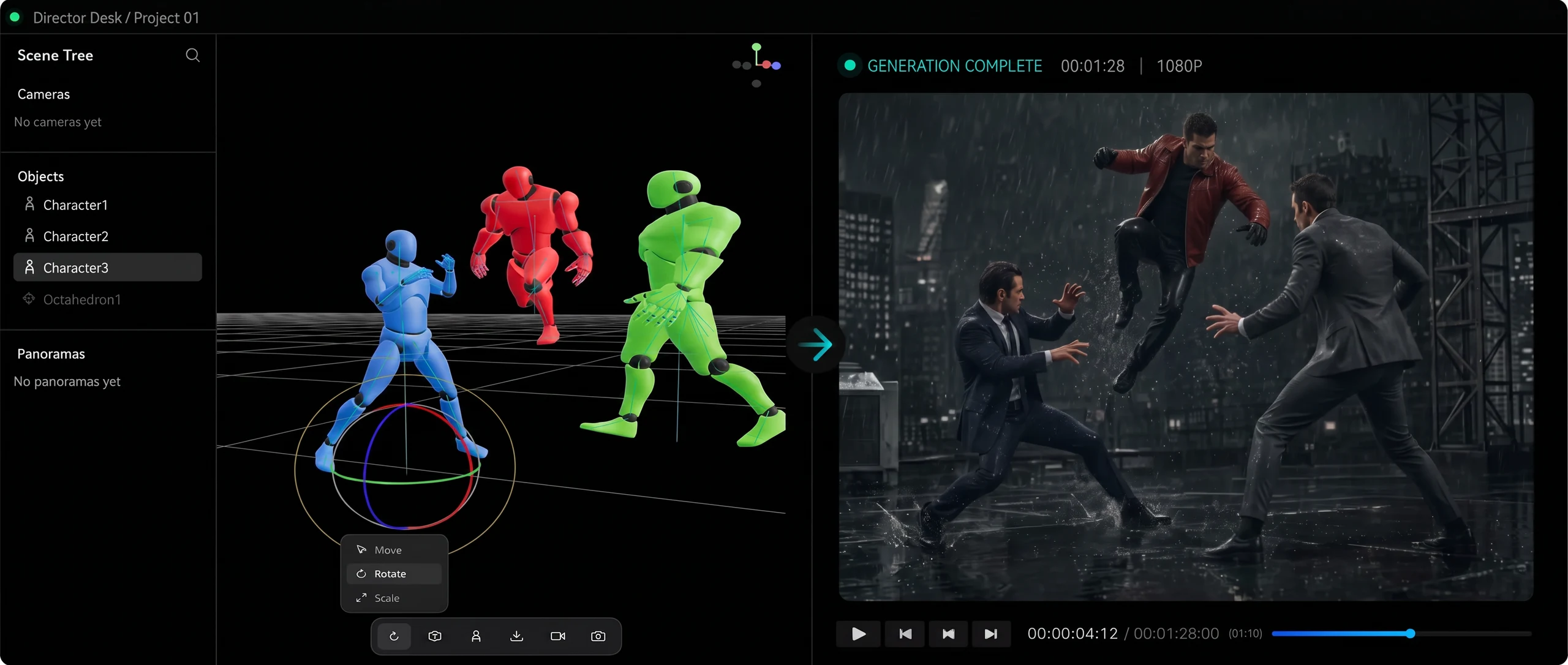
More Than Generation. Direct Every Shot.
Arrange scenes, characters, cameras, and composition in one visual 3D workspace before generating AI video.

3D Scene Builder
Add characters, props, models, and panoramic backgrounds to turn scripts into editable 3D sets.
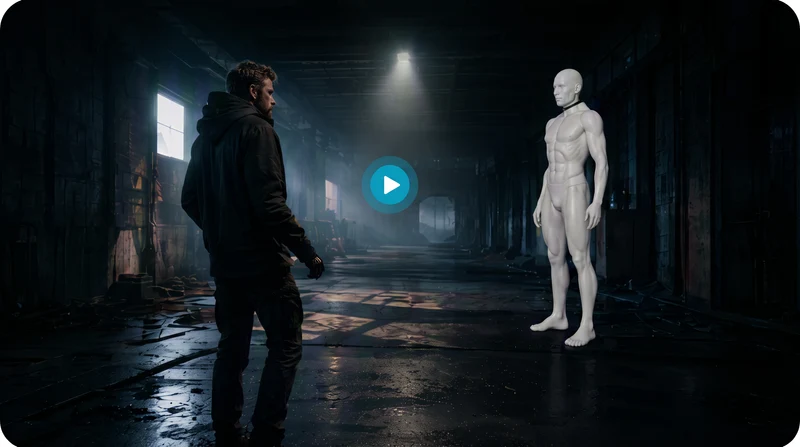

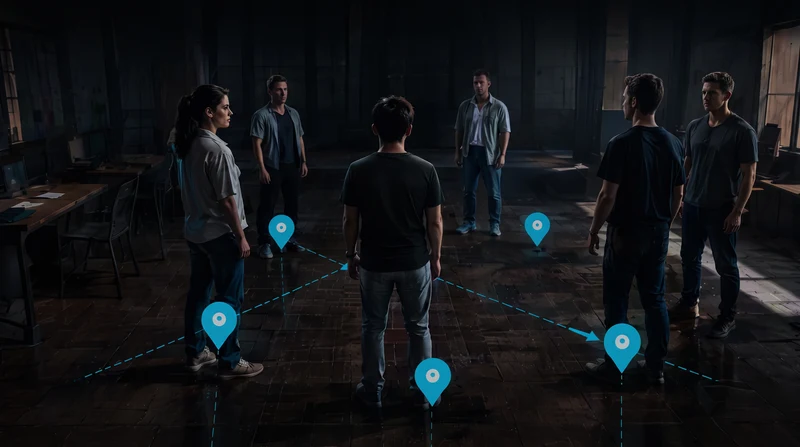
Character Blocking
Drag characters to control position, spacing, direction, and depth for clear multi-person shots.

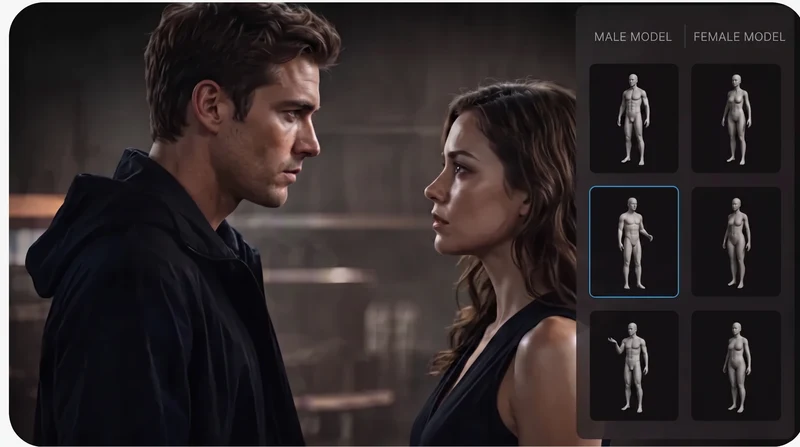
Pose & Performance
Use pose presets for standing, sitting, dialogue, and interaction to direct each performance.

Virtual Camera Design
Switch between director and camera views, add cameras, and adjust FOV and shot angles.

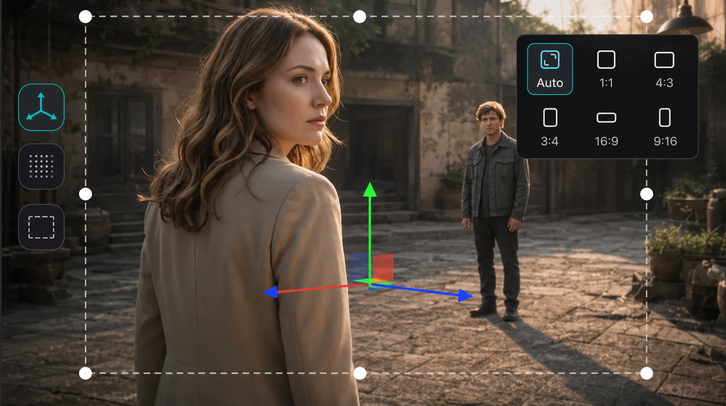
Composition Preview
Use 3-axis controls, grids, and aspect guides to balance subjects and frame every shot.

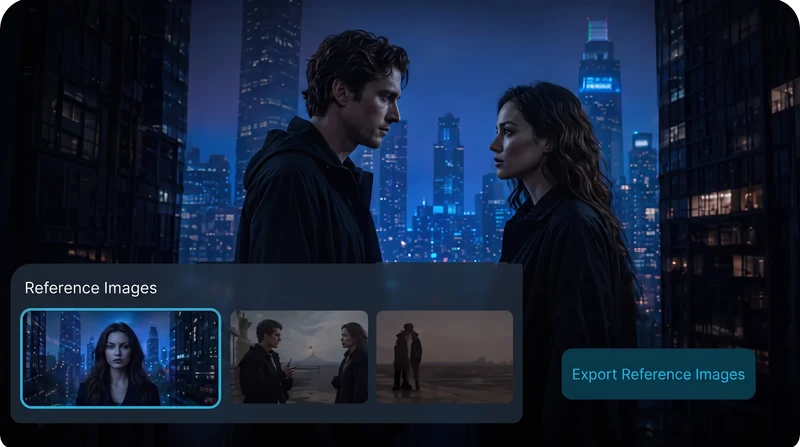
One-Click References
Export the active camera as an AI video reference for first frames, image-to-video, and continuity.
4 Steps from Idea to Controlled Storyboard
Adjust, preview, and reuse every step to turn creative direction into clear visual references.
Build the Scene
Add backgrounds, props, characters, and models to shape the story world.
Block Characters
Set position, pose, direction, and interaction to clarify the action.
Set Cameras
Create camera angles and confirm framing, focal length, and composition.
Export References
Send camera views into AI video generation as precise visual direction.
A New Era of AI Video Production
Move from large teams and long cycles to creator-led production from a single script.
3D Stage
 Manage characters, props, scenes, and cameras in one 3D space
- Adjust blocking, poses, direction, and distance visually
- Preview multiple cameras before confirming every shot
- Export references for more reliable AI video generation
- Reuse scenes across shots, episodes, and campaigns
Prompt-Only Generation
 Relies on prompts to describe complex scenes
- Blocking, spatial relationships, and angles are unpredictable
- Multi-character shots often misalign, overlap, or lose clarity
- Scenes and character positions drift between shots
- Repeated trial and error wastes time and compute
Control Complex AI Video Scenes with Ease
Built for AI short dramas, commercials, storyboards, and game cinematics where precise visual control matters.
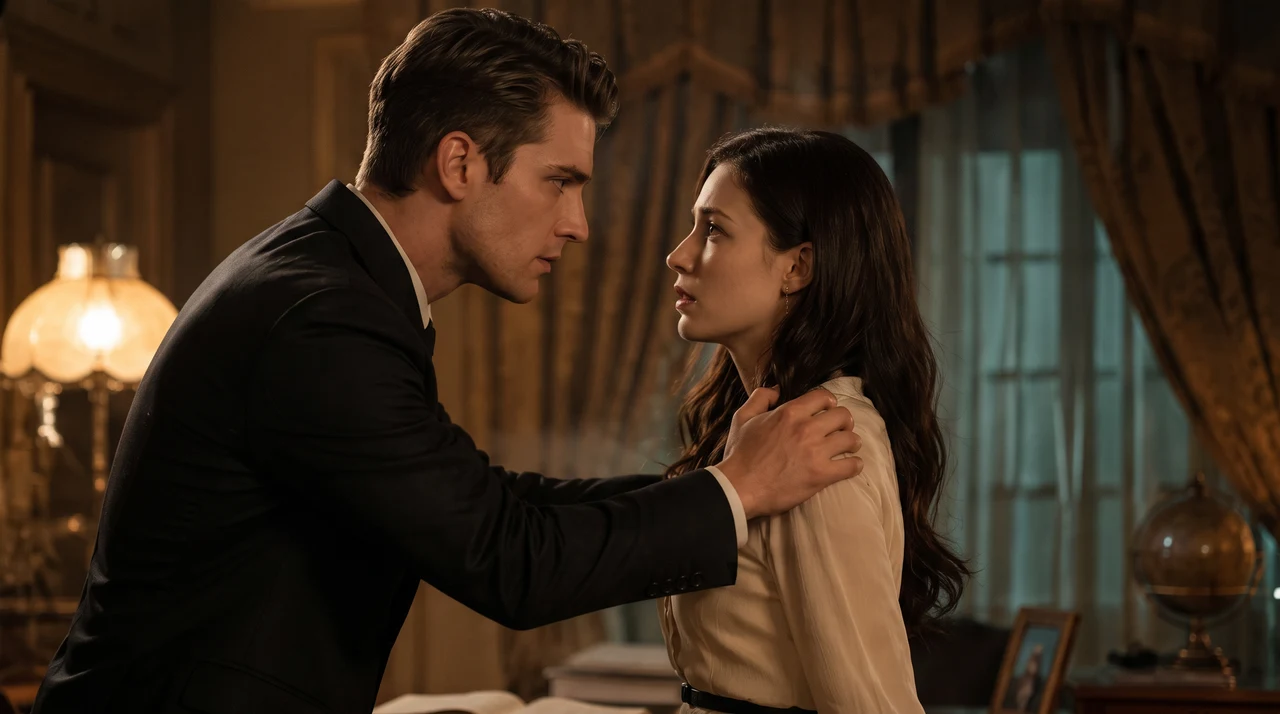
AI Short Drama Production
Lock characters and sets across episodes to reduce visual drift.
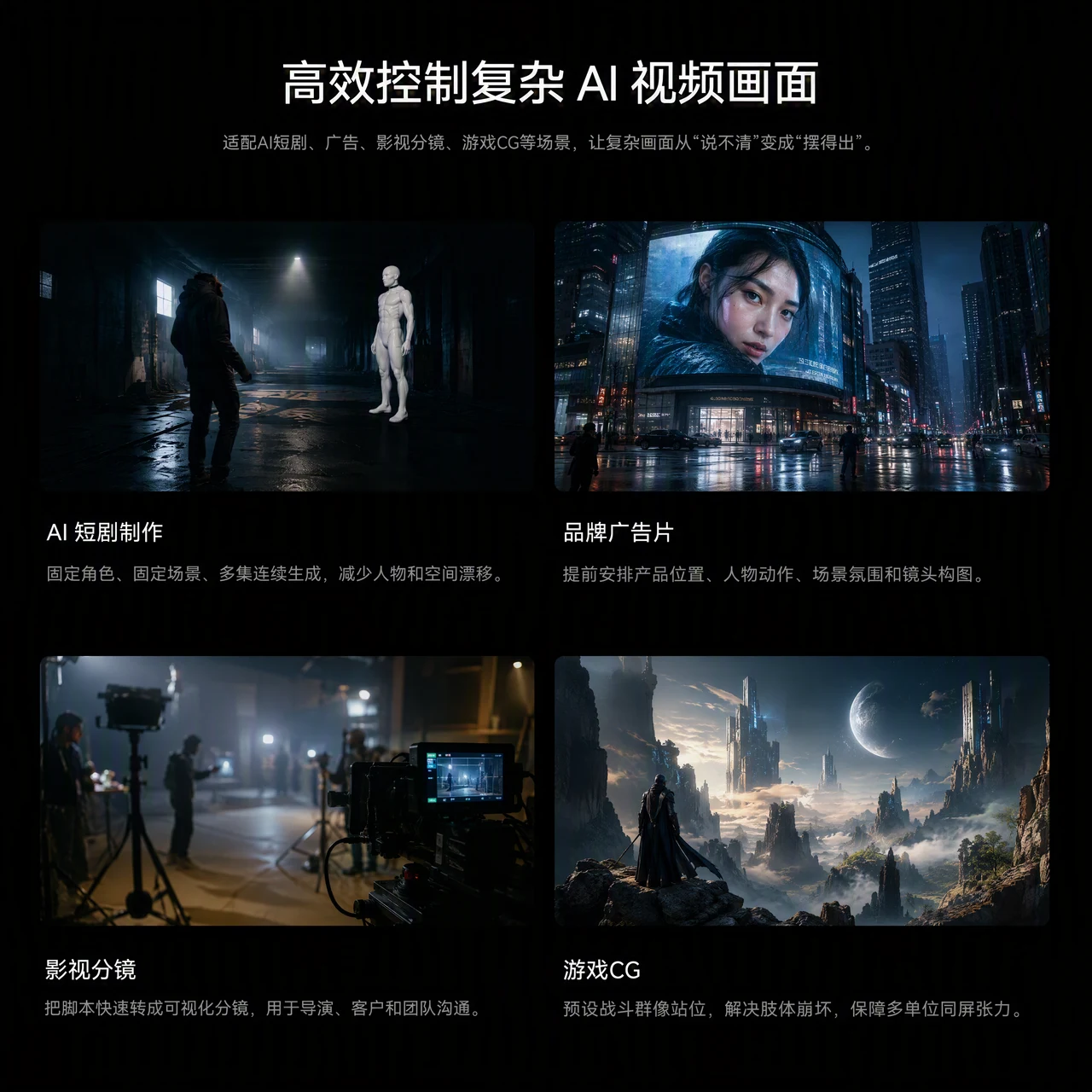
Brand Commercials
Plan product placement, talent action, atmosphere, and framing.
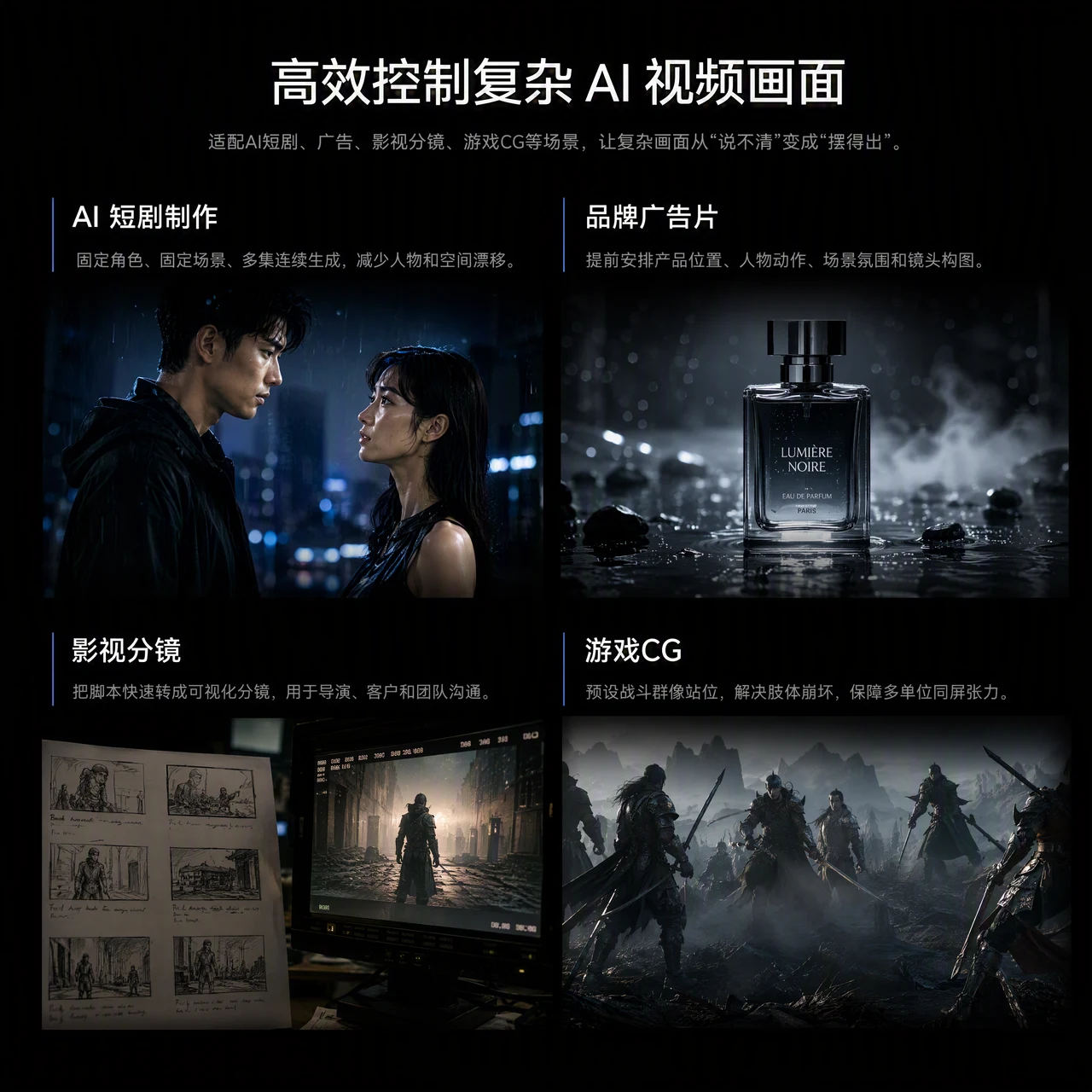
Film Storyboarding
Turn scripts into visual storyboards for directors, clients, and teams.
Game Cinematics
Pre-block battle scenes to protect anatomy, spacing, and screen impact.
Direct Your Next AI Video in 3D
Control scenes, characters, and cameras before generation so every shot matches your creative intent.
Frequently Asked Questions
It gives you visual control over blocking, spatial relationships, camera perspective, and continuity across AI video shots.
Drag simple 3D models to preview framing and camera moves, turning scripts into clear references without drawing skills.
Yes. Move, rotate, and scale are enough for most shot planning, with no advanced 3D modeling experience required.
Choose a camera view, click "Send Screenshot to Canvas," then connect the new reference-image node to your video-generation node.