



Wan 3.0 AI Video Generator
Create cinematic videos from text or images with 4K output, stronger subject consistency, synced audio, and camera control.
One Model for Cinematic Video Creation and Advanced Creative Control
Wan 3.0 brings text-to-video and image-to-video generation into a more controllable workflow. It combines higher-resolution output, more stable subjects, deliberate camera movement, synchronized audio, and multi-shot storytelling for creative and commercial production.
Create with Wan 3.0Three Core Advances
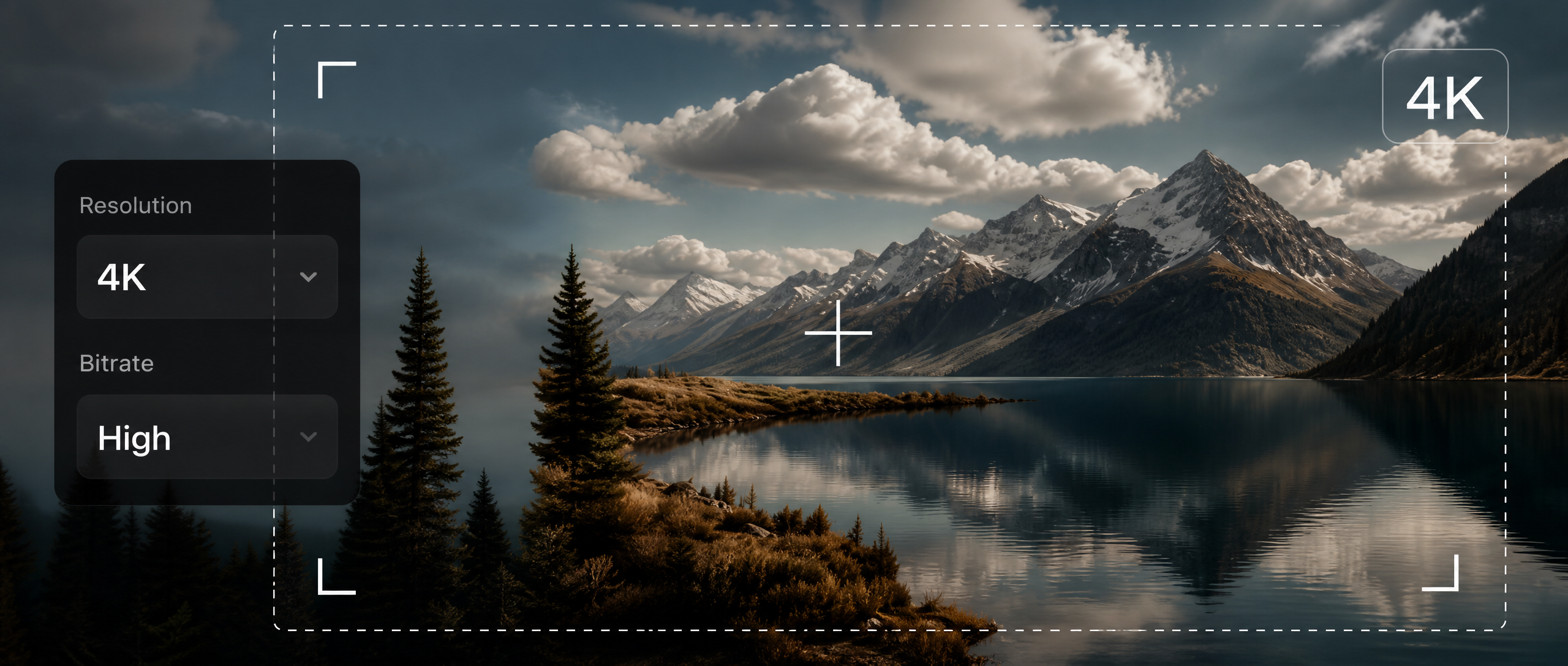
Create in Native 4K
Produce sharper videos with greater detail, cleaner textures, and more polished frames for high-quality creative output.
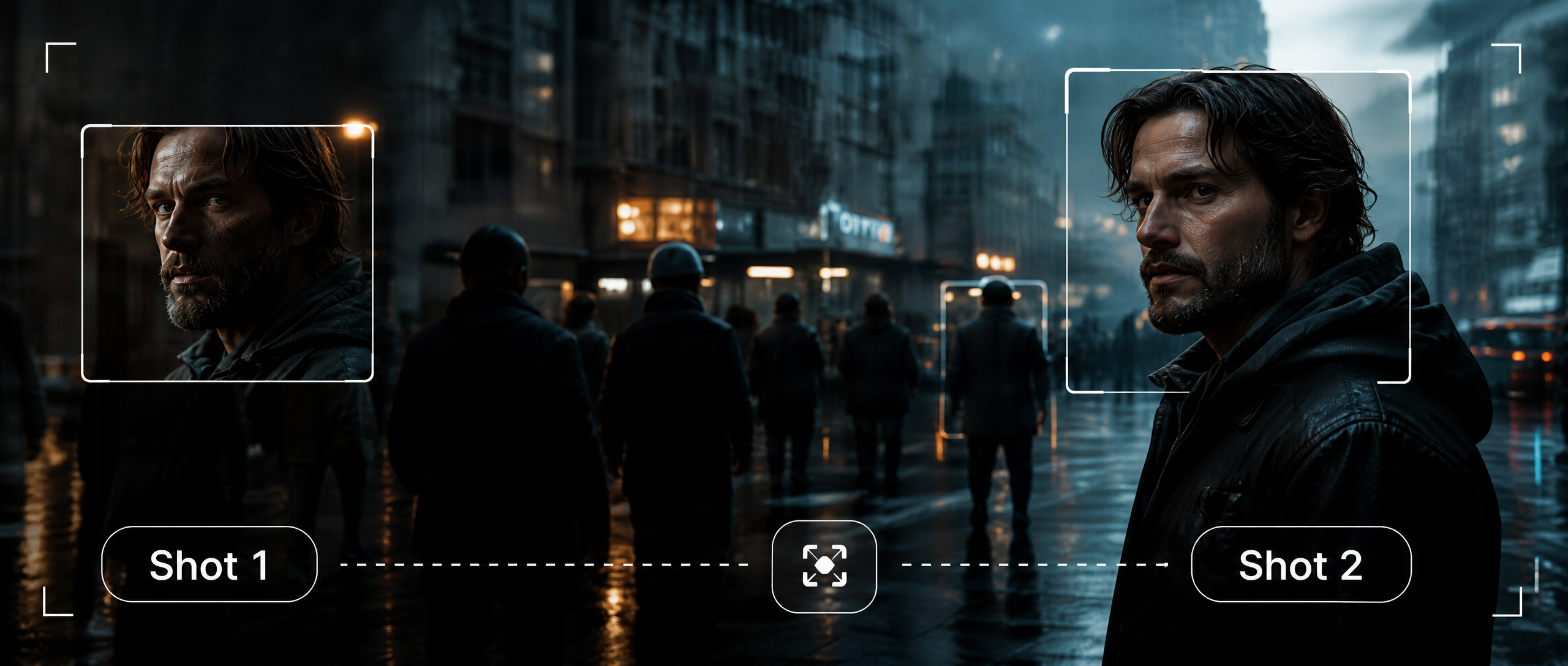
Keep Subjects Consistent
Maintain faces, clothing, and recognizable visual details across movement, multiple subjects, and changing shots.
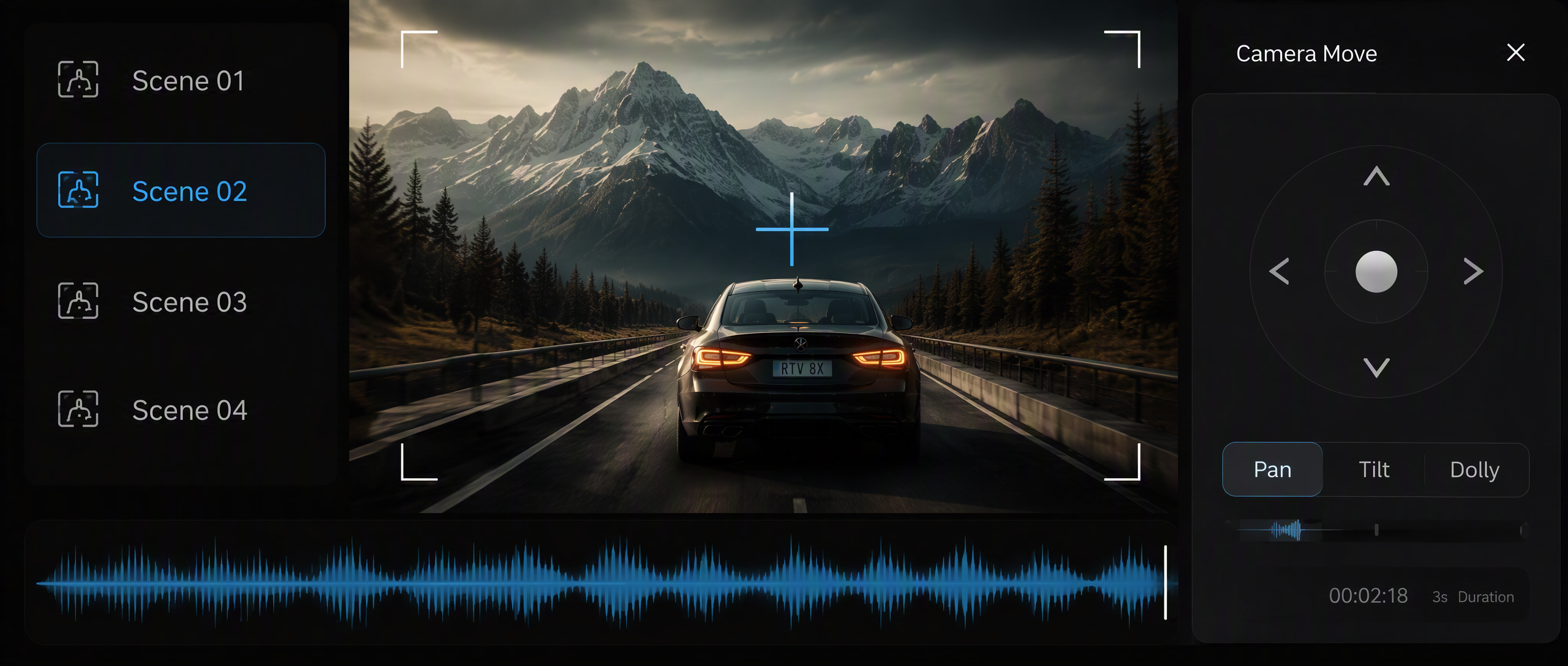
Control Camera and Story Flow
Control camera movement, multi-shot structure, synchronized audio, and the overall rhythm of each sequence.
CREATION WORKFLOWS
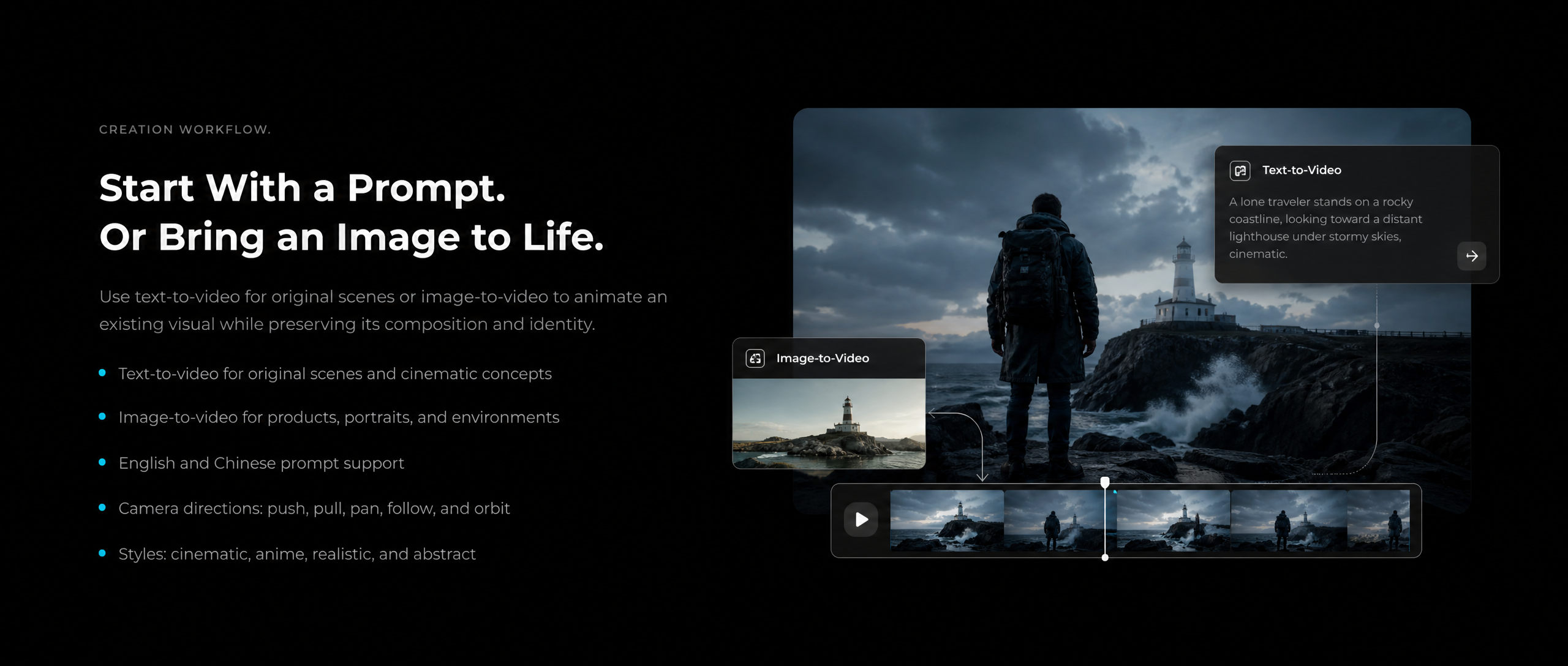
Start With a Prompt.
Or Bring an Image to Life.
Use text-to-video for original scenes or image-to-video to animate an existing visual while preserving its composition and identity.
- Text-to-video for original scenes and cinematic concepts
- Image-to-video for products, portraits, and environments
- Prompt support in English and Chinese
- Camera directions: push, pull, pan, follow, and orbit
- Styles: cinematic, anime, realistic, and abstract
Control More Than the Look of the Scene
Shape camera movement, subject continuity, sound, and shot progression with clearer creative direction.
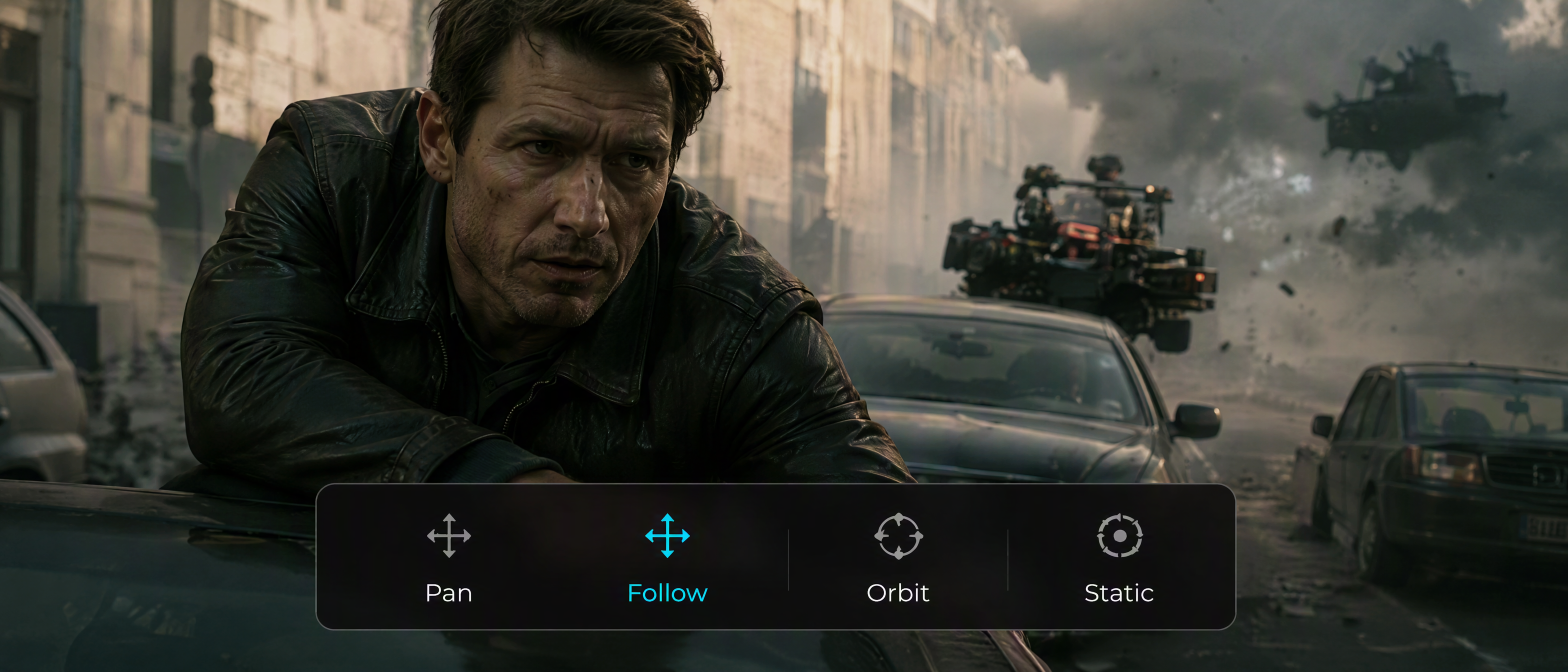
Camera Movement
Direct push, pull, pan, follow, orbit, and static shots with clear prompts.
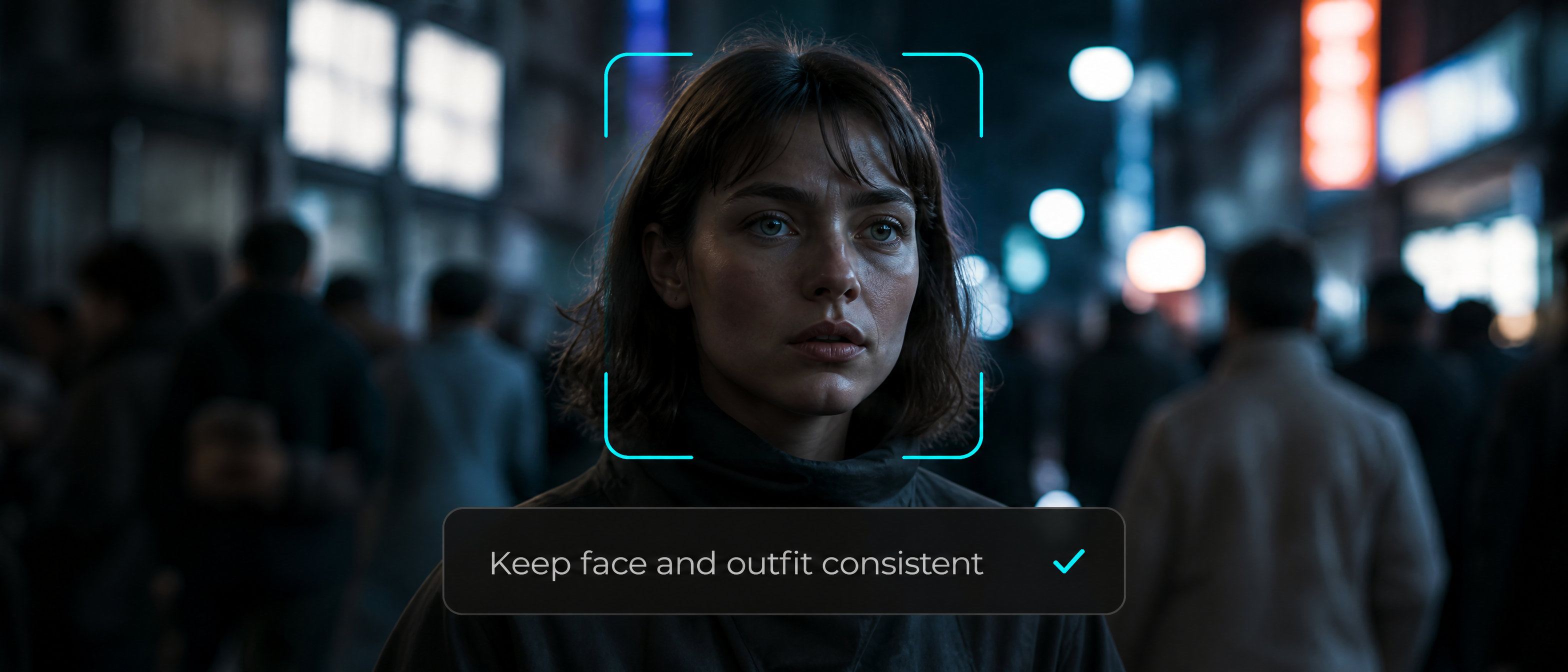
Subject Continuity
Keep faces, clothing, products, and key details stable as scenes evolve.
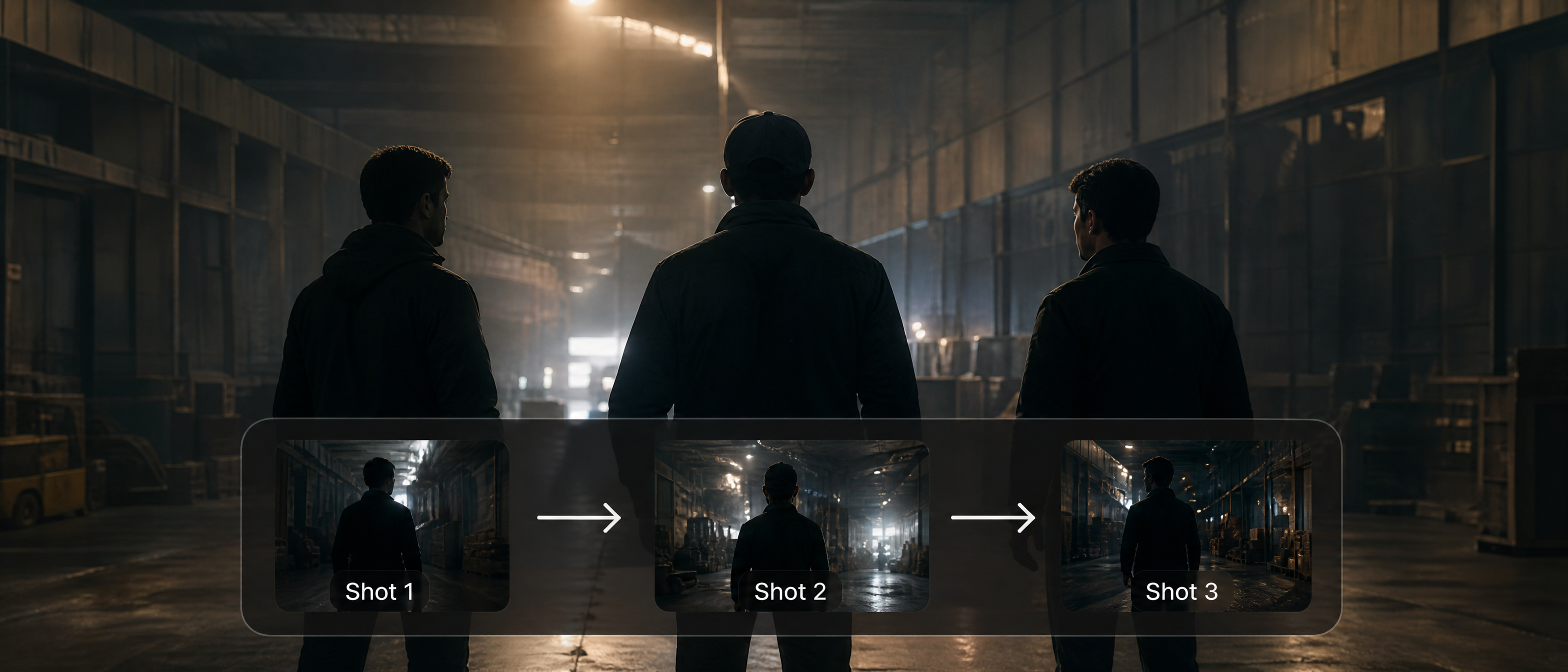
Multi-Shot Structure
Build connected shots with a more deliberate sequence and visual rhythm.
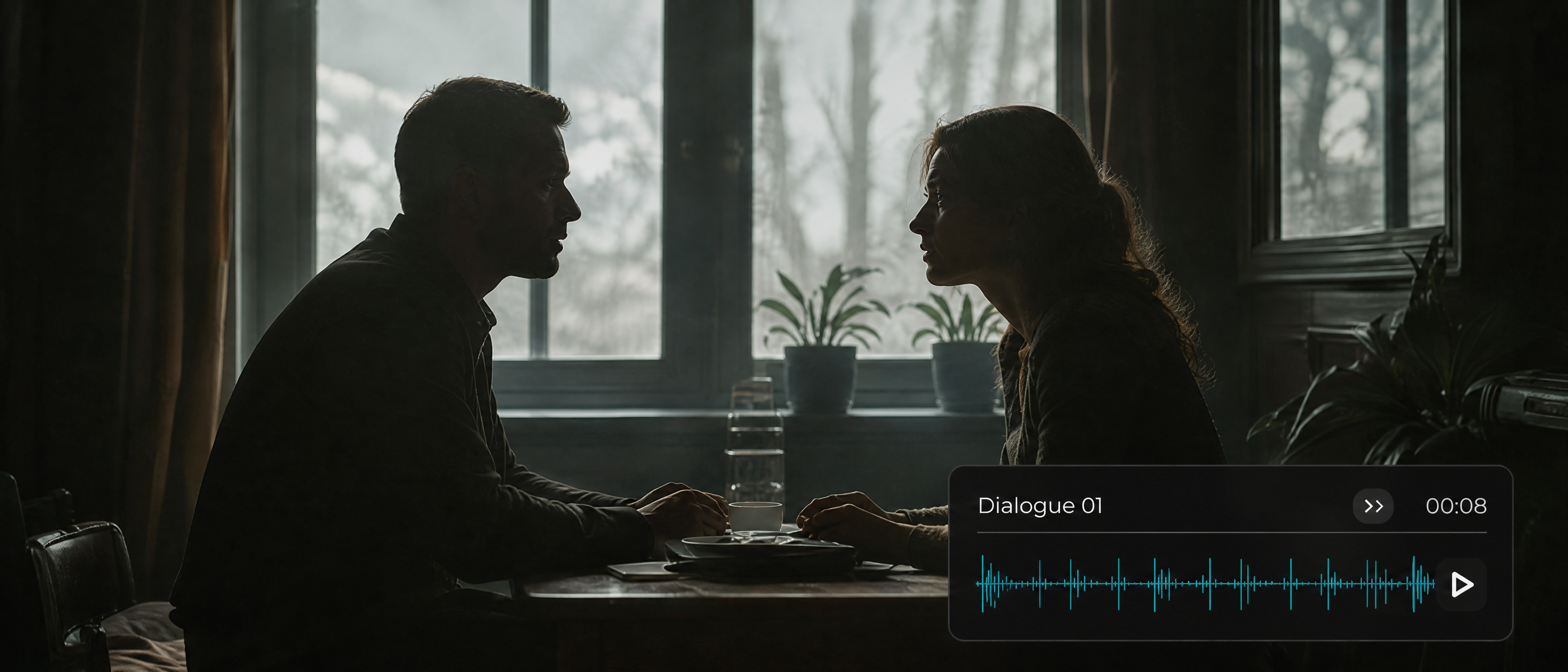
Synchronized Audio
Align dialogue, sound, and motion for a more complete viewing experience.
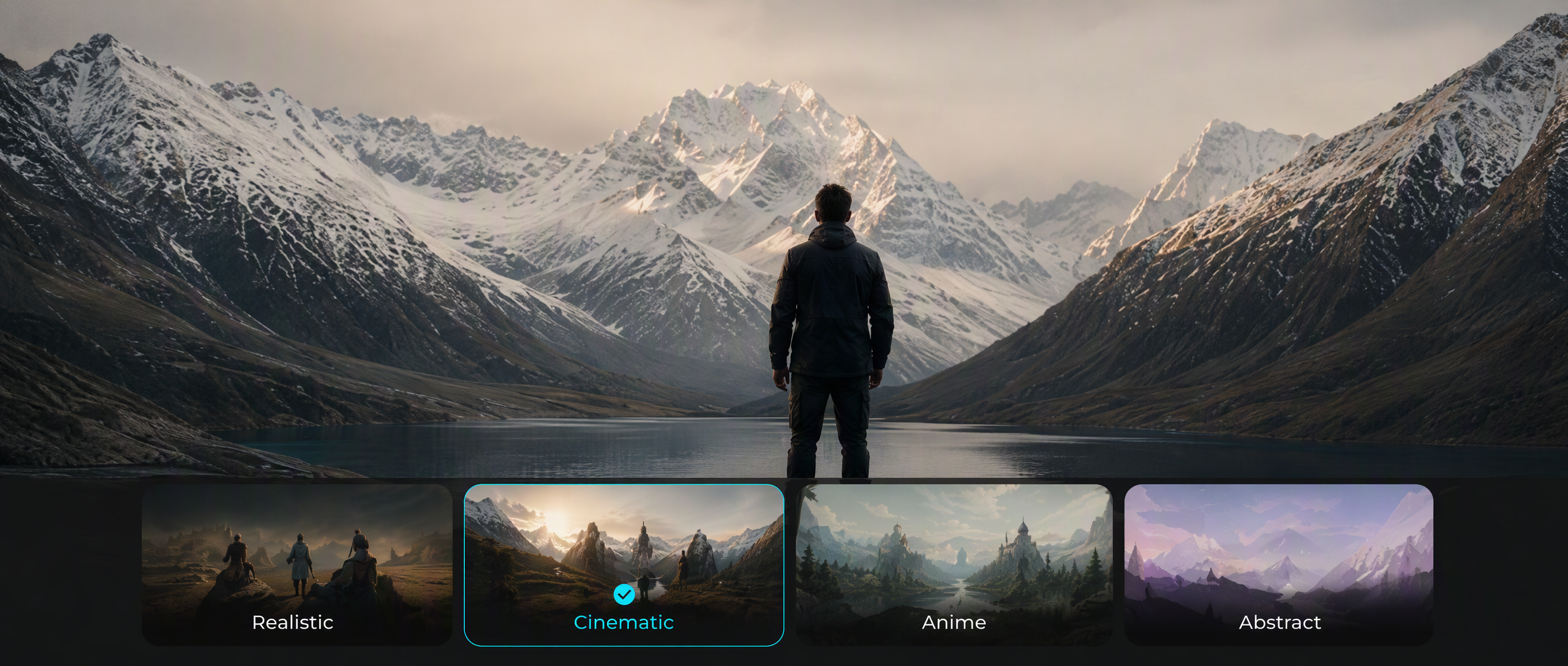
Visual Style
Move between cinematic, realistic, anime, and abstract aesthetics.
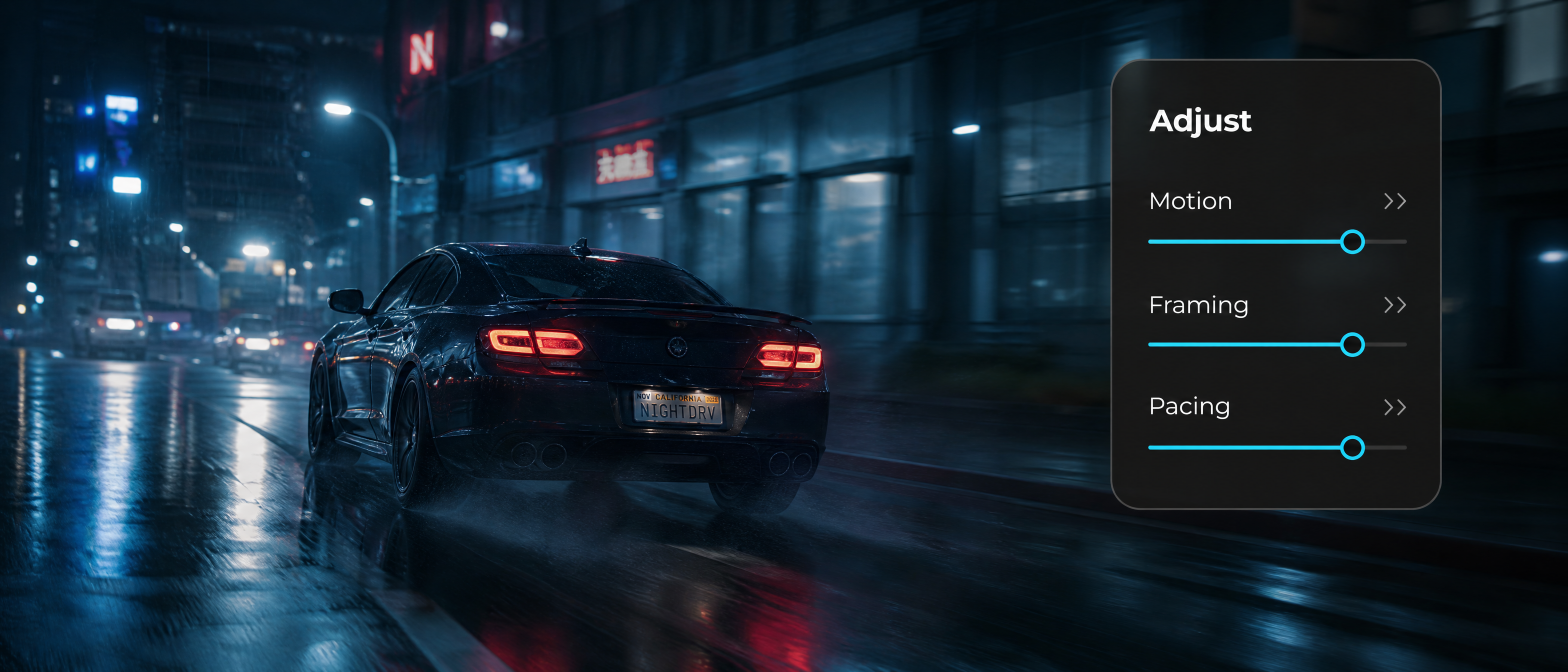
Iterative Control
Refine prompts, motion, framing, and pacing to reach the intended result.
READY TO CREATE?
Build your next video with Wan 3.0
Direct every shot with greater clarity, consistency, and control on Pixmax.
Built for Real Production Workflows
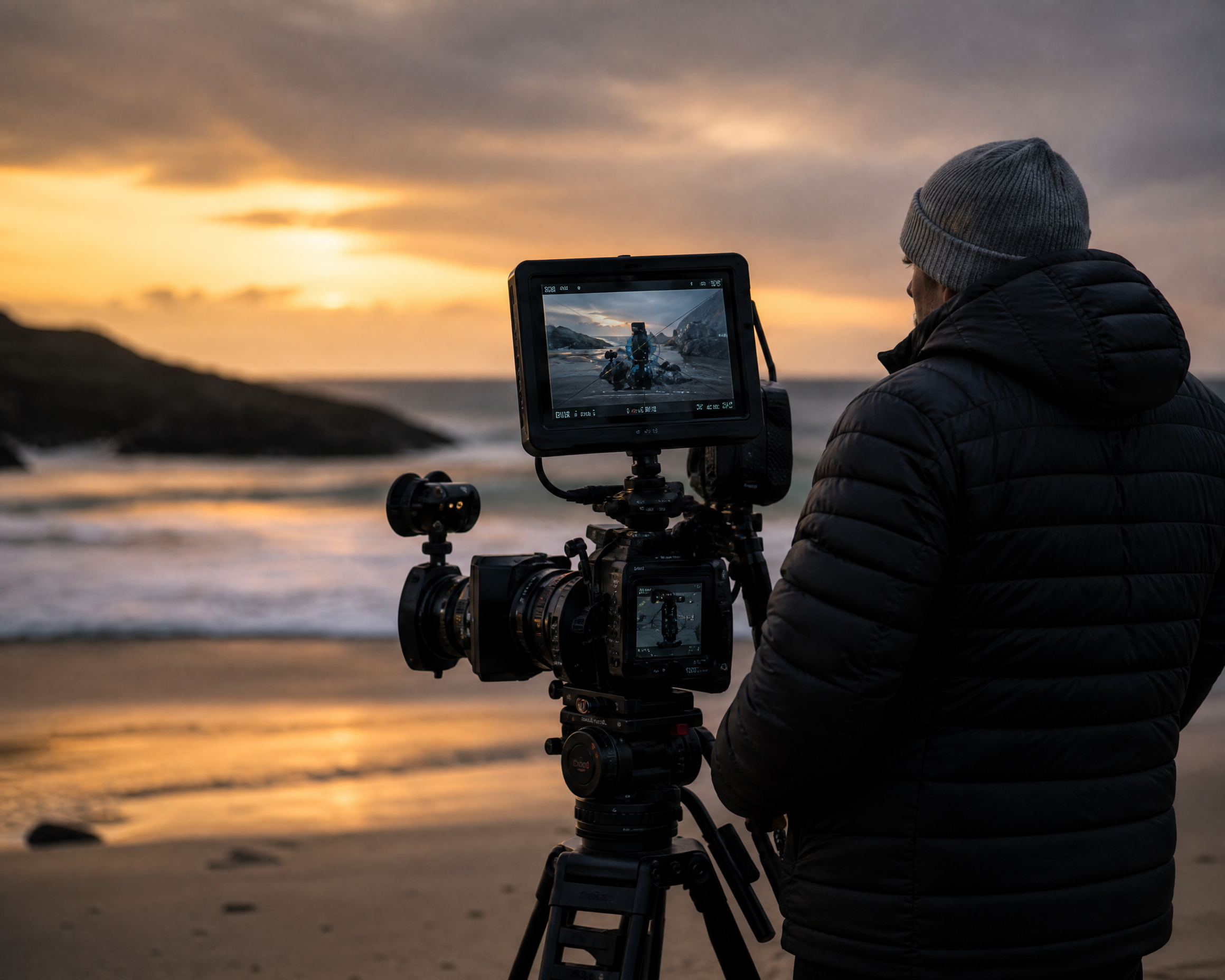
Cinematic Previsualization
Explore shots, camera movement, scene rhythm, and visual direction before production.
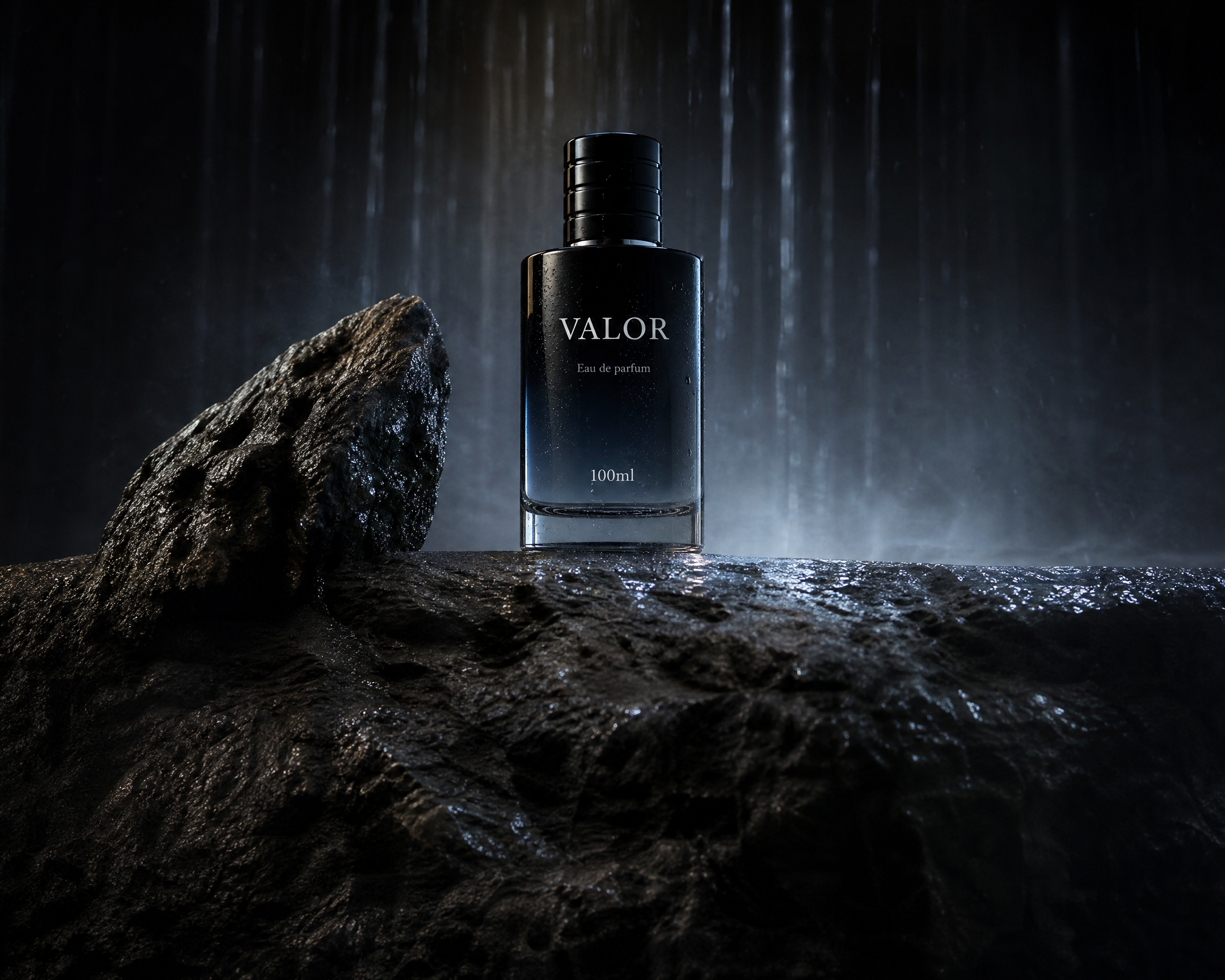
Product and Brand Videos
Turn product images and campaign concepts into polished promotional video.
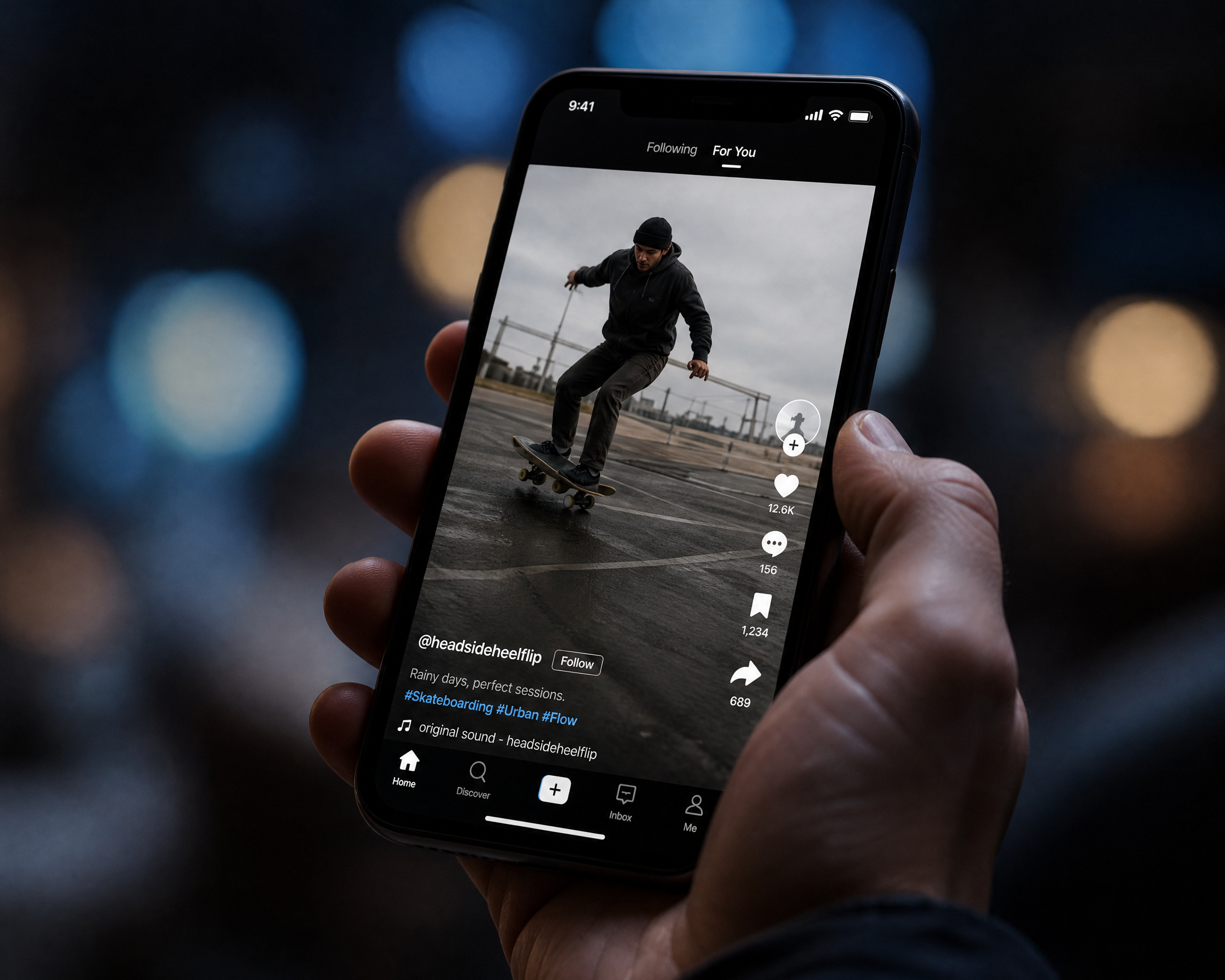
Short-Form Social Content
Create fast, visually consistent clips for social campaigns and channel updates.
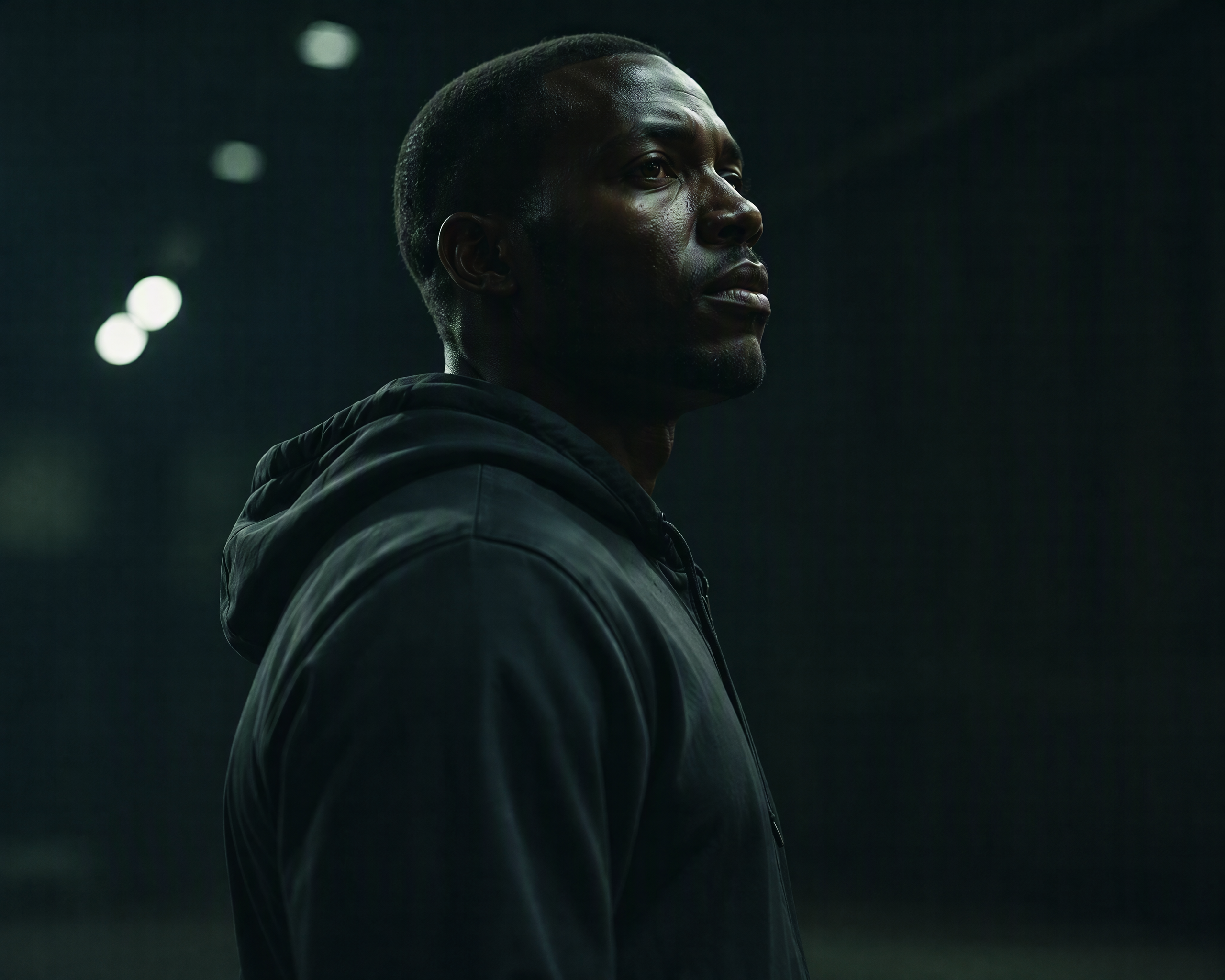
AI Narrative Content
Build connected character moments and multi-shot stories from clear prompts.
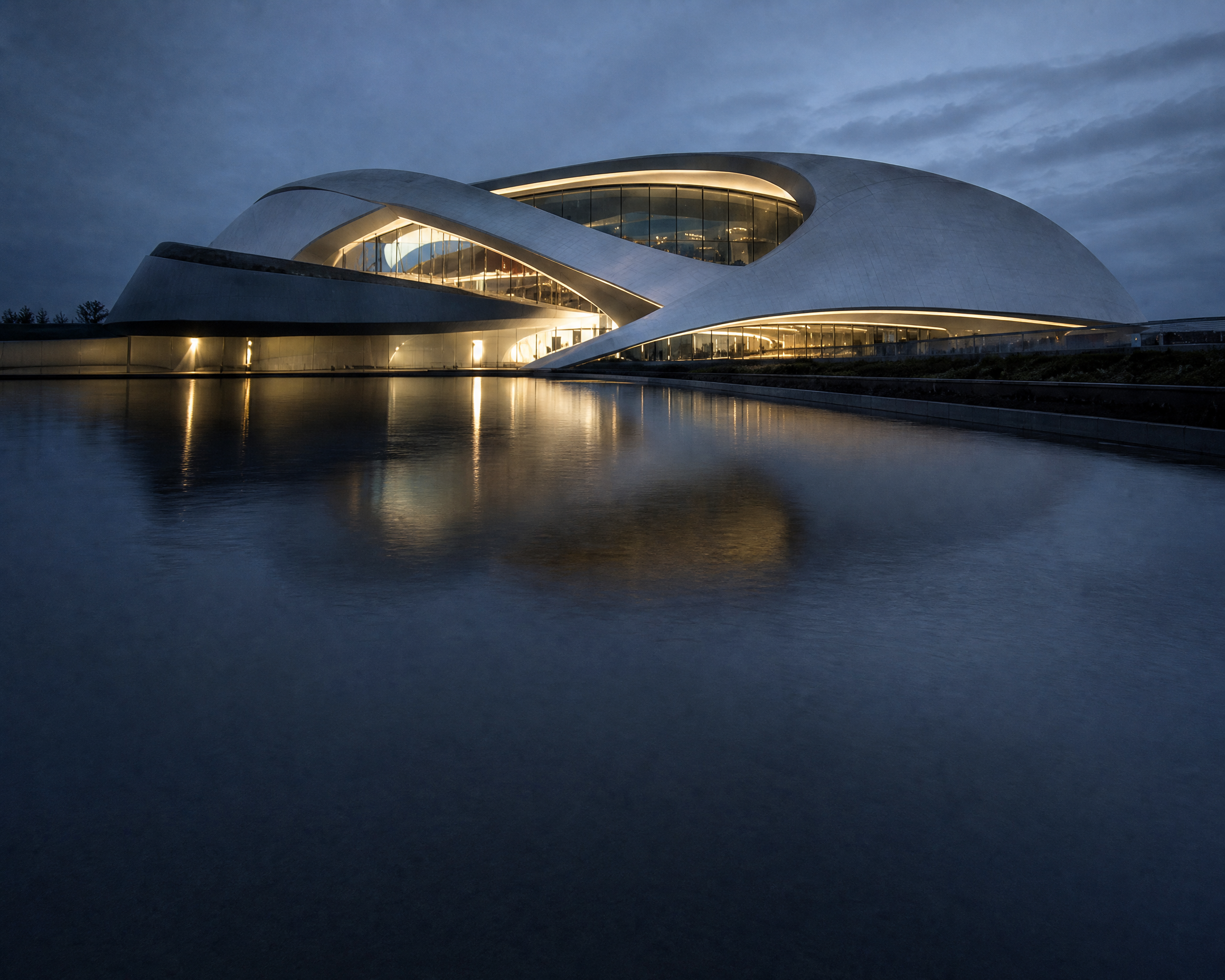
Architecture and Environments
Animate spaces, landscapes, and design concepts with controlled camera motion.
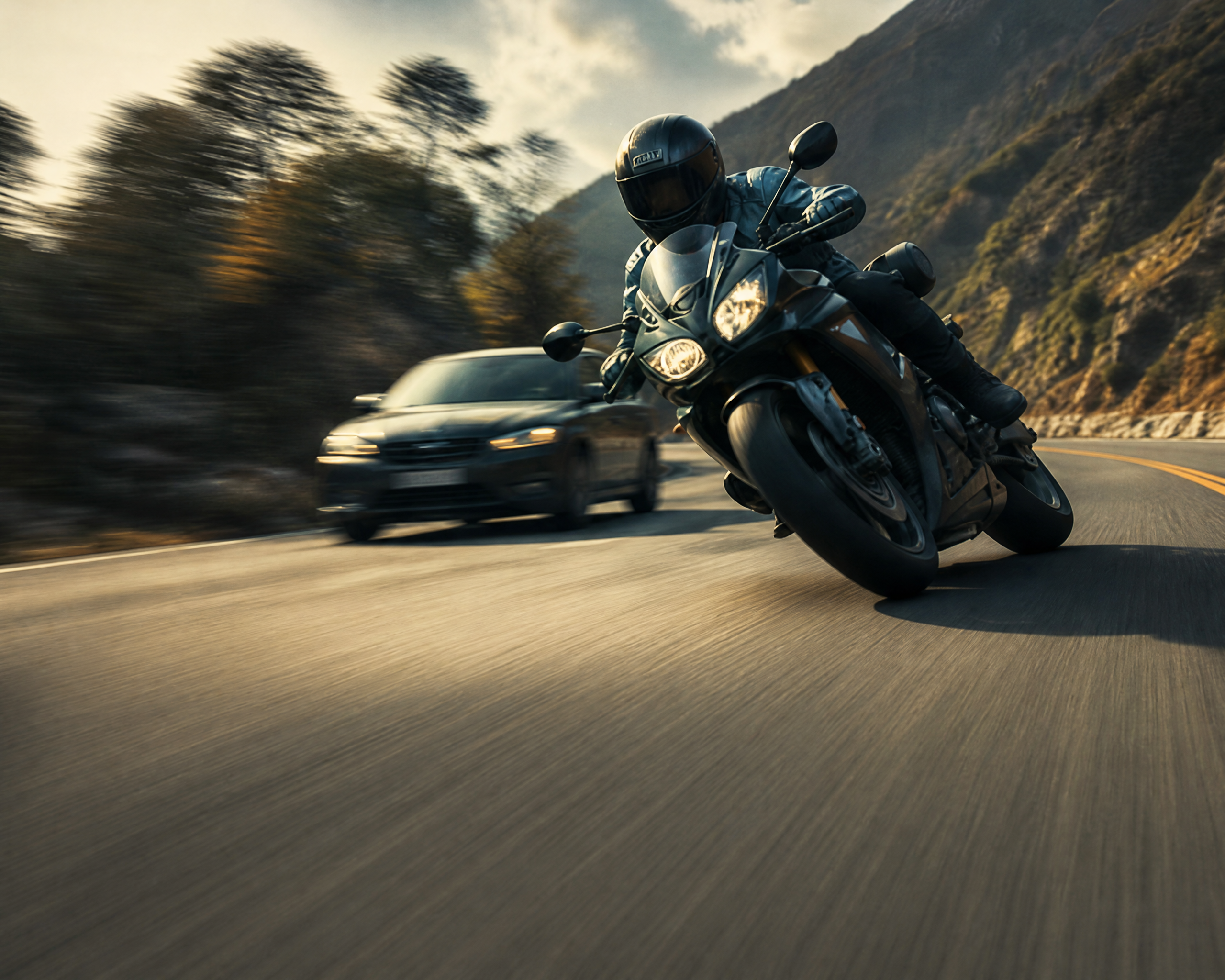
Animation and Stylized Motion
Develop anime, abstract, and stylized sequences with coherent movement.
See Wan 3.0 in Motion
Use final Wan 3.0 outputs here. Keep prompts and production notes as editable captions for design and content review.
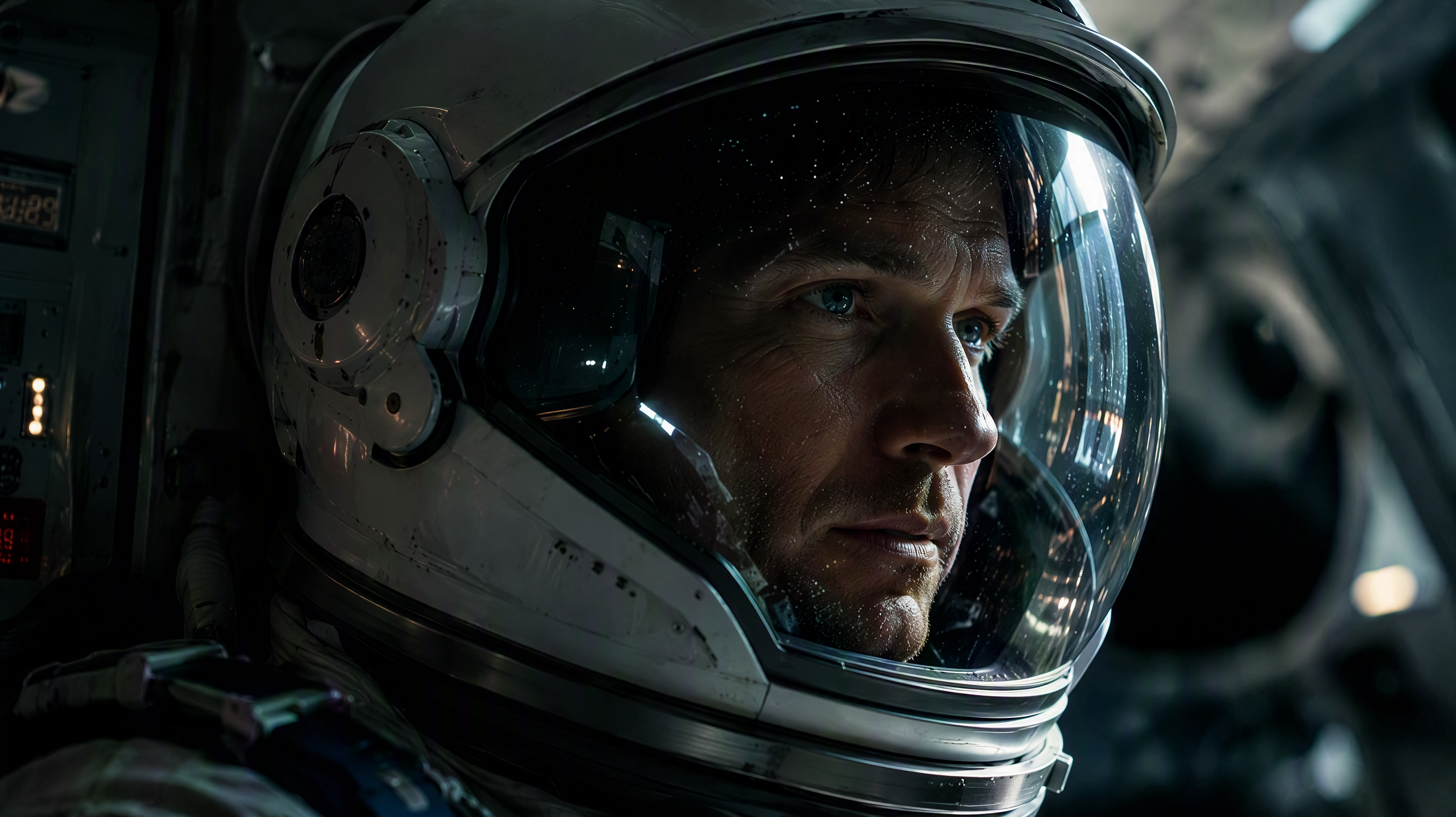
Multi-Subject Consistency
Keep multiple subjects recognizable as action, framing, and shot composition change.
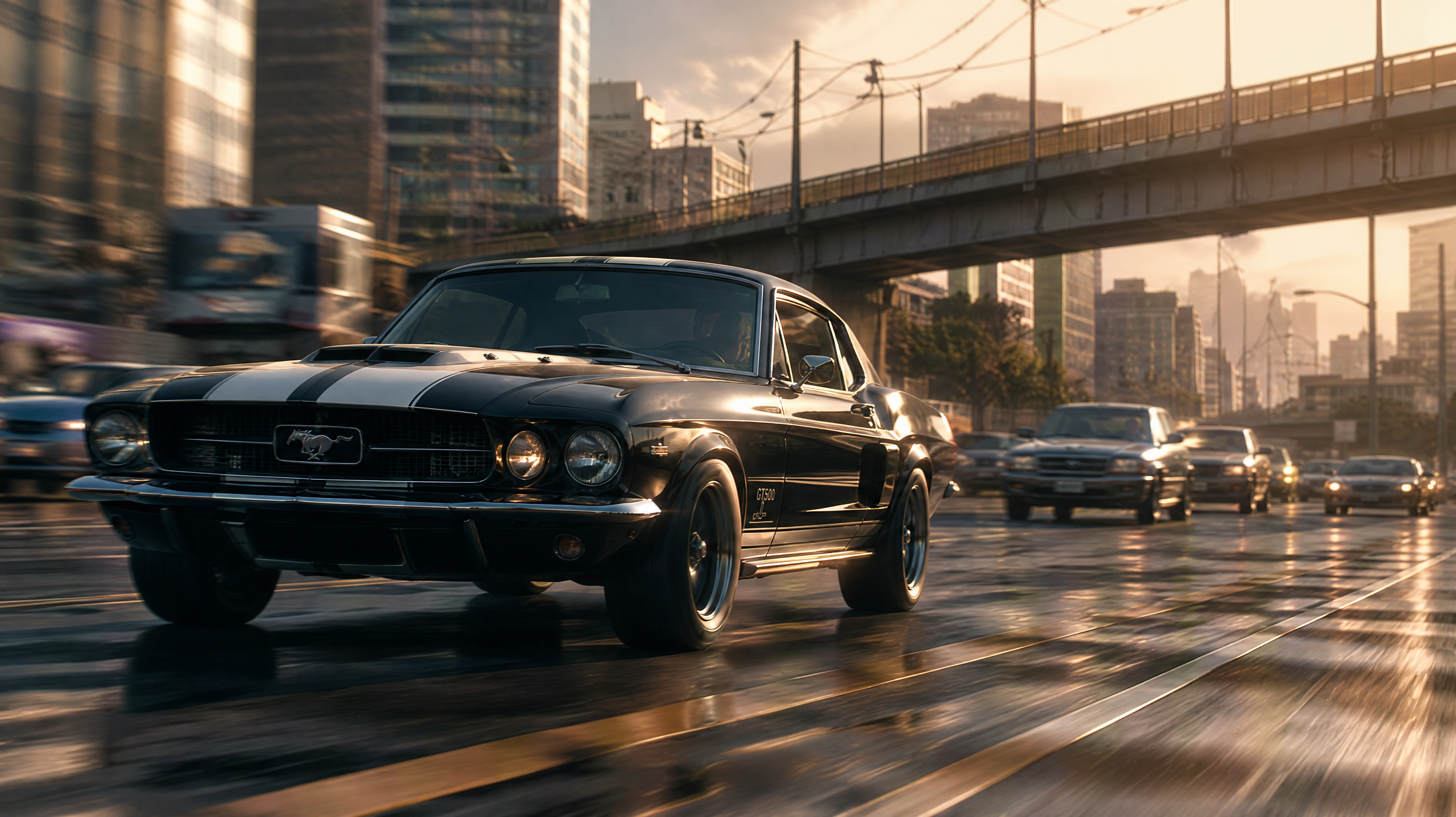
Cinematic Camera Movement
Direct deliberate push, pan, follow, or orbit motion with a clear visual rhythm.
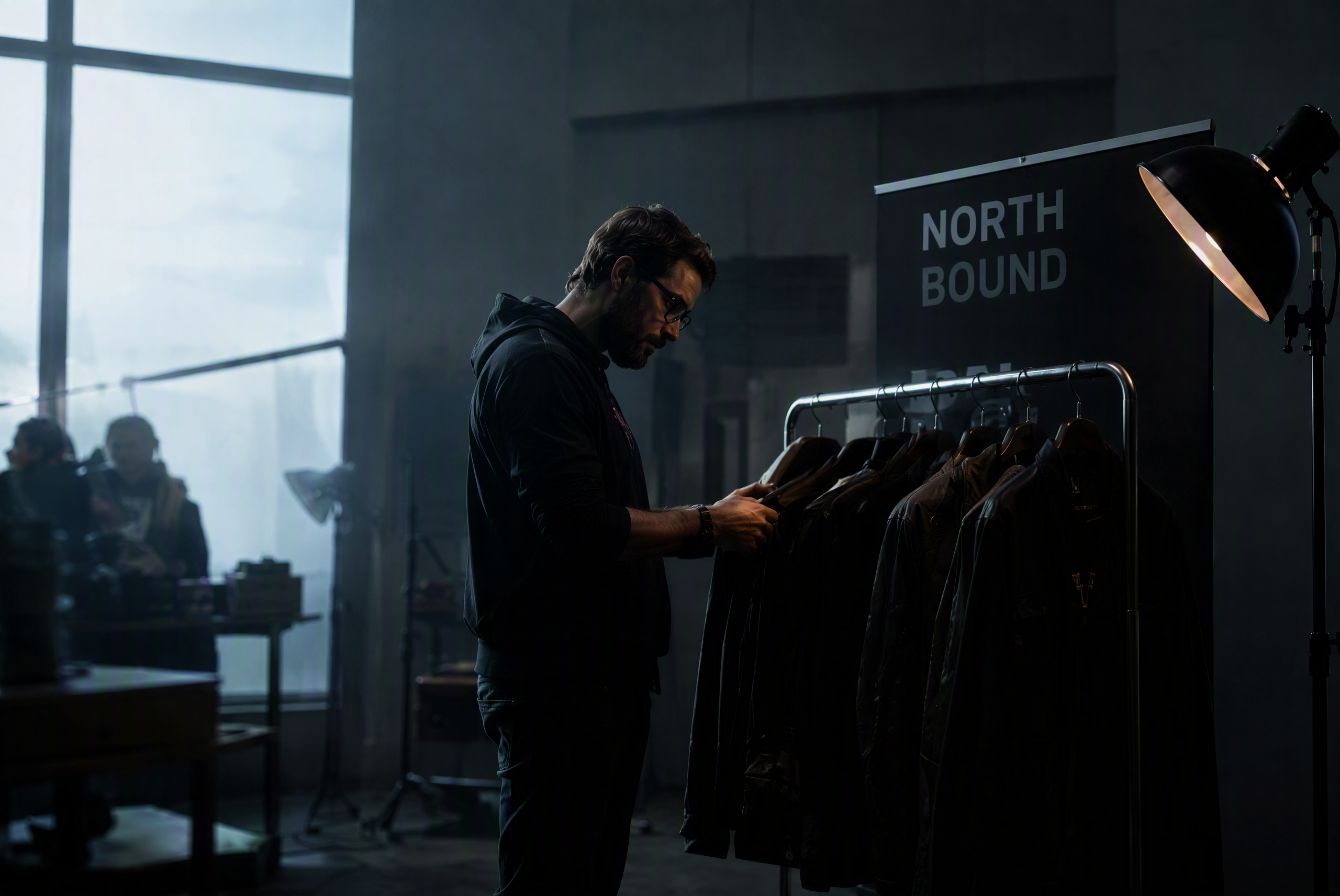
Multi-Shot Brand Story
Connect product details, environments, and narrative beats in one coherent sequence.
Technical Specifications
More Leading AI Models on Pixmax
Pixmax also brings together leading AI models for video, image, voice, and creative production, supporting AI shorts, ad videos, product showcases, and social content workflows.
Wan 3.0 FAQ
Wan 3.0 is an AI video generation model for creating cinematic videos from text prompts or source images, with support for higher-resolution output, subject consistency, camera control, and sound.
Wan 3.0 supports text-to-video and image-to-video workflows, with prompt support in English and Chinese.
Yes. On Pixmax, Wan 3.0 supports video output up to 3840 × 2160 4K UHD for sharper details and cleaner frames.
It helps preserve faces, clothing, products, and other recognizable details across movement, multiple subjects, and changing shots.
Wan 3.0 supports static shots plus push, pull, pan, follow, and orbit camera directions for more deliberate visual storytelling.
Yes. Wan 3.0 supports synchronized audio for a more complete video generation workflow.
API access is available for supported workflow integrations. Contact the Pixmax team for details.
Ready to create cinematic video with Wan 3.0?
Turn text or images into high-quality video with stronger consistency, camera control, and multi-shot storytelling.