






Kling 4.0 AI Video Generator
Create reference-driven text-to-video and image-to-video scenes with up to 10 keyframes, up to 30 seconds per direct generation, and controlled video continuation.
From References to a Directed Video
Use Pixmax to turn visual references into a controlled Kling 4.0 shot, then continue or refine the strongest take.
Add references
Upload images, characters, products, or environments.
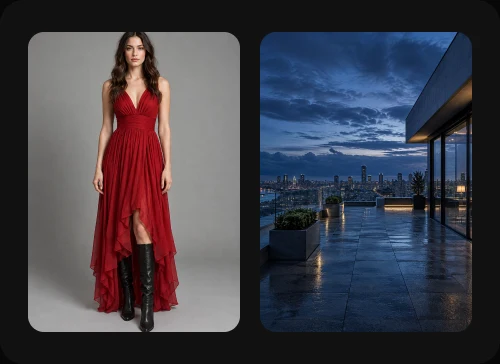

Place keyframes
Map transitions, poses, and story beats.
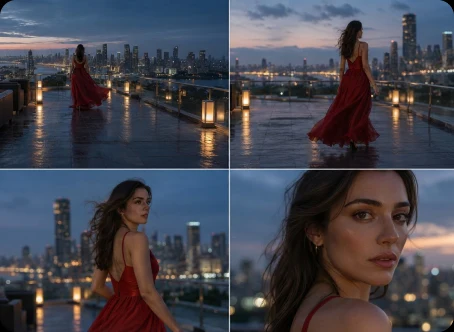
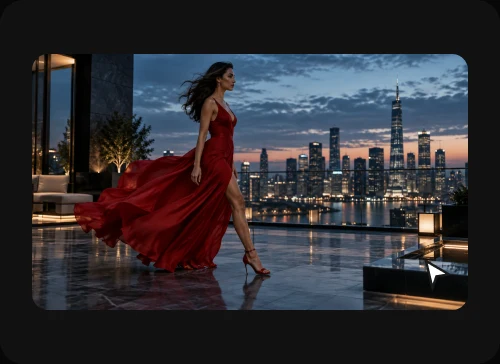
Generate the shot
Create a directed take up to 30 seconds.
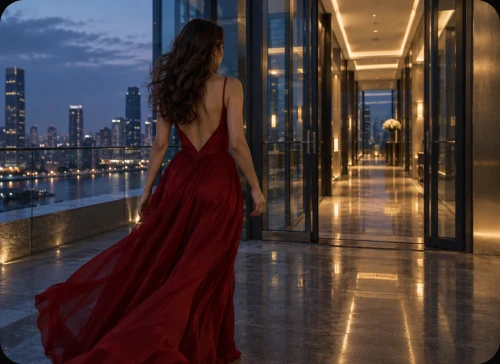
Continue or refine
Extend the strongest take into the next scene.
Reference-driven storyboards, multi-keyframe narratives, scene planning, video continuation, and dialogue prototypes with external audio finishing.
Direct reference-audio input is not supported. Complex combat physics, spatial blocking, emotional performance, and TVC direction may require detailed prompts and multiple iterations.
Best results come from a specific brief: describe the shot, camera, movement, spatial relationships, and performance intent.
See Kling 4.0 in Motion
Review outputs for keyframe continuity, dialogue workflow, and video continuation before production.
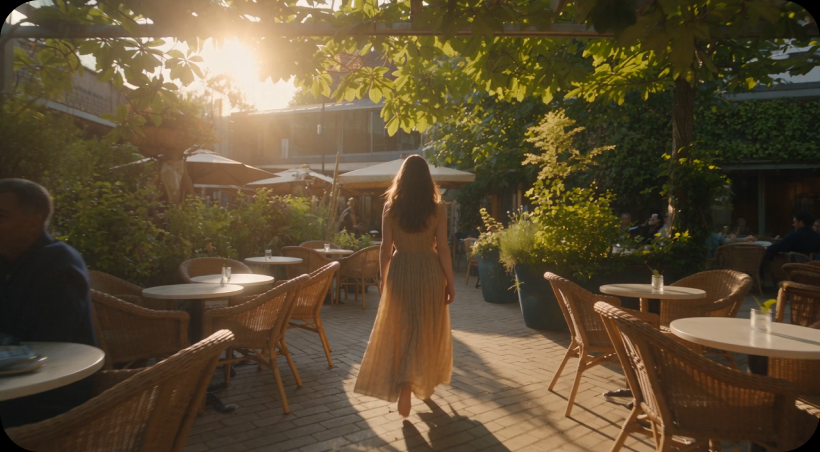
Multi-Keyframe Sequence
Prompt summary: Three locations, one character, continuous camera direction.
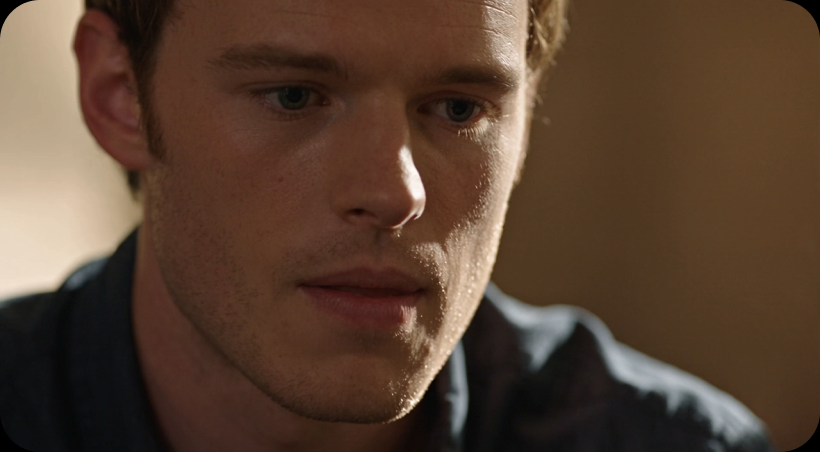
Dialogue And Performance
Prompt summary: Close-up dialogue scene; evaluate facial emotion and voice continuity.
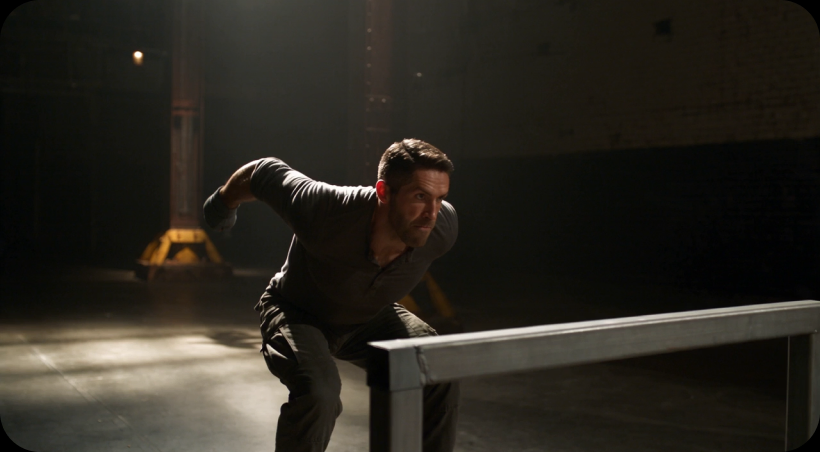
Continuation And Action
Prompt summary: Extend a generated shot into an action beat; evaluate physics and impact.
Kling 4.0 Technical Specifications
Core capabilities, supported inputs, and current boundaries for planning Kling 4.0 generations.
Built for High-Frequency Visual Workflows
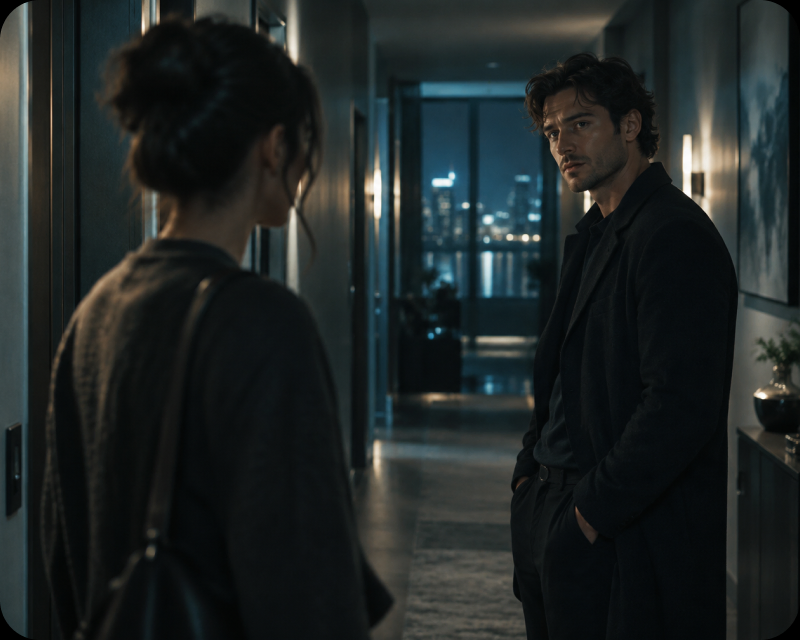
Short-Drama Previsualization
Map character entrances, locations, and transitions across a controlled sequence.
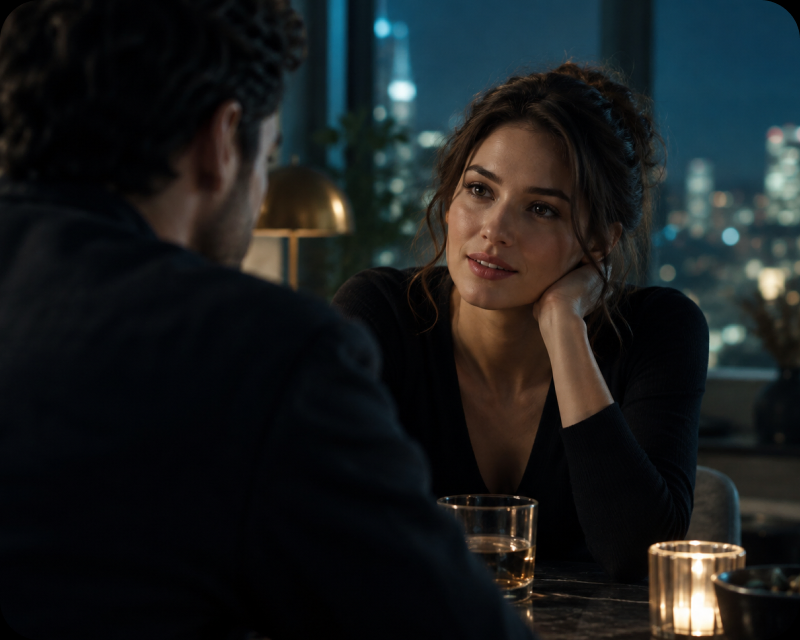
Dialogue Scene Prototyping
Prototype dialogue & performance shots, then finalize voice continuity externally.
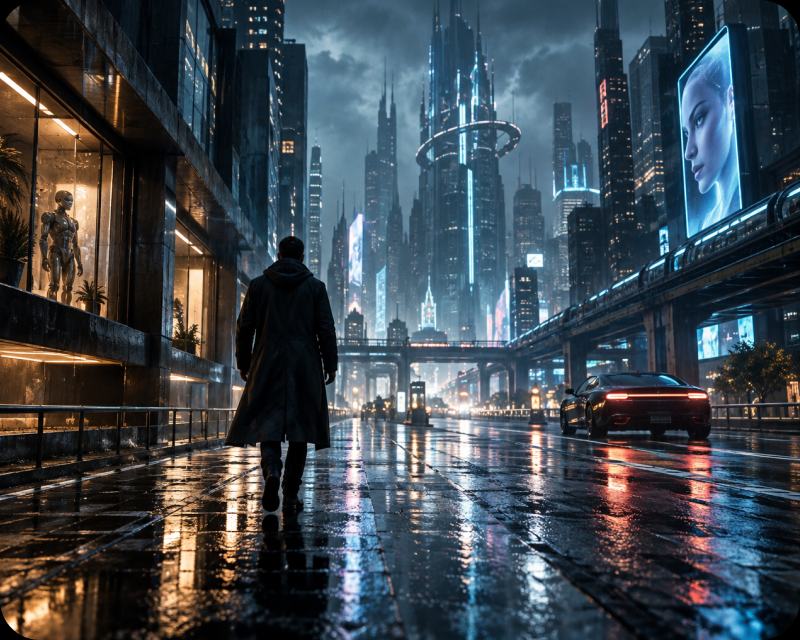
Storyboard Sequence Planning
Use keyframes to test camera direction, story beats, and visual rhythm before production.
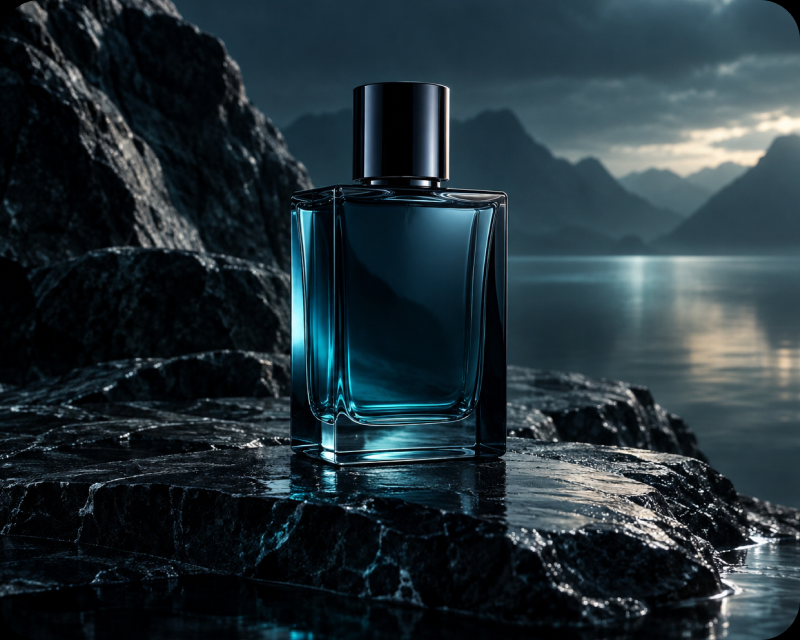
Product and Brand Concepts
Test product or brand directions with detailed prompts and multiple controlled variations.
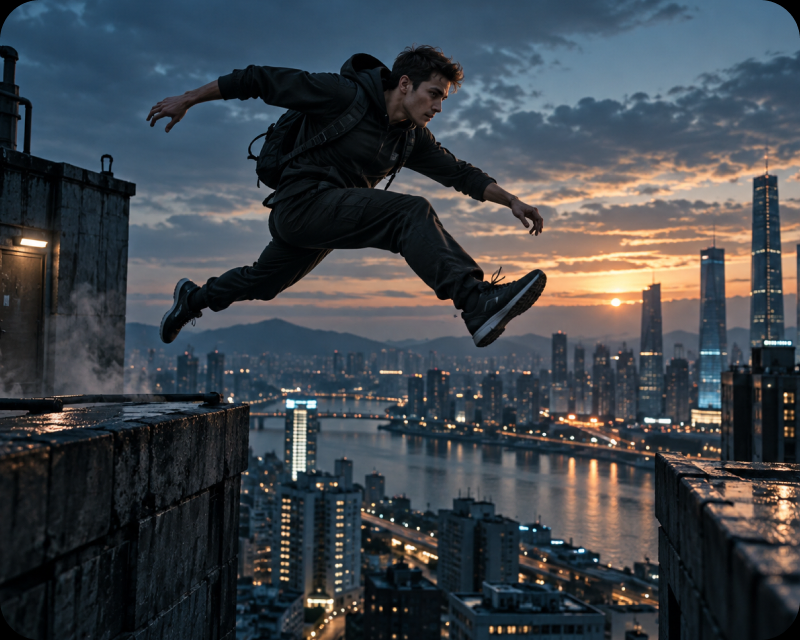
Action Previsualization
Block out action & camera intent; complex physics may require extra iterations.
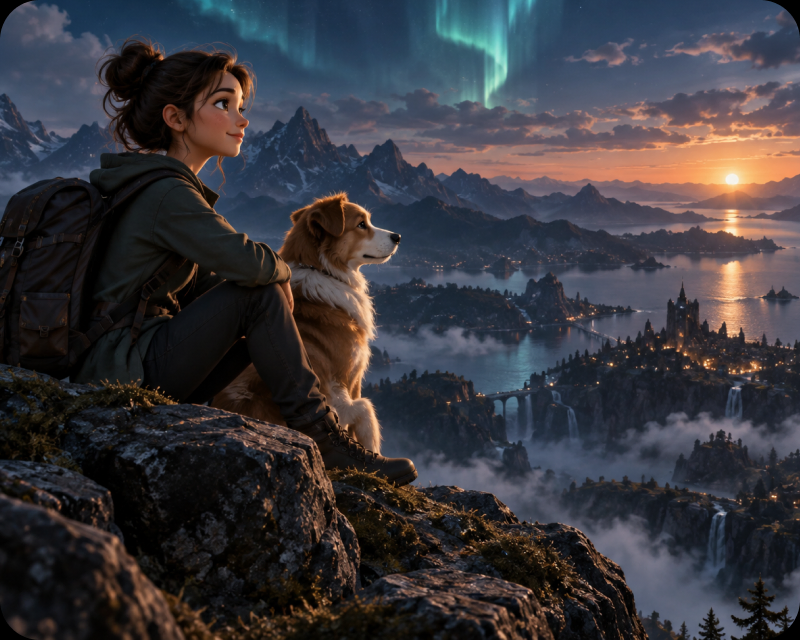
Stylized Animation Direction
Explore stylized treatments and animation direction before committing to a final workflow.
More Leading AI Models on Pixmax
Pixmax also brings together leading AI models for video, image, voice, and creative production, supporting AI shorts, ad videos, product showcases, and social content workflows.
Kling 4.0 FAQ
Kling 4.0 is a reference-driven AI video model for text-to-video and image-to-video creation with up to 10 keyframes, up to 30 seconds per direct generation, visual references, and video continuation inside Pixmax.
Up to 30 seconds per direct generation.
Up to 10 keyframes for mapping transitions, poses, and story beats.
Direct reference-audio input is not supported. Dialogue prototypes often pair generated visuals with external audio finishing.
Yes. You can extend a generated take into the next scene while continuing the strongest clip.
For some high-fidelity commercial workflows, Seedance 2.5, Seedance 2.0, or Wan 3.0 may be stronger fits depending on reference capacity, editing precision, and production controls.
Ready to Create with Kling 4.0?
Bring your next storyboard, reference asset, or generated shot into a controlled Kling 4.0 workflow.