



Kling 3.0
Cinematic AI video with native 4K quality.
Kling 3.0 is a multimodal AI video model for cinematic generation, realistic motion, physical simulation, and consistent characters, supporting text, image, and video inputs for professional workflows.
How to Use Kling Motion Control in Pixmax
Start with a clean character image and a steady motion reference, then choose the right control mode before generating.
Prepare the inputs
Use one clear, well-lit character image with face and body visible, plus a 3-30 second motion reference. Avoid rapid cuts, camera jumps, or multiple subjects.
Pick the orientation
Choose Parallel to Video to follow the reference for character, camera, and direction, or Parallel to Image to keep the framing anchored to the still image while motion follows the reference.
Bind the face in Kling 3.0
Turn on Bind Facial Element only in video-orientation mode. Upload a frontal face photo plus a few angle references or a short face video, and keep clothing and hairstyle consistent with the base image.
Generate and refine
Add background and lighting details to the prompt, then generate. Fast or complex motion may be split into valid 3-second segments, and credits are used even when a run is trimmed, so steady references work best.
Core Capabilities

Cinematic Motion Generation
Create dynamic AI videos with more natural motion, camera movement, and visual rhythm.

Character Consistency
Keep characters more stable across scenes, actions, and story sequences.

Motion Trajectory Control
Guide movement direction, action flow, and scene dynamics with more precise motion control.

Realistic Physical Performance
Generate scenes with stronger physical realism, including movement, weight, fluidity, and environmental interaction.

Advanced Camera Control
Control shots, framing, camera paths, and transitions for more professional video output.
Kling Version Comparison
Use Cases
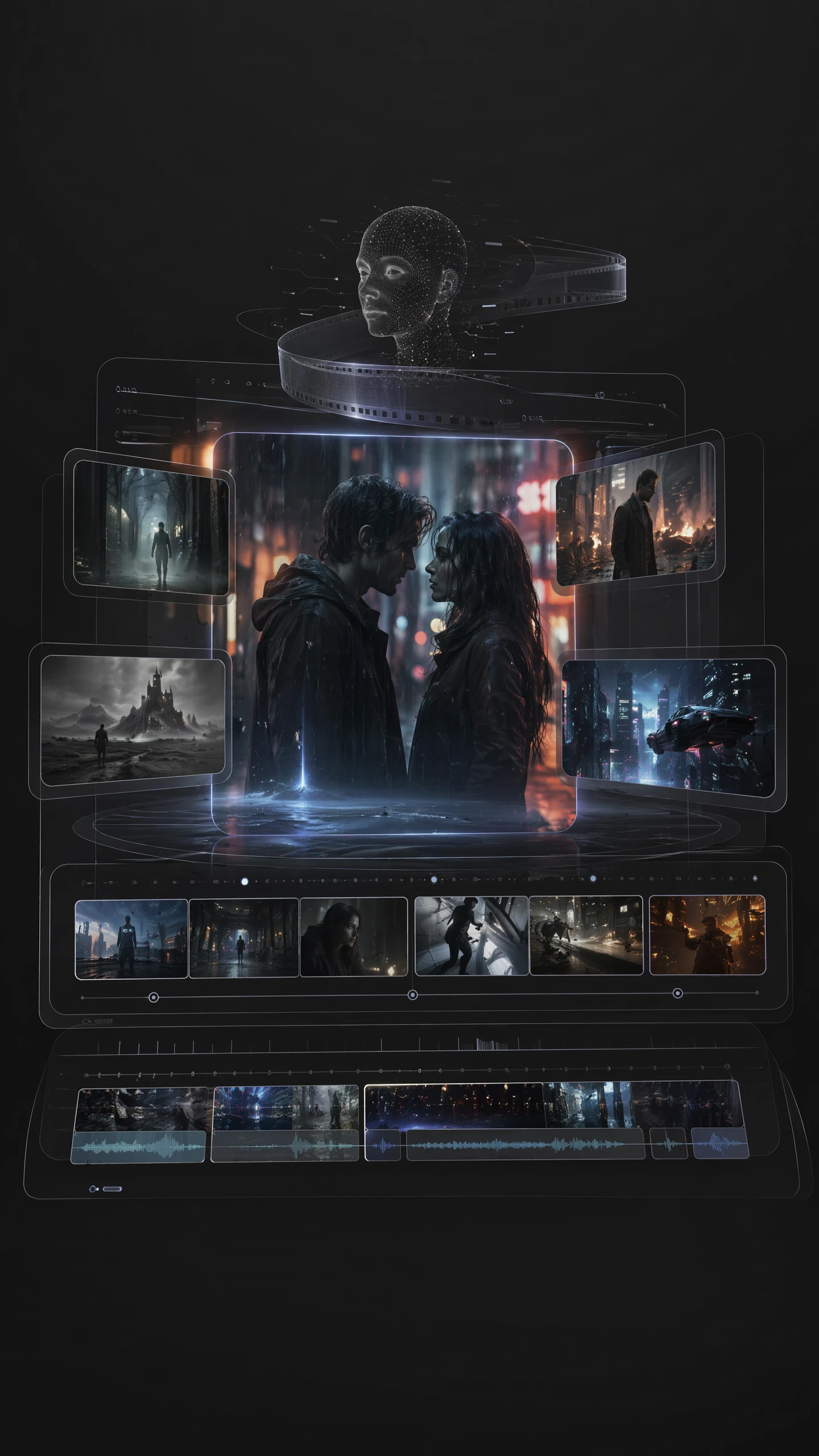
AI Short Dramas
Create live-action AI shorts, comic-style dramas, and episodic story scenes from scripts. Ideal for building shots, storyboards, and video segments quickly.
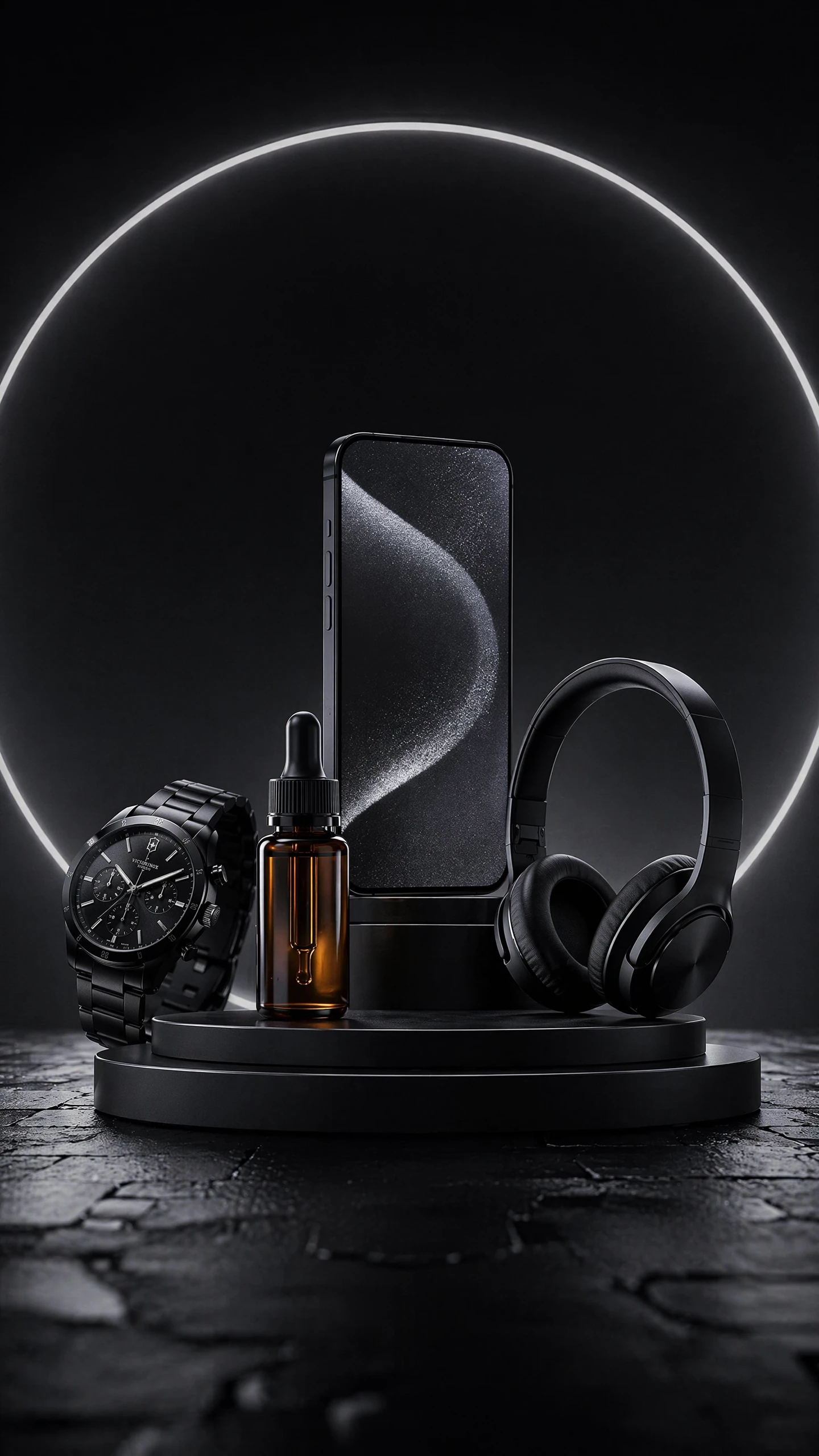
Product Videos
Generate product demonstrations, model try-ons, usage scenes, and close-up detail shots that make product benefits easier to see.
Brand Marketing Films
Produce cinematic brand videos and campaign assets with stronger visual appeal for ads, launches, and promotional storytelling.
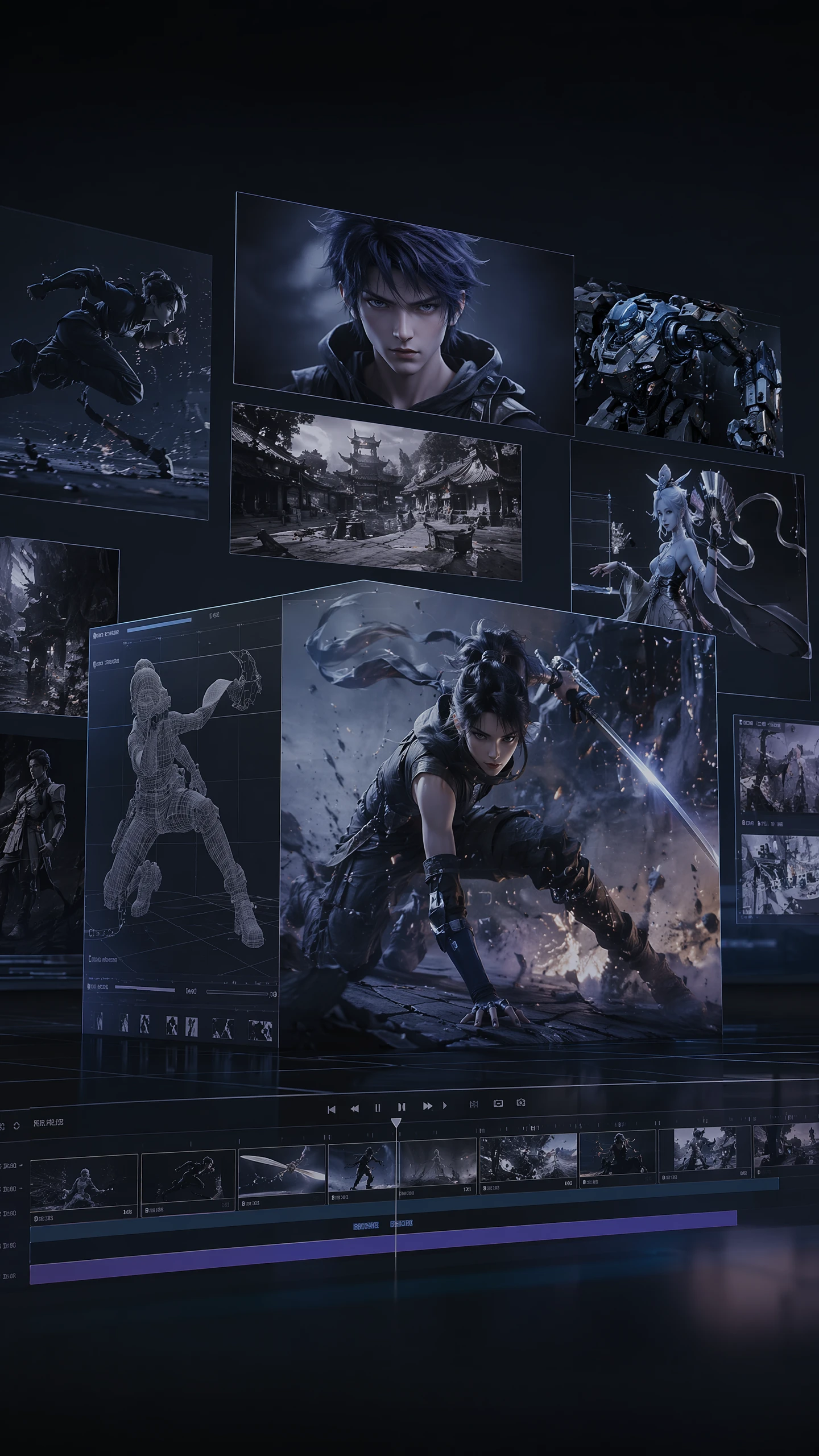
Animated Video Creation
Create 2D, 3D, or stylized animation clips with character motion, scene changes, and dynamic visual effects for trailers and concept validation.
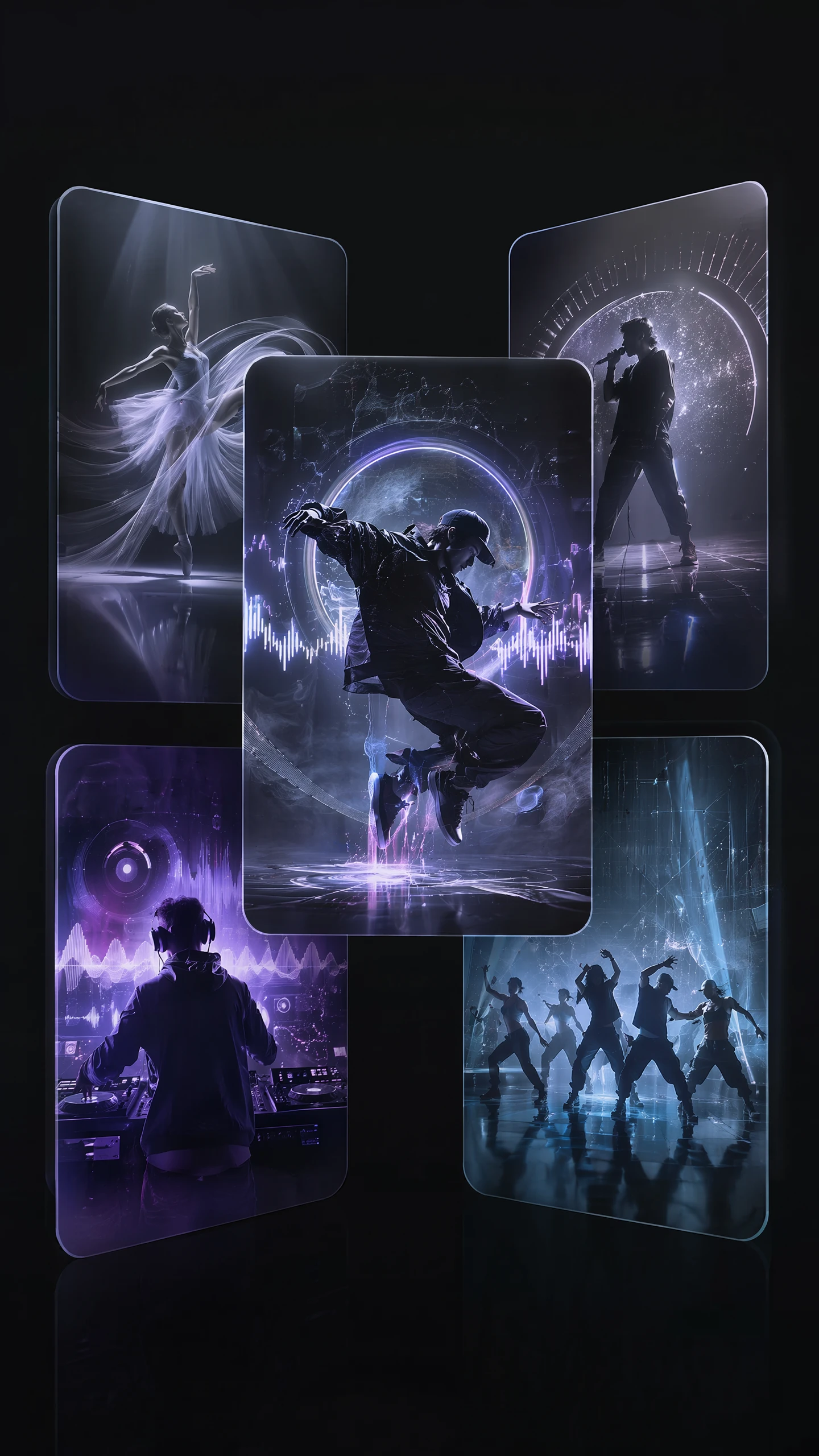
Music and Dance Videos
Generate dance movement, stage performances, and rhythm-driven visuals for music videos, artist content, and performance showcases.
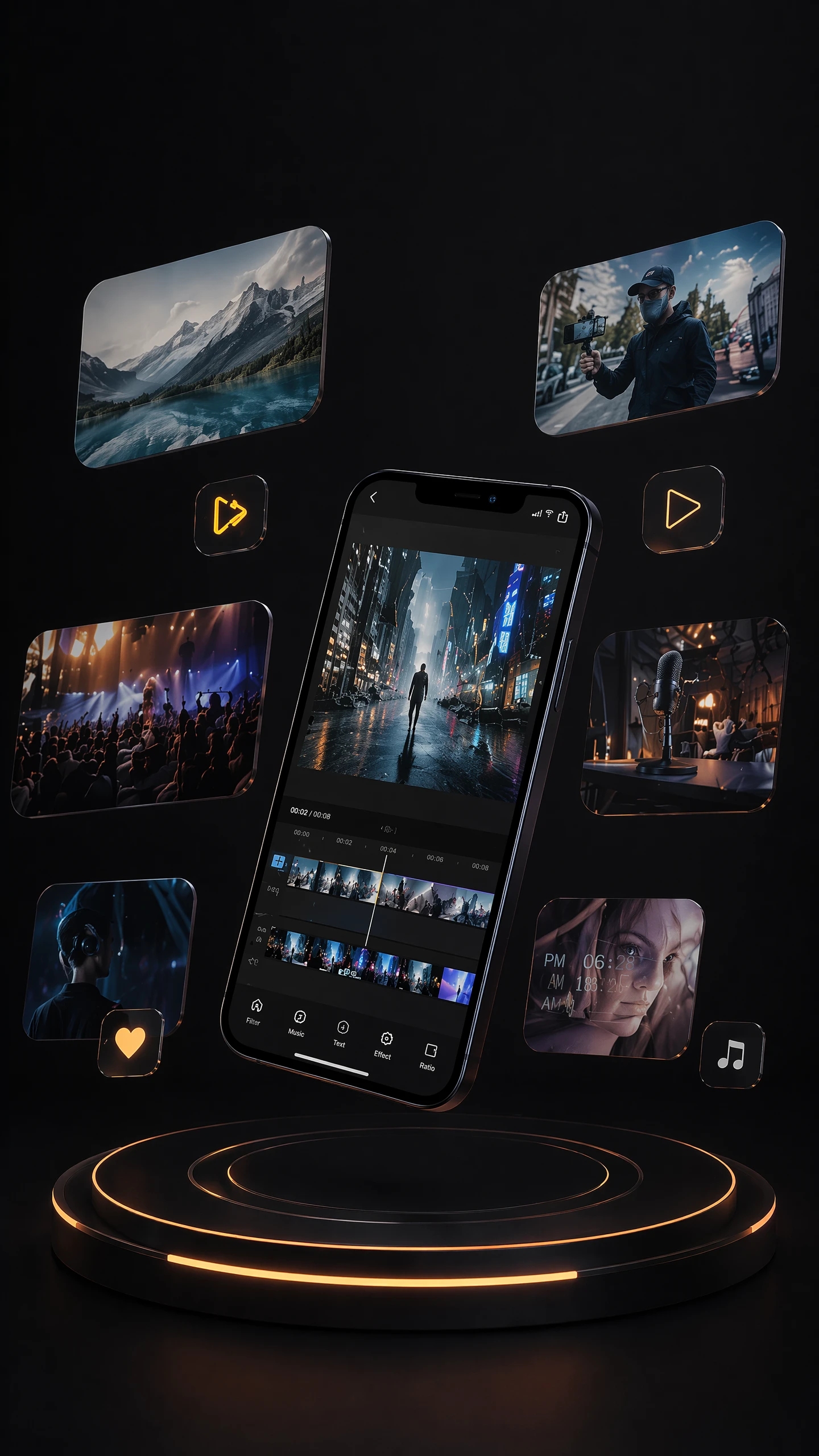
Social Media Shorts
Create lifestyle, creative, and stylized clips for short-form platforms, helping teams scale daily content production.
Explore More AI Models in Pixmax
Kling 3.0 FAQ
Kling 3.0 supports text, image, and video-based inputs, helping creators generate videos from prompts, reference images, or visual materials.
Kling 3.0 is designed for more stable character performance, more natural motion, and stronger scene consistency in complex video generation tasks.
It helps creators move from simple video clips to more controlled storytelling, including multi-shot scenes, motion control, camera work, and cinematic visual development.
Kling 3.0 can support short films, ads, animation concepts, music videos, product videos, and AI-assisted film or video production workflows.
Yes. Kling 3.0 supports camera movement, angle control, rotation, and more precise shot planning.
Its key advantage is stronger cinematic video generation, including motion quality, character consistency, and multi-shot storytelling.
Ready to create with Pixmax?
Try Kling 3.0 in Pixmax and generate cinematic AI videos from text, image, or video.