






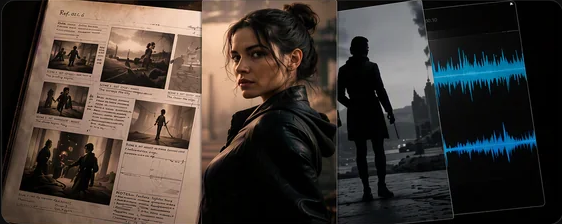
01 / DIRECT
Guide With References
Use visual, motion, and audio references to guide style, subjects, movement, and voice.
Clear direction across mixed media.Limited-time: Save 40% on Seedance 2.0 Fast & Mini Credit Costs - Ends Nov 30.
See all offersCreate complete 30-second stories with flexible references and precise professional editing.
One-take creation with smoother motion, richer transitions, and consistent audio-visual storytelling.
Try This ModelFrom multimodal references to complete, precisely editable AI videos in three steps.
Use visual, motion, and audio references to guide style, subjects, movement, and voice.
Clear direction across mixed media.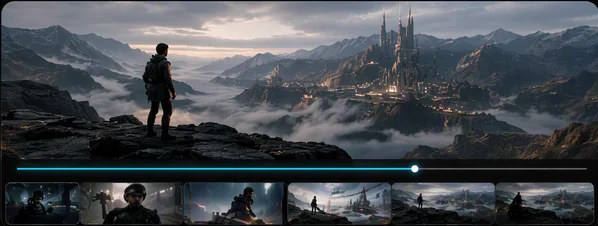
Create a complete story arc as one connected audiovisual take.
Smooth continuity from opening to resolution.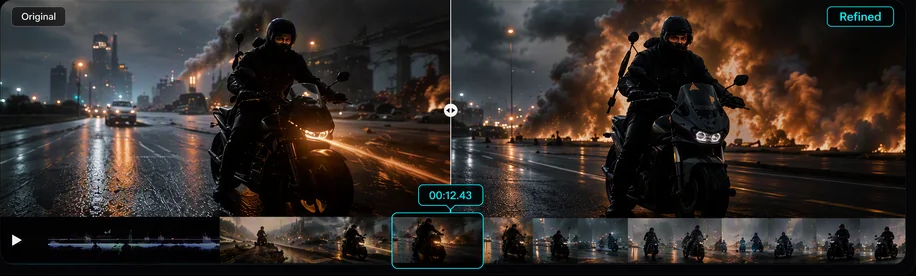
Edit specific moments with timestamp-level control over camera, action, and audio.
Refine the shot without restarting.
Generate high-quality 30-second audio-video clips in one pass, with connected shots and stronger long-form storytelling.

Use up to 30 images, 10 video clips, and 10 audio clips as references in a single generation.

Interpret composition, motion, camera language, clay renders, and creative references with greater precision.

Target specific time ranges to adjust characters, actions, camera perspective, audio, or story details reliably.

Support green-screen editing, clay-render control, advanced camera movement, and performance blocking.

Seamlessly generate content in over 10 languages with native-level fluency and accuracy.
| Upgrade Area | Seedance 2.0 | Seedance 2.5 |
|---|---|---|
| Max Generation Length | Up to 15 seconds | Up to 30 seconds |
| Multimodal References | Unified multimodal architecture | Up to 50 refs (30 images / 10 videos / 10 audio) |
| Reference Understanding | Motion and reference guidance | Intent, framing & cinematic language |
| Editing Precision | Clip-level editing | Timestamp-level targeted editing |
| Camera & Blocking | Cinematic motion control | Advanced camera & performance blocking |
| Audio-Video Quality | Native joint generation | Improved image, audio, and motion |
| Professional Controls | General creative workflows | Clay render & green screen |

Build complete 30-second narratives with connected shots, smoother transitions, and synchronized sound.
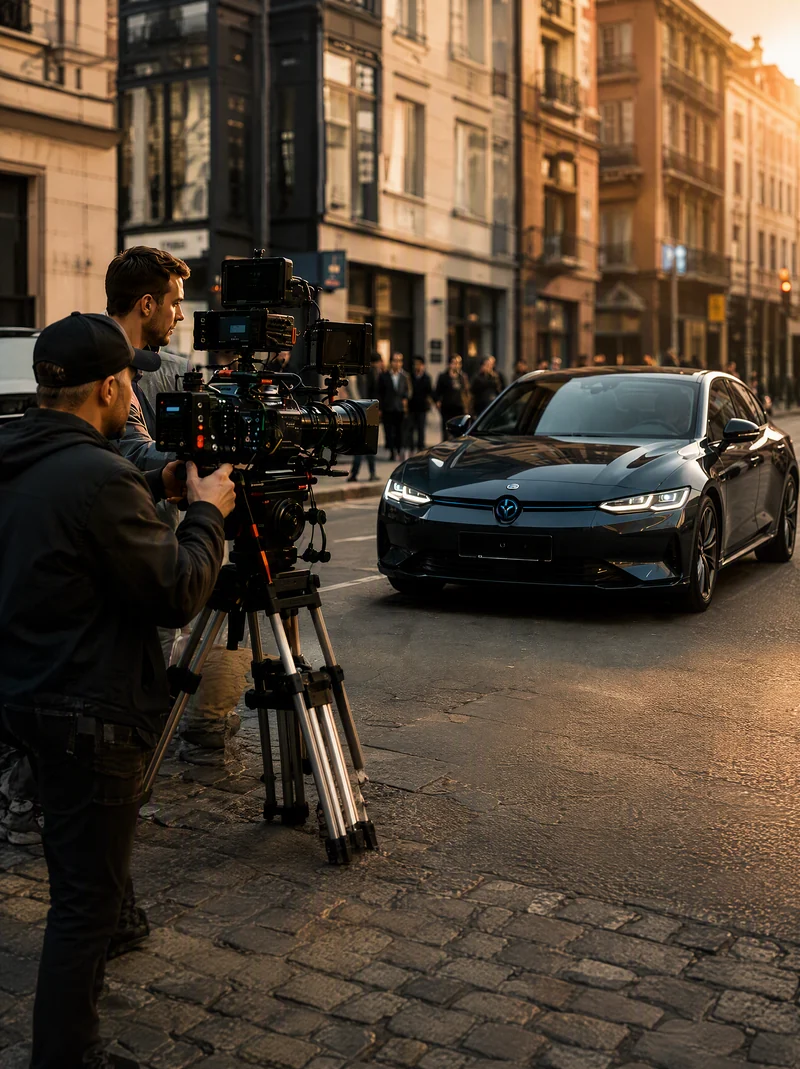
Use timestamp editing, green screen, camera control, and blocking for complex professional workflows.
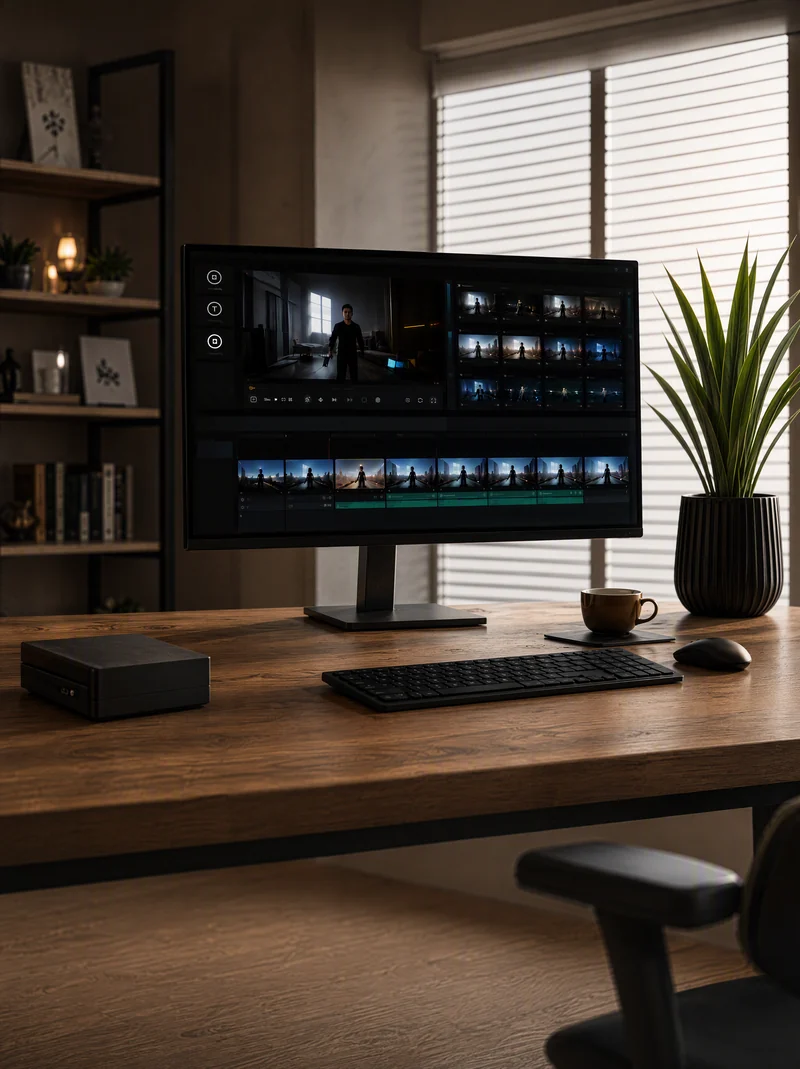
Combine up to 30 images, 10 videos, and 10 audio clips to control subjects, scenes, style, and voice.
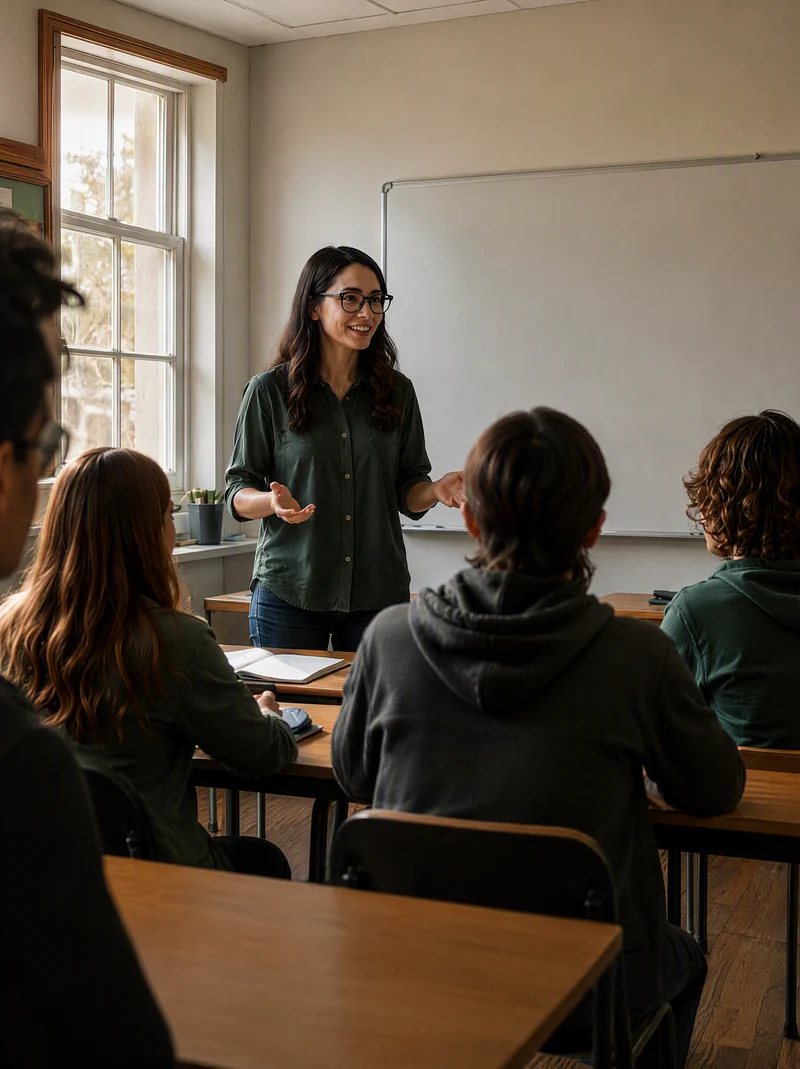
Turn lessons, experiments, historical stories, and abstract ideas into vivid, customizable teaching videos.

Generate synthetic video data, process training, equipment demos, and assembly simulations.

Simulate extreme weather and complex traffic conditions to create diverse testing and training samples.
Yes. It can generate high-quality 30-second audio-video clips in one pass with connected shots and smoother transitions.
You can provide up to 30 images, 10 video clips, and 10 audio clips as reference materials in a single pass.
Yes. A generated clip can be extended up to twice while preserving characters, environments, pacing, visual style, and sound.
Timestamp-level control lets you target characters, actions, camera movement, audio, or story details within specific time ranges.
Yes. It adds clay-render control, green-screen editing, advanced camera movement, and performance blocking.
Seedance 2.5 is available on Jimeng AI, Doubao Pro, and BytePlus Lumina. ModelArk API availability depends on the current rollout.
Turn references into complete stories with longer generation, precise control, and professional editing.