









Seedream 5.5:
The Production-Grade AI Photoshop
Edit one image 100+ rounds without it falling apart. Native transparent PNG, layer split and realistic lighting, all in Pixmax.
Seedream 5.5 at a Glance
Seedream 5.5 is ByteDance's image generation and editing model, available on Pixmax. It holds a subject steady across 100+ rounds of edits, outputs RGBA transparent images, splits an image into editable layers, and renders small multilingual text more accurately.
Create on PixmaxWhy Seedream 5.5
Stable long edit chains, transparent output, and realistic light.

100+ Rounds, No Breakdown
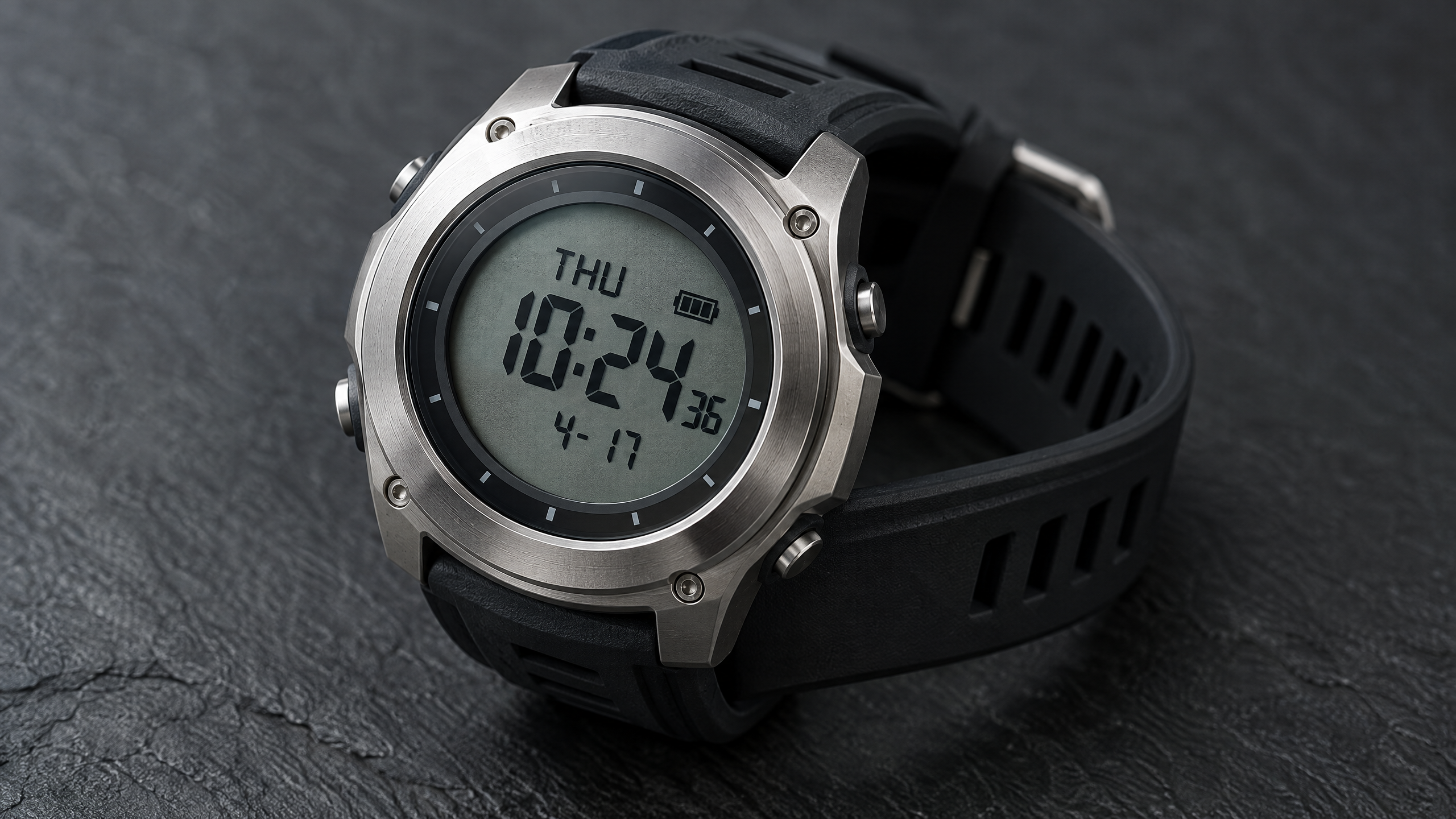
Stable multi-round editing. Outperforms GPT Image 2.5 and Nano Banana 2.1 in the 100-round watch test.

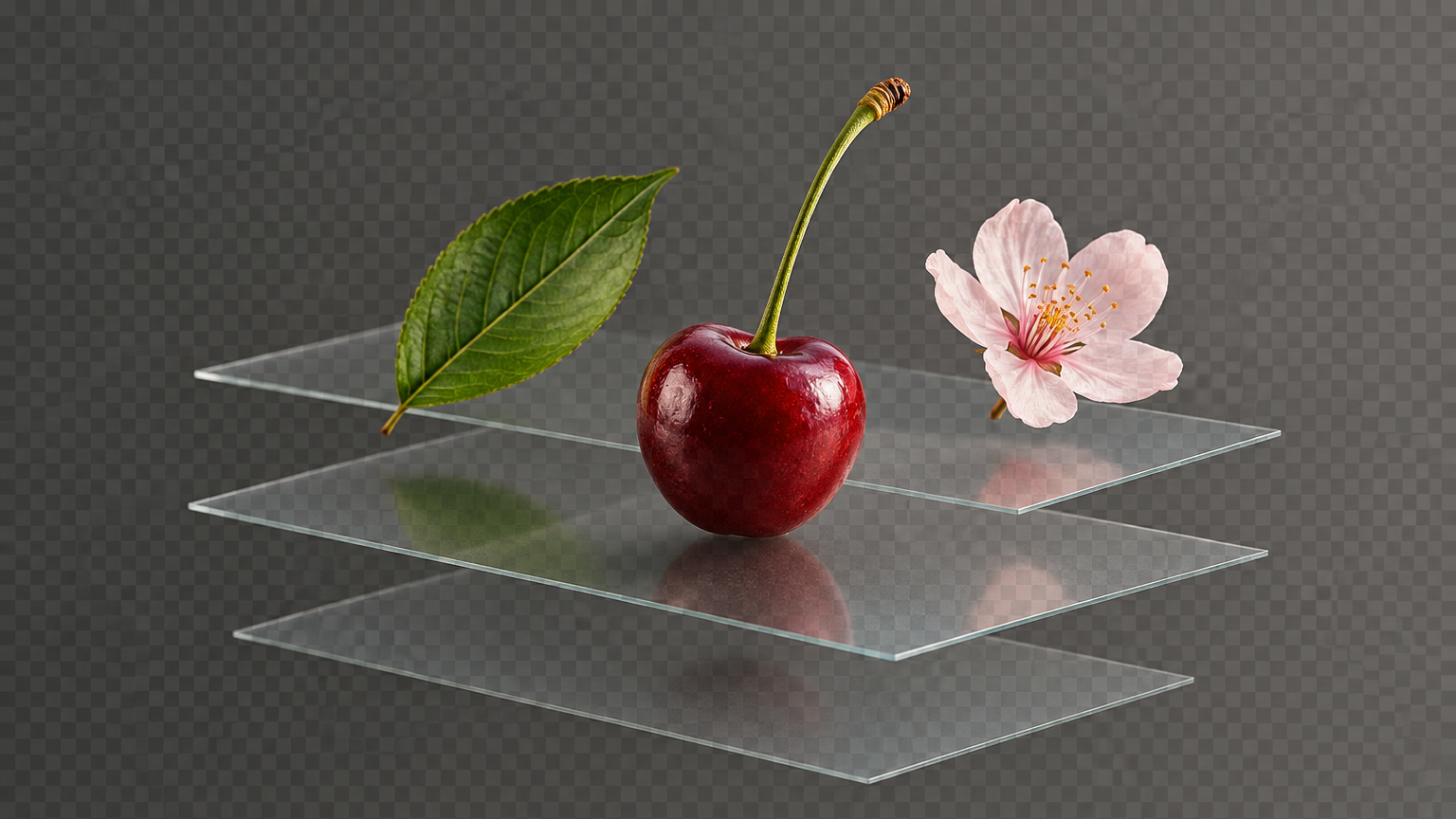
RGBA Transparency and Layers
Transparent PNG output, plus a split into background, element and text layers.


Realistic Results
Natural expressions and proportions, correct object scale, and believable light when blending multiple references.

Seedream 5.5 Key Capabilities
Change one area, keep the rest, and take the file apart into layers.

Realism Upgrade
Natural expressions, proportions and lighting, with better scale and light when blending references.

Small Text & Multilingual Rendering
Accurate dense and multilingual text for posters, labels and infographics.

Precise Editing, Consistent Rounds
Change only the target area, round after round, without disturbing the rest.

Transparent Image Editing
Transparent and semi-transparent output for stickers, icons and products.

Layer Split and Text Re-Editing
Split into background, element and text layers, then re-edit the copy or localize it.
Get Started with Seedream 5.5 in 3 Steps
Start with a clear visual goal, then combine prompts, reference images, and multi-round edits into a repeatable AI image workflow.
Choose Seedream 5.5
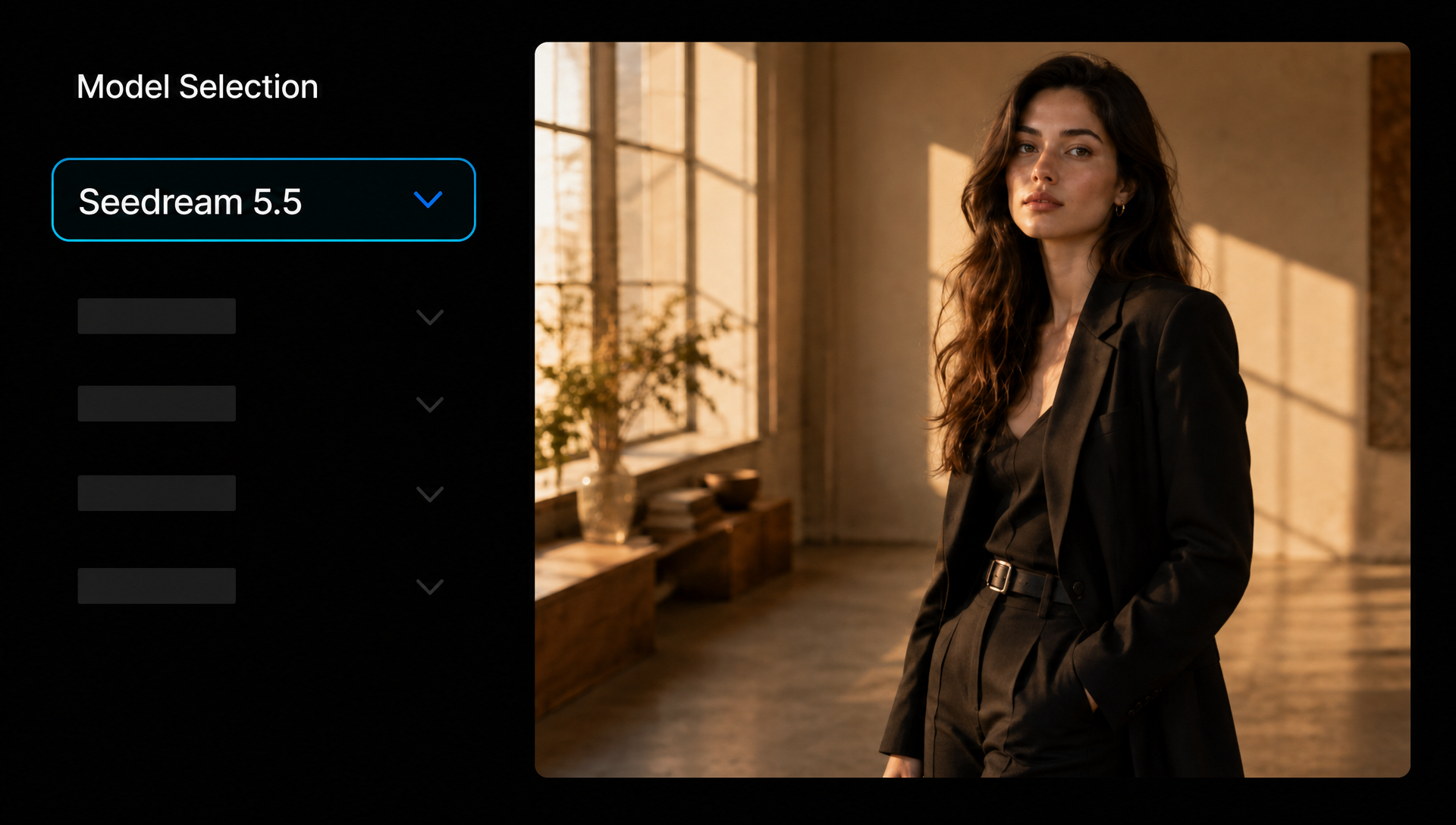
Create a new image generation task in the Pixmax workspace, then select Seedream 5.5 from the model list in the image generation node.
Describe Your Image and Edits
Use a prompt to describe the subject, reference image, layout, and lighting. When editing, specify what to change, how far to change it, and what to keep.
Reference Image




Prompt
Generate and Refine Over Multiple Rounds
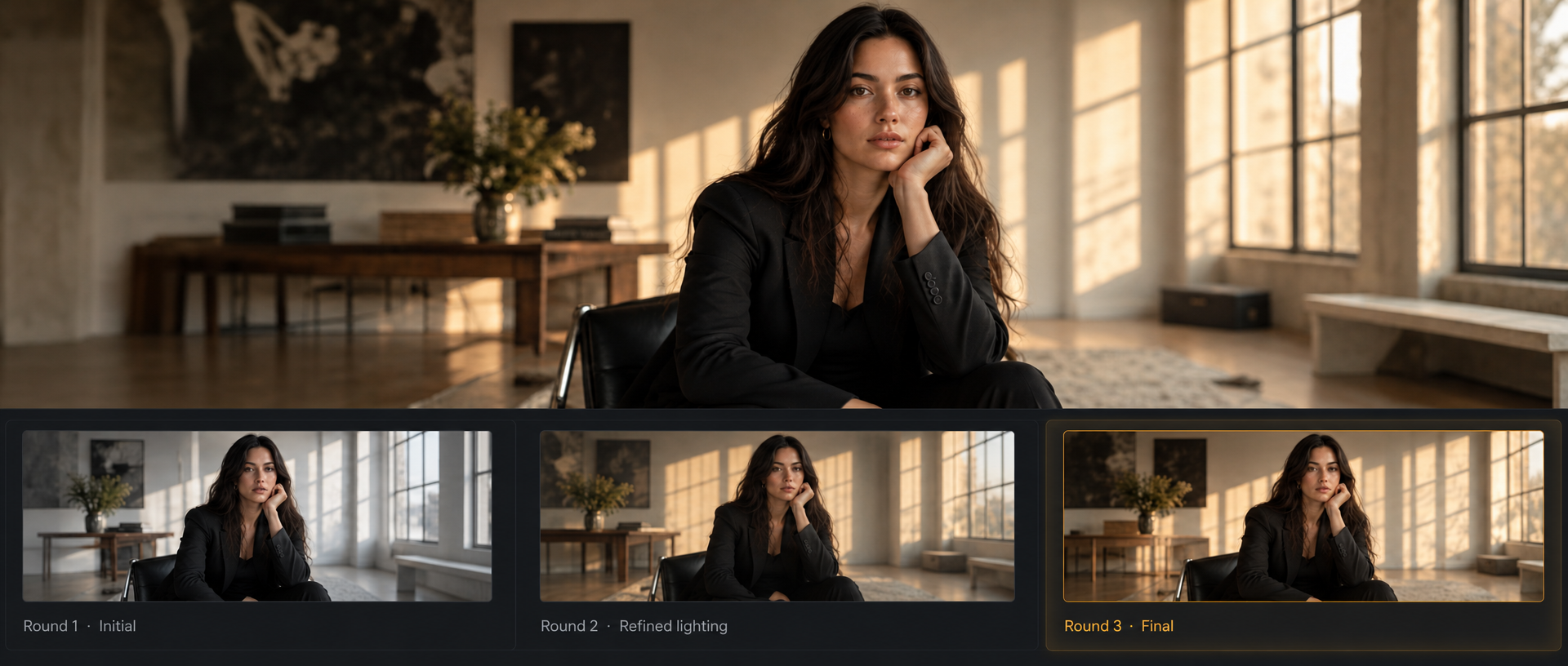
Once the image is generated, refine individual elements round by round. Each output becomes the input for the next round until the result matches your vision.
Seedream 5.5 vs Seedream 5.0 Pro
What changes when the edit chain, the background, and the small type have to hold.
| Comparison | Seedream 5.0 Pro | Seedream 5.5 |
|---|---|---|
| Multi-round editing | To be confirmed | 100+ rounds, stable |
| Transparency (RGBA) | To be confirmed | Transparent and semi-transparent output |
| Layer split | Layer separation | Layers and text re-editing |
| Small / multilingual text | 10+ languages | Higher accuracy on dense small text |
| Realism | Photoreal quality | Better expressions, proportions, and multi-image lighting |
| Pricing on Pixmax | See the pricing page | See the pricing page |
What You Can Create with Seedream 5.5
Posters, product shots, portraits, and assets with no background.

Ad and Poster Design
Multilingual posters, small-print labels, and fast versioning.

Ecommerce Visuals
Recolor, swap scenes, edit one area, and export transparent product cutouts.

Film and Portrait
Backlit portraits, rim light, smoke and lighting blends.

Stickers and Icons
Transparent assets ready to drop onto any background.
Explore More Image Models on Pixmax
Pixmax brings leading AI models for image, video, voice and creative production into one workflow.
Seedream 5.5 FAQs
Seedream 5.5 is an AI image generation and editing model available on Pixmax. It keeps edits stable across 100+ rounds, supports transparent (RGBA) output and layer split, and renders small and multilingual text more accurately.
Seedream 5.5 stays stable across 100+ rounds of editing. In a 100-round watch test, the same instruction was applied each round and every output was fed back as the next input, and the image held up through round 100.
Yes. Seedream 5.5 generates and edits images with transparent and semi-transparent areas. This suits stickers, icons, products and decorative elements, and reduces cutout and edge cleanup.
Yes. Seedream 5.5 splits an image into background, element and text layers. With text recognition, you can change the copy, swap assets and create versions in other languages.
Seedream 5.5 improves the accuracy and readability of small, dense and multilingual text. It handles text layout in posters, product labels and infographics, and text can also take on different materials and styles.
Yes. In text-to-image and image-to-image, expressions and body proportions look more natural and object sizes are reasonable. When combining multiple reference images, it improves scale, perspective and lighting between subjects.
Ready to create with Seedream 5.5?
Edit, layer and localize in one workspace.