



Project Workspace
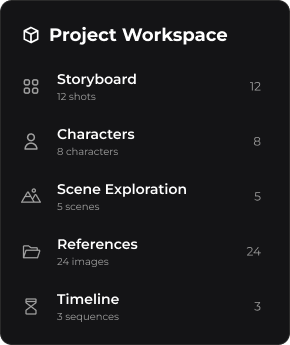
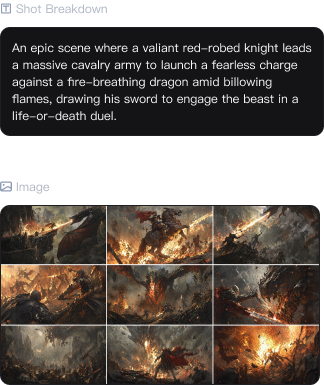
Run storyboards, character design, scene exploration, and asset creation in one visual workspace. Keep complex AI projects organized from concept to final output.
Project Workspace features
Visual Storyboarding
Arrange shot sequences visually, compare multiple shot versions, and refine pacing and cinematic flow in one workspace.
 Shot Management
 Multi-Version Compare
 Timeline Planning
 Pacing Control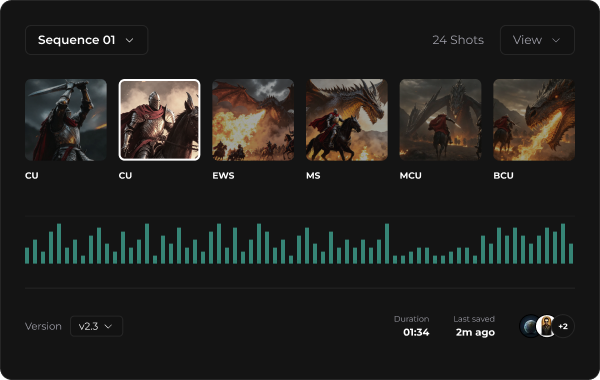
Character Design
Keep characters visually consistent across outfits, expressions, angles, and keyframes throughout production.
 Character Consistency
 Outfit Variations
 Expression Library
 Angle Reference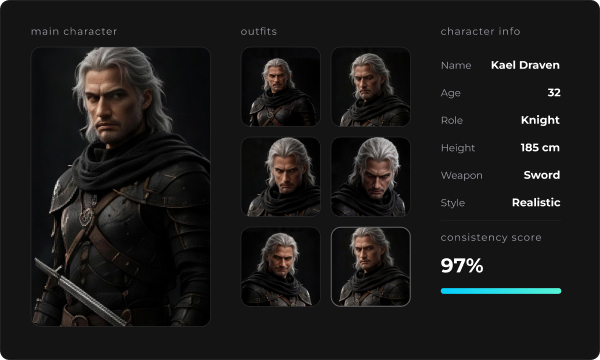
Scene Exploration
Explore mood, camera direction, lighting, and visual atmosphere before generating final scenes.
 Moodboard
 Camera Planning
 Lighting Direction
 Visual Variations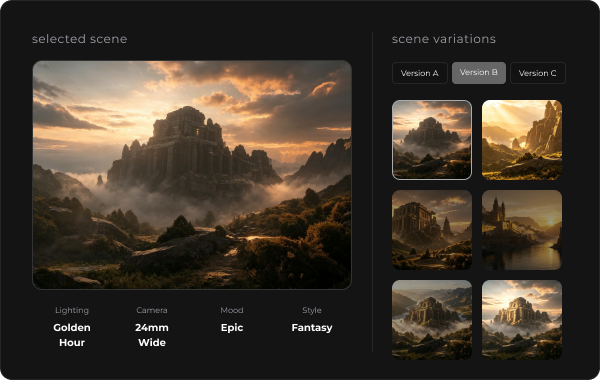
Professional Project Management for AI Video Production
Manage every stage of video creation—from scenes and assets to progress tracking and team collaboration—with a structured workspace built for professional production.
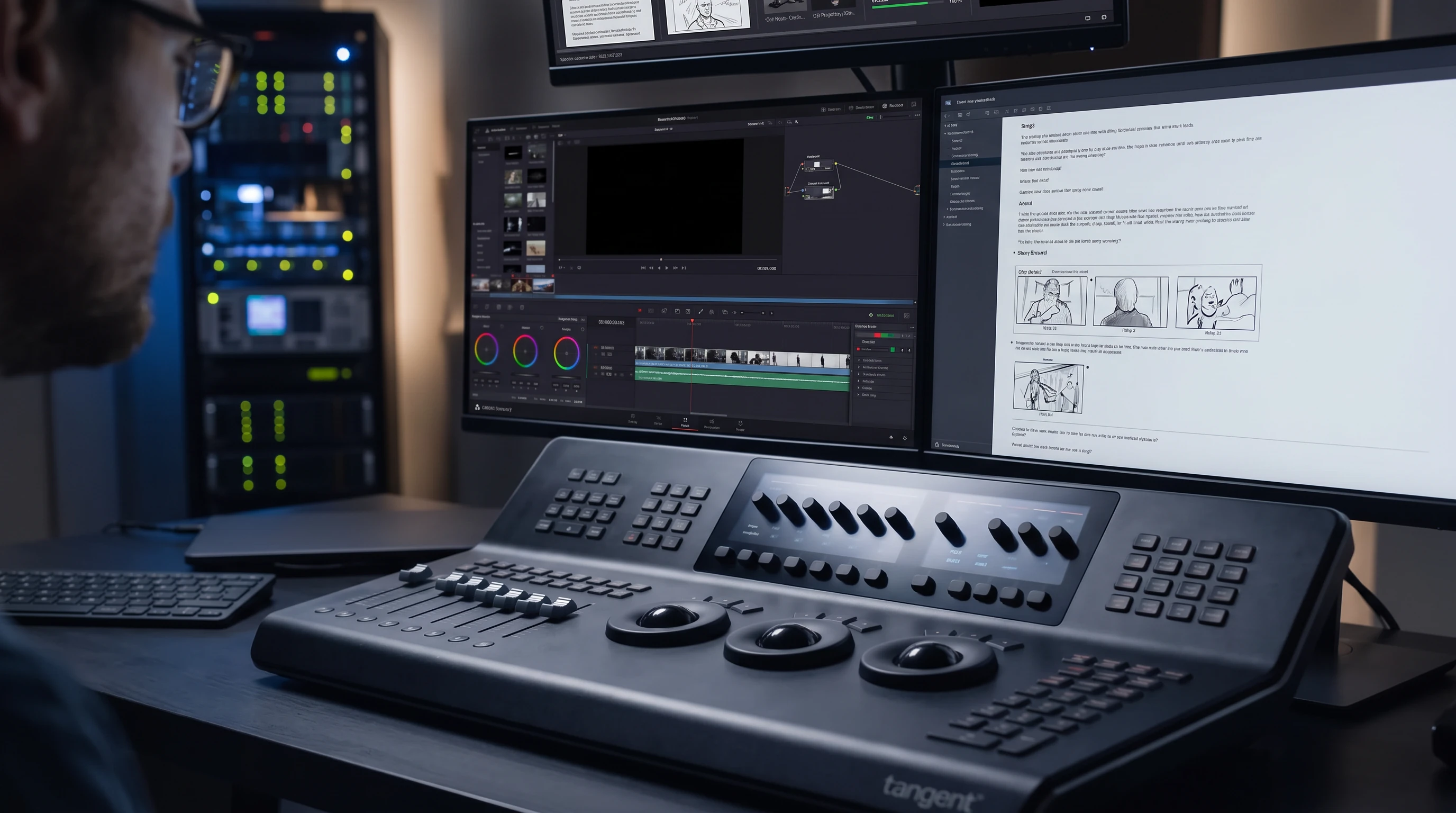
Professional Film Production
Organize scripts, storyboards, assets, generation tasks, and final videos to improve production efficiency.
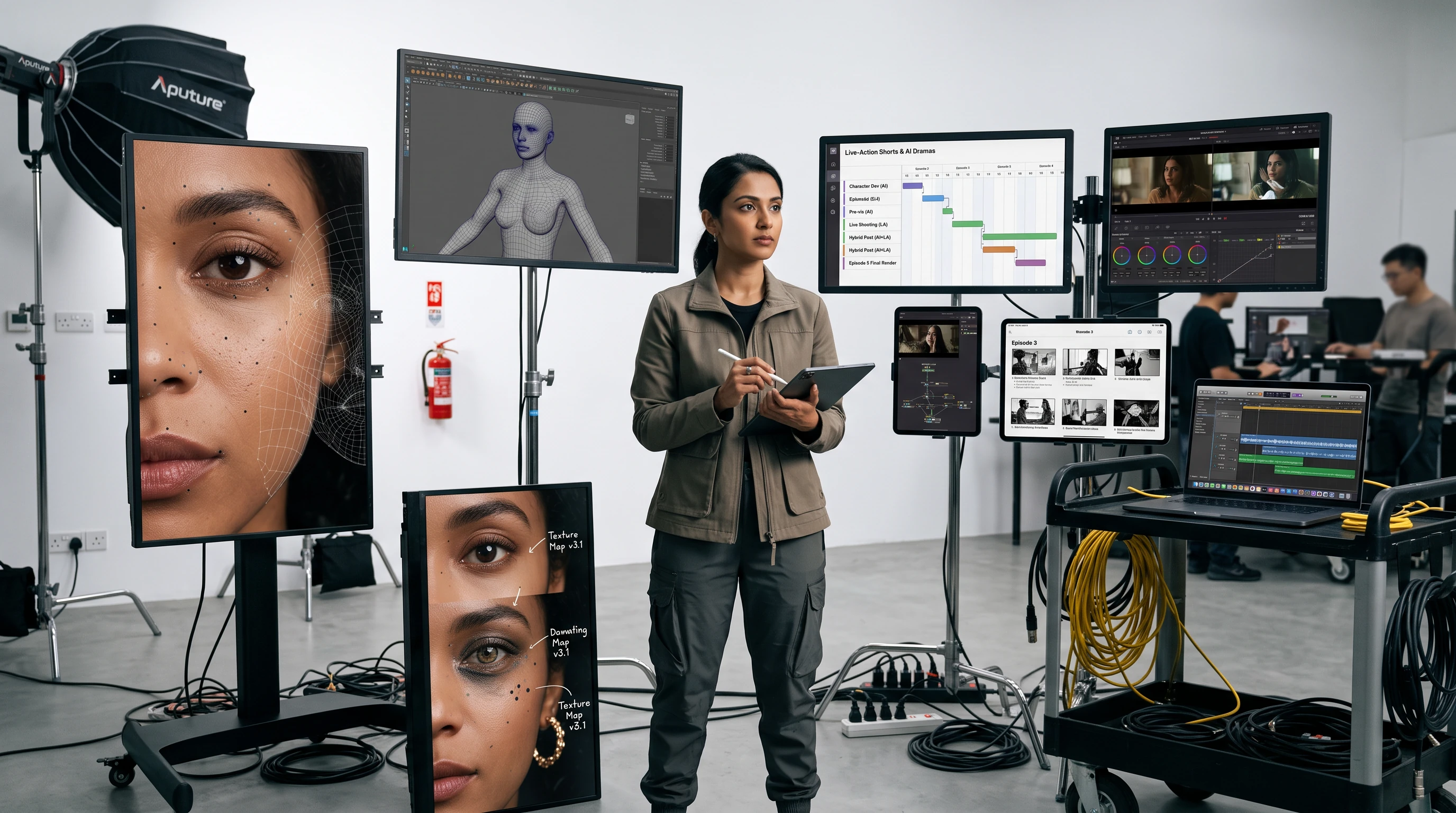
Live-Action Shorts & AI Dramas
Manage multi-episode projects with clear workflows from character development to final video production.
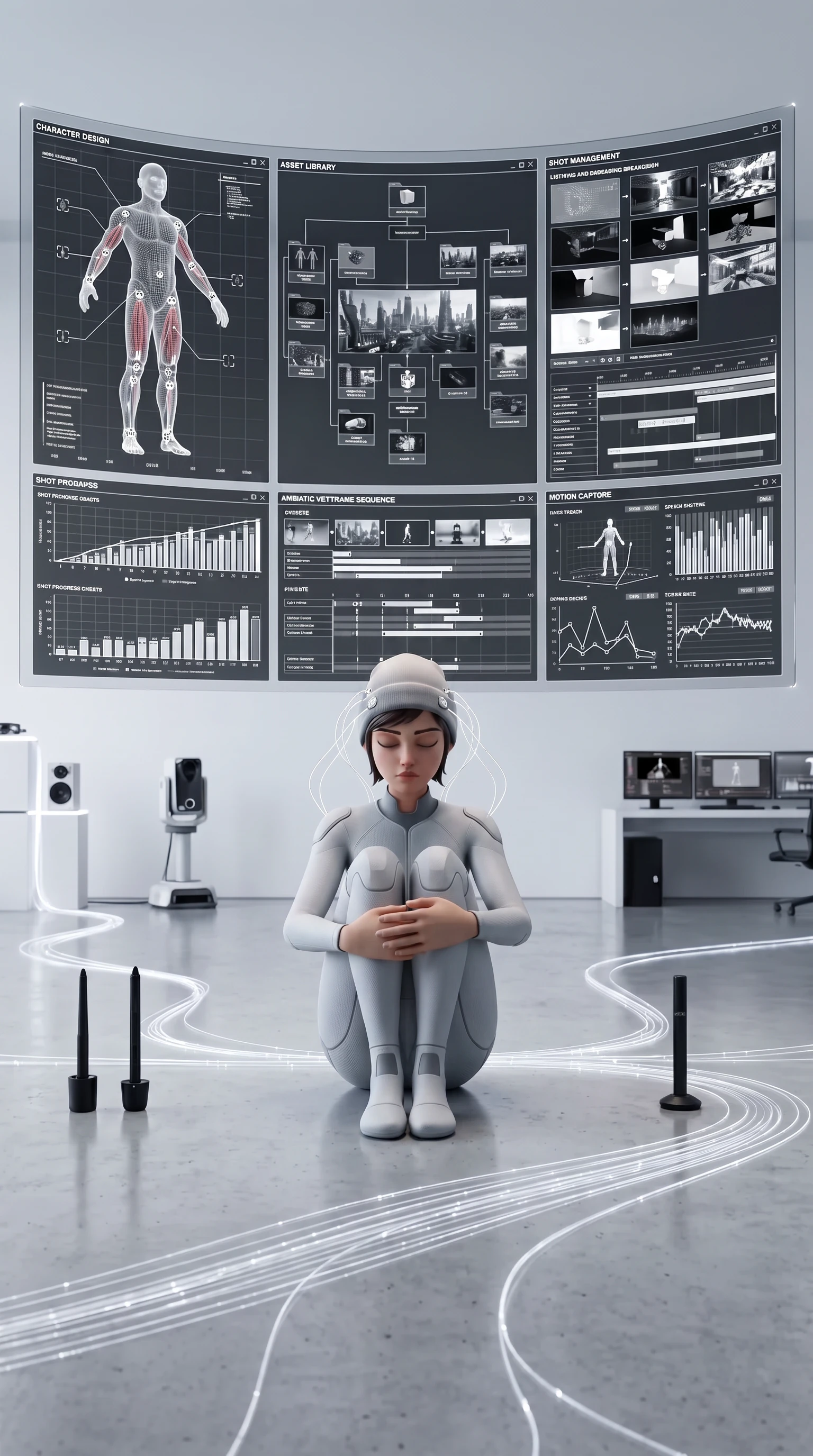
CG Animation
Structure complex animation projects with organized character design, scene creation, and shot management.
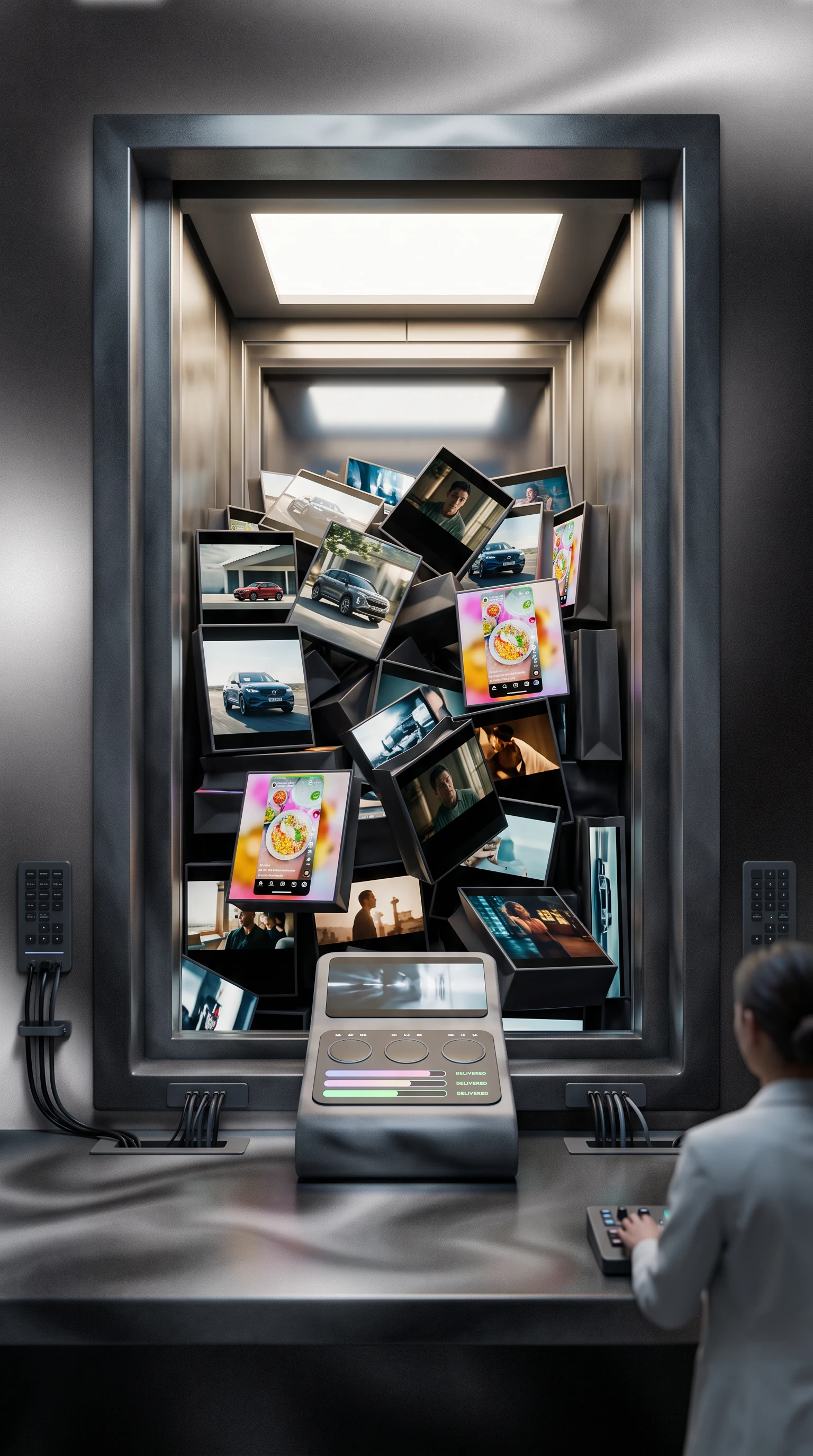
Brand Marketing Videos
Manage brand films, campaign content, and social media videos with smoother review and delivery workflows.
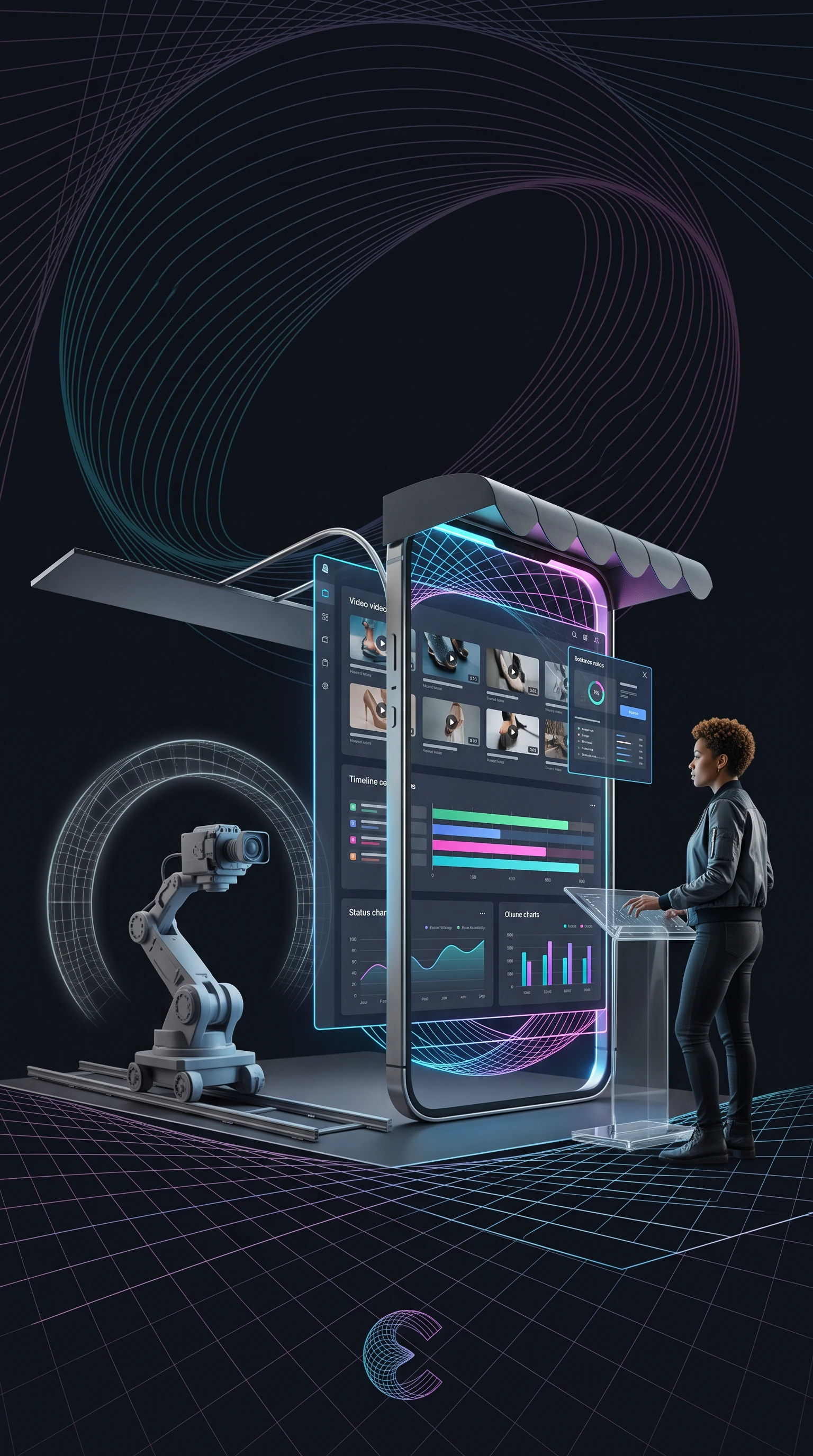
E-commerce Advertising
Track multiple product videos, creative versions, and campaign tasks in one centralized workspace.
Project Workspace for Every Production Scenario
Plan and organize ads, short dramas, post-production, animation, and product showcases in one place.
E-commerce Advertising
Live-Action Short Drama
Film Post-Production
2D AI Comic Drama
Classic Films
CG Animation
Product Showcase
Project Workspace FAQ
Yes. You can run storyboards, character design, scene exploration, and generation tasks across multiple canvases within the same project.
Yes. Each canvas can be used for a different creative task, helping you keep complex projects organized without mixing assets or workflows.
It brings storyboards, characters, assets, references, and scene development into one workspace, making complex AI production easier to organize, review, and iterate.
Yes. New users can start with simple visual workflows, while advanced creators can build more structured production pipelines as projects grow.