




Non-Native Vertical Formatting
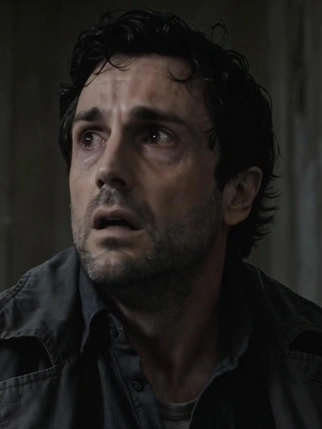
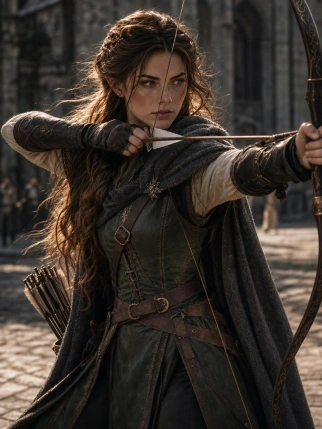
Faces, wardrobe, and voices shift between shots. Without asset locking, audiences disconnect, and retention drops.
Transform AI drama production to industrial scale. Pixmax integrates Midjourney and ElevenLabs to lock character consistency, animate with 2,000+ motions, and dub natively in 8+ languages for global distribution.
Start Creating FreeGenerating one viral clip is easy. Producing a consistent 80-episode series with locked characters,
natural motion, and multi-language dubbing is where most studios struggle.
Faces, wardrobe, and voices shift between shots. Without asset locking, audiences disconnect, and retention drops.
Prompts can't replicate complex staging. Action scenes drift, requiring endless regenerations and manual fixes.
Juggling image generators, motion tools, and editors breaks flow. Tool switching kills efficiency and increases error rates.
Faces, wardrobe, and voices shift between shots. Without asset locking, audiences disconnect, and retention drops.
Live-action, anime, and comic styles require different models. Switching mid-project destroys visual continuity.
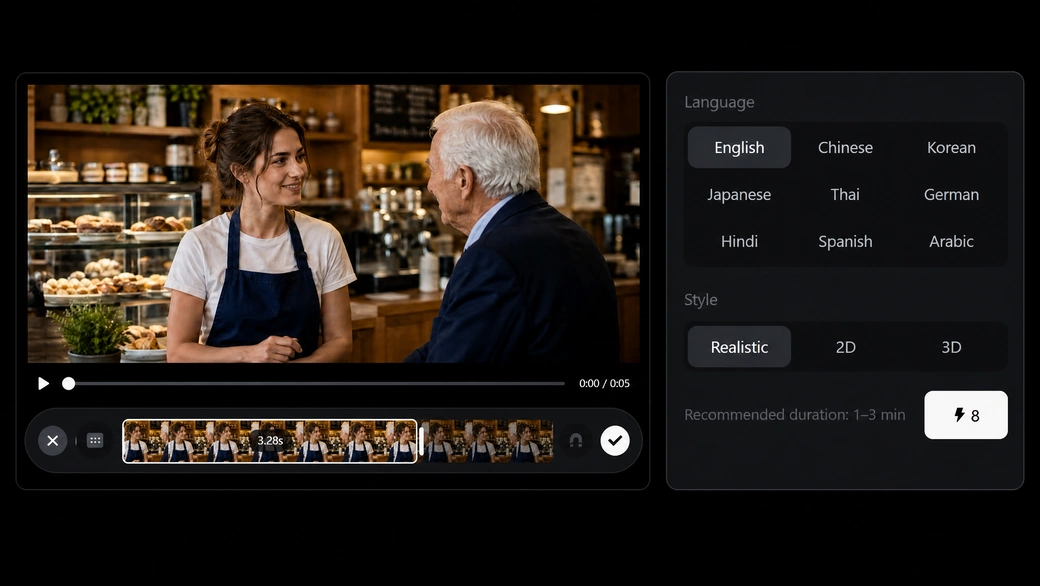
Pixmax unifies your pipeline. From script to publish-ready 9:16 episodes with locked assets, native dubbing (EN/KR/ES/CN), and zero tool switching.
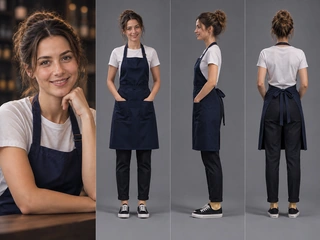
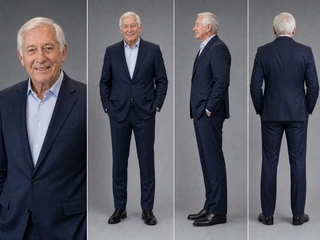
Save Faces, Wardrobe, And Styles As Reusable Pixmax Assets. Apply Across Storyboards To Eliminate Identity Drift.
Explore Asset Library →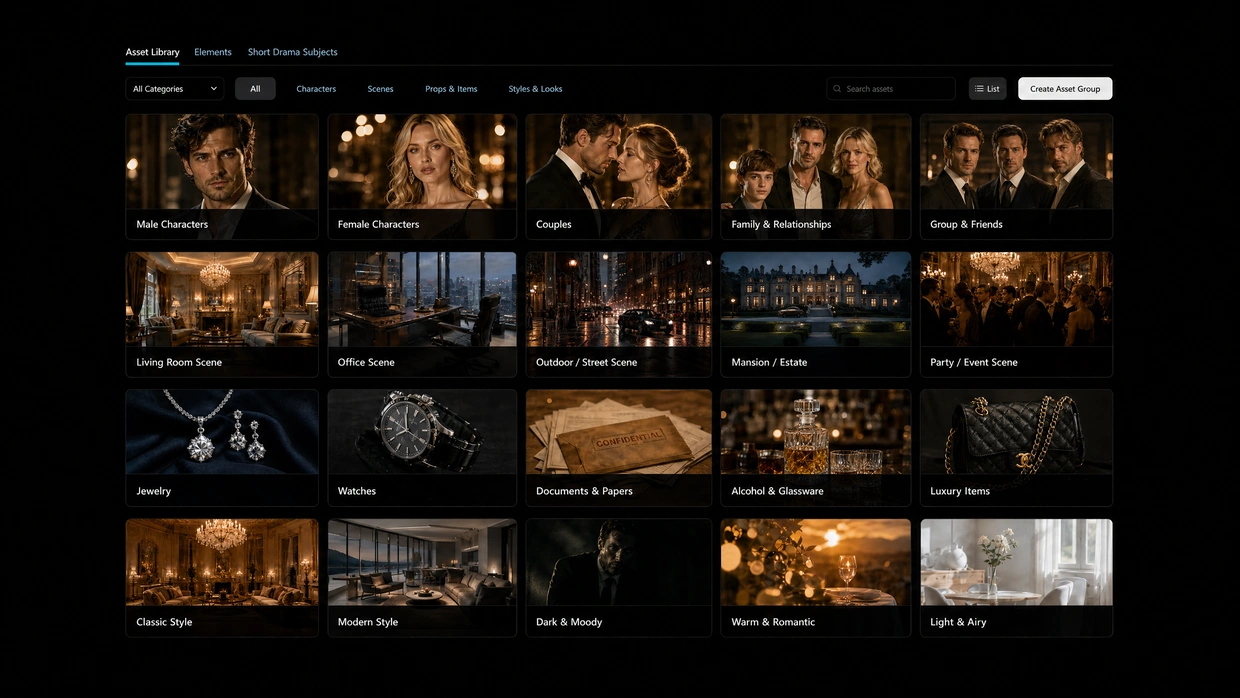
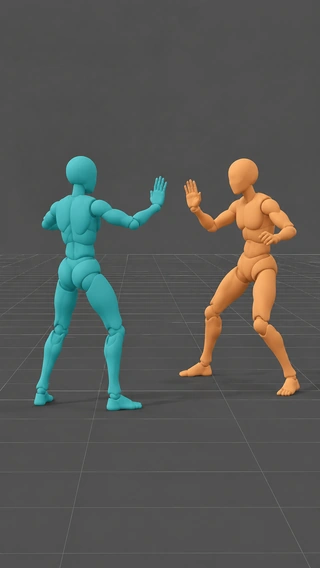
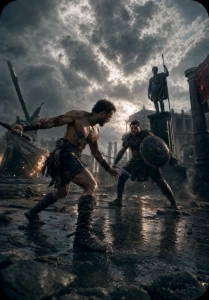
Block Cast, Set Virtual Cameras, And Apply Professional Motions Before Generation. Zero Randomness, Full Director Control Within Pixmax Canvas.
Explore 3D Director Stage →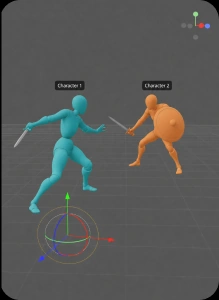

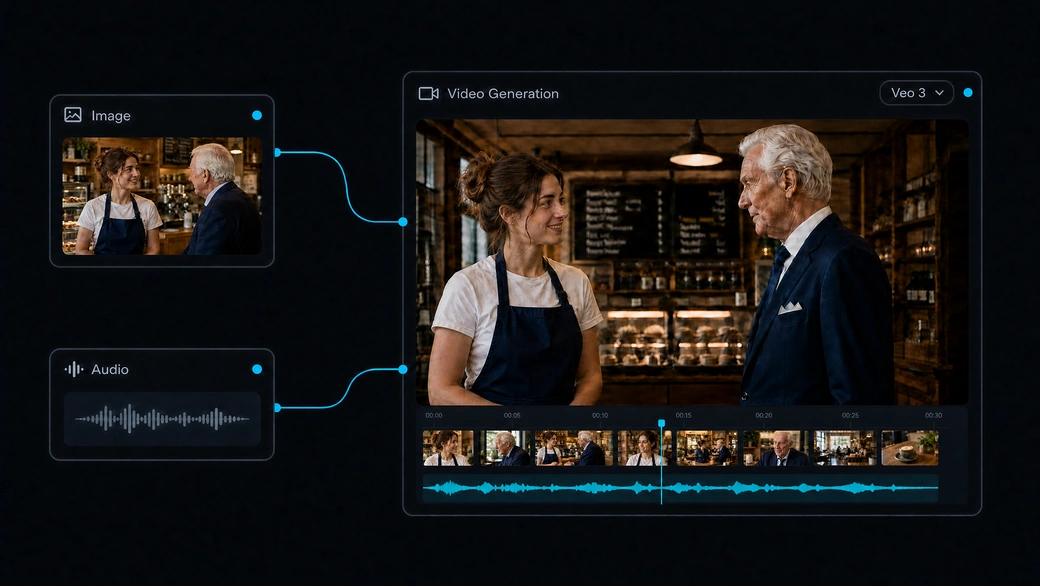
Integrate Script, Storyboard, Image, Audio, 3D Stage, And Editor In One Pixmax Workspace. AI Assistant Guides Every Step. No Context Loss, No Tab Switching.
Explore Project Workspace →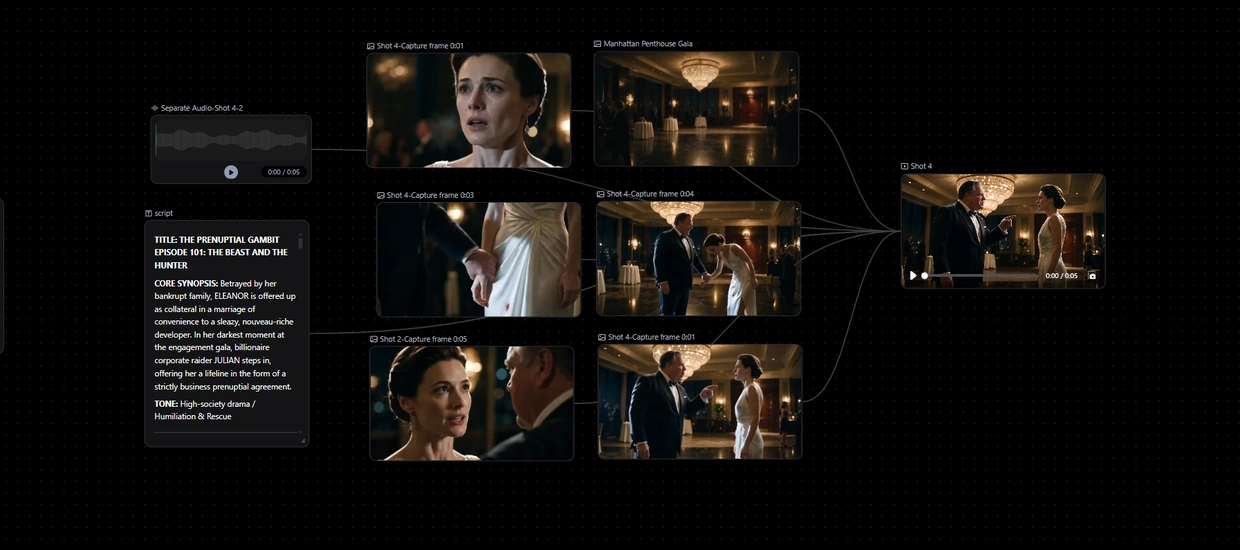
Seedance 2.5 On Pixmax Supports 480P/720P/1080P Vertical Video. Perfect Mouth Movement In EN, CN, KR, ES,. Ready For Global Mobile Feeds.
Explore AI Video Agent →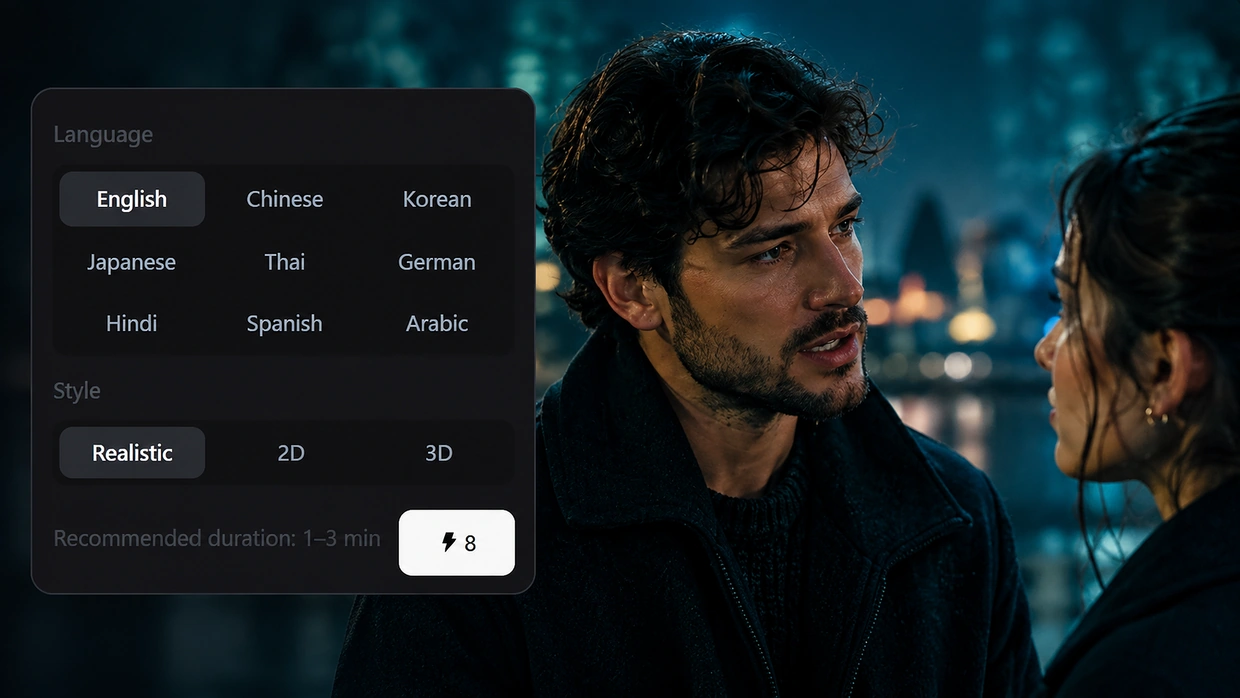
Lock Character Voices Across The Full Series, Then Generate Dialogue, Dubbing, And Lip-Sync Without Voice Drift Between Episodes.
Explore ElevenLabs →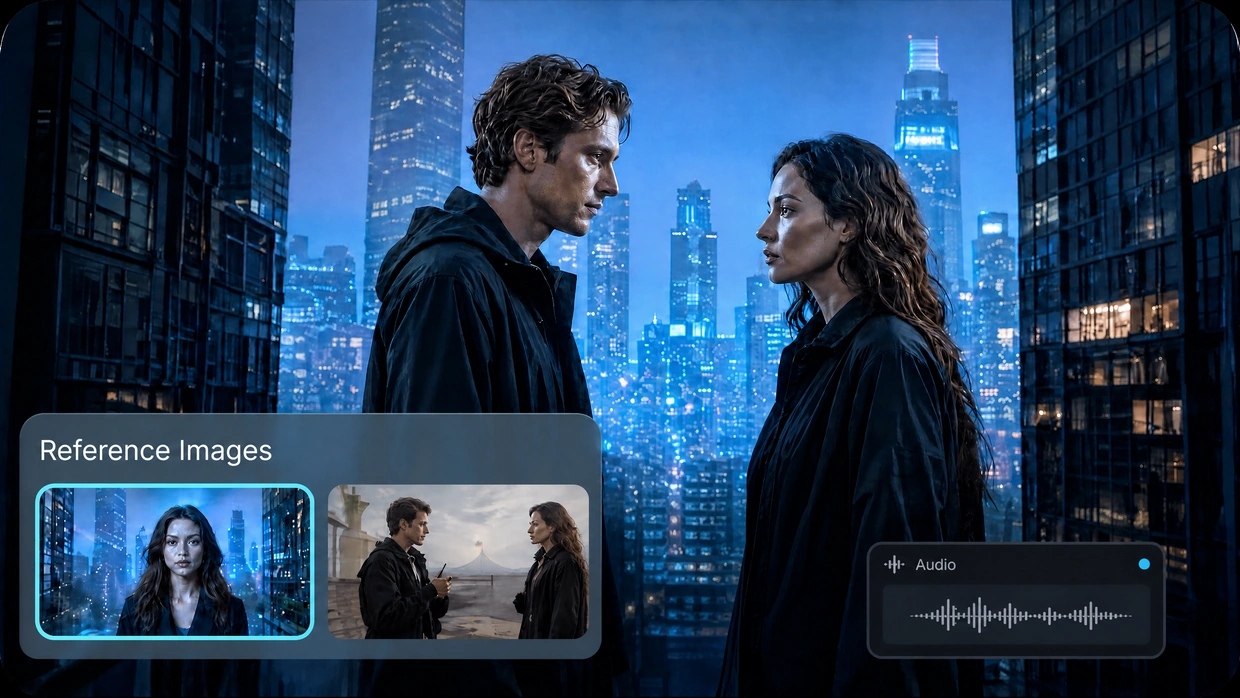
Route Each Shot To The Right Video, Image, Or Audio Model Inside Pixmax While Keeping The Same Cast And Creative Context.
Explore All AI Models →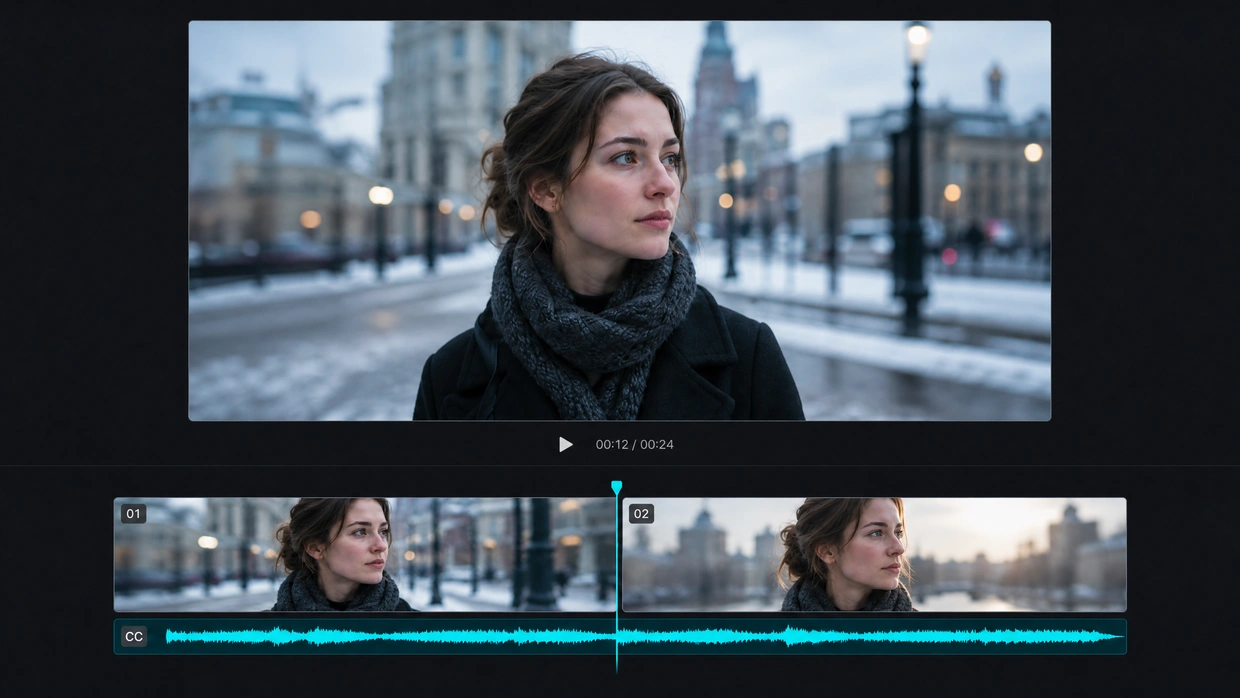
Pick the right model for the shot — live-action dialogue, anime motion, key art, or voice — without leaving the project.
From script to publish-ready vertical episodes on one canvas. The same workflow takes a single AI micro drama pilot to an 80-episode series without rebuilding your cast.
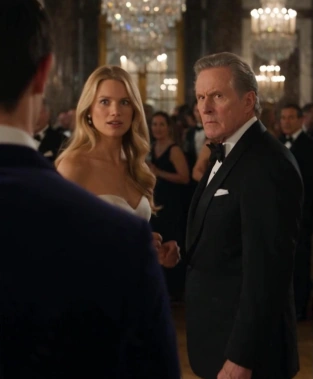
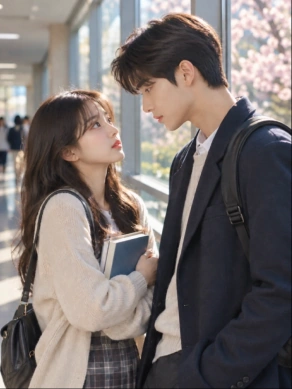
Watch 9:16 AI micro drama episodes made in Pixmax — revenge, suspense, that keep the same cast from episode 1 to the finale, localized for global audiences.


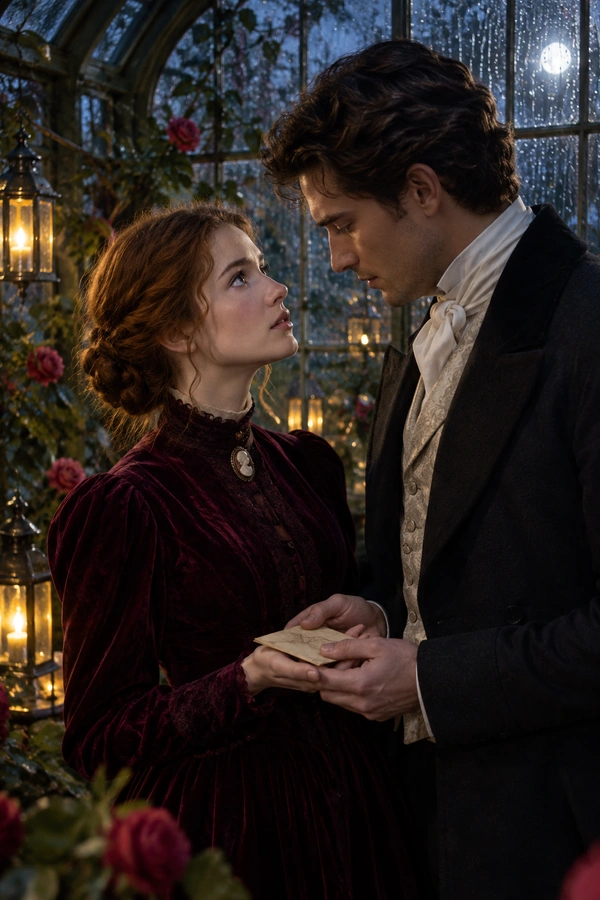
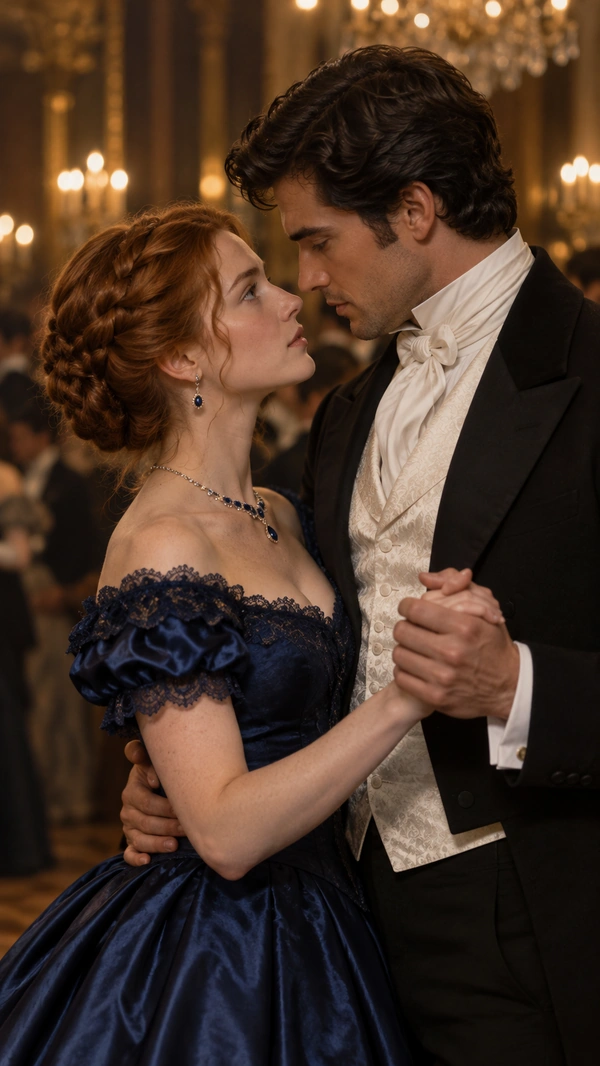

Example comparison only — not official Pixmax results. Replace with internal measurements before launch.
| Traditional Shoot or Disconnected AI Tools | With Pixmax | |
|---|---|---|
| Cast and locations | Looks and sets often have to be rebuilt for each shot or episode | Lock assets once in the library and reuse them in the board and in generation |
| Blocking and motion | Staging and camera notes live in prompts or separate previz tools | Block shots and apply mocap-grade motion in 3D Director Stage before you generate |
| Localization | Re-shoots or studio dubbing for each market add weeks and budget | Localize the same episode into 8 languages with one-click Redraw, keeping locked characters and voices |
| Time to first episode | A live episode can take days to weeks of coordination and shooting | Once assets are ready, a first episode may take hours to a few days, incl. review |
| Production cost | Cast, crew, locations, and post-production drive most of the budget | Model credits plus review and rework; total depends on episode length, resolution, and models |
Start with a ready-made romance, suspense, fantasy, or action workflow. Add your script and cast, then generate vertical episodes on one canvas.
An AI short drama generator turns a script or story into short, vertical episodes for mobile platforms. Pixmax combines cast locking, storyboarding, video generation, lip-sync, editing, and localization in one workspace.
Import your script, split it into episodes and shots, lock the cast, then storyboard and generate each scene. Add dialogue, lip-sync, and final edits on the same canvas.
Yes. Import a chapter or long script, divide it into short episodes, and reuse the same characters, locations, and voices throughout the series.
Save approved faces, outfits, styles, and voices as reusable assets, then apply the same references to every shot. This reduces visual and voice drift across episodes.
Yes. Pixmax supports native 9:16 video and lip-synced dialogue, so episodes can be exported for mobile feeds without reframing.
Yes. Localize the same episode into up to 8 languages while reusing the original scenes, characters, and voices.
Seedance, Kling, Wan, and Veo are useful for live-action dialogue and motion. You can choose a different model for each shot without leaving Pixmax.
3D Director Stage lets you block characters, cameras, and motion before generation. Its 2,000+ motion library is free for a limited time.
Cost varies by episode length, resolution, model, and the number of retries. You can start free, then compare credit plans on the Pricing page.
Yes. Writers, storyboard artists, and editors can share one project, Asset Library, and repeatable workflow across the full season.
Yes. Pixmax can also turn manga, webtoon, and novel scripts into AI comic dramas and motion comics. Explore the Pixmax AI Comic Drama workflow →
Turn your script into a 9:16 AI short drama pilot, then scale to a full season.
2,000+ mocap motions are free for a limited time.