






MiniMax H3 Multimodal AI Video Model
Create, direct, and edit complete video scenes with text, images, video, and audio in one multimodal workflow.
MODEL OVERVIEW
One Model for Generation, Direction, and Precise Video Editing
MiniMax H3 is a multimodal AI video model built for controllable creation. It can combine text prompts with image, video, and audio references, preserve visual and audio intent across shots, and make targeted changes without rebuilding the entire concept from scratch.
Three Core Capabilities
Deep Reasoning
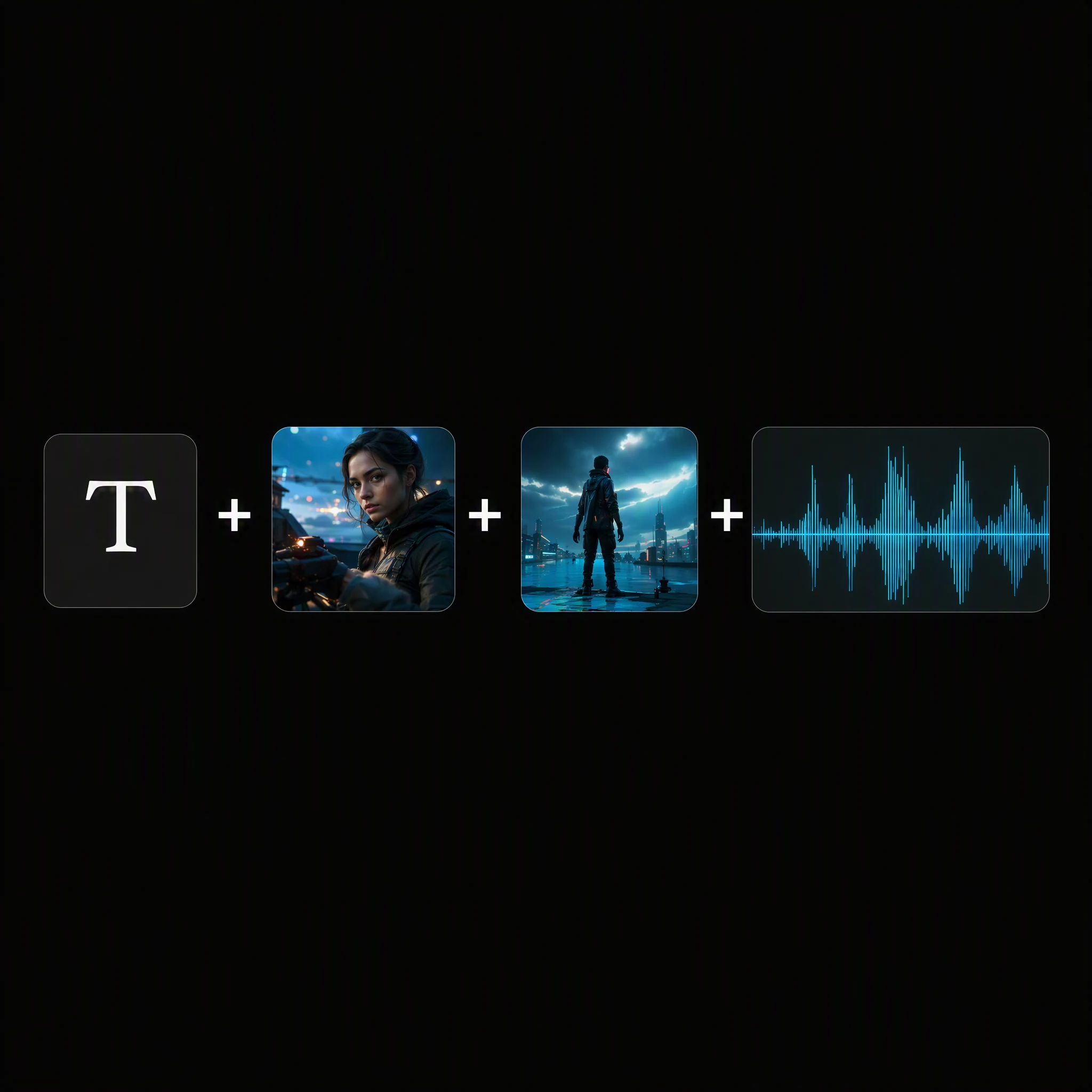
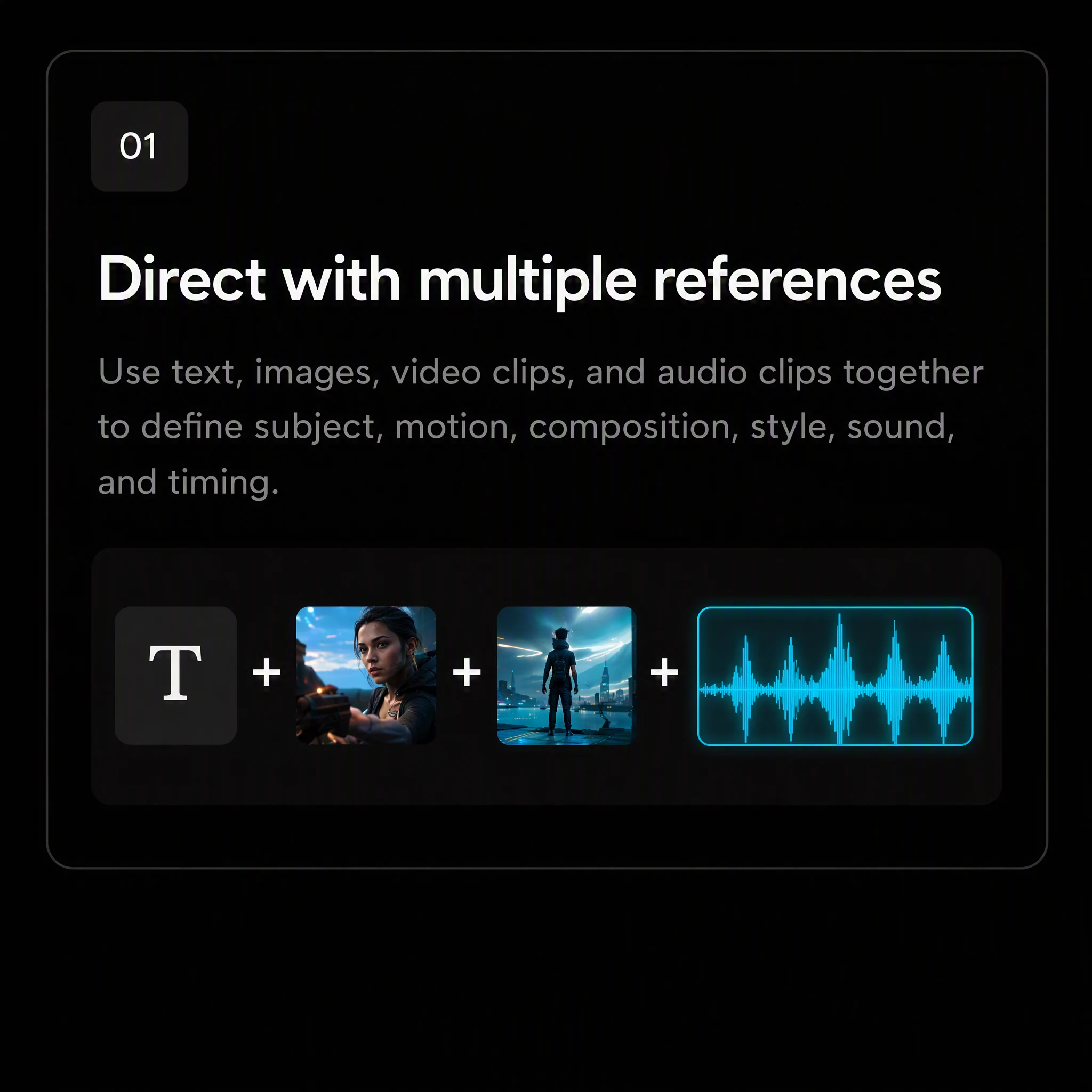
Use text, images, video clips, and audio clips together to define subject, motion, composition, style, sound, and timing.
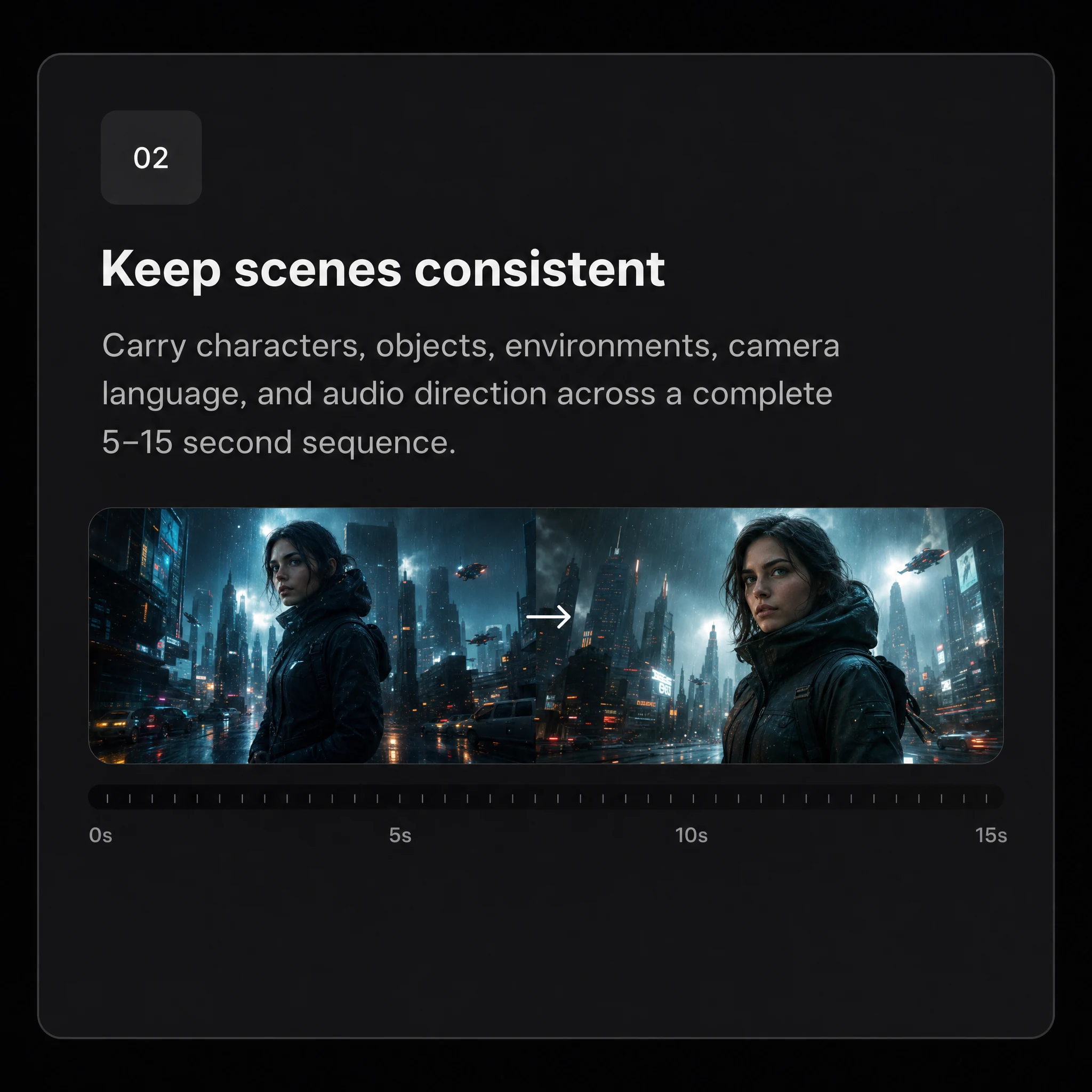
Keep scenes consistent
Carry characters, objects, environments, camera language, and audio direction across a complete 5–15 second sequence.
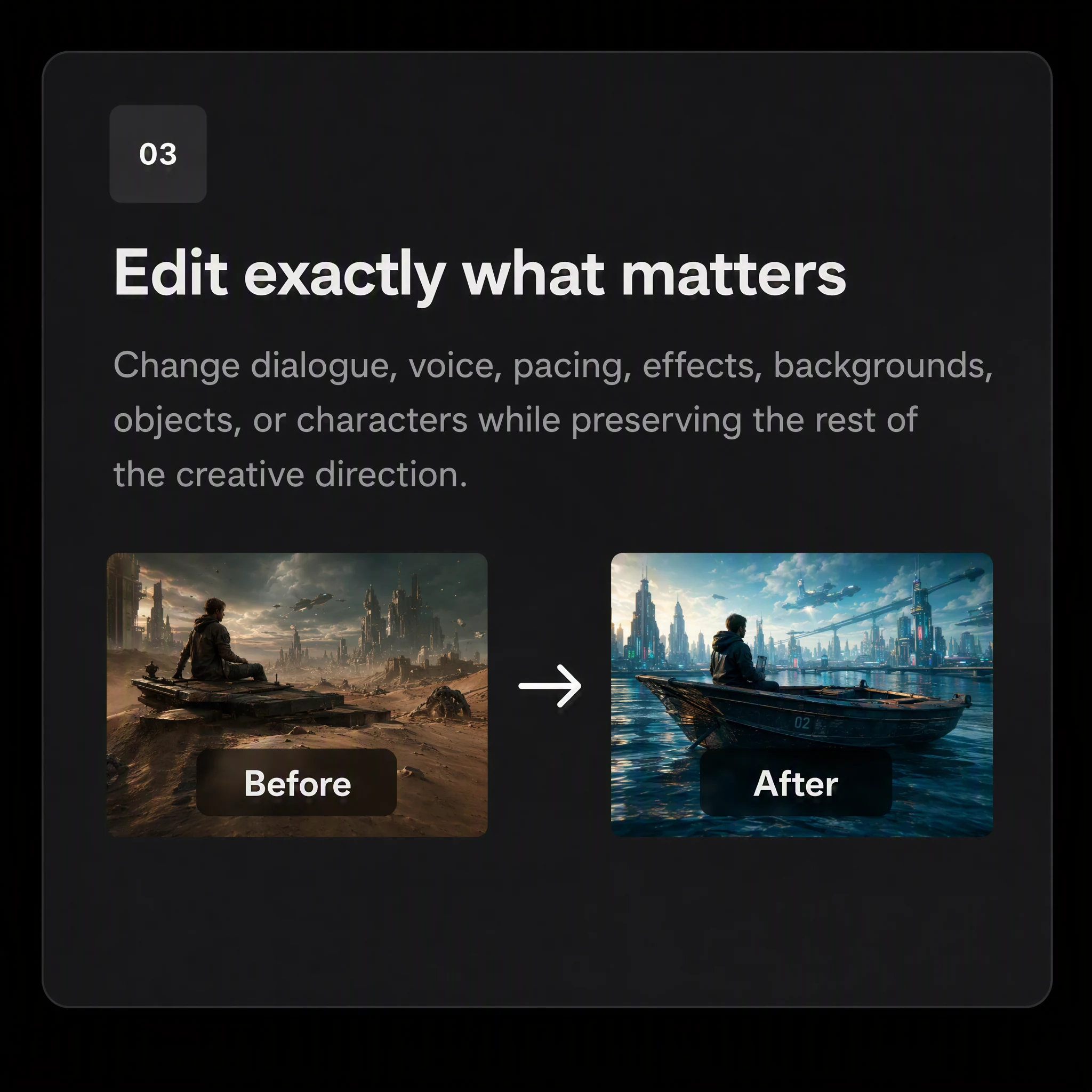
Edit exactly what matters
Change dialogue, voice, pacing, effects, backgrounds, objects, or characters while preserving the creative direction.
MODEL OVERVIEW
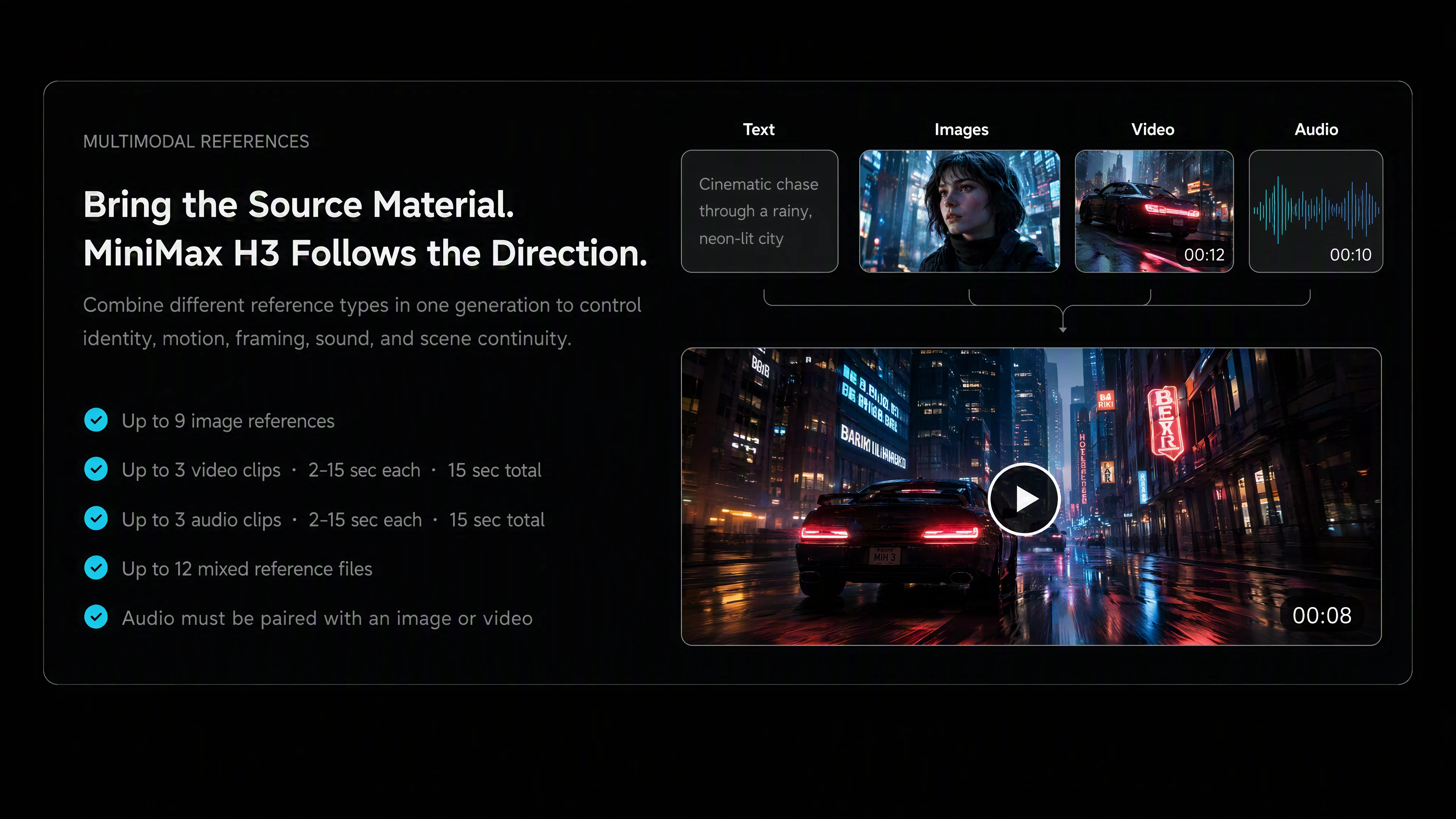
Bring the Source Material.
MiniMax H3 Follows the Direction.
Combine different reference types in one generation to control identity, motion, framing, sound, and scene continuity.
- Up to 9 image references
- Up to 3 video clips · 2–15 sec each · 15 sec total
- Up to 3 audio clips · 2–15 sec each · 15 sec total
- Up to 12 mixed reference files
- Audio must be paired with an image or video
Edit the Scene Without Losing the Scene
Use natural-language instructions to refine a generated or referenced sequence at the level the story actually needs.
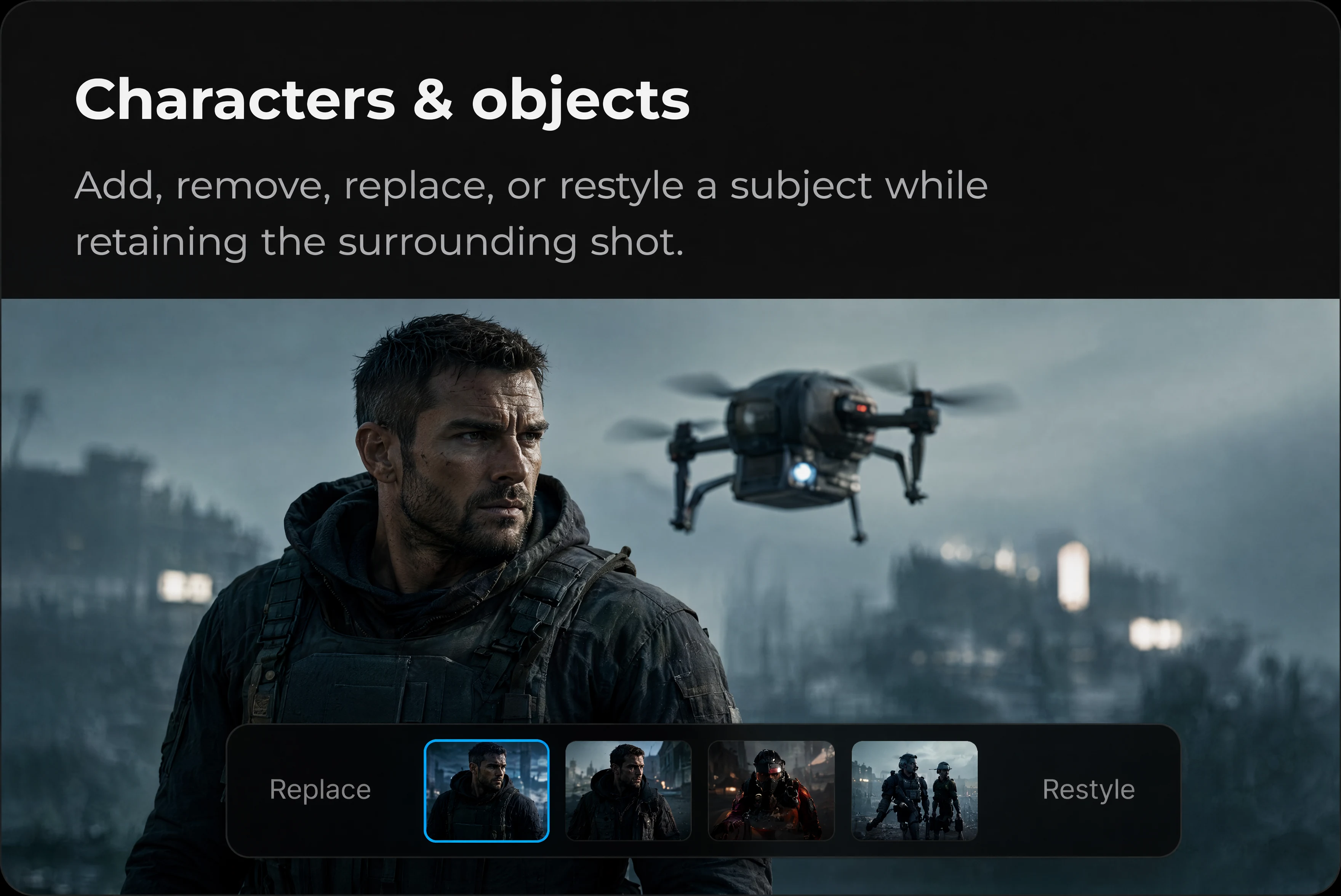
Characters & objects
Add, remove, replace, or restyle a subject while retaining the surrounding shot.
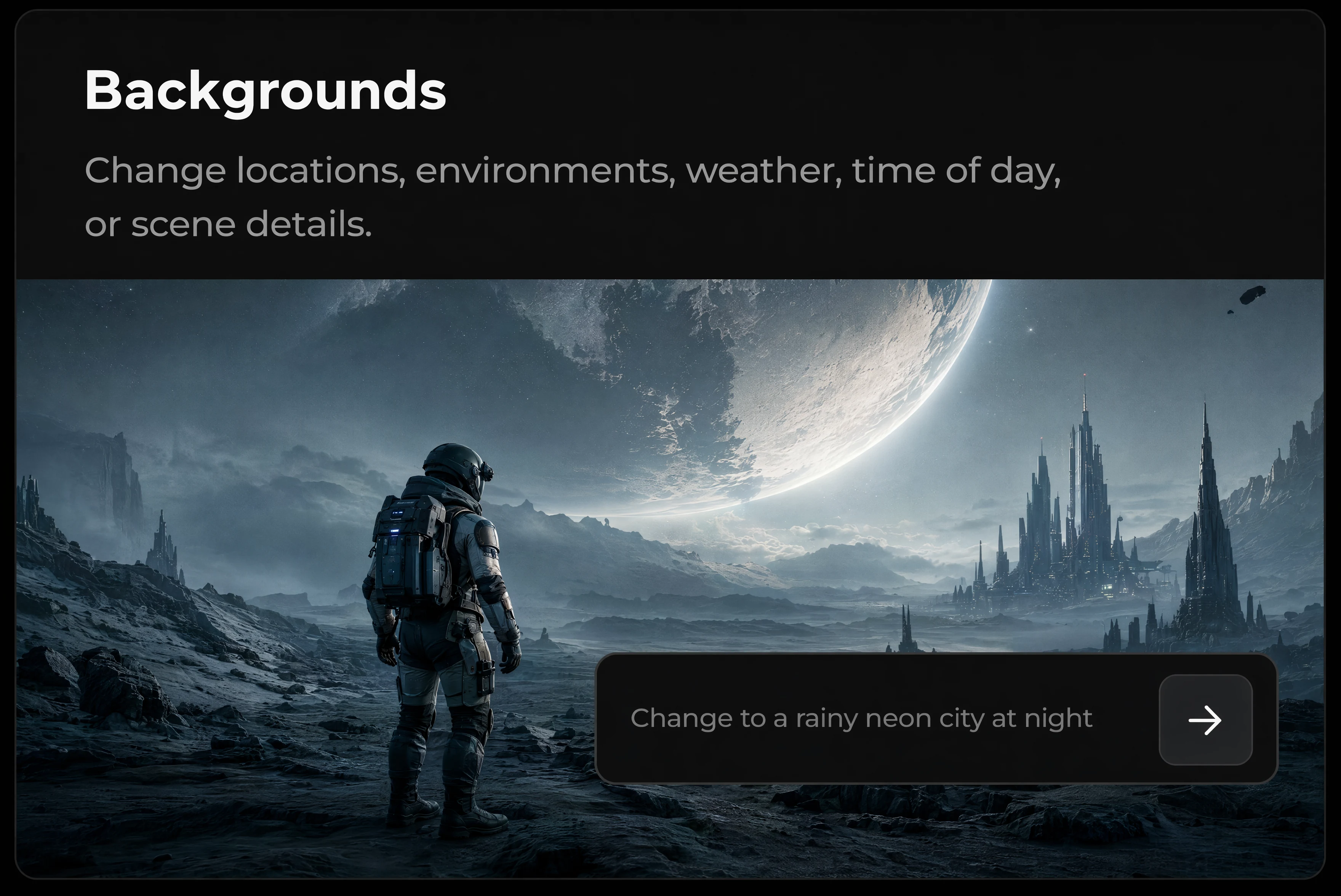
Backgrounds
Change locations, environments, weather, time of day, or scene details.
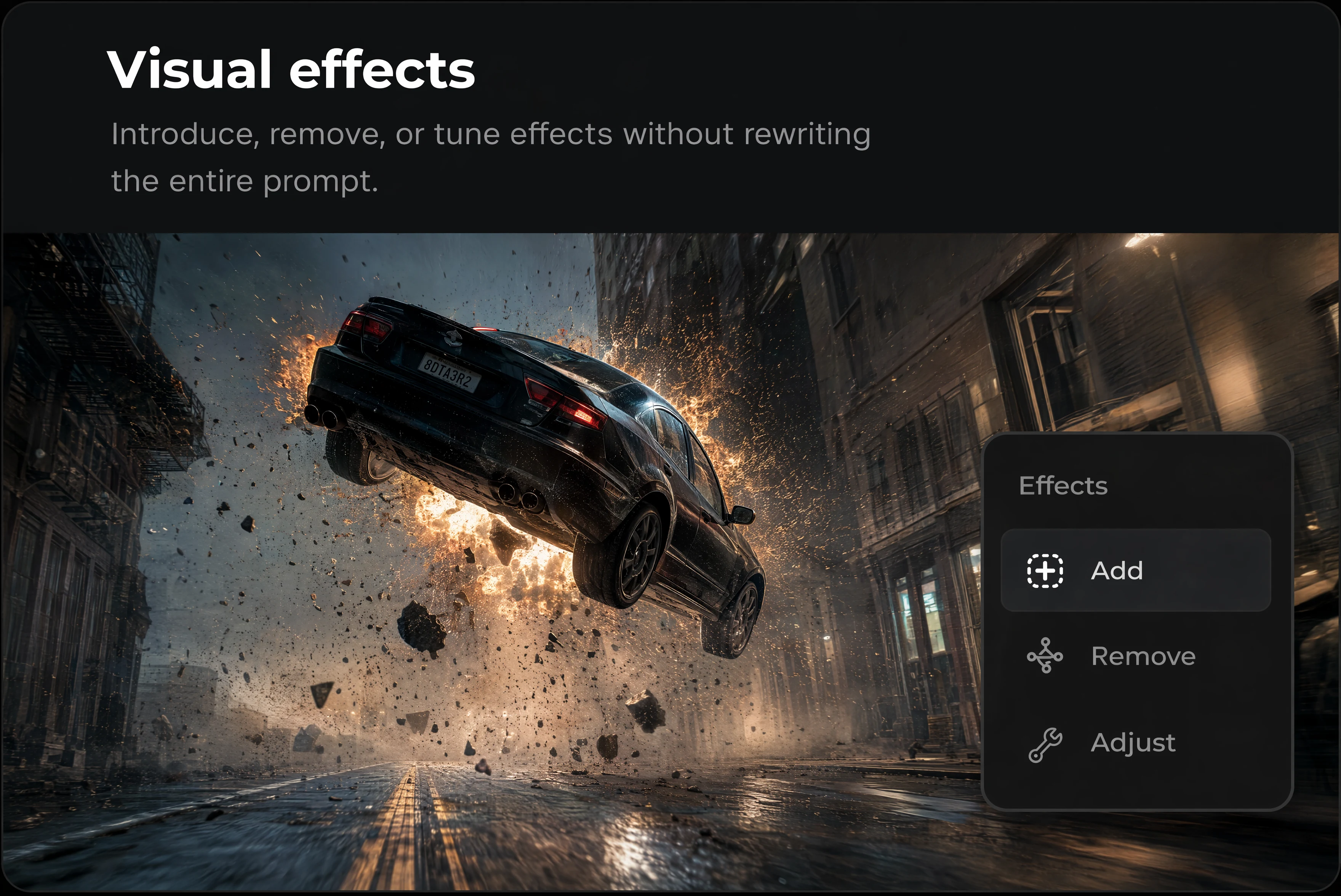
Visual effects
Introduce, remove, or tune effects without rewriting the entire prompt.
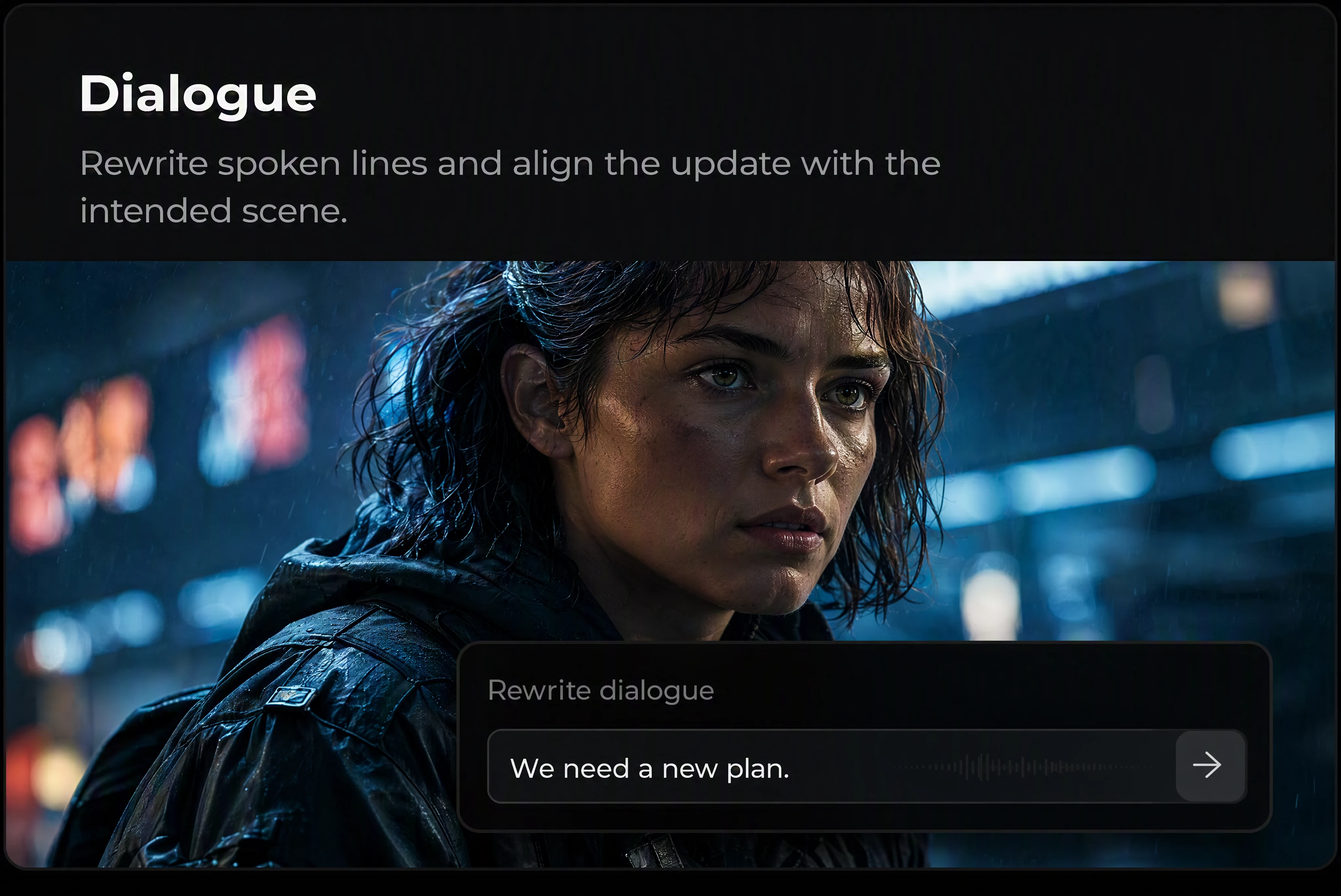
Dialogue
Rewrite spoken lines and align the update with the intended scene.
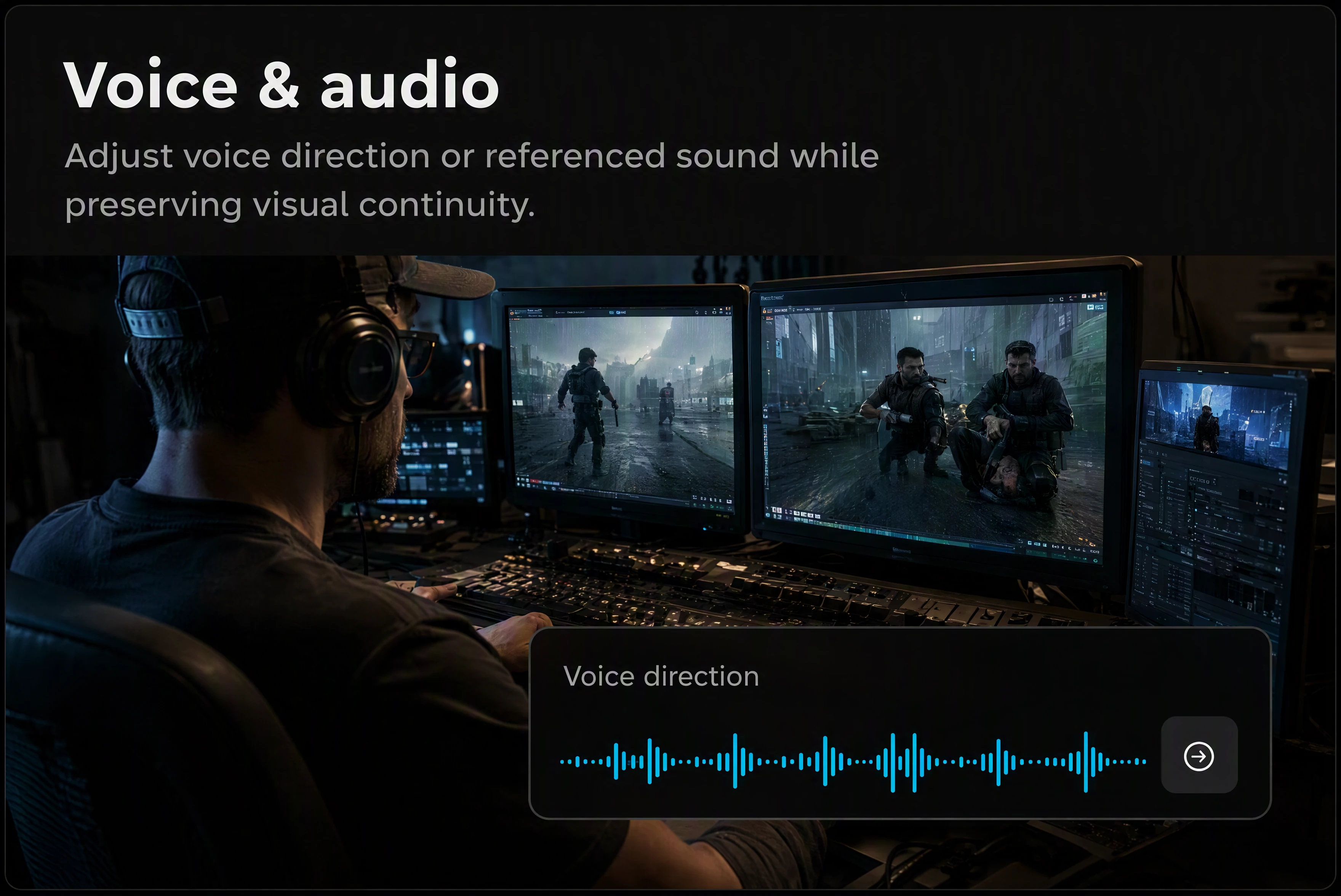
Voice & audio
Adjust voice direction or referenced sound while preserving visual continuity.
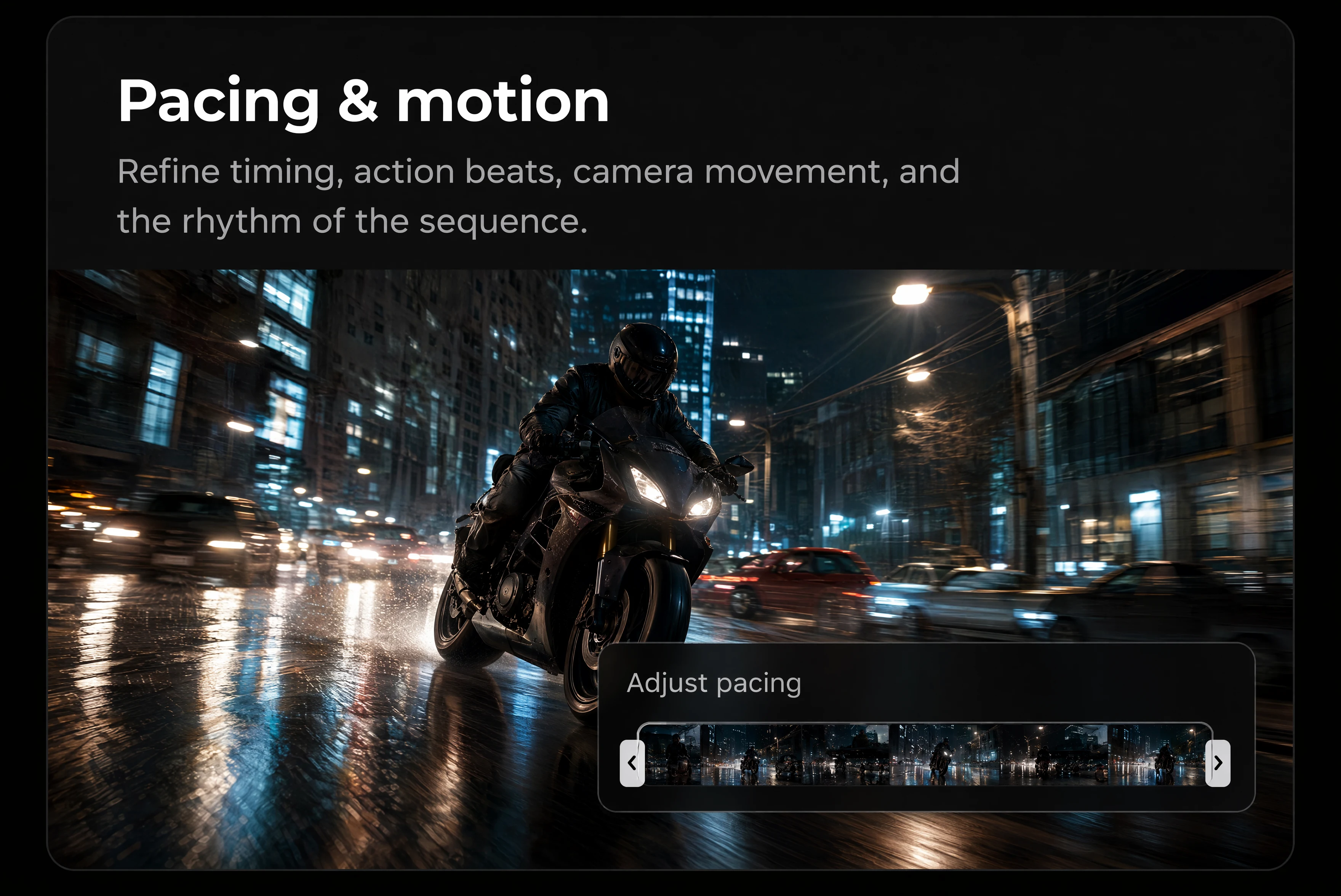
Pacing & motion
Refine timing, action beats, camera movement, and rhythm of the sequence.
READY TO CREATE?
Build your next video with MiniMax H3
Combine references, direct the details, and create on Pixmax.
Built for Production Workflows
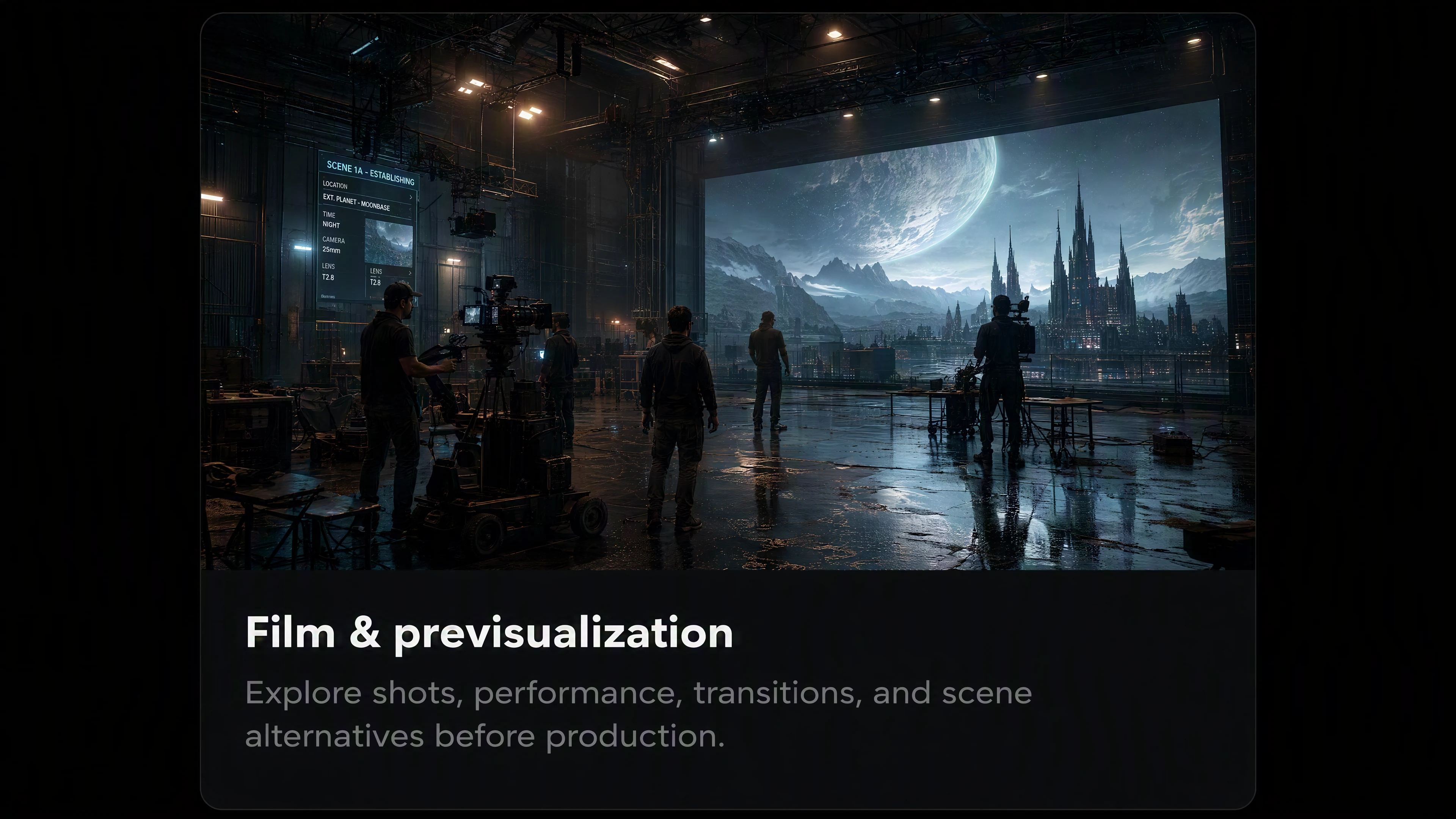
Replace with output
Explore shots, performances, transitions, and scene alternatives before production.
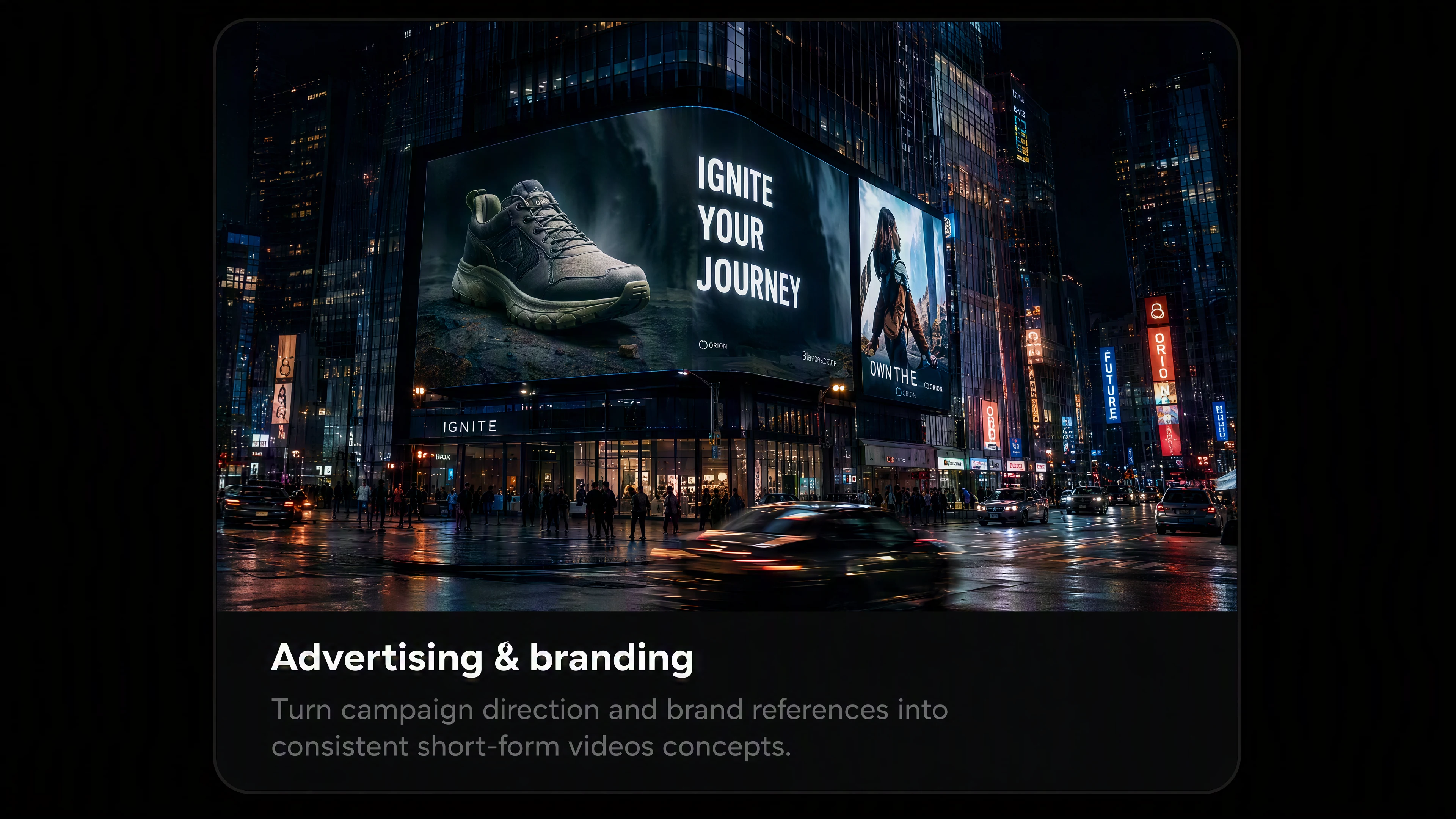
Advertising & branding
Turn campaign direction and brand references into controlled short-form video concepts.
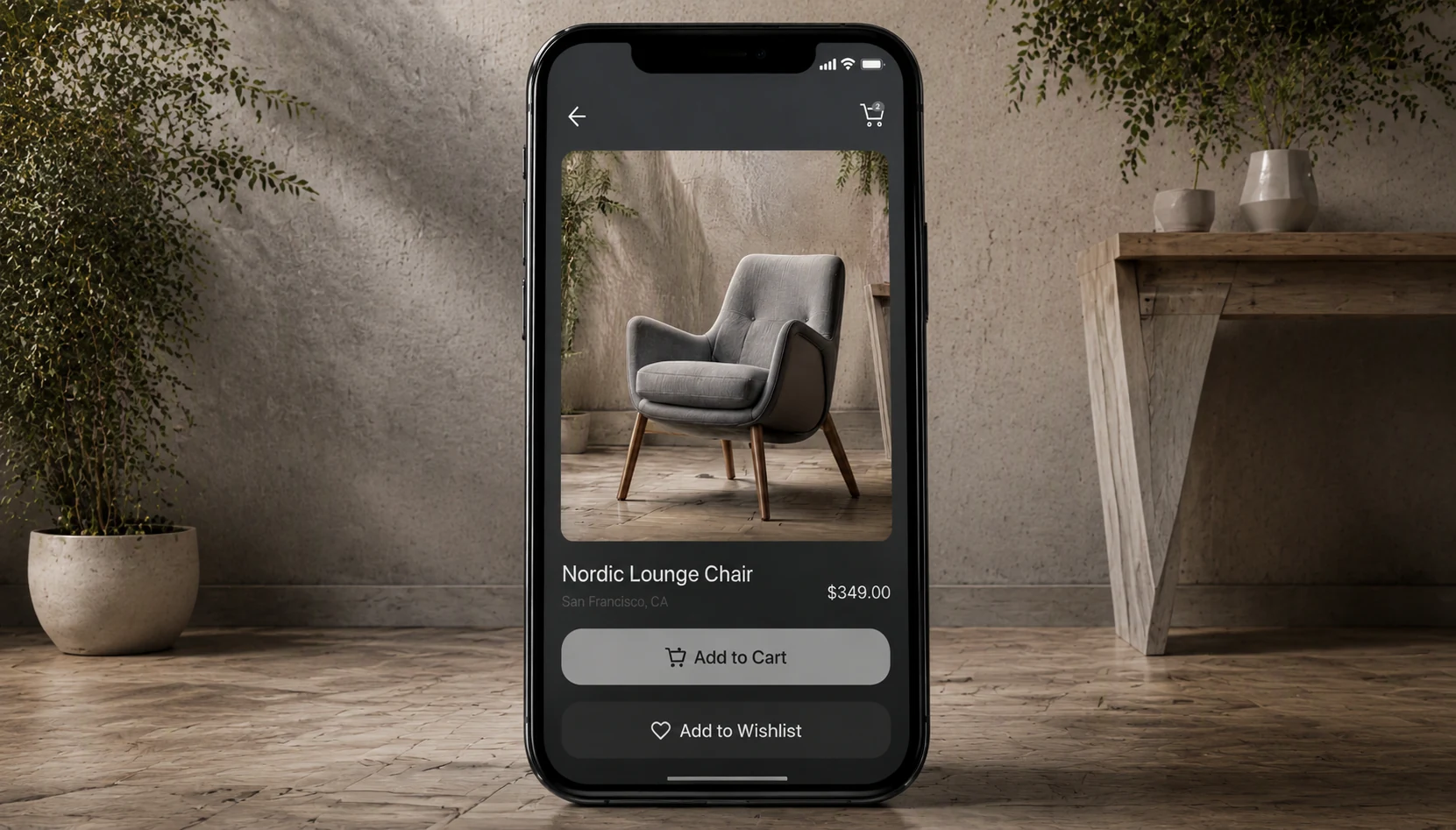
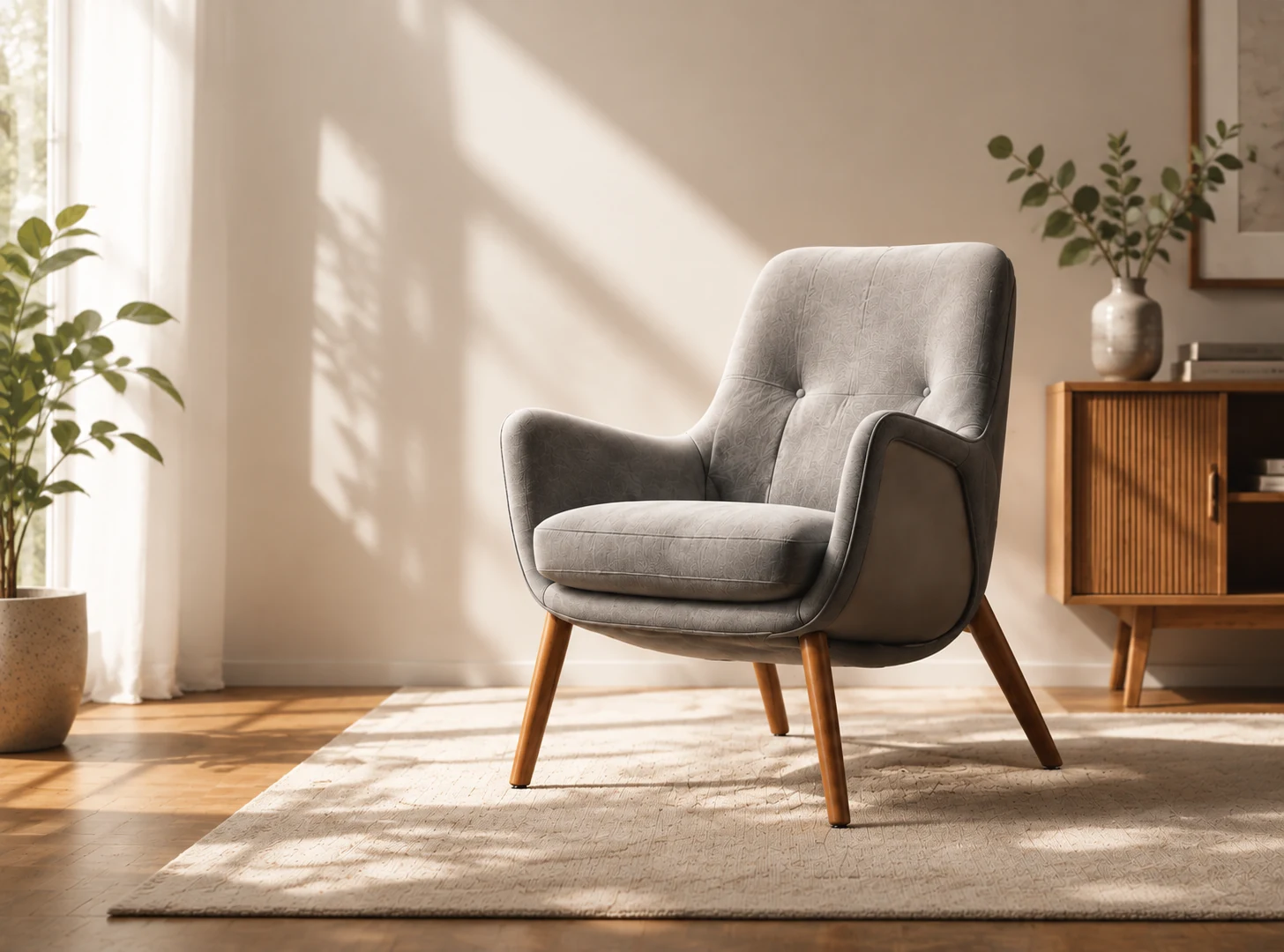
Ecommerce
Create product-focused scenes, feature moments, and channel-ready video variations.
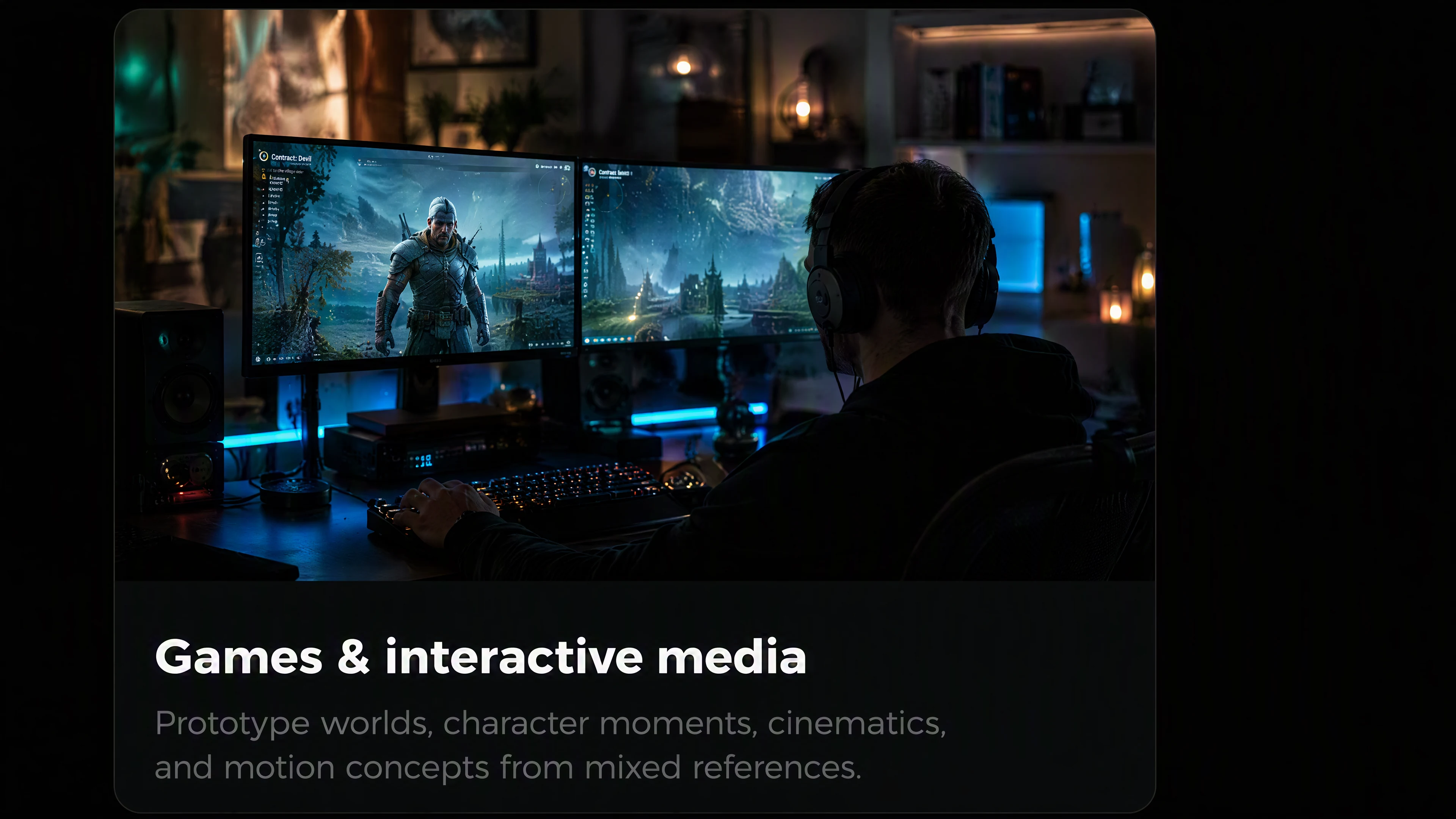
Games & interactive media
Prototype worlds, character moments, cinematics, and motion concepts from mixed references.
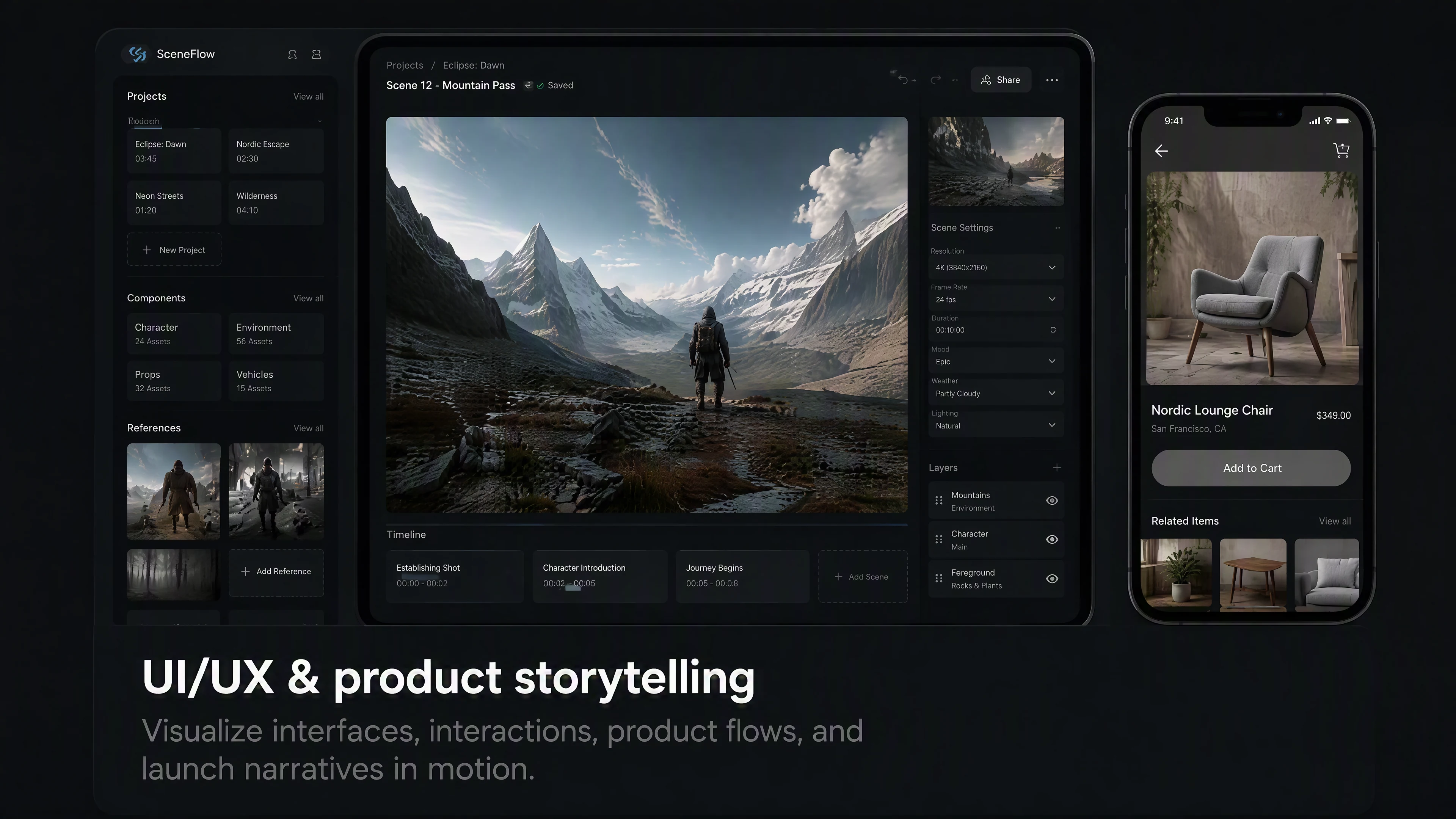
UI/UX & product storytelling
Visualize interfaces, interactions, product flows, and launch narratives in motion.

Narrative & animation
Develop character-led sequences, stylized animation, episodic ideas, and story beats.
Show What the Direction Can Become
Use final H3 outputs here. Keep prompts and reference notes as editable captions for content review and design handoff.
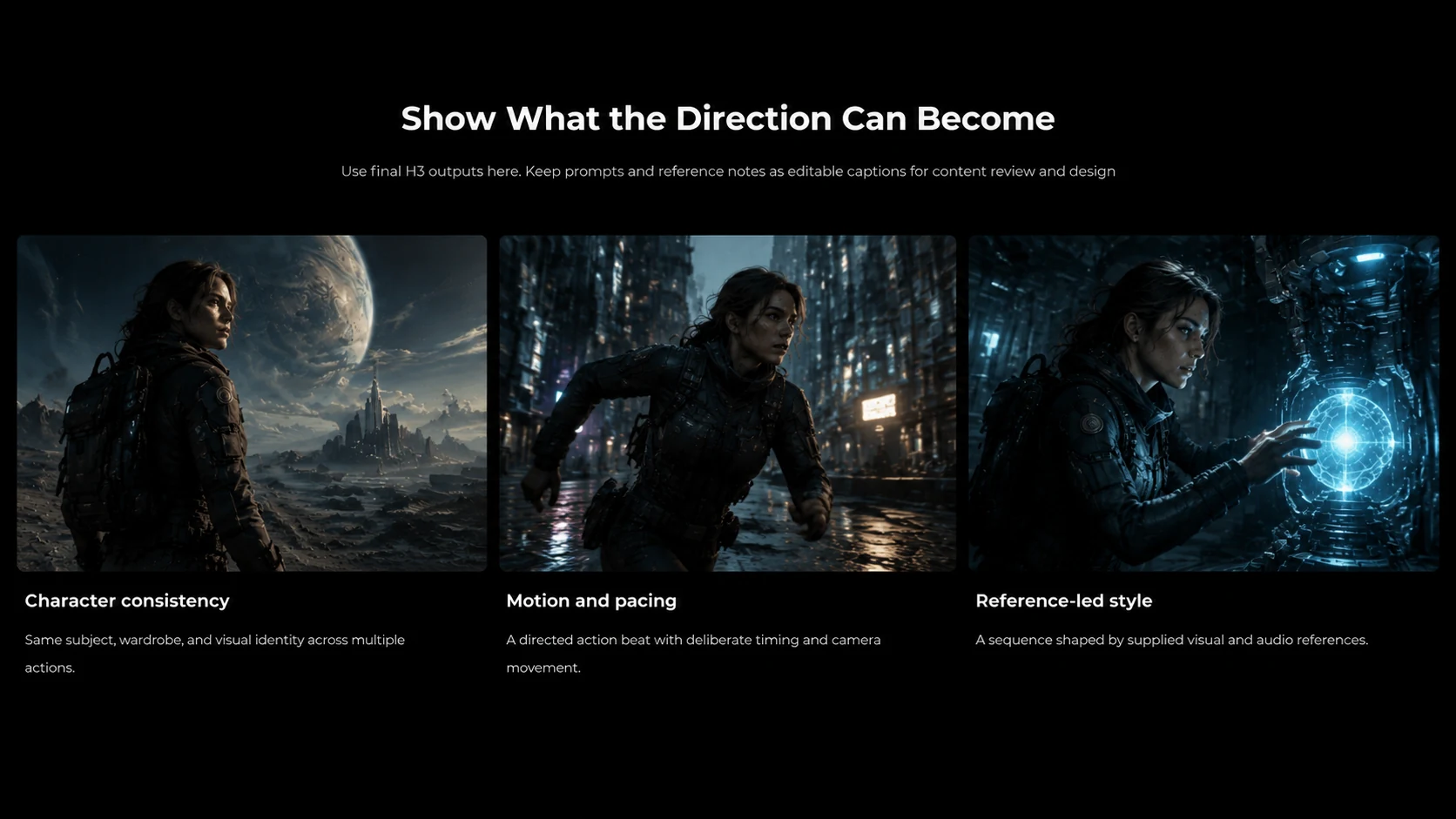
Character consistency
Same subject, wardrobe, and visual identity across multiple actions.
Motion and pacing
A directed action beat with deliberate timing and camera movement.
Reference-led style
A sequence shaped by supplied visual and audio references.
Technical Specifications
Explore More AI Models in Pixmax
MiniMax H3 FAQ
MiniMax H3 is a multimodal AI video model for generating, directing, and editing 5–15 second video sequences from text and reference media.
It supports text prompts plus image, video, and audio references. These inputs can be combined to guide identity, composition, motion, style, dialogue, sound, and pacing.
You can use up to 9 images, up to 3 video clips, or up to 3 audio clips. In a mixed-reference workflow, H3 supports up to 12 files in total.
No. Audio cannot be used alone. Pair an audio clip with at least one image or video reference.
H3 outputs 5–15 second videos in 21:9, 16:9, 4:3, 1:1, 3:4, or 9:16. Auto ratio is available in all-reference mode.
You can refine characters, objects, backgrounds, effects, dialogue, voice, audio direction, motion, and pacing while keeping the rest of the sequence aligned with the original intent.
READY TO CREATE?
Ready to direct your next video with MiniMax H3?
Bring your references to Pixmax and turn one creative direction into a controllable video sequence.