





Near-Flagship Quality
Strong motion, physical realism, and audio-visual sync. Overall results beat the previous-gen flagship, Seedance 2.0.

Near-flagship quality, twice the output speed, lower cost.
Try Seedance 2.5 FlashA lightweight AI video model built on Seedance 2.5.
 4–30 s per generation, 480P / 720P, native audioUp to 20 references (10 images, 5 videos, 5 audio)Text, image, video, and audio inputsBest for batch testing, ads, short-form, and cost-sensitive production
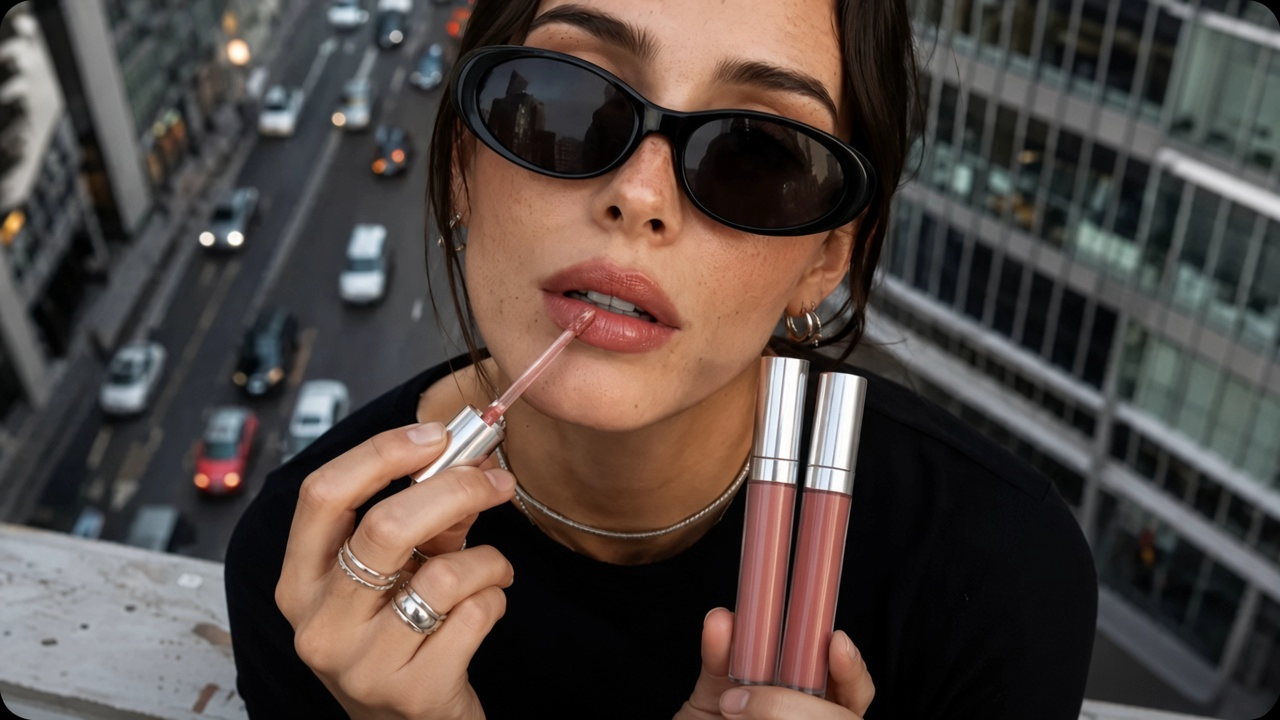


10 images · 5 videos · 5 audio
Text · Image · Video · Audio

 Ads
 Short-form
 Batch test
Strong motion, physical realism, and audio-visual sync. Overall results beat the previous-gen flagship, Seedance 2.0.

Roughly half the generation time per clip. Iterate faster and get more takes in the same session.

Dialogue and ambient sound are generated with the video. Edit or extend existing clips to keep continuity.

Priced below Seedance 2.5, so the same budget produces many more clips.

Generate a complete story beat in one pass, with a coherent start, middle, and end.

Combine 10 images, 5 videos, and 5 audio clips to lock in character, motion, and style.
From model selection to finished video in three simple steps.
Select Seedance 2.5 Flash from the model menu on the video generation page.

Model

Describe the action, camera, and sound. Add images, videos, or audio (up to 20) to guide the result.
References


Prompt
Pick 4–30 s, 480P or 720P, and aspect ratio, then generate. Not happy? Run another take.
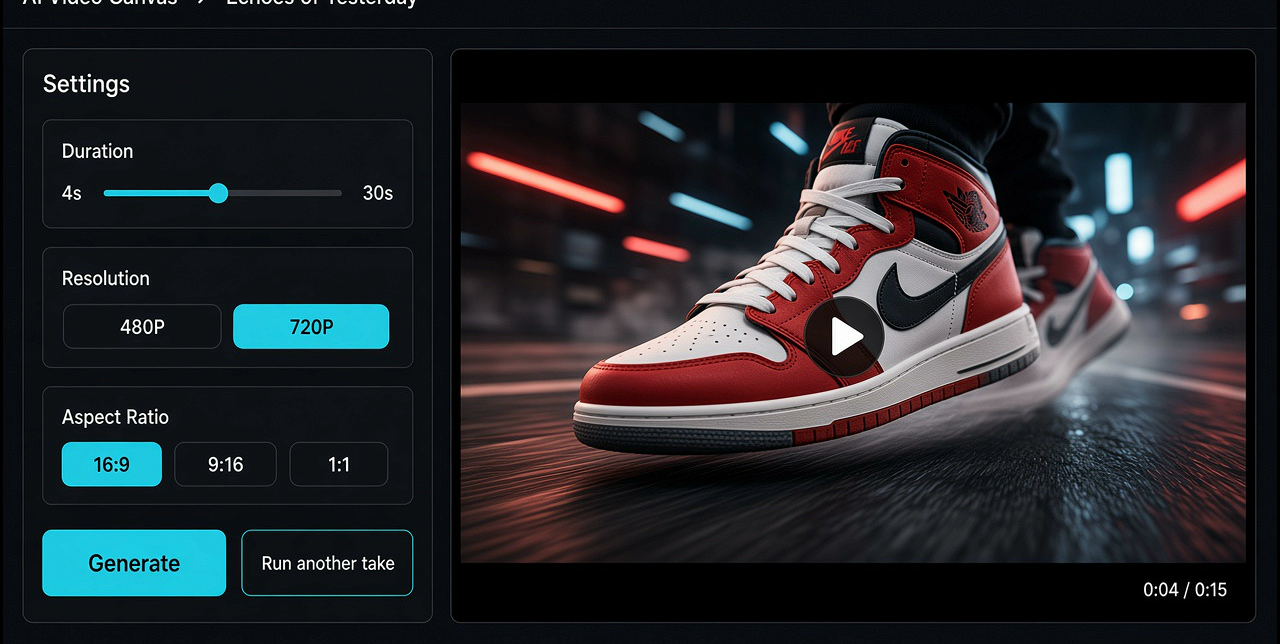
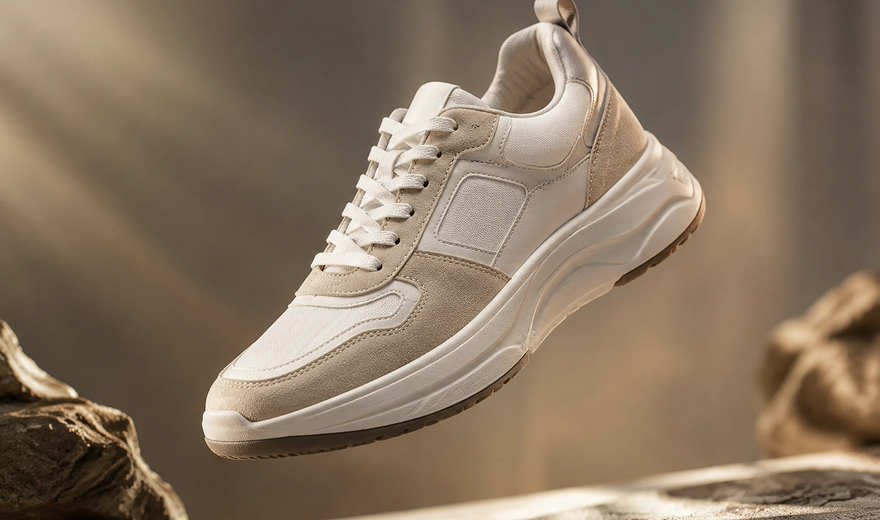

Two models from the same family, differing in speed, reference capacity, cost, and output specs.
| Comparison | Seedance 2.5 Flash | Seedance 2.5 |
|---|---|---|
| Positioning | Best value; high-volume, high-throughput creation | Flagship; higher quality and higher-res output |
| Speed | About 2x faster | Standard |
| Cost | Lower | Higher |
| Resolution | 480P / 720P | 1080P (4K coming soon) |
| Clip length | 4–30s | Up to 30s |
| Draft mode | Not supported | Supported |
| References | 10 images, 5 videos, 5 audio | 30 images, 10 videos, 10 audio |
| Best for | Speed- and cost-sensitive production | Film, ads, and interactive content |
Which should you pick? Need 1080P / 4K, Draft previews, or polished finals? Use Seedance 2.5. Need fast iteration, batch testing, or lower cost per clip? Use Seedance 2.5 Flash. Many teams explore with Flash, then finalize with 2.5.
Test ideas and produce assets in bulk, at a lower cost per clip.
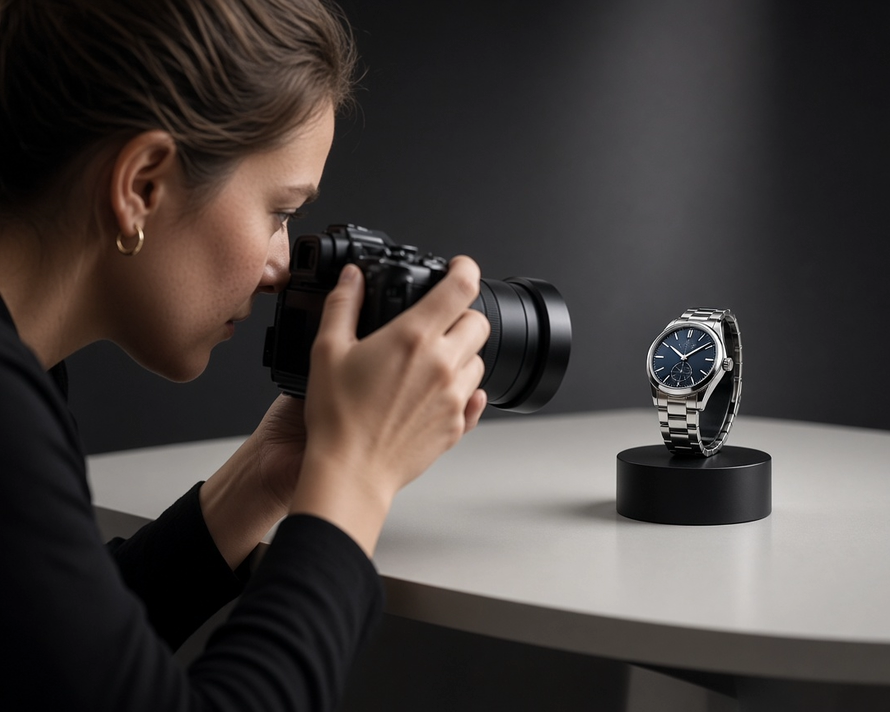
Add motion, camera angles, and context to product shots in seconds.

Turn static posters into motion graphics and export multiple versions at once.

Add particles, atmosphere, and ambient motion to everyday footage.

Generate many hooks, characters, and angles, then scale the winners.
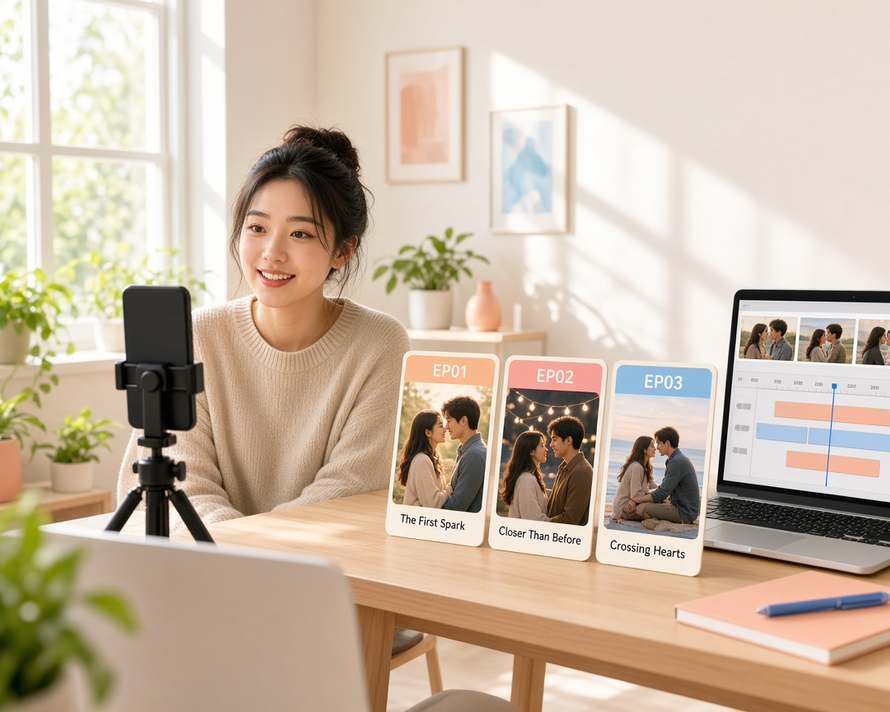
Produce high-volume serialized clips and talking-head shorts at low cost per episode.

Create filmic shots and transitions at lower cost and faster turnaround.
The key specs to know before you start creating.

Text, images, video, audio; first/last-frame control

20 total (up to 10 images, 5 videos, 5 audio clips)

4–30s

480P / 720P

Native audio generated with the video

Edit existing videos and extend clips
Pixmax brings together leading models for video, image, and voice, covering ads, product demos, and short-form content.
Seedance 2.5 Flash is a lightweight AI video model built on Seedance 2.5. It keeps the flagship's strengths in motion, audio-visual sync, and detail, with faster generation and lower cost. It suits high-volume work: test ideas quickly, confirm the direction, then render finals.
Choose Seedance 2.5 for 1080P / 4K, Draft previews, or polished finals. Choose Seedance 2.5 Flash for batch testing, fast iteration, and cost-sensitive production. Both can be used in one workflow.
E-commerce sellers, performance marketers, short-drama and social creators, and any team that needs many clips quickly at a lower cost.
According to official figures, Flash generates about twice as fast as the standard model. Actual time varies with duration, resolution, prompt complexity, and queue load.
Yes. Official information puts it about 34% lower than Seedance 2.5, though pricing varies by platform. See Pixmax pricing for the exact credit cost.
Each generation runs 4–30 seconds at 480P or 720P, suited to storyboards, short clips, and reference-driven shorts.
Up to 20 per generation: up to 10 images, 5 videos, and 5 audio clips, mixed as needed.
Yes. It generates native audio with dialogue and ambient sound, and supports editing and extending existing video for continuity.
One prompt, a few references, and your clip is ready. Not happy? Run another take.