








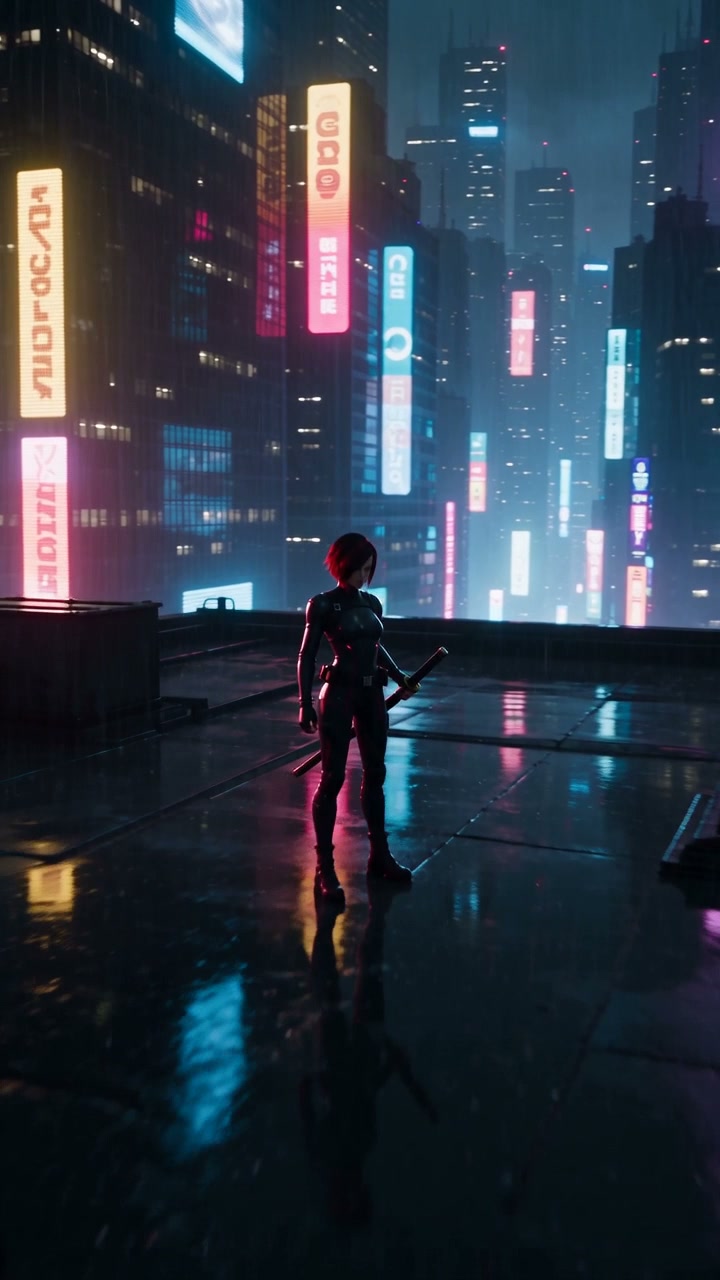

Characters and art style drift
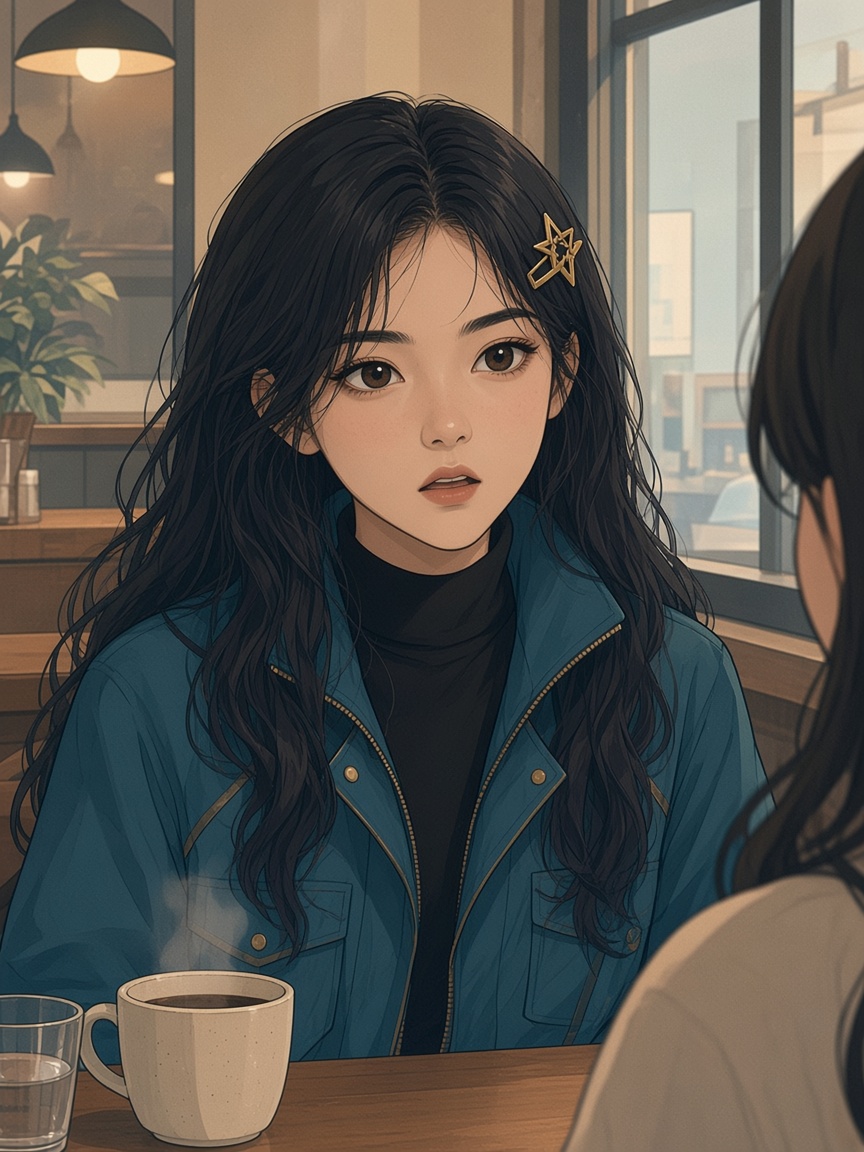
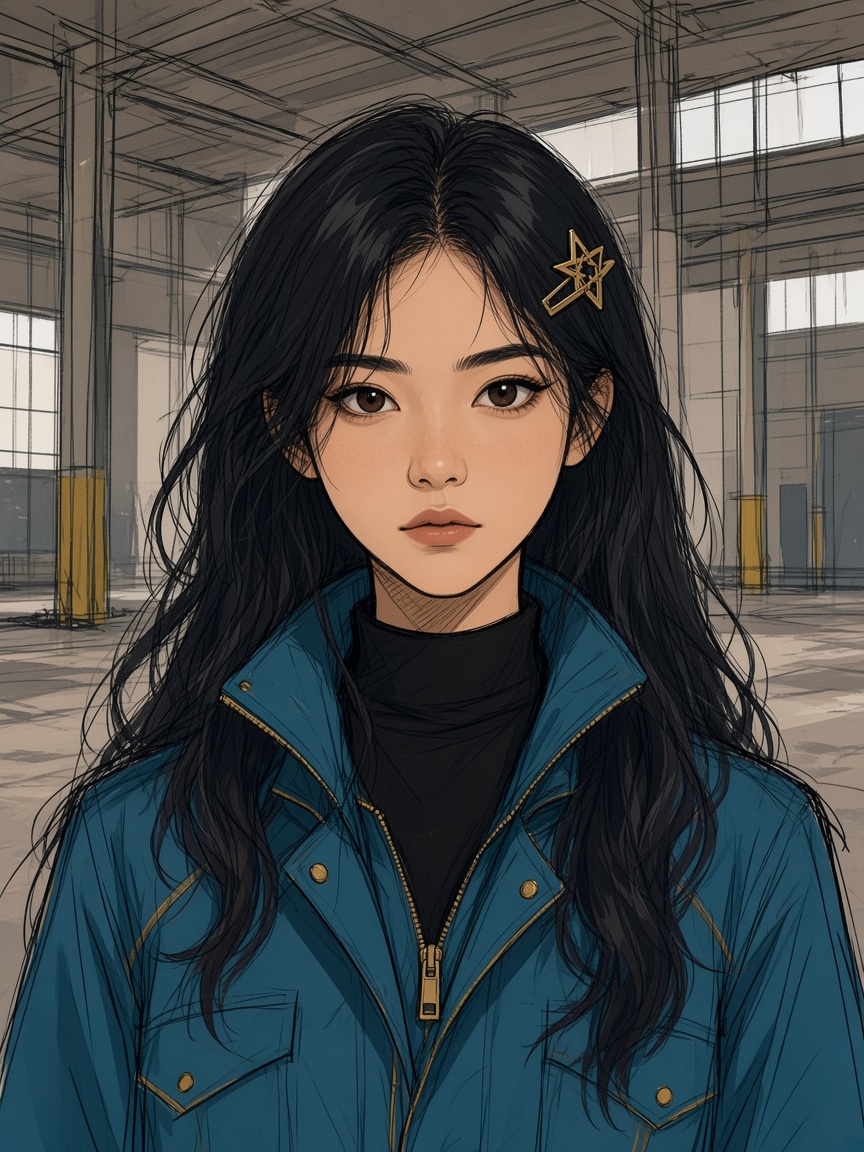
AI characters change faces, outfits and line style between panels and episodes.
Up to 90% Bonus Credits | Black Friday Early Access
Pixmax turns novels, scripts, or static panels into 9:16 comic-drama episodes. Lock art style and characters, animate the board, and add voiceover with native lip-sync — across 30+ video models, in one canvas.
Start Creating FreeA single illustrated shot can look striking. AI comic dramas break when the line style shifts, faces drift, still panels never become performances, and every episode has to be rebuilt by hand.
AI characters change faces, outfits and line style between panels and episodes.
Turning manga or webtoon panels into motion comics means another tool and more cleanup.
Matching dialogue to anime and 2D mouths takes line-by-line fixing.
Every 9:16 episode repeats scripts, boards, voices and exports.
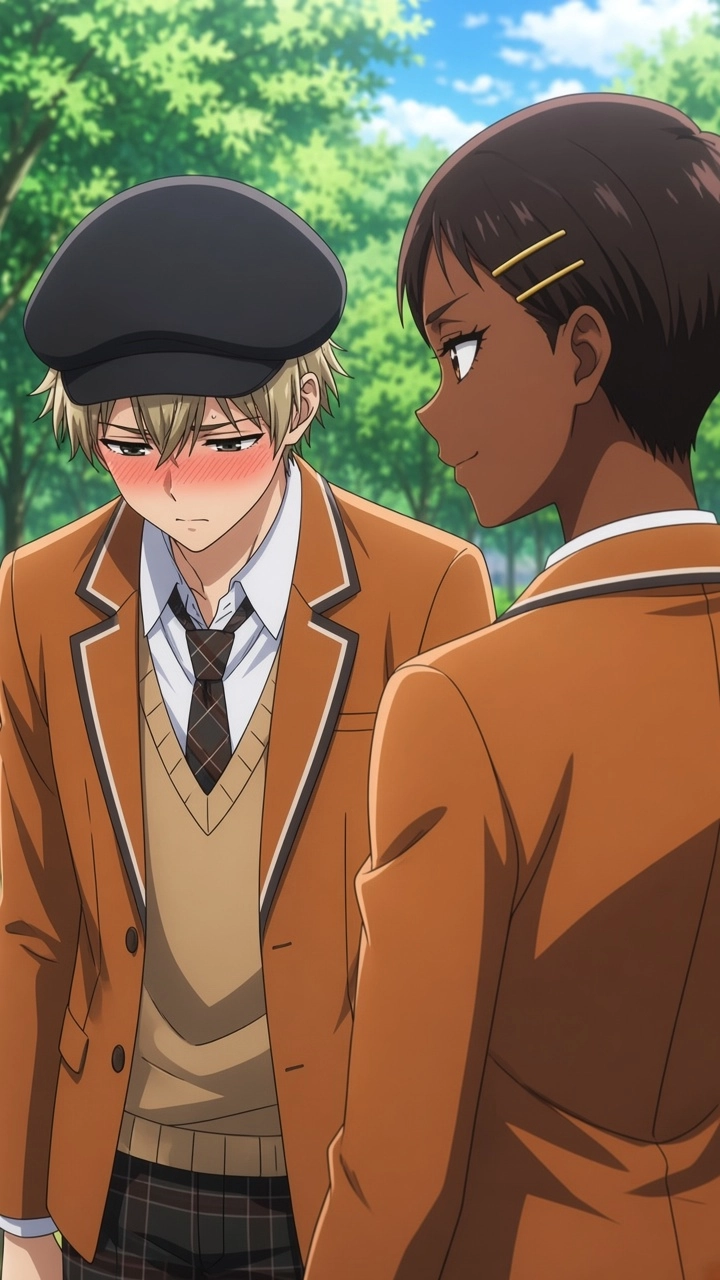
Pixmax saves your characters, scenes, and props once so every generation reuses them—keeping faces, outfits, and style consistent across episodes.
Explore Subject Library →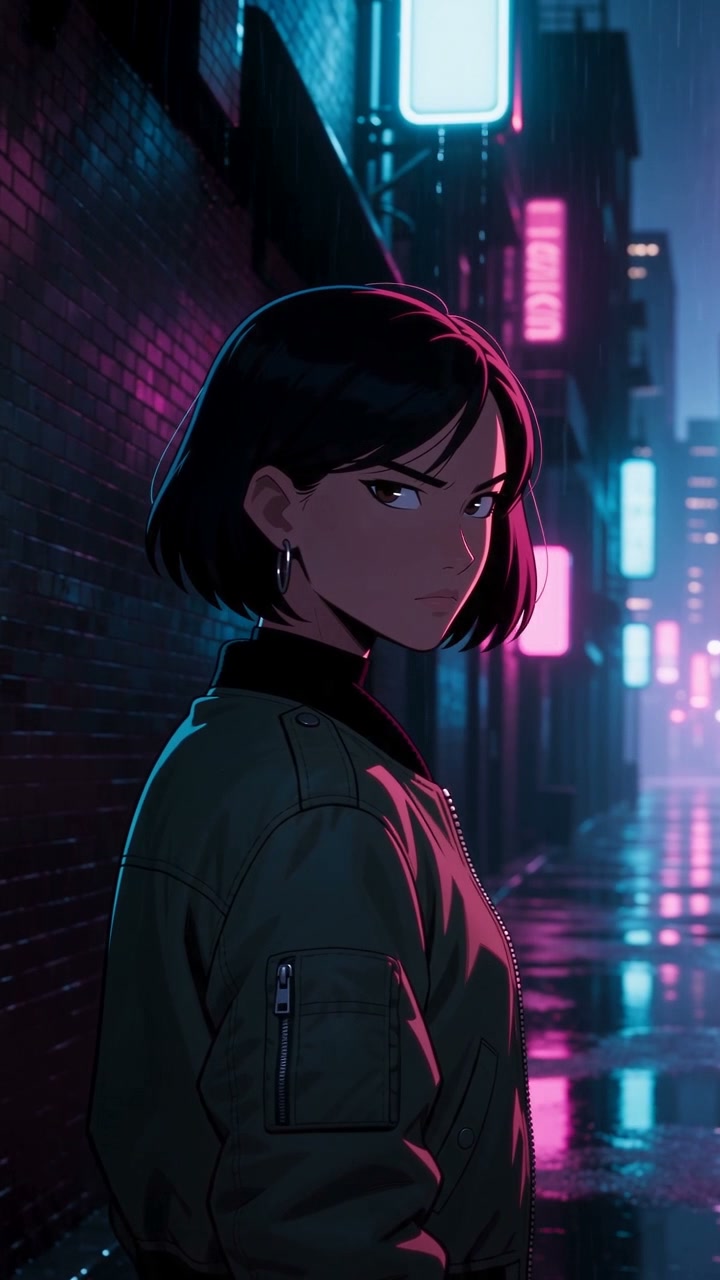
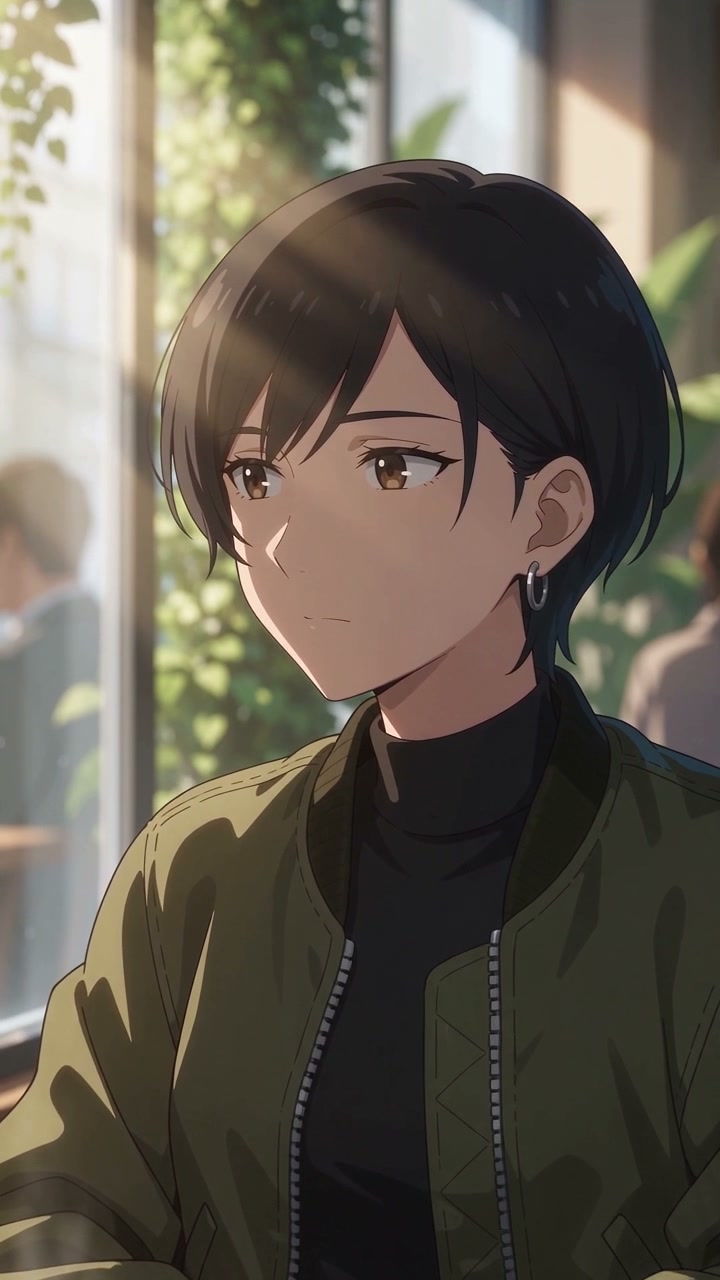
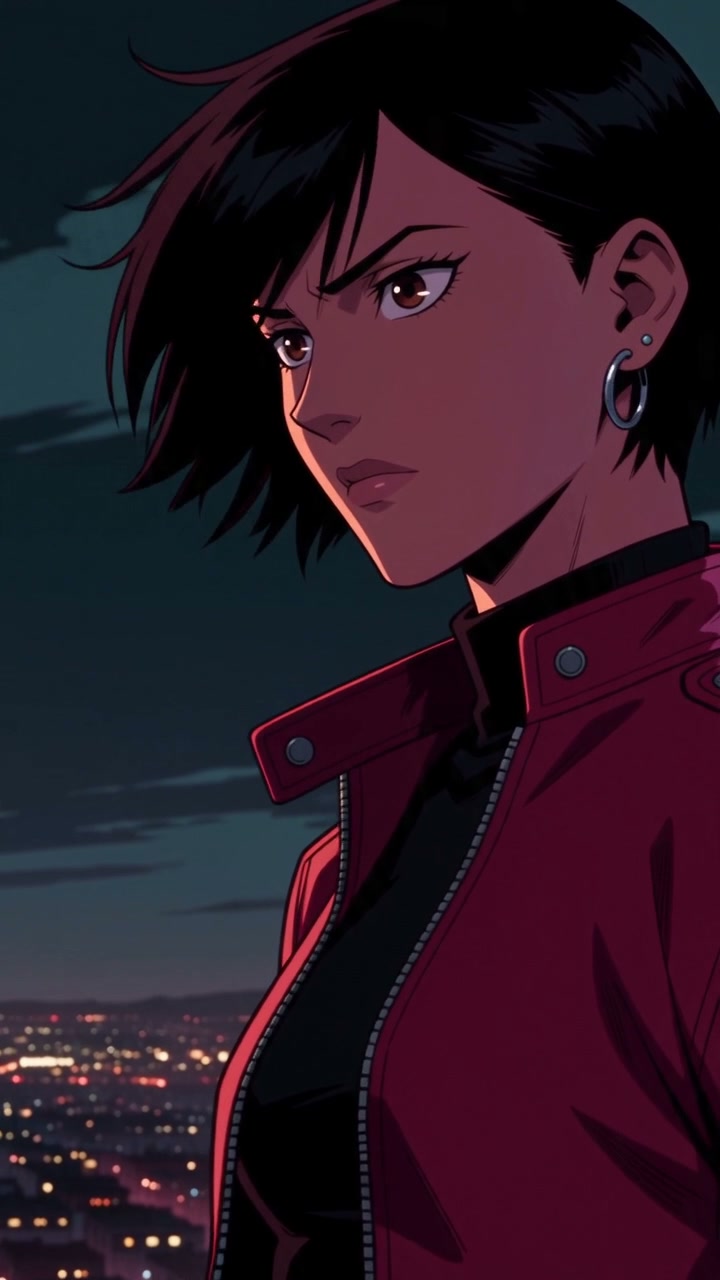
Pixmax turns static manga or webtoon panels into motion comics in one click, adding preset pans, zooms, and tracks without any keyframing.
Learn more →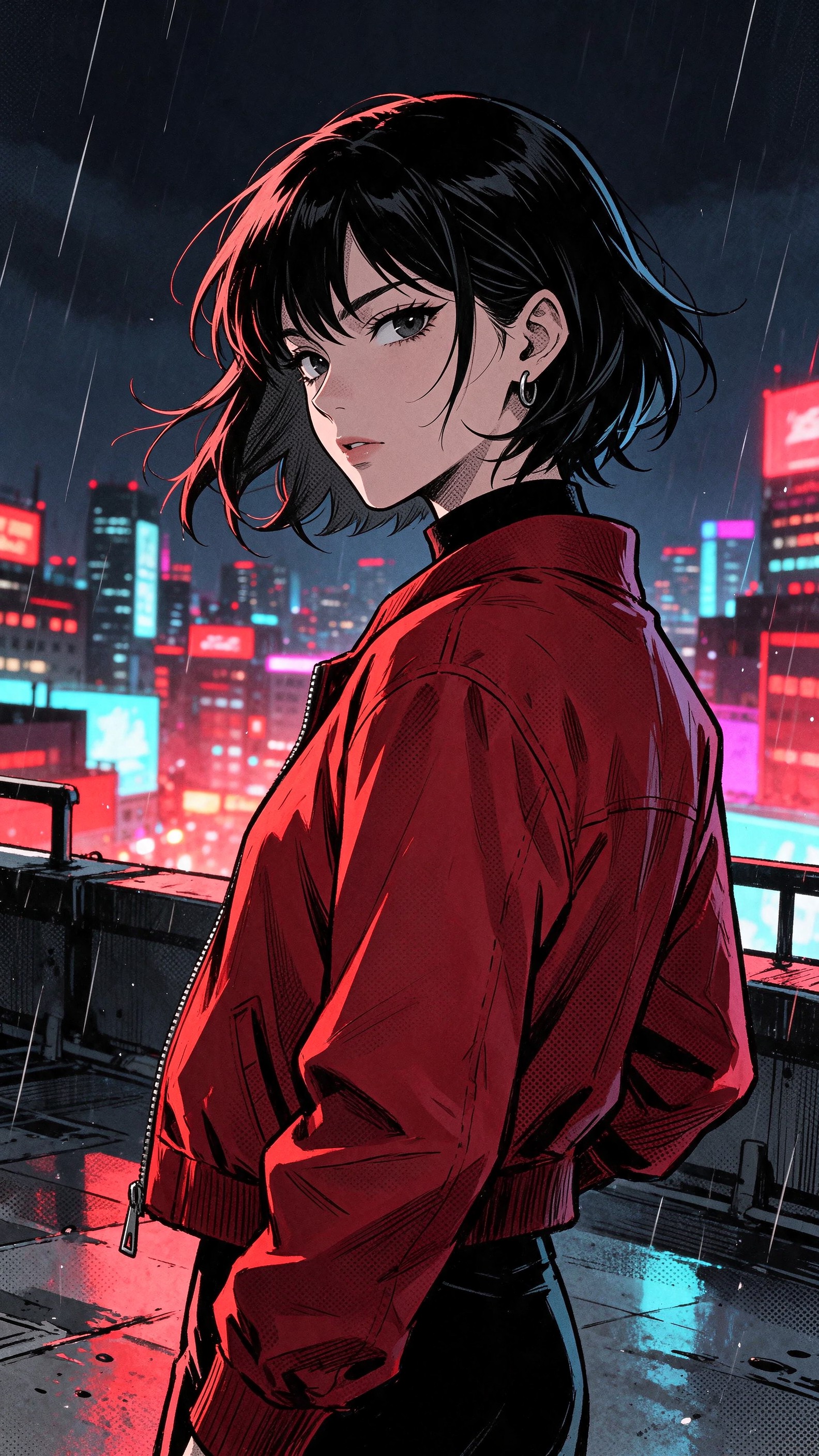
Pixmax assigns a fixed voice to each character and automatically syncs lips to dialogue, making illustrated characters deliver lines naturally.
Explore Voice Library →Extend the next beat or regenerate one clip and keep everything else. Edit on the timeline, upscale, and export in 9:16.
Pixmax keeps writing, storyboards, generation, and voice on one canvas, letting you clone templates and reuse assets to scale episode production fast.
 +
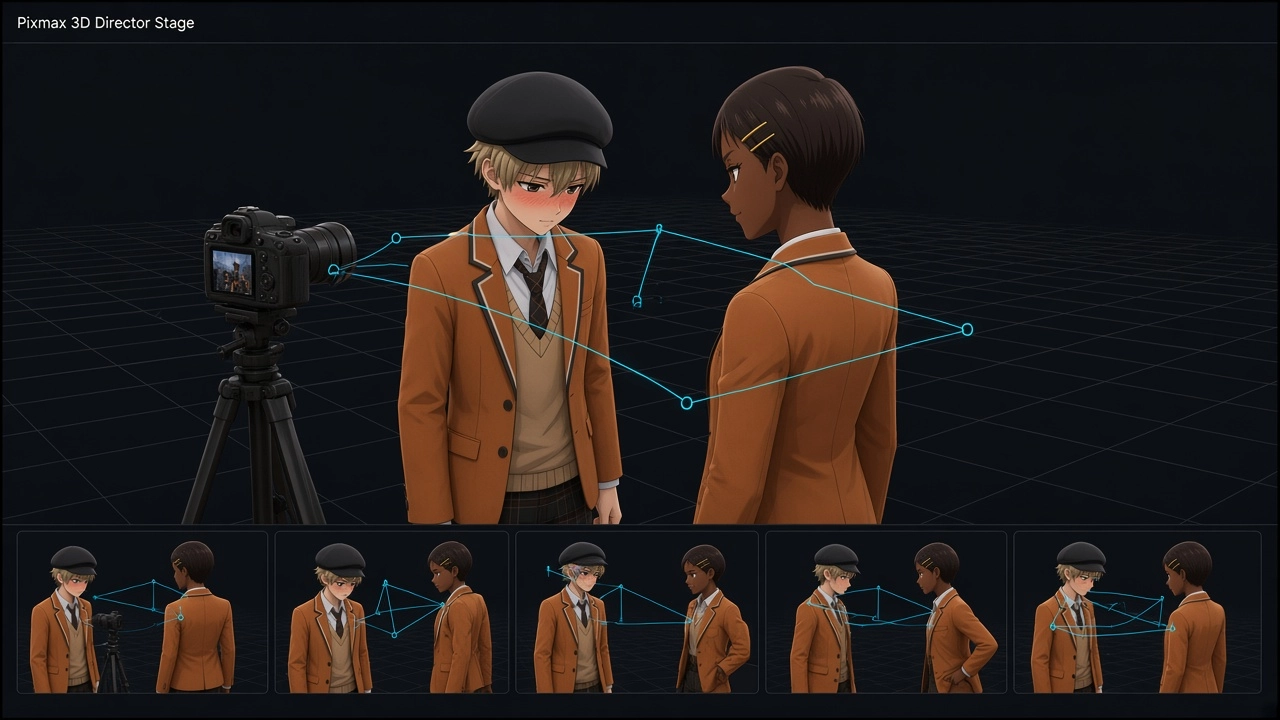
Pose characters and set cameras in 3D Director Stage — a storyboard guide for your shots.
Try 3D Director Stage →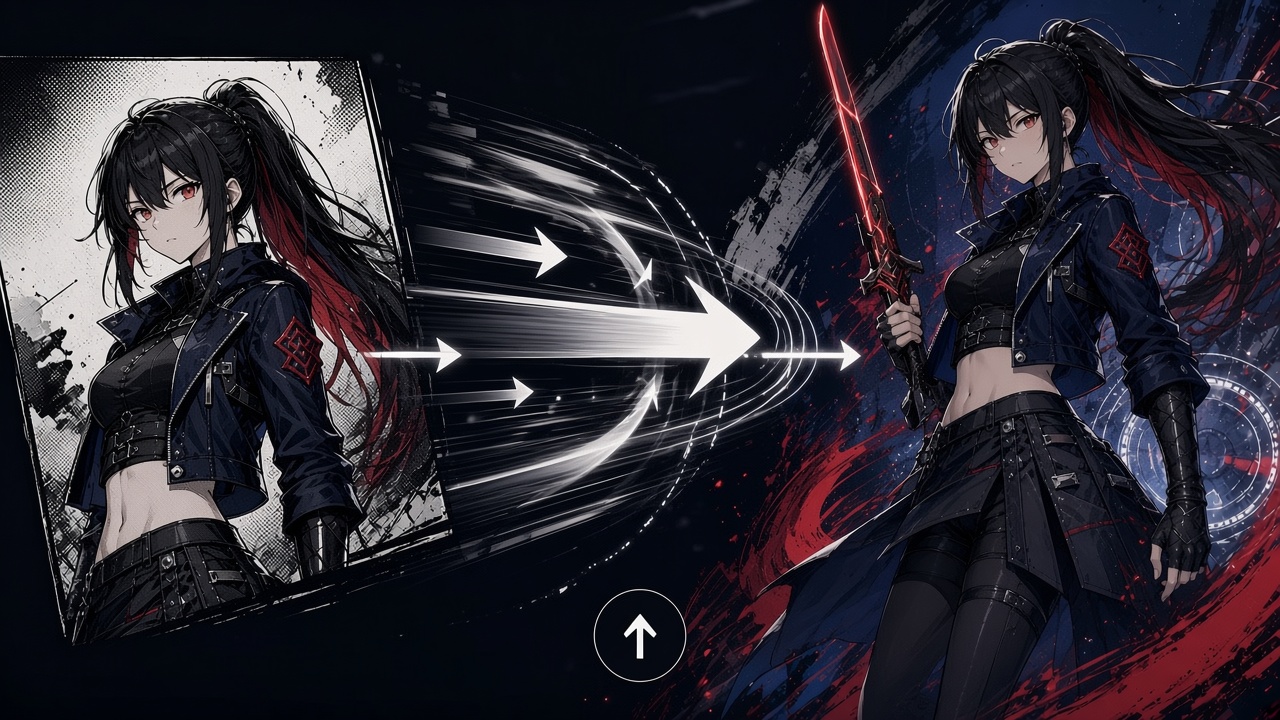
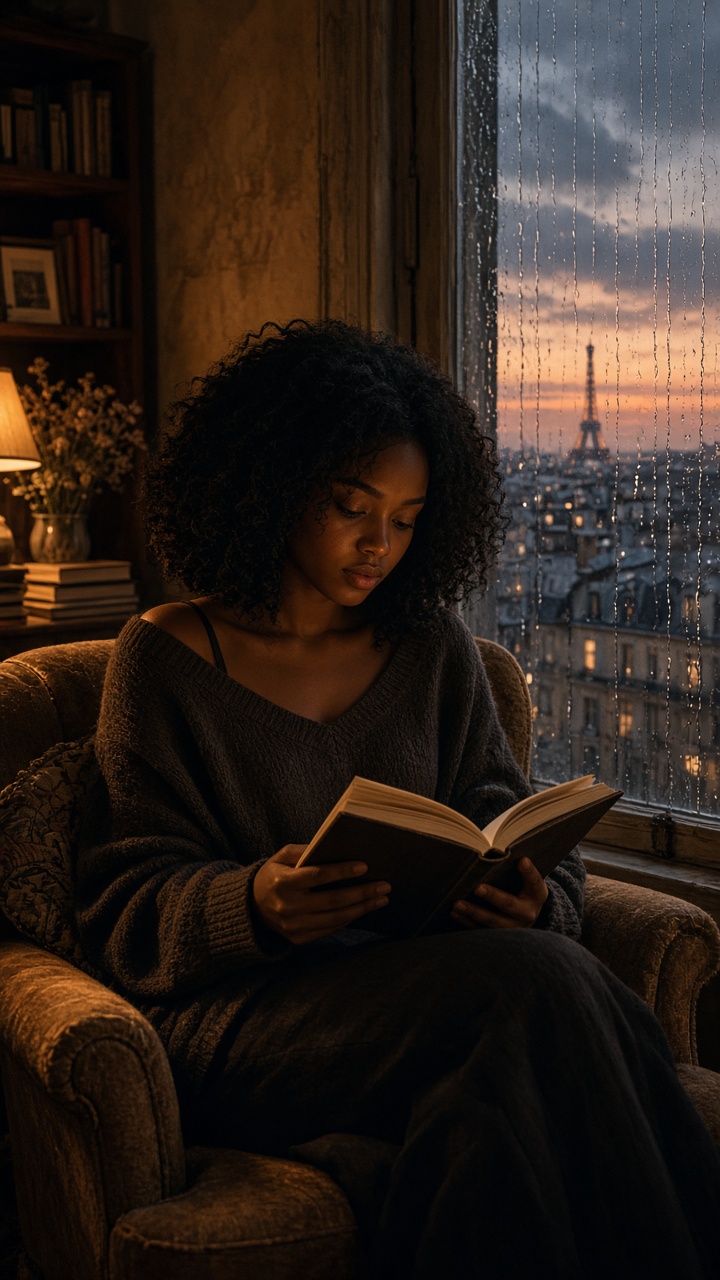 Subject Library + Lip-sync
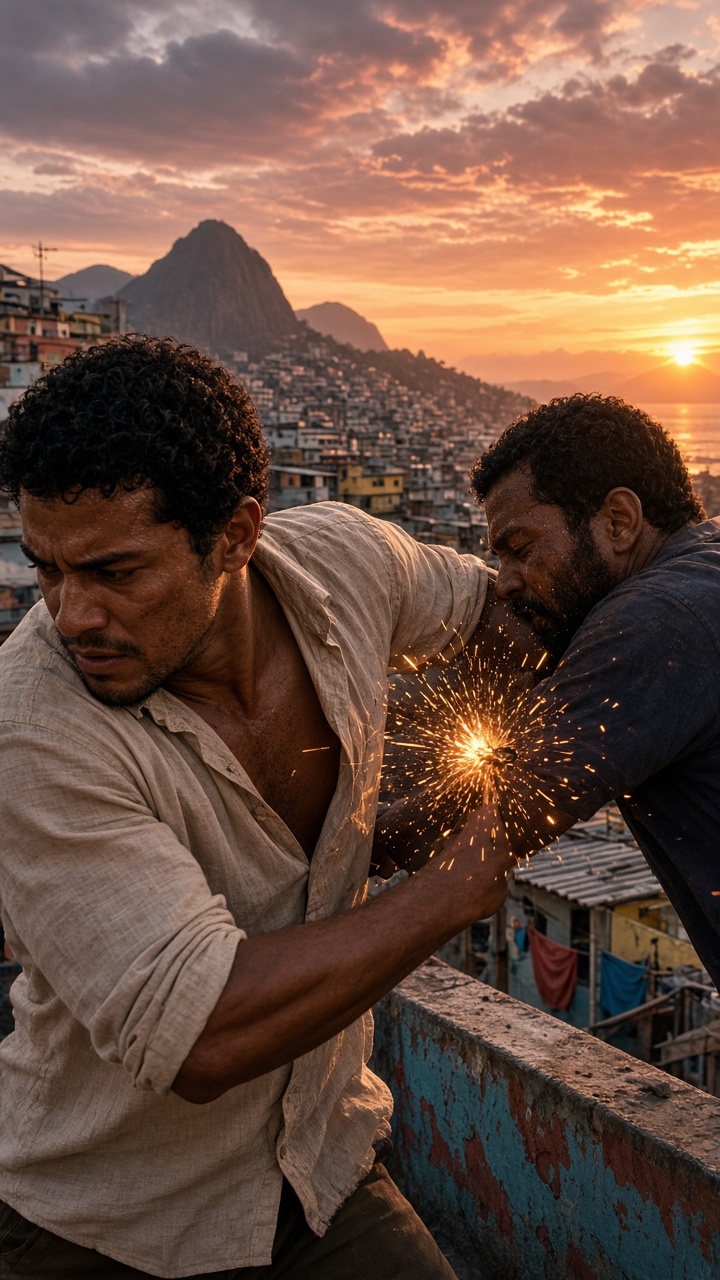 Panel-to-Motion + Camera Moves
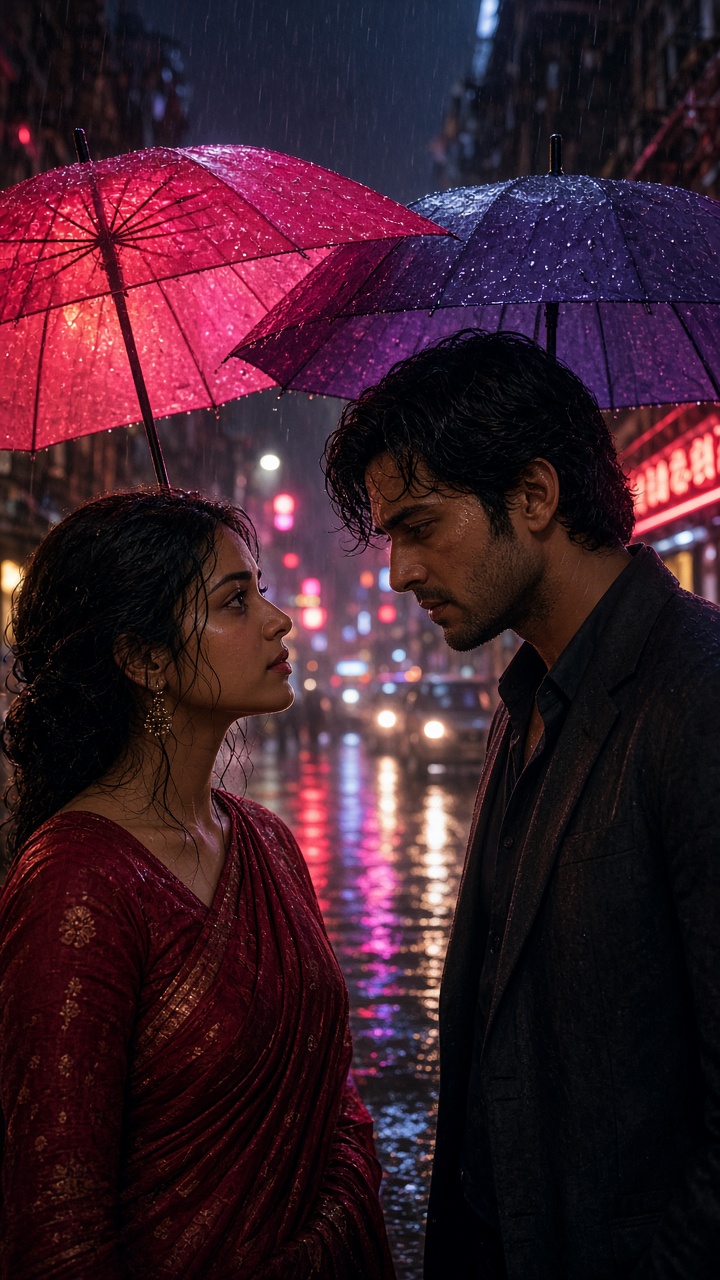 Voice Library + Lip-sync
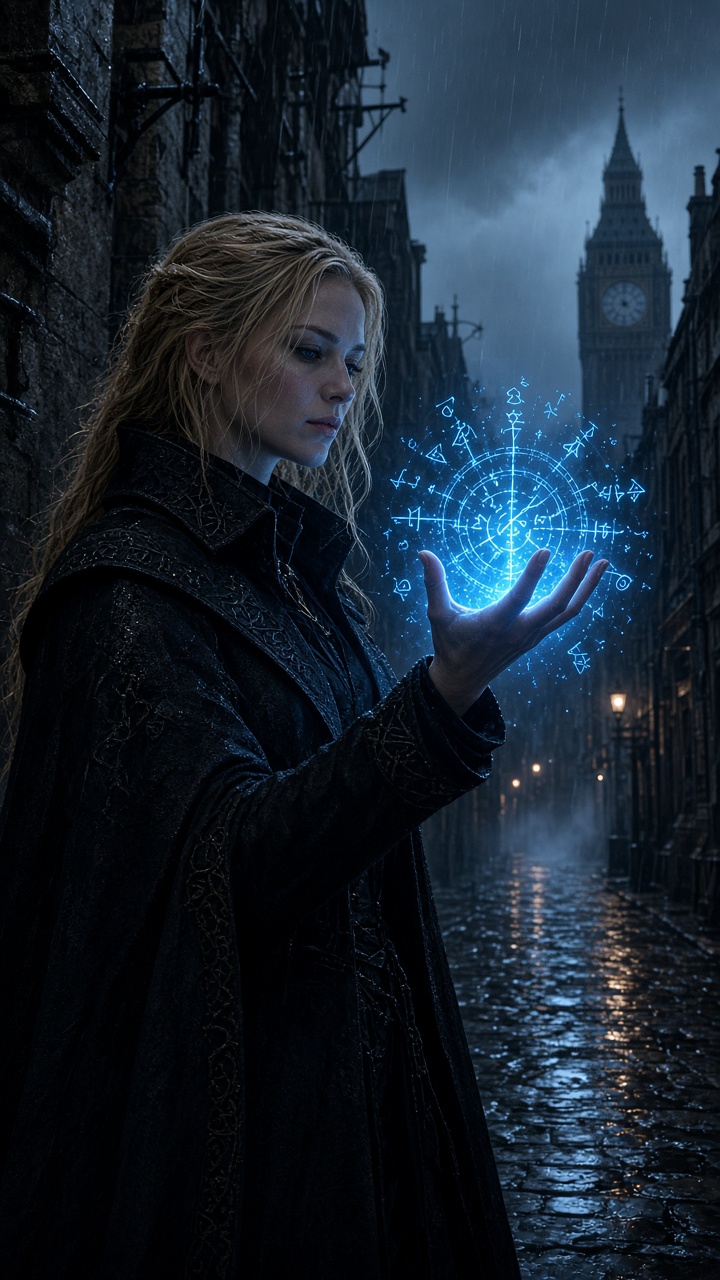 Subject Library + Visual Effects
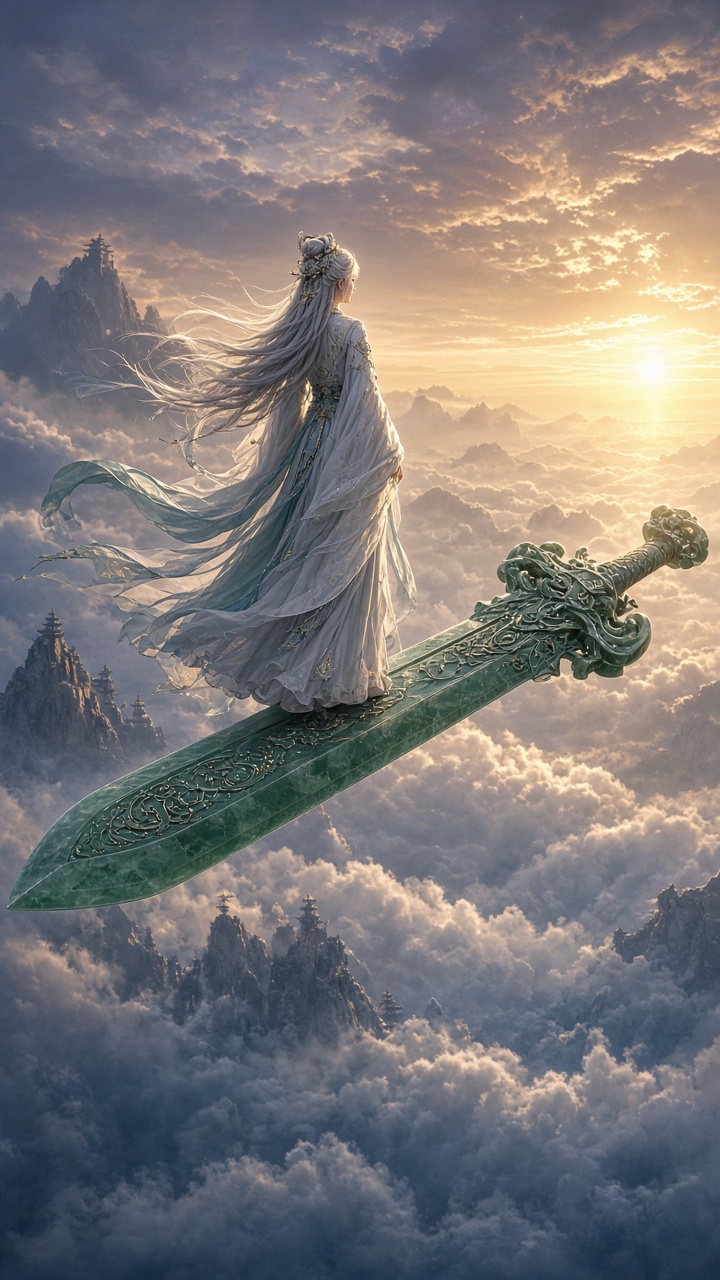 Continue & Rewrite Clip
Clone a proven workflow, swap in your story and cast.
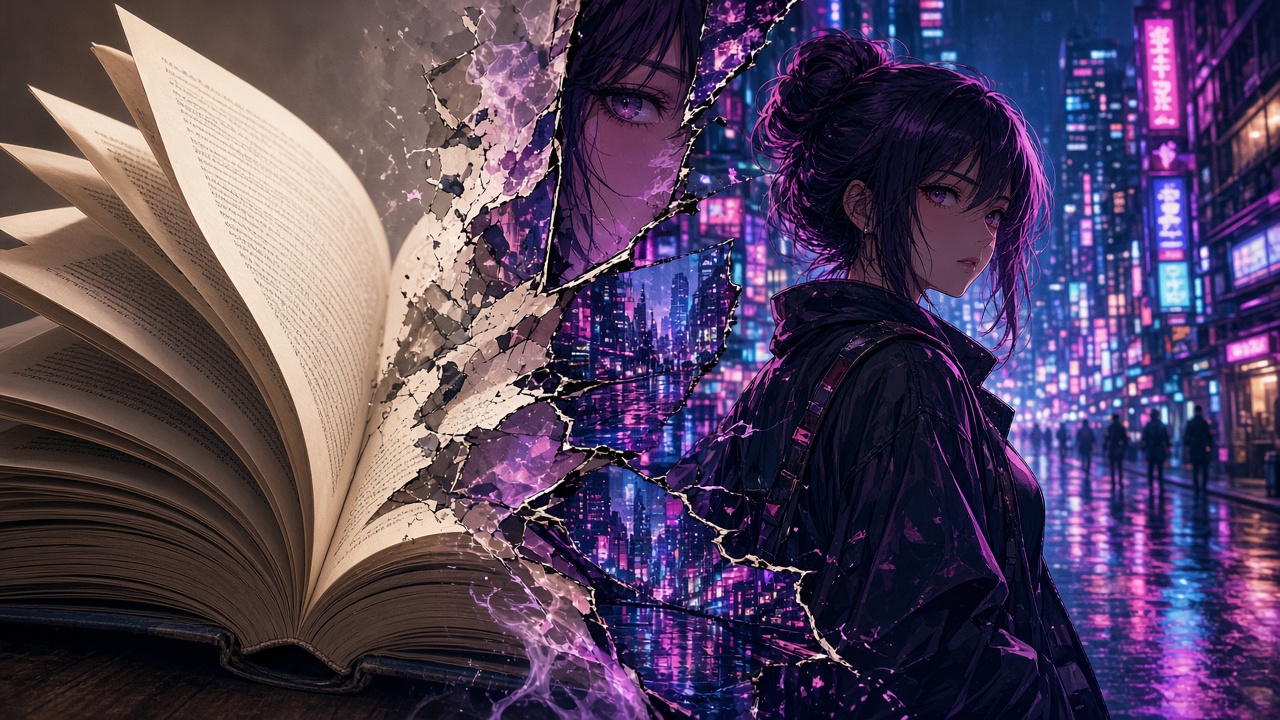 Novel to Motion Comic
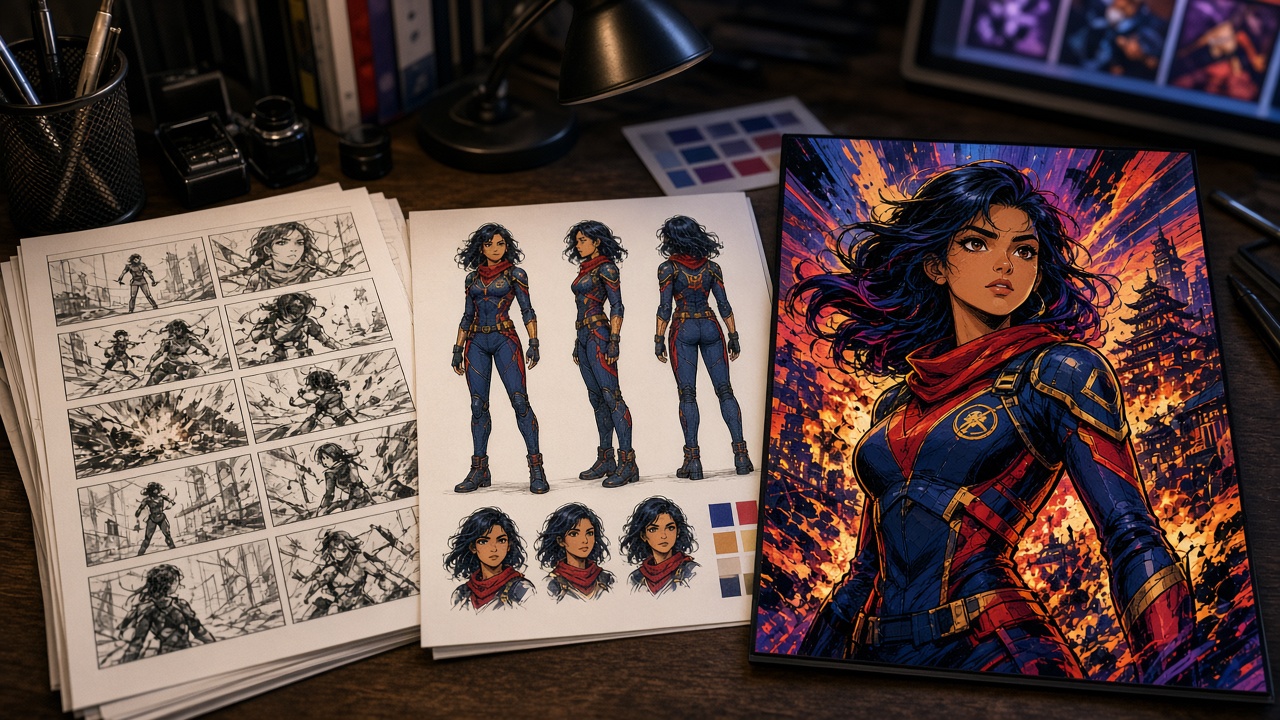 Comic Script Cover Design
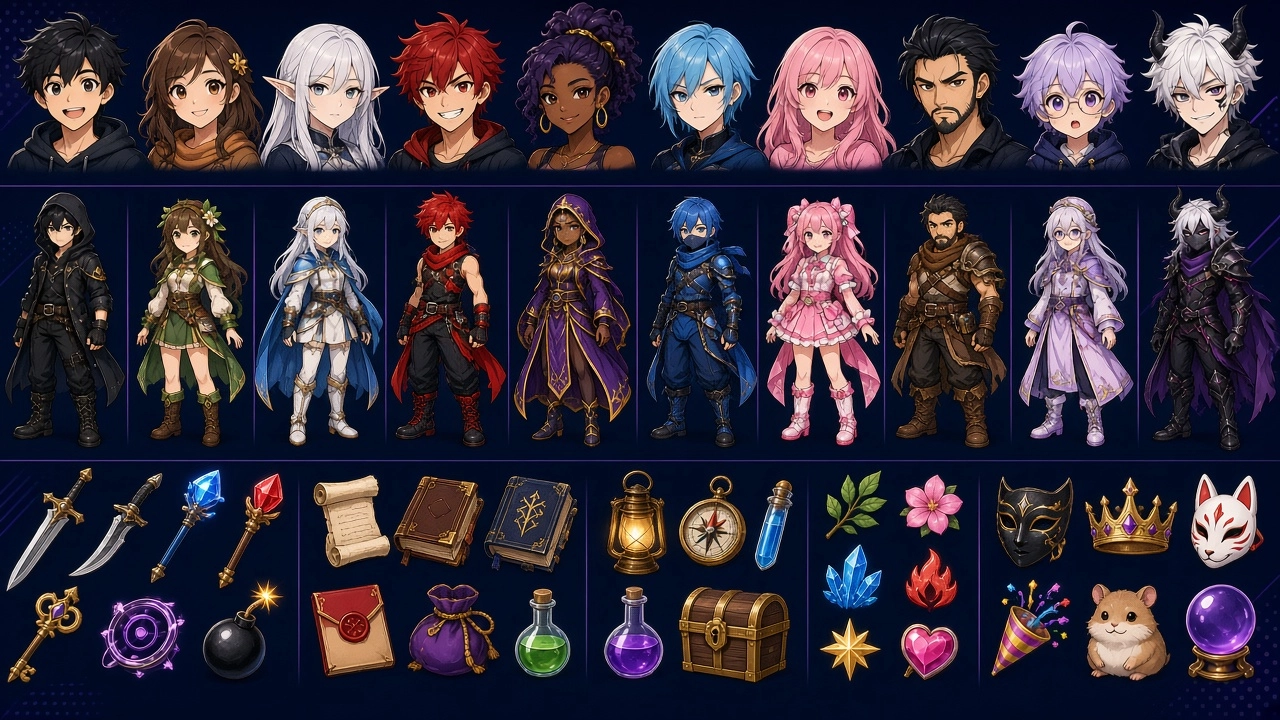 Animation Assets
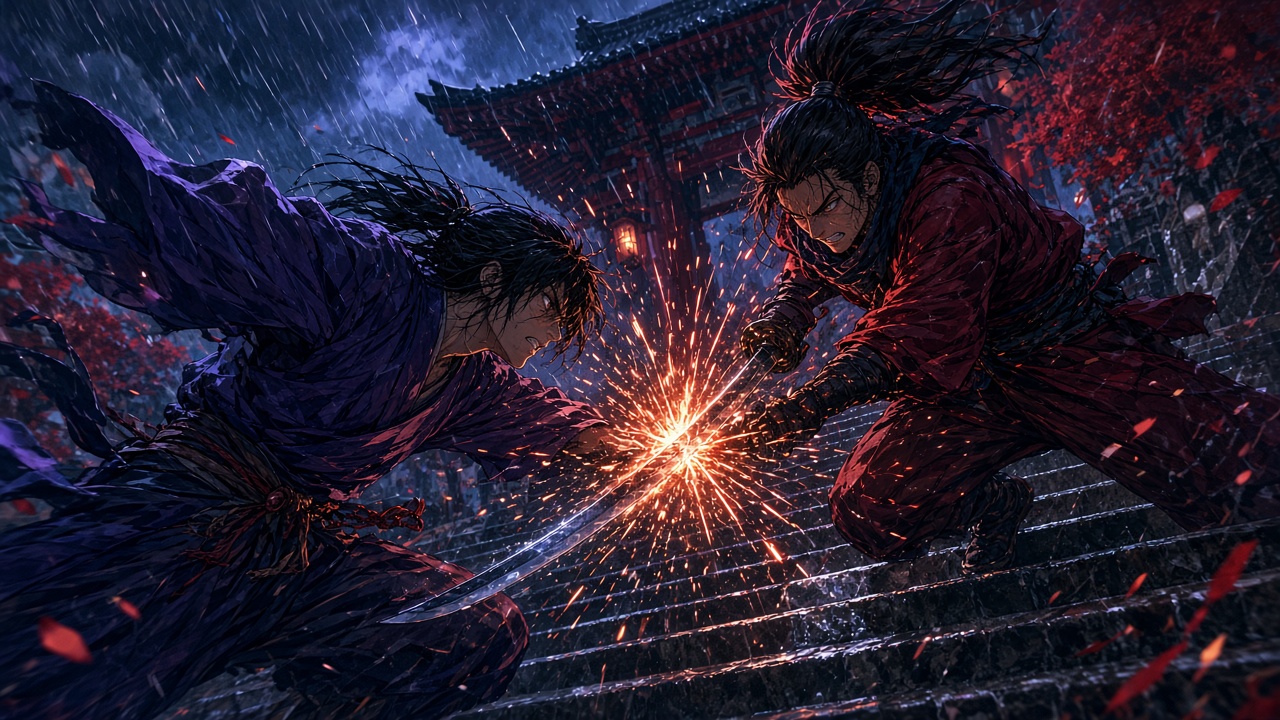 Anime Fight Scene
Share Subject Libraries, assign episodes, review and approve in one workspace.
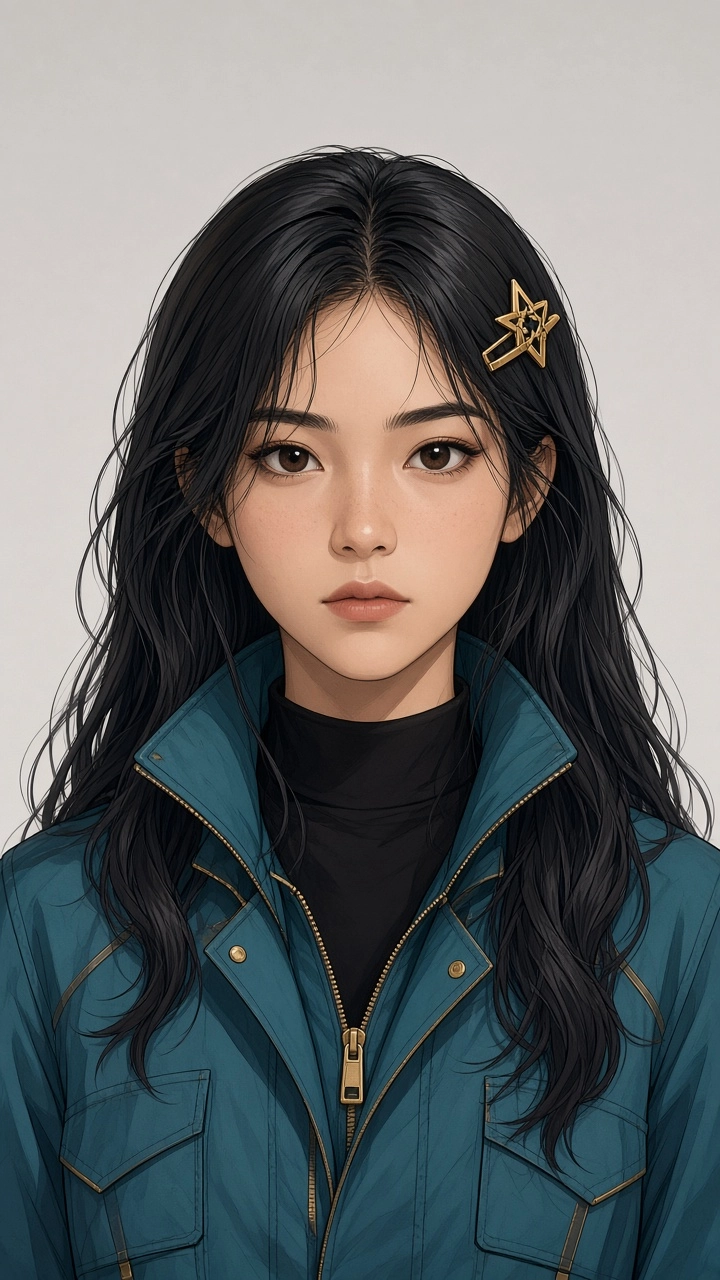
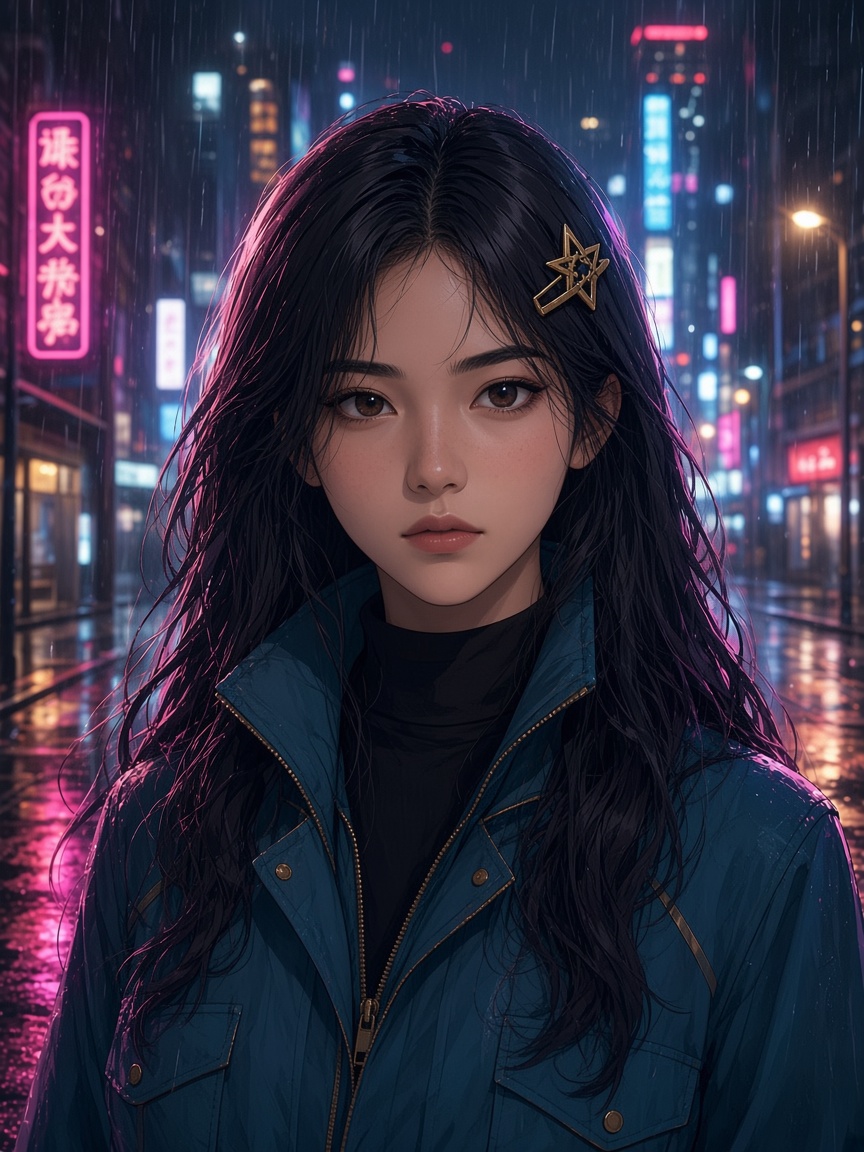 EP 01WriterApproved
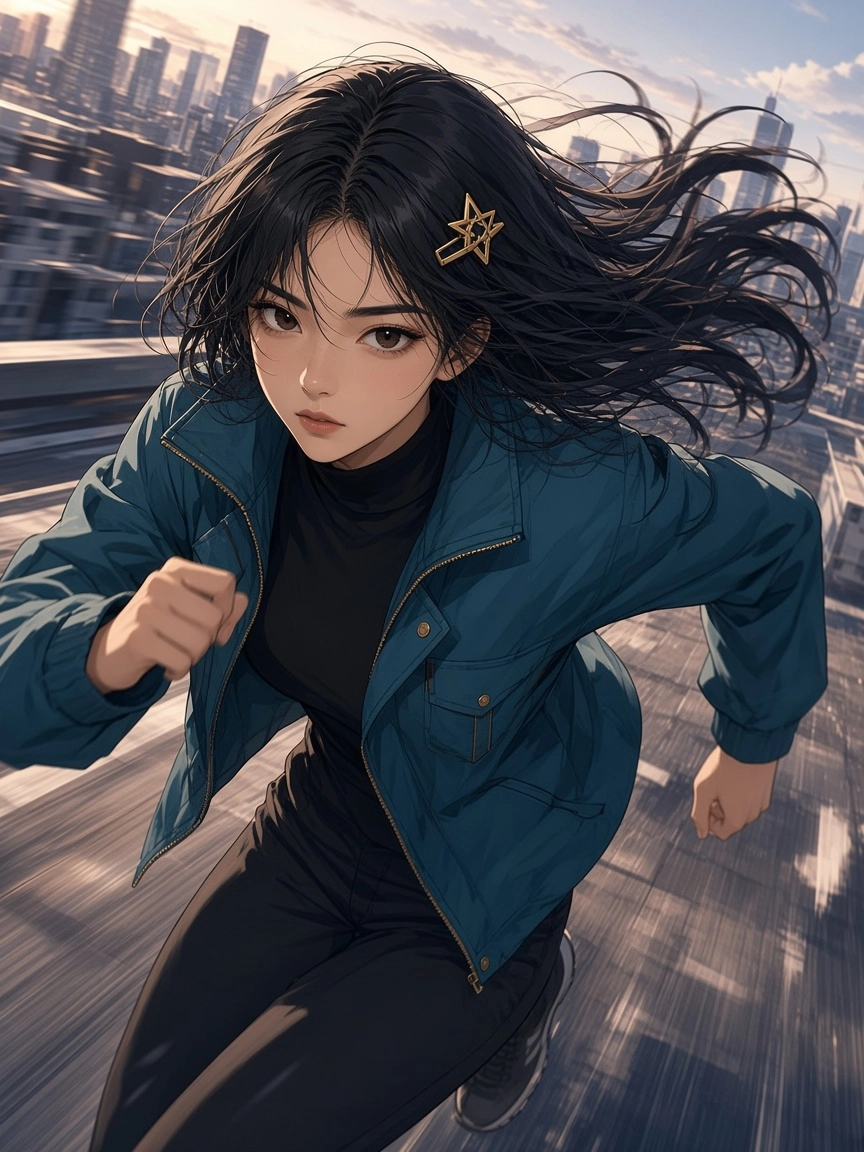 EP 02Artist AIn review
 EP 03Artist BAnimating
 EP 04UnassignedDraft
Characters, panels and covers.
● Midjourney V 8.2● Seedream 5.5● Nano Banana 2.1Animate panels with camera control.
● Seedance 2.5● Kling 4.0● Vidu Q3 ProCharacter voices for lip-sync.
● ElevenLabs V3● MiniMax Speech 2.8 HDA tool that converts novels, scripts, or panels into vertical motion comics. Pixmax enables 9:16 episodic creation with consistent characters, lip-sync voiceovers, and 3D Director Stage for precise motion blocking.
Upload your source material, lock characters in the Asset Library, and build a storyboard. Use 3D Director Stage for motion blocking, then generate 9:16 video with native lip-sync. Try our Novel-to-Motion Comic feature for faster workflows.
Save characters and styles to the Library (including Kling Subjects with reference images). Reuse them across all episodes to prevent drift. Tip: Test characters in 3–5 scenes before scaling.
Yes. Generate native 9:16 vertical videos with accurate lip-sync for 2D/anime characters. Models like Seedance 2.5 support up to 1080P. Integrated voices include ElevenLabs V3 and MiniMax Speech 2.8.
A 3D workspace for blocking characters, cameras, and motion before AI generation. It includes a 2,000+ mocap motion library, currently free for a limited time. Try it here.
For key art: Midjourney Niji 7, Nano Banana, Qwen Image. For motion: Vidu, Seedance, Kling, Wan. Pixmax offers 32 video and 27 image models, switchable per shot.
This page is for motion comics, manga, and novel adaptations. For photorealistic live-action shorts, use the AI Short Drama page. Both share the same workspace and tools.
Yes. Share canvases, folders, and assets via links. For advanced controls and team management, upgrade to Team or Enterprise plans. View Pricing.
Lock your cast and style once — publish 9:16 episodes from one workspace.


