



Product Updates
Latest Update:
🚀 New Models
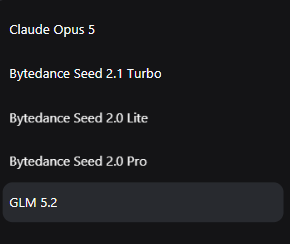
- GLM 5.2 (Text Model): The latest GLM 5.2 model is now live, offering superior logical reasoning and natural language understanding for more precise prompt engineering and content generation.
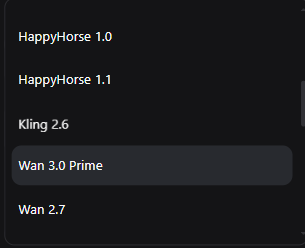
- Wan 3.0 Prime (Video Model): Users can now access Wan 3.0 Prime on Pixmax, delivering next-level video generation quality with improved motion consistency and visual fidelity.
✨ Canvas Improvements
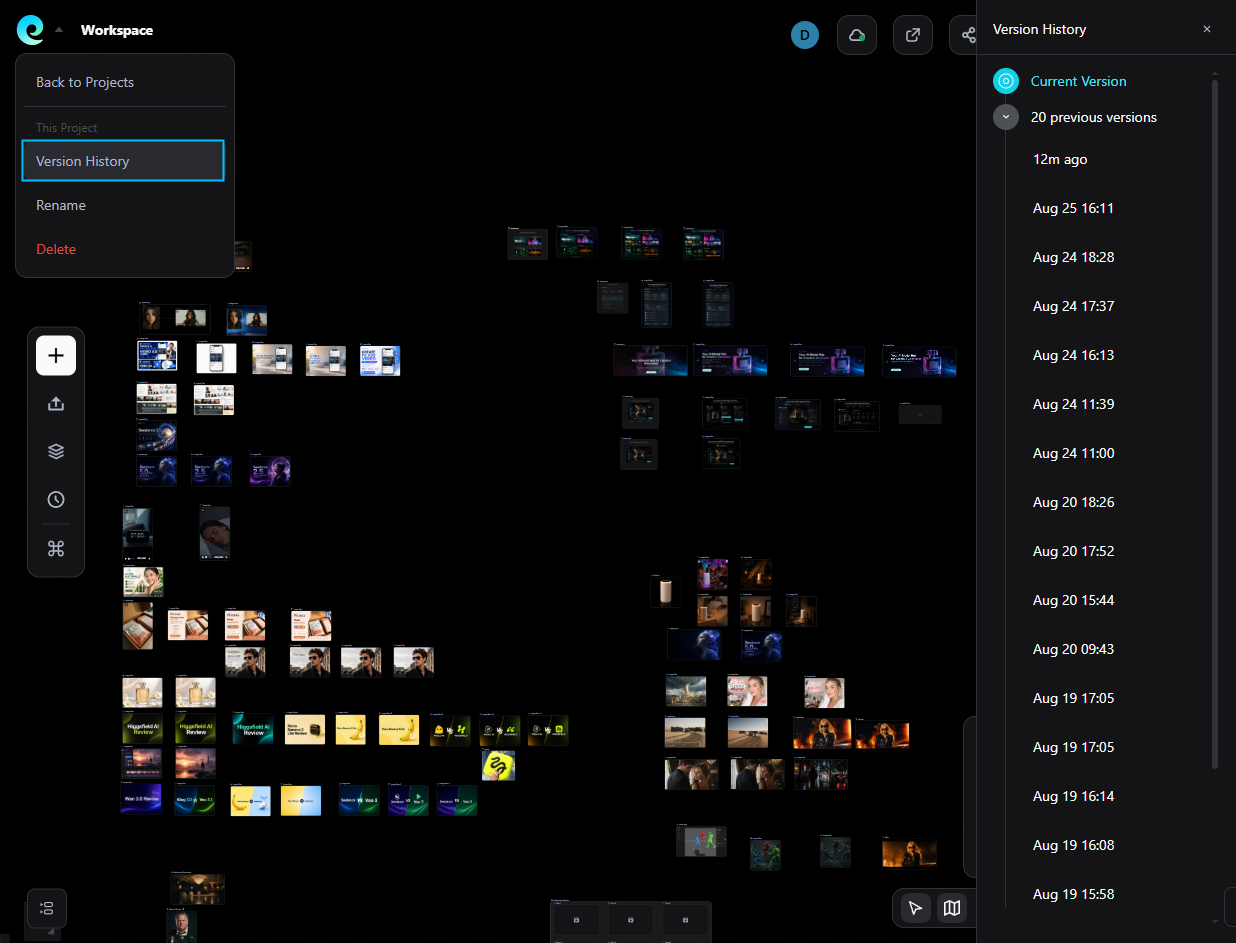
Canvas Version History:
You can now restore your canvas to previous states. The system automatically saves snapshots of your workspace at fixed intervals, ensuring you never lose your creative progress and can easily revert unwanted changes.
⚙️ Platform Updates
Custom User Preferences:
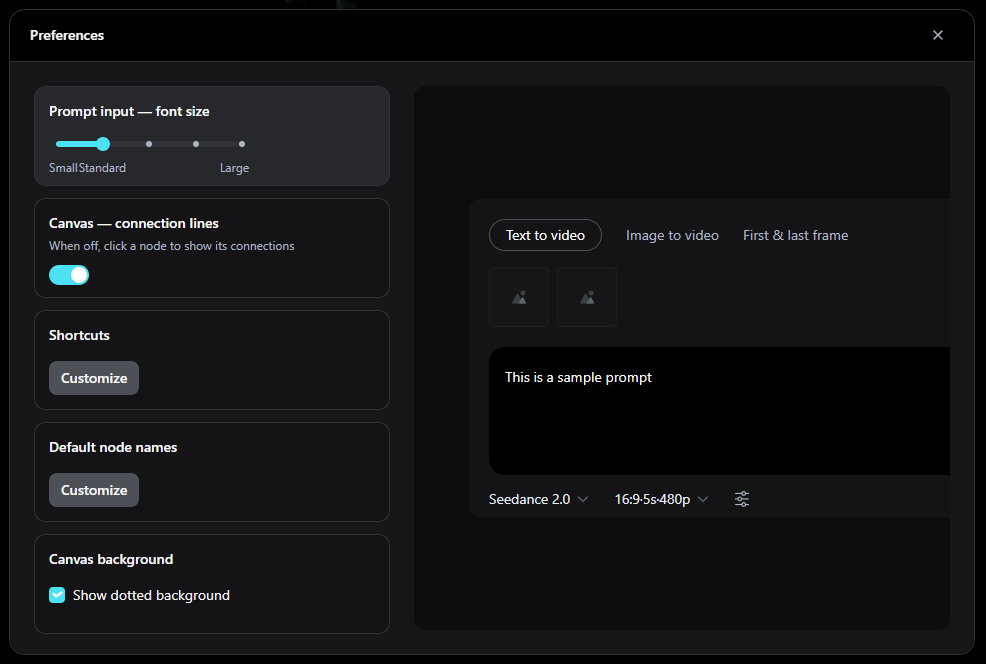
- Tailor your workspace to your specific workflow. Navigate to Avatar -> Preferences to access the new configuration system. Customizable options include:
- Input box font size
- Toggle connection line visibility (hide/show lines)
- Default file naming conventions
- Storyboard Script Mode: A new workflow for structured video creation. Define your shot list, upload assets, and automatically generate prompts for consistent scene production.
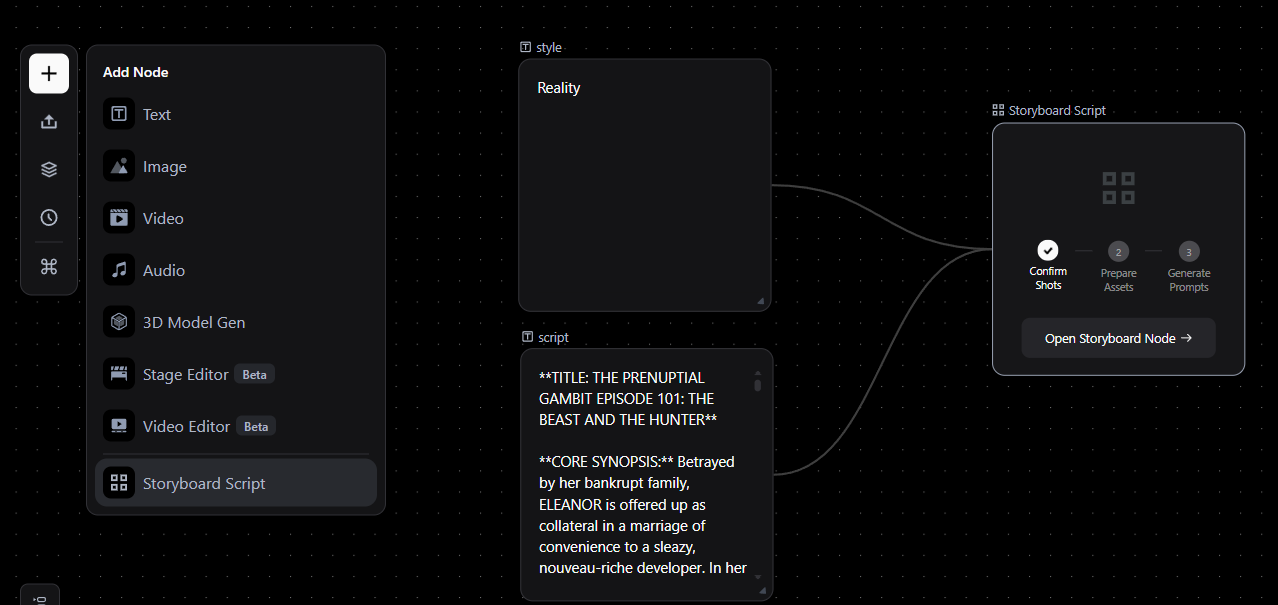
- Video Frame Marking: Select specific frames in a video to add markers. Once saved, these markers automatically generate reference images linked to the video node, ensuring precise visual consistency.
- Batch Generation for Groups: After grouping nodes, you can now trigger batch generation for all items at once. Note: Target nodes must contain prompt boxes to be recognized.
Try the new Storyboard Script mode now.
🚀 New Model
- Midjourney v8.2 (Image Model): The latest Midjourney v8.2 model is now live on Pixmax, offering enhanced aesthetic quality and prompt adherence for superior image generation.
✨ Canvas Improvements
- Node History Viewer: Added a large-image view mode for node history in the Canvas, supporting left/right pagination for easier review of previous steps.
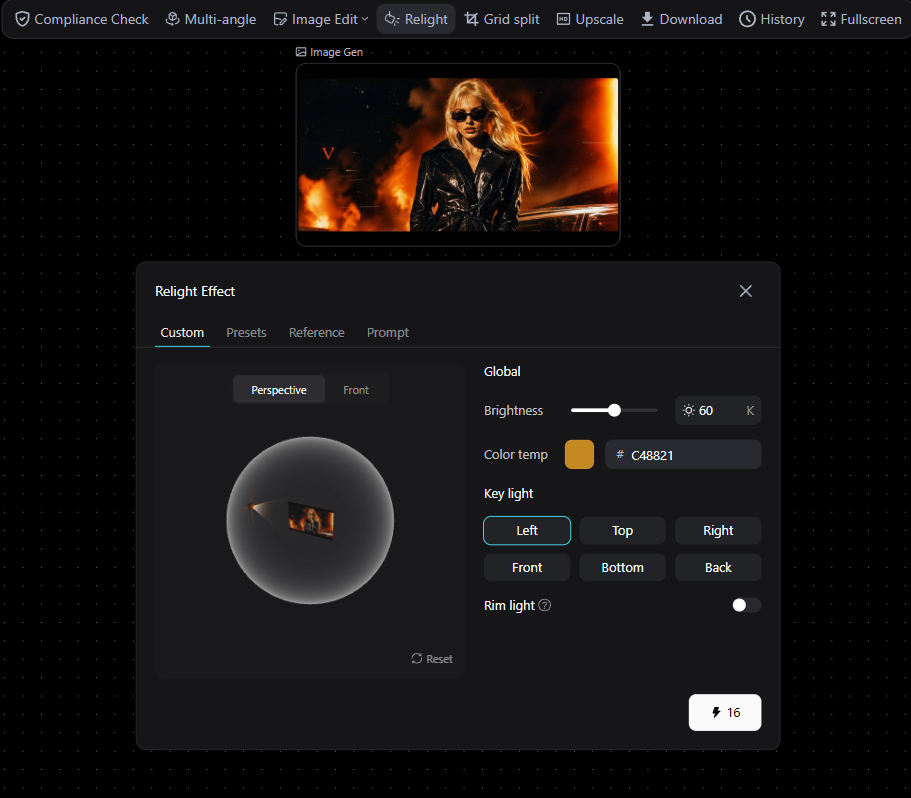
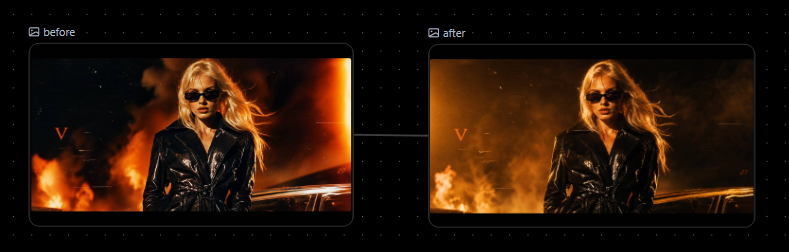
- Image Lighting: Added a lighting effect feature to image nodes in the Canvas, allowing you to adjust light direction and intensity for more dramatic visuals.
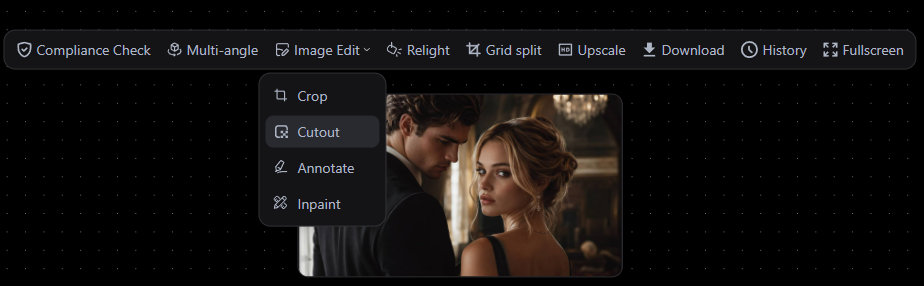
- Auto Background Removal: Added a one-click auto background removal tool to the image editing options. Note: This feature uses AI automation and does not support manual selection.
Try Midjourney v8.2 and the new Canvas tools now.
- Multi-Level Org Structure: Sub-accounts now display the full organizational hierarchy (parent company with multiple subsidiaries). Sub-accounts can also create their own nested sub-accounts for granular team management.
- Usage & Credit Visibility: Added a comprehensive usage overview and detailed credit breakdown. Admins can now manage tasks and configure data access permissions directly from the console.
- Independent Project Permissions: Project role permissions are now decoupled from account-level roles. Sub-accounts can independently enable or disable personal projects without affecting team-wide settings.
- Optimized Credit & Task Management: Streamlined the credit detail view and task management interface for faster navigation and clearer insights.
Explore the updated Enterprise Console.