Quick Answer
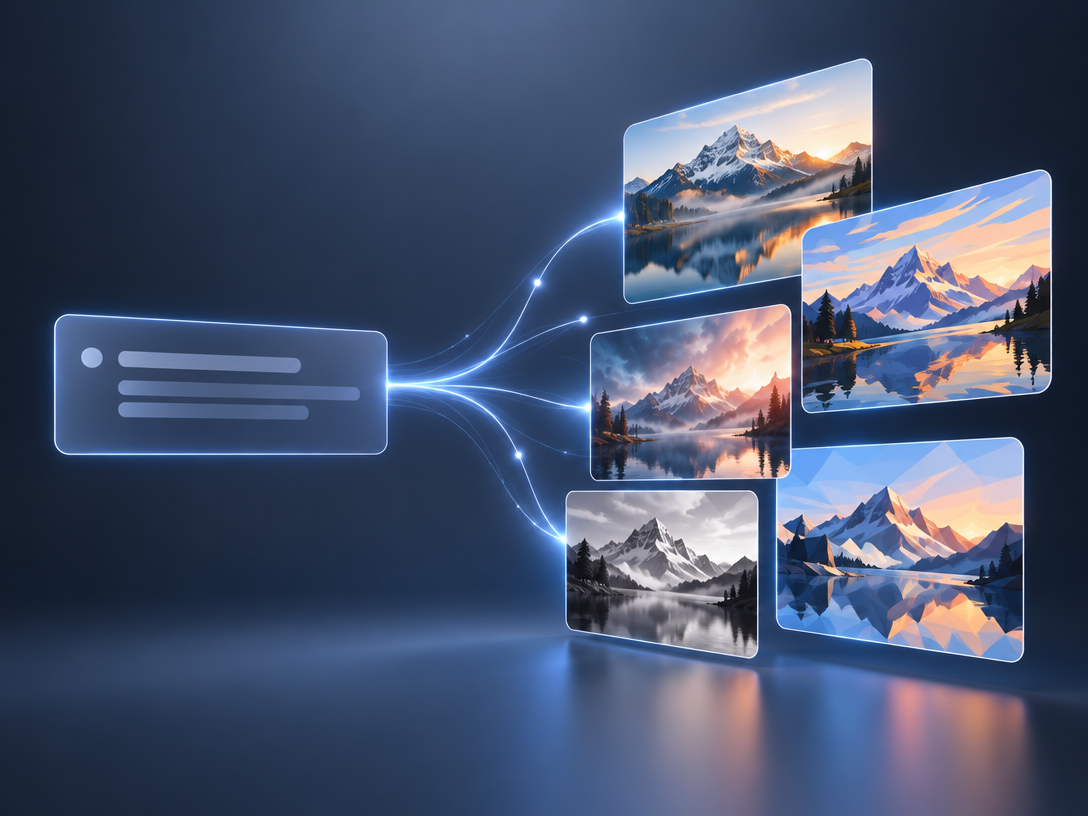
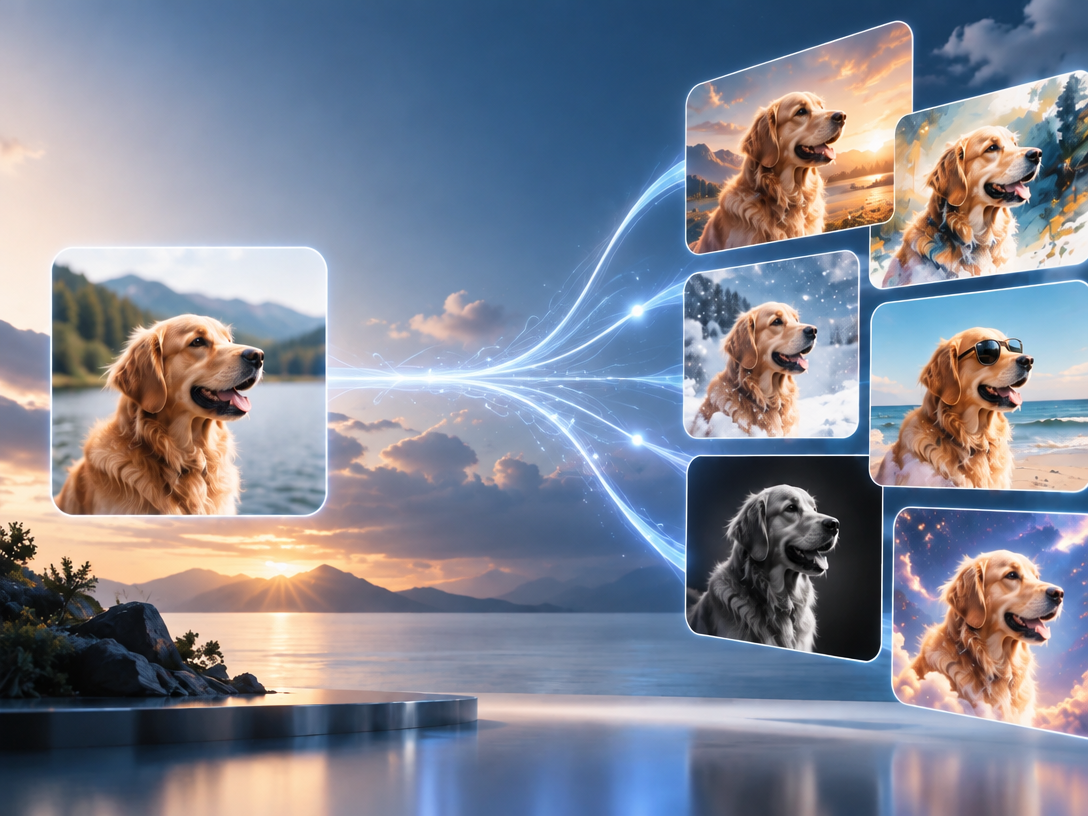
An image to image AI generator — often called img2img — rewrites a photo you upload: style, lighting, background, season, clothing — while keeping the subject and composition roughly intact. It re-renders the scene rather than layering a filter, so output is never pixel-identical to your source.
On "free, no sign up, no restrictions": only a few hosted tools give genuinely accountless runs, and they pay for it with older models and ad queues. Reddit users are blunt about the trade — "quality is the main reason why it is so [free]" — and equally blunt about scarcity: "it's kinda shocking how few AI image generators do image-to-image."
Decide in this order:
- Need a clean commercial license? Firefly, or a paid tier. Watermarked free output is usually unlicensed.
- Need zero friction right now? Krea.
- Need many models in one workspace? Pixmax.
- Need unlimited and private? Run it locally.
What Image-to-Image Is (and Isn't)
Image-to-image conditioning is a diffusion technique that starts from your upload, adds a controlled amount of noise, then denoises back to a new image. That noise level is the whole game.
| Mode | Starts from | Preserves | Use when |
|---|---|---|---|
| Image-to-image (img2img) | Your photo | Composition, pose, palette | Restyle, relight, change season |
| Inpainting | Your photo + a mask | Everything outside the mask | Fix one region |
| Text-to-image | Nothing | Nothing | Invent a new subject |
Reddit users catch this constantly: "That's not i2i — its inpainting. Similar seeming, but actually different techniques." Restyling a whole portrait = img2img. Removing a bystander, or erasing text from a picture, = inpainting. If you need someone gone from a shot, that is a masking job, not a restyle.
The One Setting That Decides Everything
Transform strength determines whether your output still resembles your upload. Google's diffusers documentation defines it as the "extent to transform the reference image" on a 0–1 scale, defaulting to 0.8 — and at 1.0 it "essentially ignores" the image. Adobe ships the same idea as a Strength slider in Firefly. Stability's API exposes it as `start_schedule`.
| Strength | Result | Best for |
|---|---|---|
| 0.2–0.4 | Near-copy with a light grade | Relighting, background swap |
| 0.5–0.7 | Recognizable, visibly restyled | Style transfer, seasonal swaps |
| 0.8–1.0 | Loose reimagination | Concept exploration, mood boards |
If your result looks nothing like your upload, this is why — not the model.
7 Image to Image AI Generator Options
| Tool | Sign-up | Free limit | Watermark | Notes |
|---|---|---|---|---|
| Krea | None | Yes | No | Fewest controls |
| Creen | None | Generous on some models | No | 11 models, multi-reference |
| Adobe Firefly | Adobe account | Free daily credits | No | Clearest licensing terms |
| Pixmax | Account, free credits | Credit-based | No | 50+ models, one hub |
| Perchance | None | Unlimited (community-reported) | No | Clunky UI, ad-supported |
| Hugging Face Spaces | None | Queue-based | No | Shared compute |
| Local (Fooocus / ComfyUI) | None | Unlimited | No | Needs a GPU |
1. Krea — Fastest Zero-Friction Start
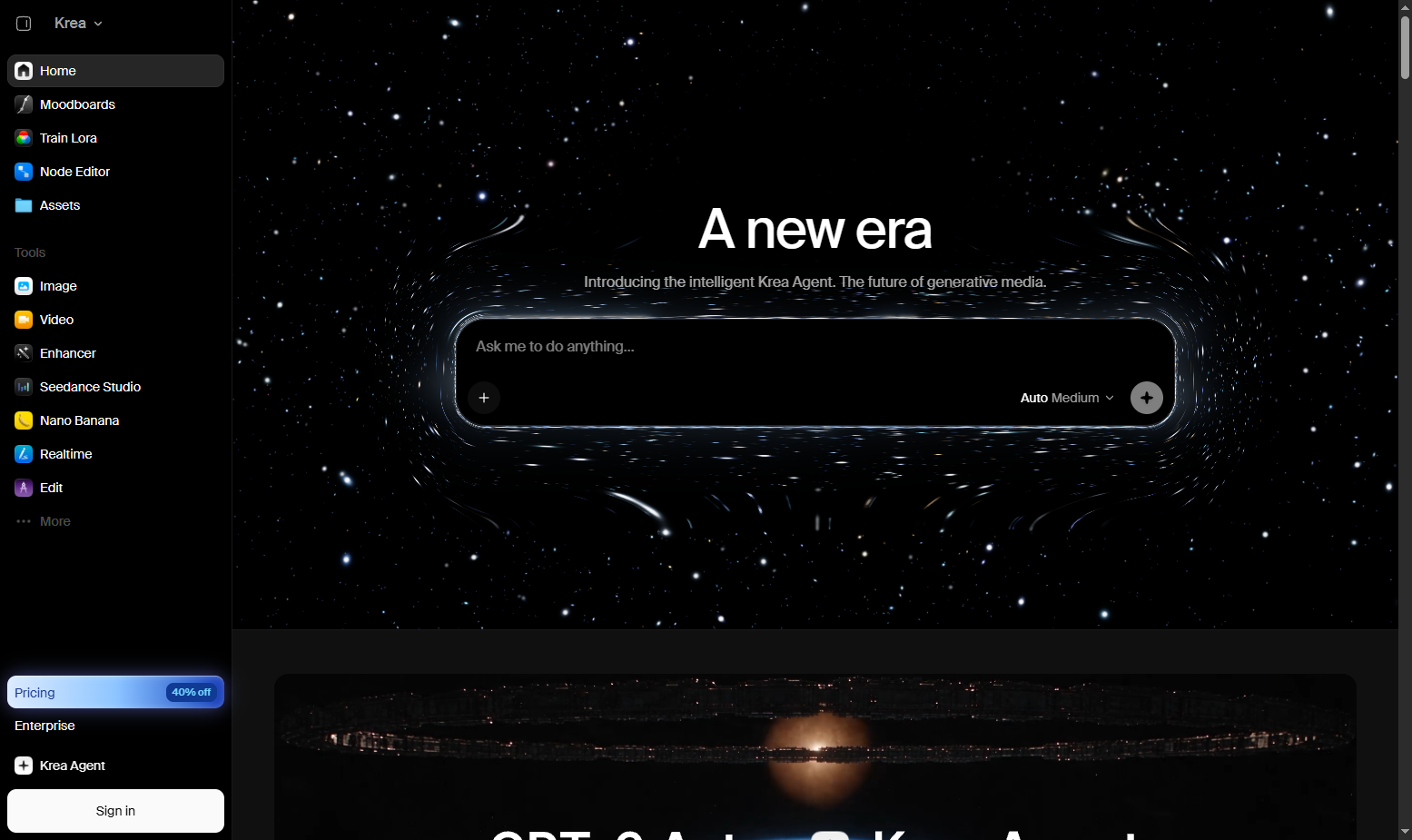
Krea transforms a photo without creating an account at all. Upload a PNG, JPG, WEBP, HEIC, HEIF, or AVIF file, type "turn into oil painting," download. Shortest path from photo to output. Limitation: basic controls, no strength slider, so composition drift is on you.
2. Creen — Most Models With No Account
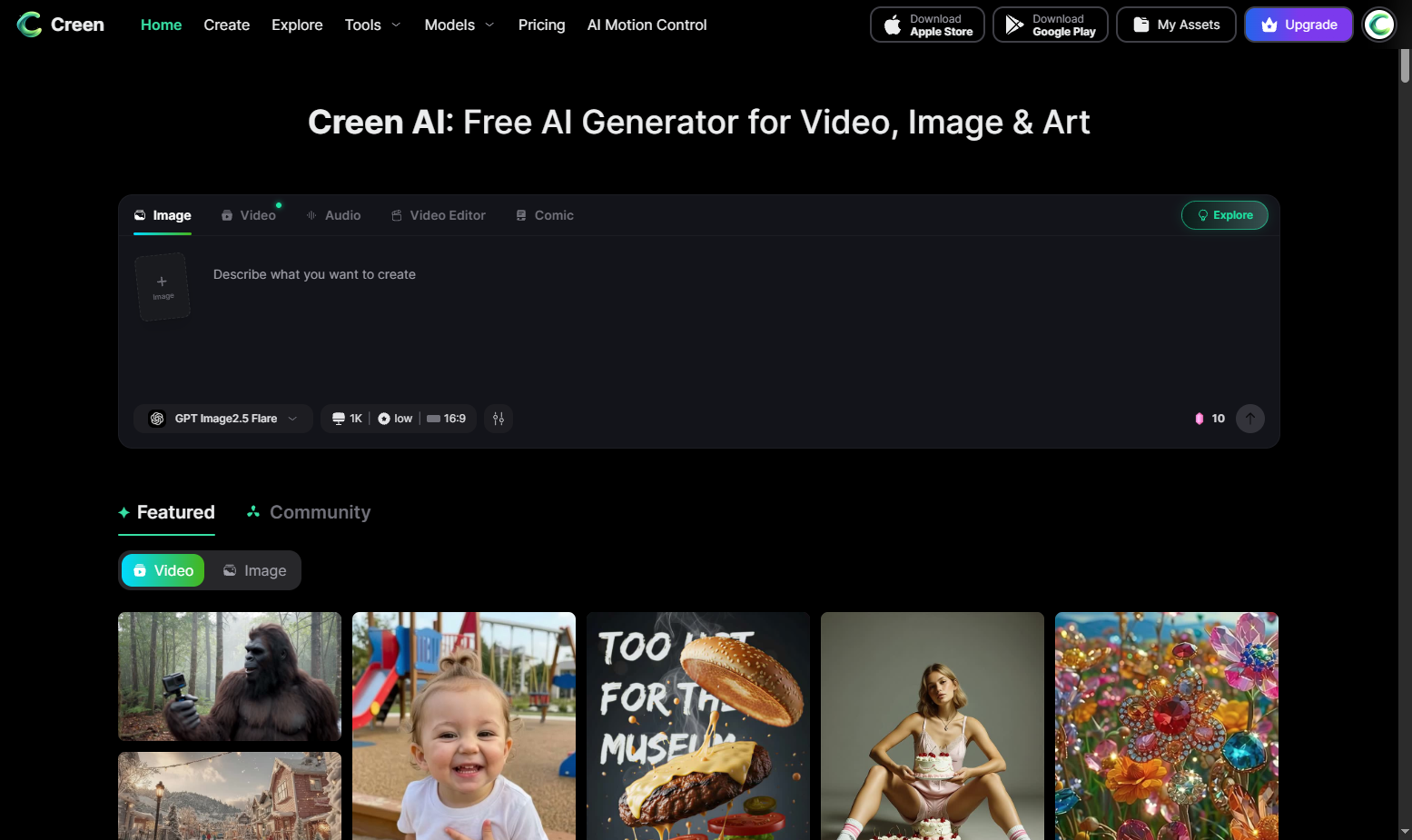
Creen opens eleven image models — Z-Image Turbo, Seedream, Nano Banana Pro, GPT Image 2, Kling — without a login. It accepts up to five reference images at once, 24MB per file, and outputs to 4K. That multi-reference limit is the quiet advantage: it's how you keep a character or product consistent across edits. Weakness: premium models still cost credits.
3. Adobe Firefly — When Licensing Matters Most
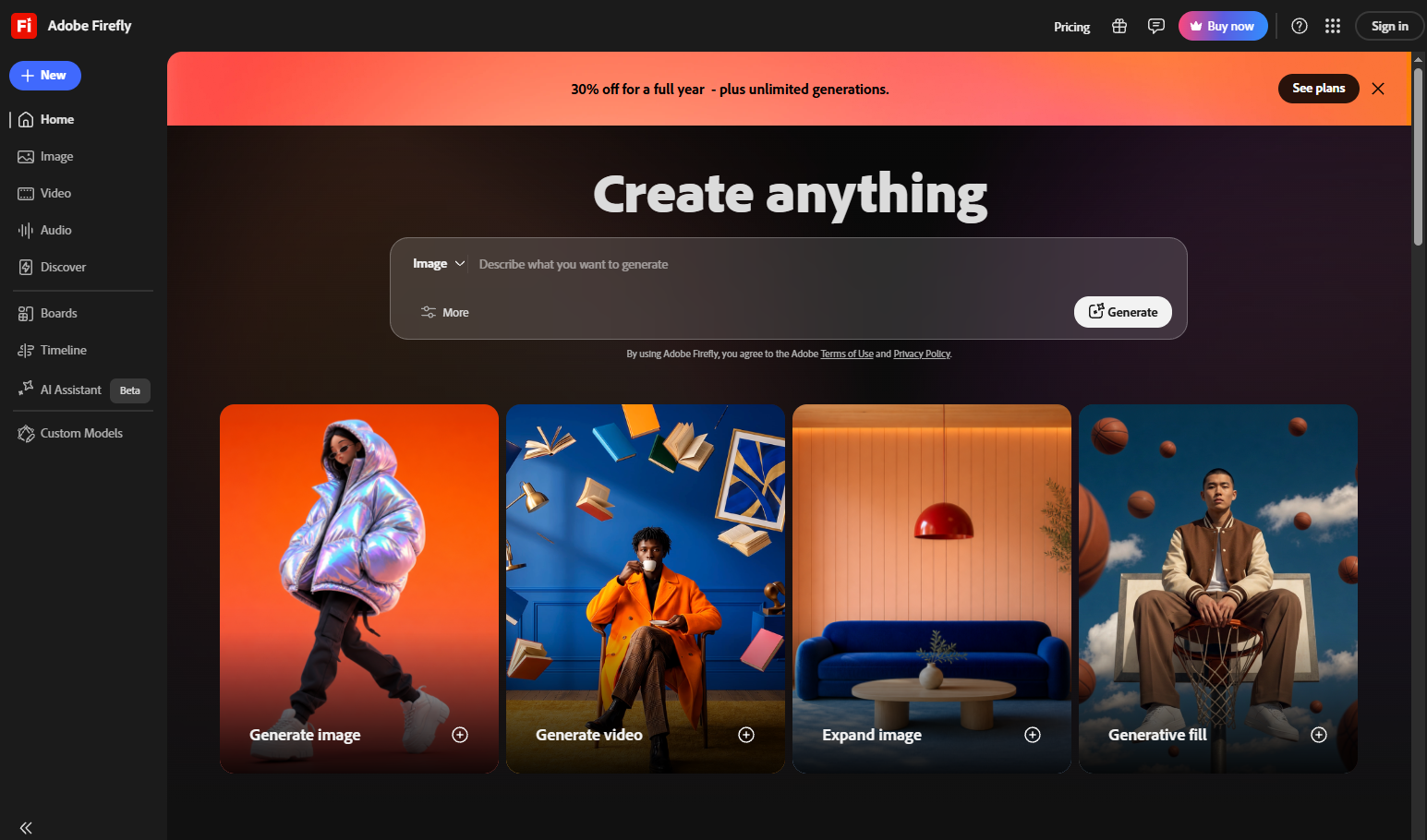
Firefly is the most conservative choice for client work, and it needs an Adobe account. It exposes an explicit Strength slider, lets you pick the model, and pushes output into Photoshop. It publishes the plainest licensing language of any tool on this list — read it before you ship commercially.
4. Pixmax — Many Models, One Workspace
Pixmax runs image-to-image and reference-image workflows across a single multi-model hub, with free credits when you start. GPT Image 2 handles text-to-image, image-to-image, and reference inputs; Seedream 5.0 Pro adds area-level editing, layer separation, and multi-image blending for consistent characters and products.
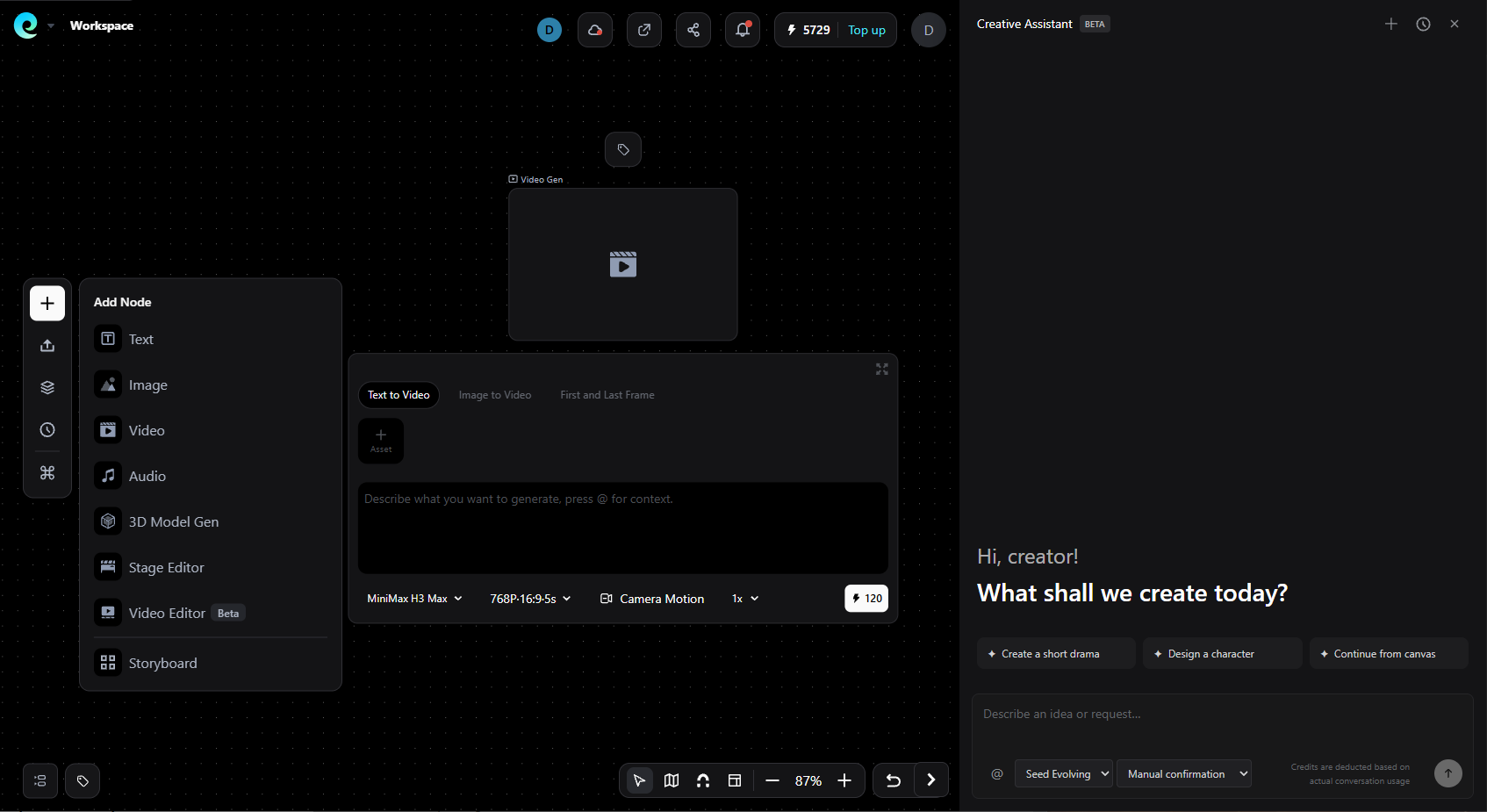
Best fit: you need more than one model — restyle with one, produce campaign variants with another — without juggling separate subscriptions. The Pixmax model hub lists 50+ models side by side. If your output is product photography, the AI product photography workflow covers the QC loop in detail. Start creating free →
5. Perchance — Unlimited, Unglamorous
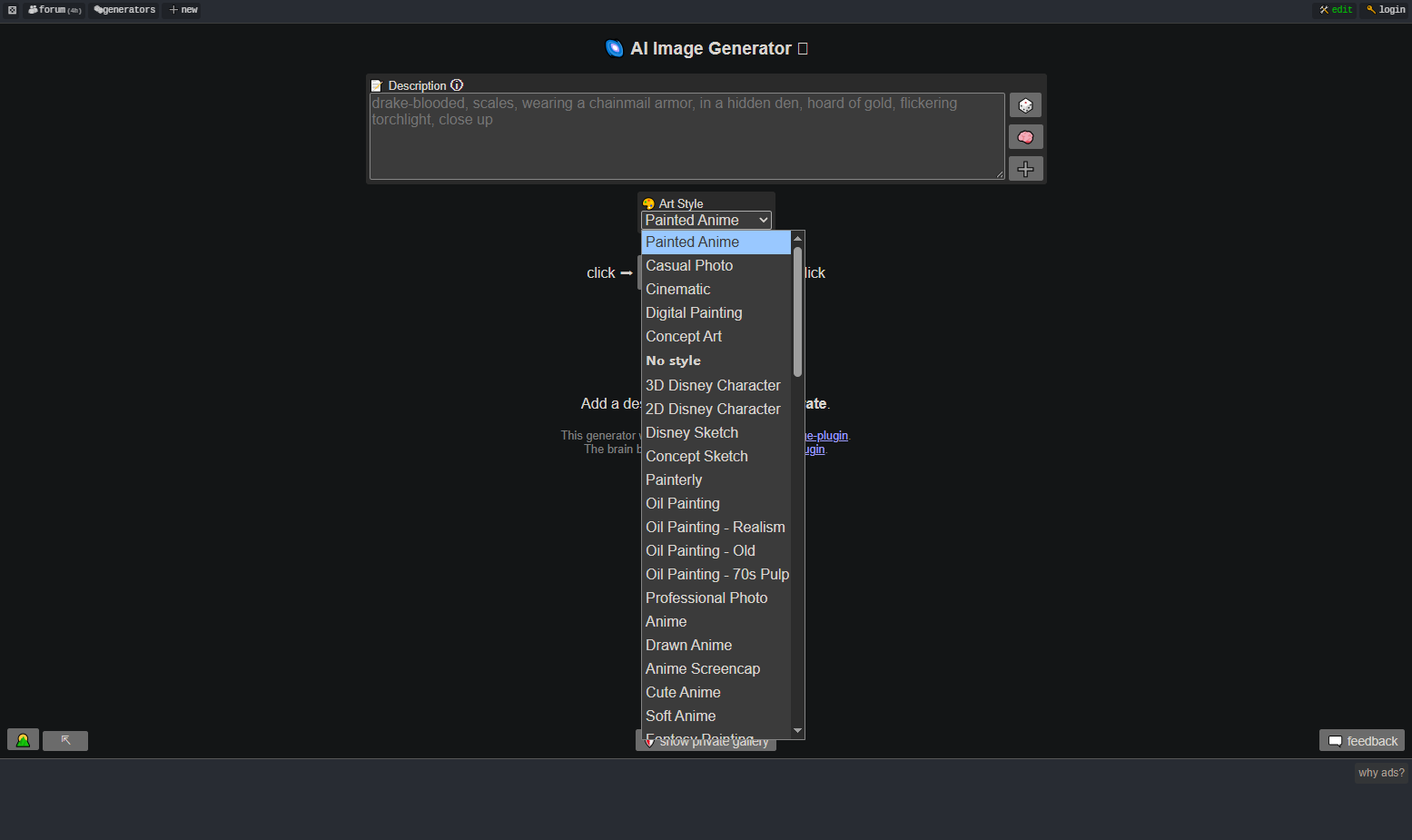
Perchance's image-to-image tool is community-reported as free, loginless, and uncapped. Reddit threads surface it repeatedly as the answer to "no credits, no subscription, no login." You pay in interface quality and ad load. Treat output as personal-use until you check the terms.
6. Hugging Face Spaces — Free Models, Shared Queue
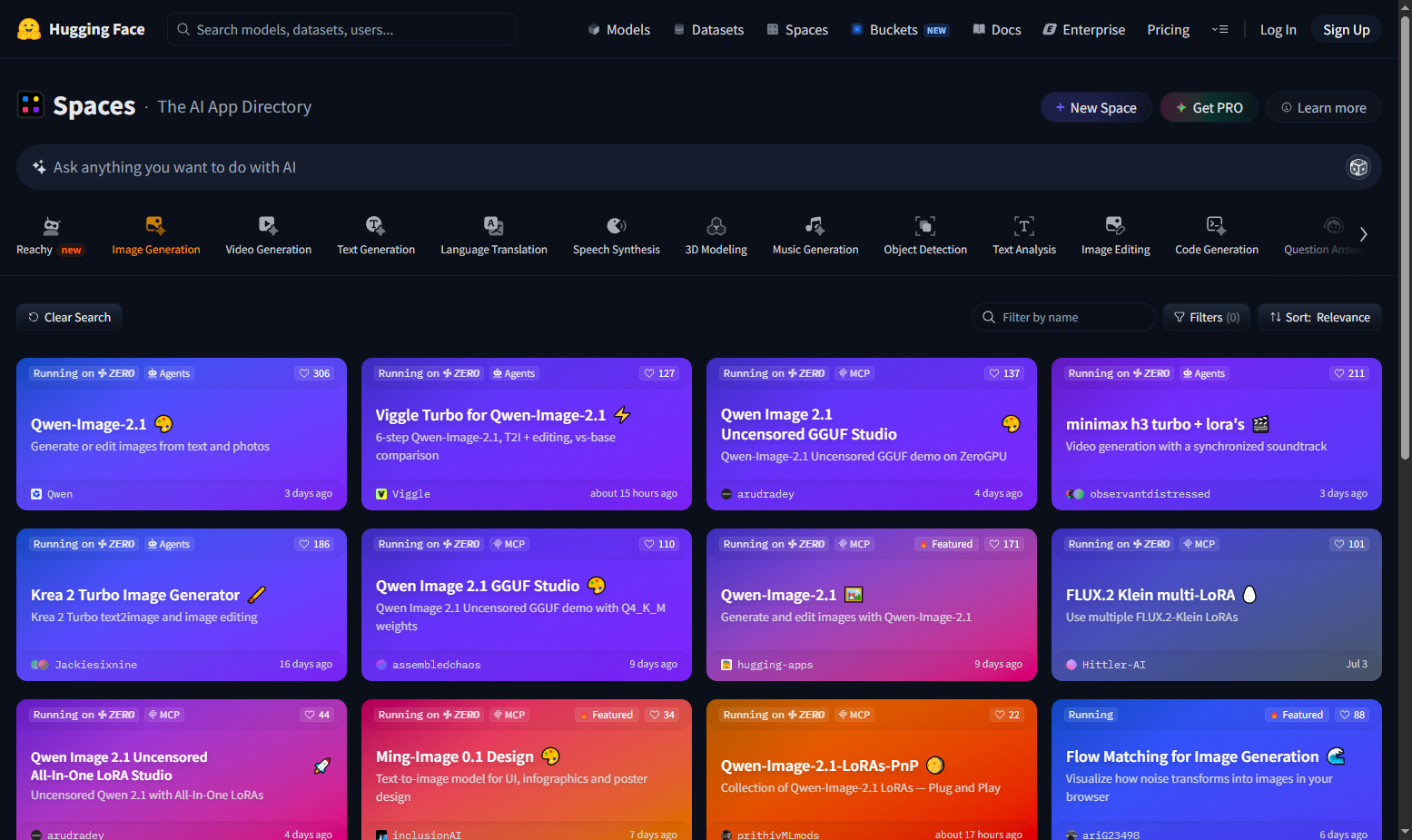
Hugging Face Spaces host community-run Stable Diffusion image-to-image demos with no account required. You get open models with no watermark. Reddit's caveat is accurate: these run on shared compute, so peak-hour queues are long. Model quality varies by whoever deployed the Space.
7. Run It Locally — Unlimited and Private
Local Fooocus or ComfyUI removes caps, watermarks, and third-party uploads entirely. Reddit's practical floor: roughly 8GB of NVIDIA VRAM for Fooocus; ComfyUI if you want node-level control. If image privacy or unlimited volume matters, this is the only option that fully solves it.
How to Run Image-to-Image in 4 Steps
- Start from a clean source. Sharp image, clear subject, even lighting. Low-res inputs produce weak results.
- Write two-part prompts. State what changes and what must not: "keep the same face, pose, and camera angle; change only the background to a rainy Tokyo street."
- Set strength low, then raise it. Lock composition first, then add style. Raising strength early just produces a different picture.
- Batch variations. Generate 5–10, then QC at 100% zoom for logo text, product shape, and hand artifacts. Never ship the first output.
What Free Tools Hide From You
- Watermarks kill licensing. Raphael's own page states free watermarked results are "for trial and preview only and are not licensed for commercial publishing." "Free" can mean unusable.
- Paywalls arrive fast. Reddit's recurring complaint is a tool "slapped by a paywall after three clicks."
- Free tiers rarely cover volume. Budget for a paid plan once you need consistency — an all-in-one hub like Pixmax is cheaper than five separate subscriptions.
FAQs
Is there an image to image AI generator that's free with no sign-up?
Yes — Krea and Creen run without an account. Perchance is community-reported as unlimited and loginless. Expect older models and ad queues.
What is the difference between image to image and inpainting?
Image-to-image restyles the whole frame from your upload. Inpainting edits only a masked region and leaves everything else untouched.
Why doesn't my result look like my original image?
Transform strength is too high. Drop it to 0.3–0.5 and state explicitly what must stay the same.
Are there image to image AI tools with no content restrictions?
Some exist, and we don't recommend them. Unfiltered tools retain uploads longer, expose you to terms-of-service violations, and carry real deepfake liability. Upload only images you own, and never create sexualized or deceptive images of real people. For legitimate flexibility, use a tool's strength and mask controls instead of a filter-free one.
Can I use free image to image output commercially?
Sometimes — and it varies by tool. Read each provider's terms before publishing; watermarked free tiers frequently grant no commercial rights.
Is image to image better than text to image?
For preserving a real product, face, or layout: yes. For inventing a new subject: text to image. You can also chain both.
Bottom Line
An image to image AI generator is worth using for restyling, relighting, and controlled variation — the composition survives when you keep transform strength low and name what must stay fixed. Start accountless if you just need an image today; pay for licensing the moment the output ships.