Quick Answer
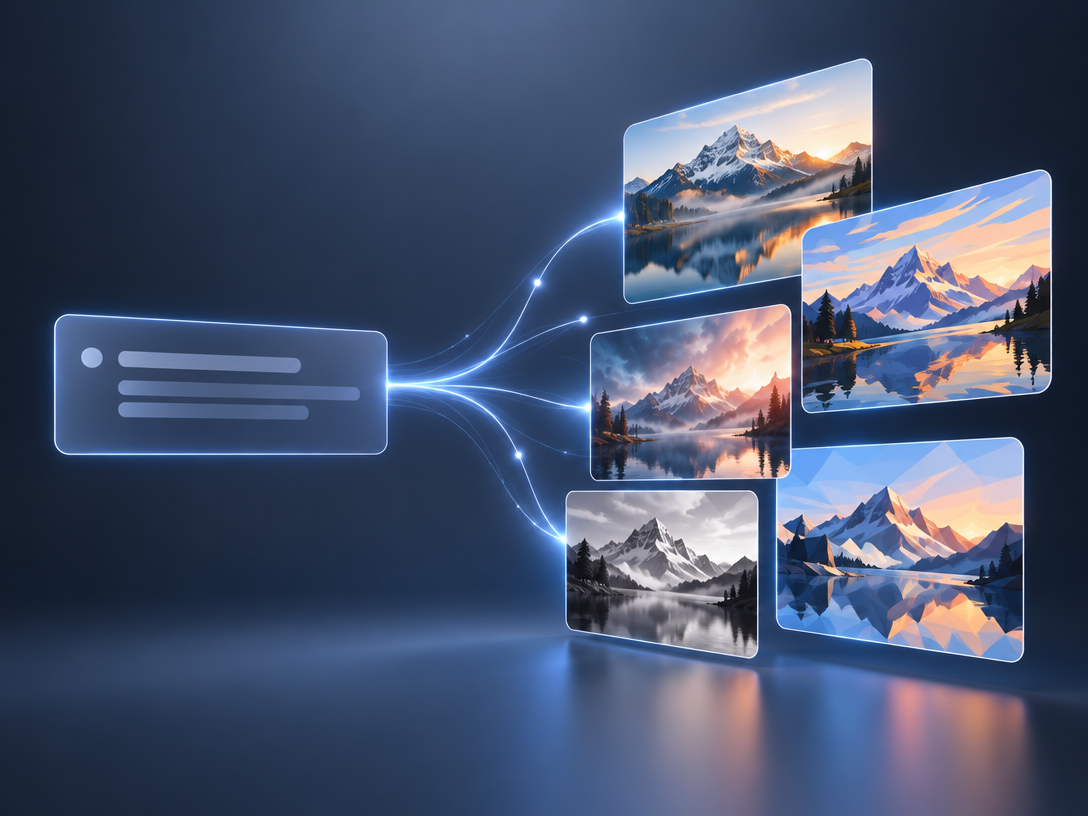
A text to image generator turns a written description into an image using a trained AI model. No single tool wins in 2026. Six routes dominate, each owning one job:
- Canva — an image as an editable element in a design layout
- Adobe Firefly — clearest commercial provenance, wired into Photoshop
- Bing Image Creator — fastest free drafts on a Microsoft account
- Craiyon — the rare free tier where text-to-image spends no credits
- Gemini (Nano Banana) — conversational editing, free via Google
- Pixmax — 15+ image and video models under one account, pay-as-you-go
Free + unlimited + high quality + no sign-up does not exist — you get two of the three. Your job picks the tool, not a leaderboard.
What Text to Image AI Actually Does
Text to image AI matches the words in your prompt to visual patterns learned in training, then renders pixels from that match. Every extra word steers it.
That explains most disappointing results: vague prompts average into generic images, and models optimise for plausible rather than correct, so hands, in-image text, object counts and brand marks fail most often. One prompt is a draft; real work takes three to ten generations plus edits.
How to Choose a Text to Image Generator: Five Criteria That Matter
| Criterion | Test it by | Why it matters |
|---|---|---|
| Prompt adherence | A hard prompt | Cheap models take liberties |
| Text rendering | Spelling a word in the image | Historic weakness of all generators |
| Consistency | Same subject across five images | Single-shot models drift |
| Resolution | 1K draft or 4K final | Ad and print specs need real pixels |
| Licensing | Can you ship it to a client? | First question legal asks |
Test prompt adherence first — it predicts the other four.
Six Text to Image AI Generators and the Job Each One Wins
"Best" is the wrong question. "Best for what" is the only one that pays.
| Generator | Best for | Free boundary |
|---|---|---|
| Canva | An image inside an editable layout | Generative credits on free plan |
| Adobe Firefly | Commercial work needing provenance | Daily generations with Adobe ID |
| Bing Image Creator | Fast free drafts | Free, Microsoft account |
| Craiyon | Volume drafting | Text-to-image is credit-free |
| Gemini (Nano Banana) | Conversational edits, multilingual type | Free via Google account |
| Pixmax | Multi-model projects, image to video | Free credits; selected models |
For scored verdicts instead of a landscape, see our tested AI image generator roundup. For marketplace listings, see AI product image generators compared.
Canva
Choose Canva when the image is one element in a layout, not the deliverable. It is a design suite that gained image generation, not a raw generator. Two paths sit behind it: Magic Media for text-driven styles, and "Create an image" powered by Dream Lab, which reinterprets an uploaded reference for aesthetic, object or texture. Output lands in the editor, where type, layout, filters and export share the canvas.
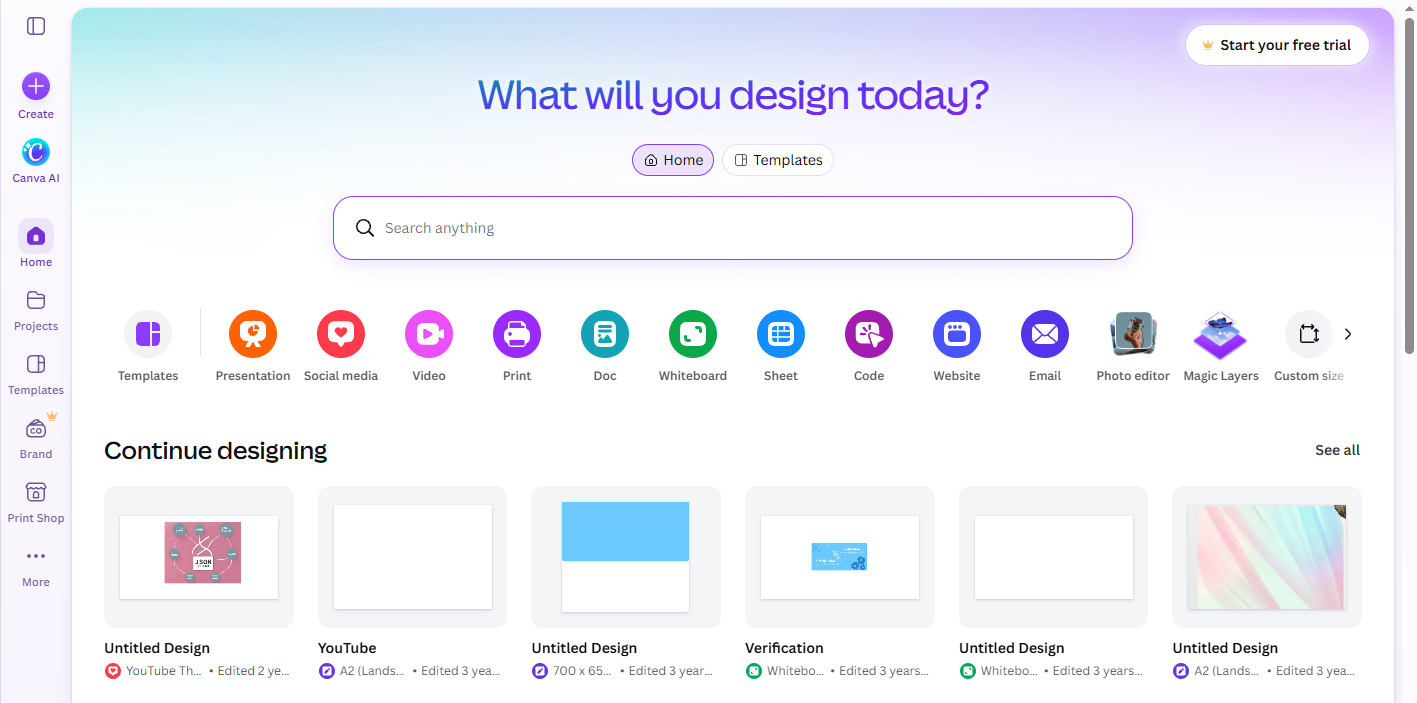
That handoff is the advantage. Generative credits come with free plans, but quality trails the frontier models — Canva competes on what happens after the image exists. Wrong tool for a hero render.
Adobe Firefly
Choose Firefly when a client or legal team will ask where the image came from. Adobe states its models are trained on Adobe Stock, openly licensed and public-domain work — the clearest documented provenance chain in this group. It is also the most feature-complete: four options per prompt, "Show Similar" for style-matched reruns, and a Generative Fill workspace to add or remove objects and swap backgrounds without rebuilding the scene.
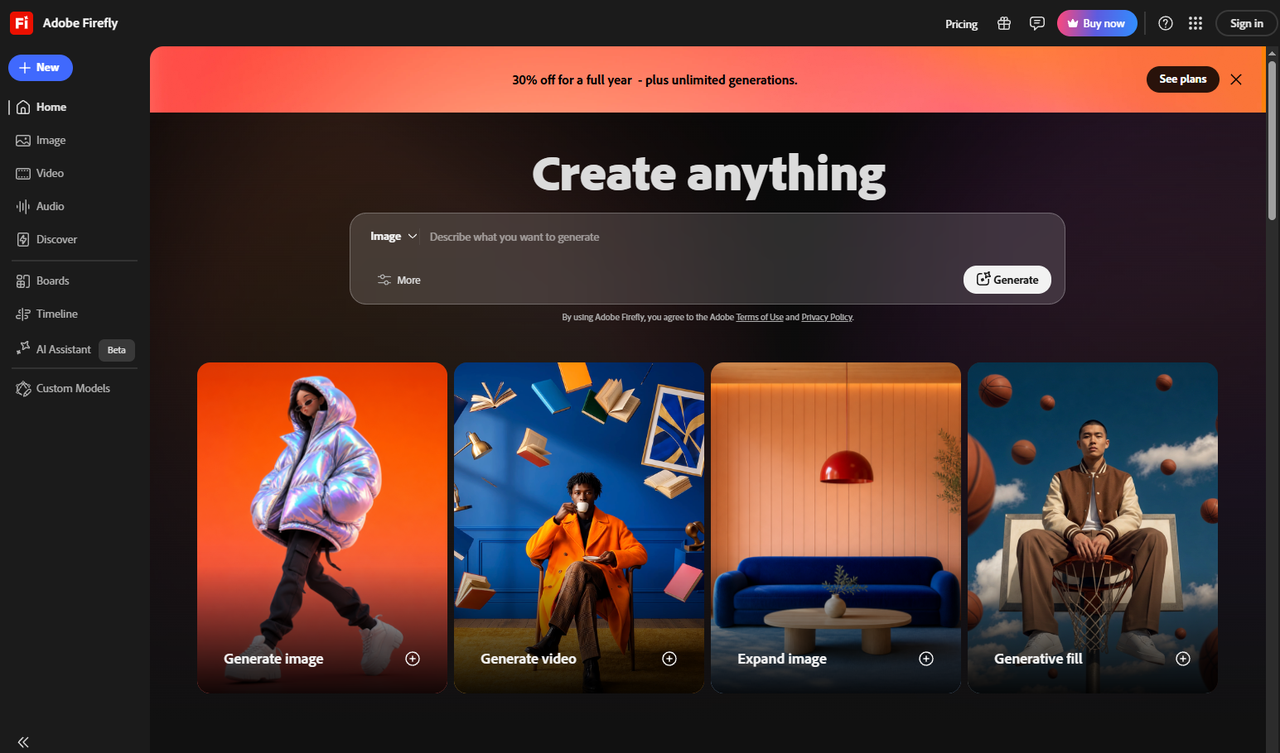
The trap is the feature that makes it useful. A model dropdown routes you to partner engines — Gemini, Flux, Runway, GPT Image — and those do not inherit Firefly's IP chain. If provenance is why you chose it, stay on native models.
Pixmax
Choose Pixmax when one model is not enough, or the image is not the final deliverable. It runs 15+ image and video models under one account — Midjourney V8.2, GPT Image 2.5, Nano Banana, Seedream, Qwen-Image and more — and that account also carries text, audio and 3D models.
That makes it the only option here where a generated frame is a node, not an endpoint. Build the shot on the infinite canvas, keep characters and brand styles in the asset library, then animate it without re-uploading or paying a second platform. Three commercial differences:
- Pay-as-you-go credits, no subscription required. Credit packs start at $15 and purchased credits never expire.
- An asset library and infinite canvas, so campaign characters and scenes stay reusable instead of dying in a downloads folder.
- Free credits at signup, so you can compare engines before spending. Review the image model lineup.
Honest limits: it aggregates third-party models rather than building its own. Free-tier access covers selected models only. Verify licensing in the terms for client work rather than assuming it.
Bing Image Creator
Choose Bing for volume at zero cost. It is built for high-frequency casual use rather than control: multiple engines behind one prompt box, skewed toward fast, stylised output. Free AI templates and a built-in AI photo editor sit alongside, so you can generate, then fix, on one page.
No install and no learning curve make it the lowest-friction entry — and that is its ceiling. When a brief needs art direction or commercial paperwork, move on.
Craiyon
Choose Craiyon when you need volume and refuse to watch a credit meter. The detail most newcomers miss: credits are spent on editing, while generating from a plain text prompt consumes none. Free accounts still have a limited image allowance, but the core loop is not metered.
It also ships an Exclude field — type "people", "text", "blue" and the model avoids them. Negative prompting at that simplicity saves more revisions than most paid tools. Five style modes, automatic aspect-ratio selection and prompts in any language complete the set. The trade-off is model quality, below the frontier tier.
Gemini (Nano Banana)
Choose Gemini when you want to argue with the model instead of rewriting a prompt. Enter through the tools menu, pick "Create images", choose a Fast, Thinking or Pro mode, then describe or upload an image to edit. Conversational iteration is what separates it from a form-and-generate box.
It stands out in this group on non-English type — clear text in many languages, aimed at logos, invitations, posters and comics. The ceiling: Nano Banana Pro re-rolls sit behind a paid Google plan, and deterministic batch output is not the point.
Free Text to Image AI: What Unlimited and No Sign-Up Claims Mean
The most repeated claim in this category is also the least reliable. One r/generativeAI thread puts it bluntly: cloud generators let you pick two of the three — free and good but capped, free and unlimited but poor, or good and unlimited but paid.
Why free no-sign-up sites disappoint
Users testing ad-funded no-login generators report hallucinated forms, baked-in watermarks and visible training-data signatures — output quality from years ago. Ad revenue buys the compute; the quality bill arrives in the artefacts, as reported by users here.
Verdict: fine for throwaway concepts, never for client work.
Where a free text to image generator is truly unlimited
It runs on your own GPU with an open model such as FLUX or Stable Diffusion. Hosted tiers cap you by credits, queue priority or timers. Self-hosting trades money for setup skill and hardware.
How to Use a Text to Image Generator: The Seven-Part Prompt Formula
A structured prompt removes most iteration cycles. Use seven parts:
- One clear subject
- Action or state
- Setting and time of day
- Camera: wide, medium, macro, top-down
- Lighting: golden hour, softbox, neon rim
- Medium: photo, oil painting, 3D render, anime
- Specs: aspect ratio, "no text, no watermark"
Vary one variable per generation. Changing five at once makes failures untraceable. Then run your best prompt through two or three engines before subscribing — runner-up attempts are cheap, wrong subscriptions are not.
FAQs
Is there a text to image AI that is free, unlimited and needs no sign-up?
No. You get two of the three. Free-and-good tiers are capped, free-and-unlimited sites are ad-funded, unlimited-and-good costs money. Self-hosting is the only exception.
Which text to image generator is best for beginners?
Canva, Adobe Firefly or Bing Image Creator — no setup, mistakes cost nothing. Canva when the image feeds a layout, Bing for pure volume.
What is the best free AI image generator in 2026?
By job: Adobe and Bing give usable daily generations, Craiyon spends no credits on text-to-image, Gemini is free via Google. Self-hosted FLUX is unlimited but needs your GPU.
Can I use text to image AI output commercially?
Only with explicit rights. Adobe Firefly's native models are the most defensibly documented, and a platform hosting a model does not transfer that licence.
Should I subscribe to one tool or use several?
Subscribe when one model covers your recurring work. Use free tiers or a multi-model account when jobs change weekly.
Conclusion
Pick by job, not by leaderboard: six text to image generators each win a specific one, and free, unlimited and no sign-up never arrive together. Test a hard prompt on two engines before you pay for anything.