




Quick Answer:
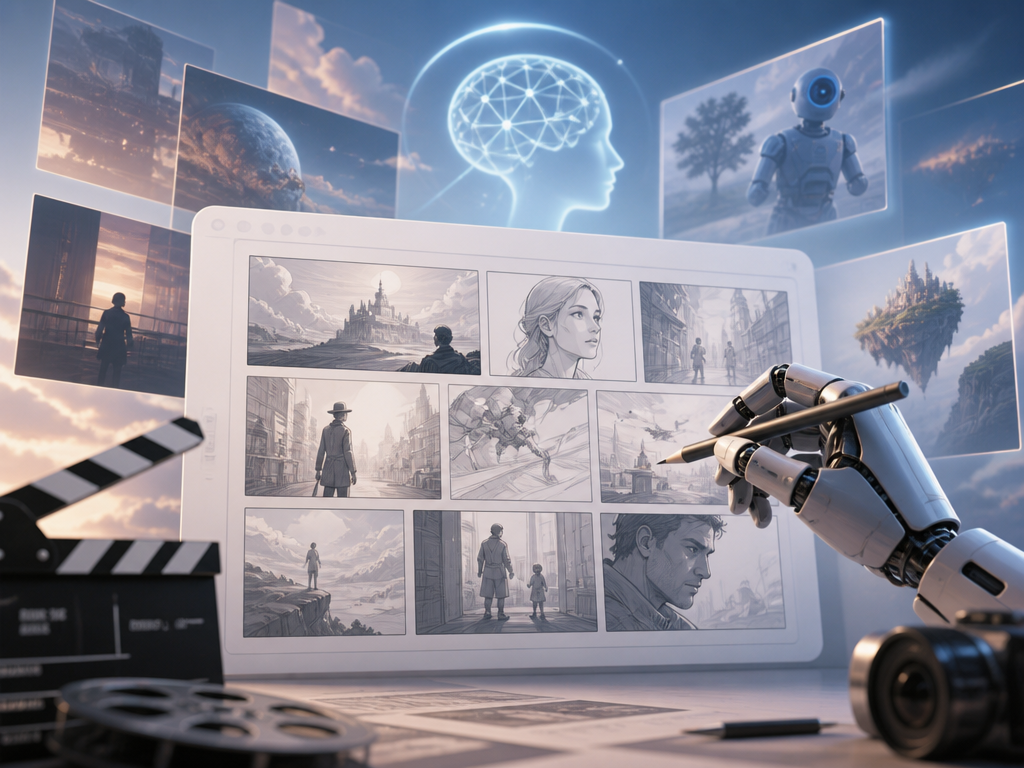
A free AI storyboard generator is software that uses artificial intelligence to convert text descriptions or scripts into visual storyboard frames — mapping scenes, characters, and camera angles without any drawing skills. The best options in 2026 are Adobe Firefly Boards, Storyboarder.ai, Pixmax, Genspark, Loopa, Storyflow, Higgsfield, and LlamaGen, each with different strengths in character consistency, script parsing, and pipeline integration.
For creators who need storyboards that feed directly into AI video production, Pixmax connects storyboard planning to multi-model video generation in one connected workflow.
What Is an AI Storyboard Generator?
An AI storyboard generator takes written input — a script excerpt, scene description, or rough concept — and produces a sequence of illustrated frames. Each frame includes characters, backgrounds, composition, and often camera direction. The tool bridges the gap between a written idea and a visual plan, removing the need for drawing skills or a hired storyboard artist.
There are two primary workflows. Script-to-storyboard tools accept full screenplays or scene breakdowns and automatically split them into panels. Text-to-storyboard tools let you describe individual scenes one at a time. Most tools in 2026 support both, though the depth of script analysis varies significantly.
The core value is speed. Pre-production storyboarding that took days or weeks by hand now takes minutes. According to r/aivideos, character consistency across frames remains the biggest frustration for creators — a problem the strongest tools now solve through profile-level identity locking.
Why Use a Free AI Storyboard Generator?
Free AI storyboard generators serve three audiences well: independent filmmakers who need pitch boards on a budget, content creators prototyping video concepts, and students learning visual storytelling. The free tier matters because most creators test multiple tools before committing to a paid workflow.
The honest limitation: free plans almost always come with generation caps, watermarks, or restricted model access. Treat the free tier as a testing ground — if a tool produces boards that match your creative vision, the paid upgrade becomes a straightforward investment rather than a gamble.
8 Best Free AI Storyboard Generators in 2026
1. Adobe Firefly Boards
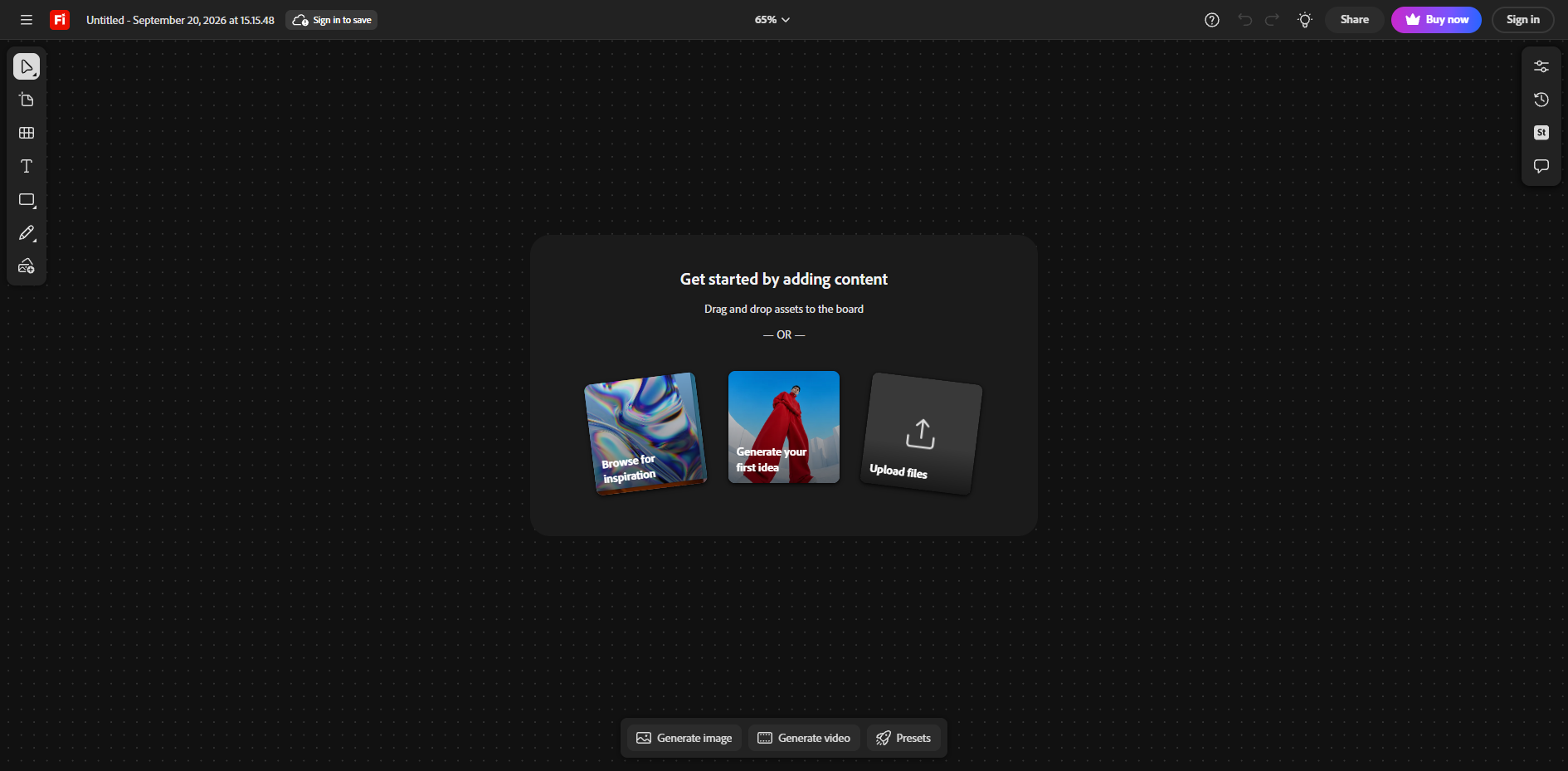
Adobe Firefly Boards is the free AI storyboard generator built into Adobe's creative ecosystem, converting text prompts and reference images into polished storyboard frames with consistent character design, lighting, and tone across panels.
How to use it: Open Firefly, start a new storyboard, add a text prompt or upload reference visuals, then let AI generate the frame. Edit individual panels, swap styles, and export sequences without redrawing.
Why it stands out: Integration with Photoshop and Premiere makes it the strongest choice for teams already inside the Adobe workflow. Character consistency is handled at the model level rather than through manual reference management.
Limitation: Advanced features require a Creative Cloud subscription. The free tier restricts export quality and commercial use.
2. Storyboarder.ai
Storyboarder.ai is a dedicated AI storyboard generator from script — upload a screenplay in PDF, Final Draft, Fountain, or plain text and receive a complete shot list, storyboard, and animatic in minutes. It serves 250,000+ users with unlimited image generation on every paid plan.
How to use it: Upload your script or describe your concept. The AI breaks it into scenes, generates a shot list, produces storyboard frames for each shot, and converts approved frames into animatics with audio.
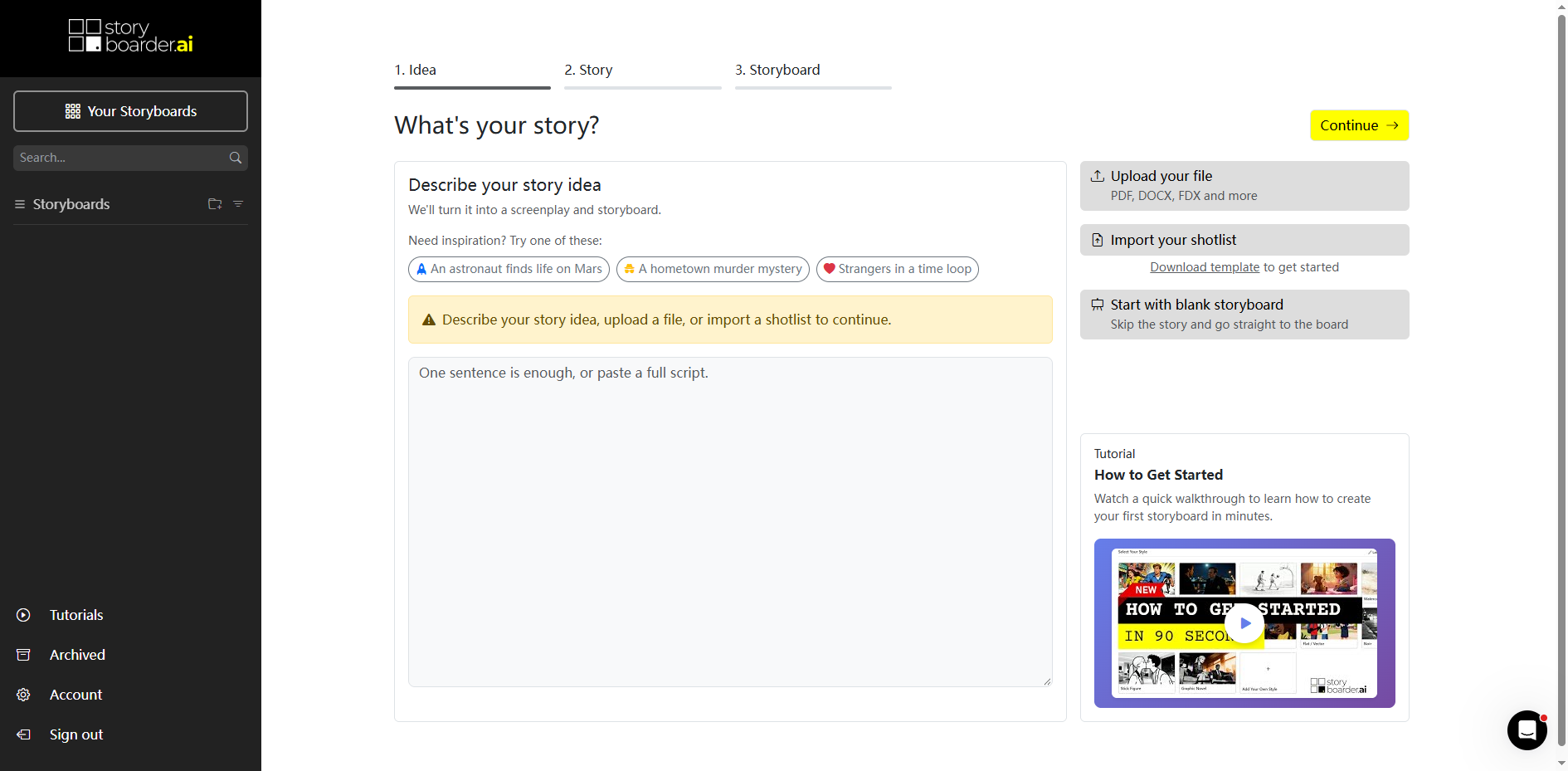
Why it stands out: The 3D camera-angle tool lets you adjust framing in 3D space without regenerating — a unique feature for shot-level precision. Character and location consistency is maintained automatically across the entire board.
Limitation: The free plan exists but is limited. Unlimited generation starts at the paid tier.
3. LlamaGen.ai
LlamaGen is a free AI comic generator that accepts scripts, text prompts, or CSV tables and produces structured shot lists, consistent frames, and animatic-ready sequences. It has served 500,000+ users and generated 20M+ images.
How to use it: Paste a script, upload a CSV with scene and shot notes, or describe your beat. LlamaGen generates frames, maintains character consistency, and offers 3D angle adjustment for shot refinement.
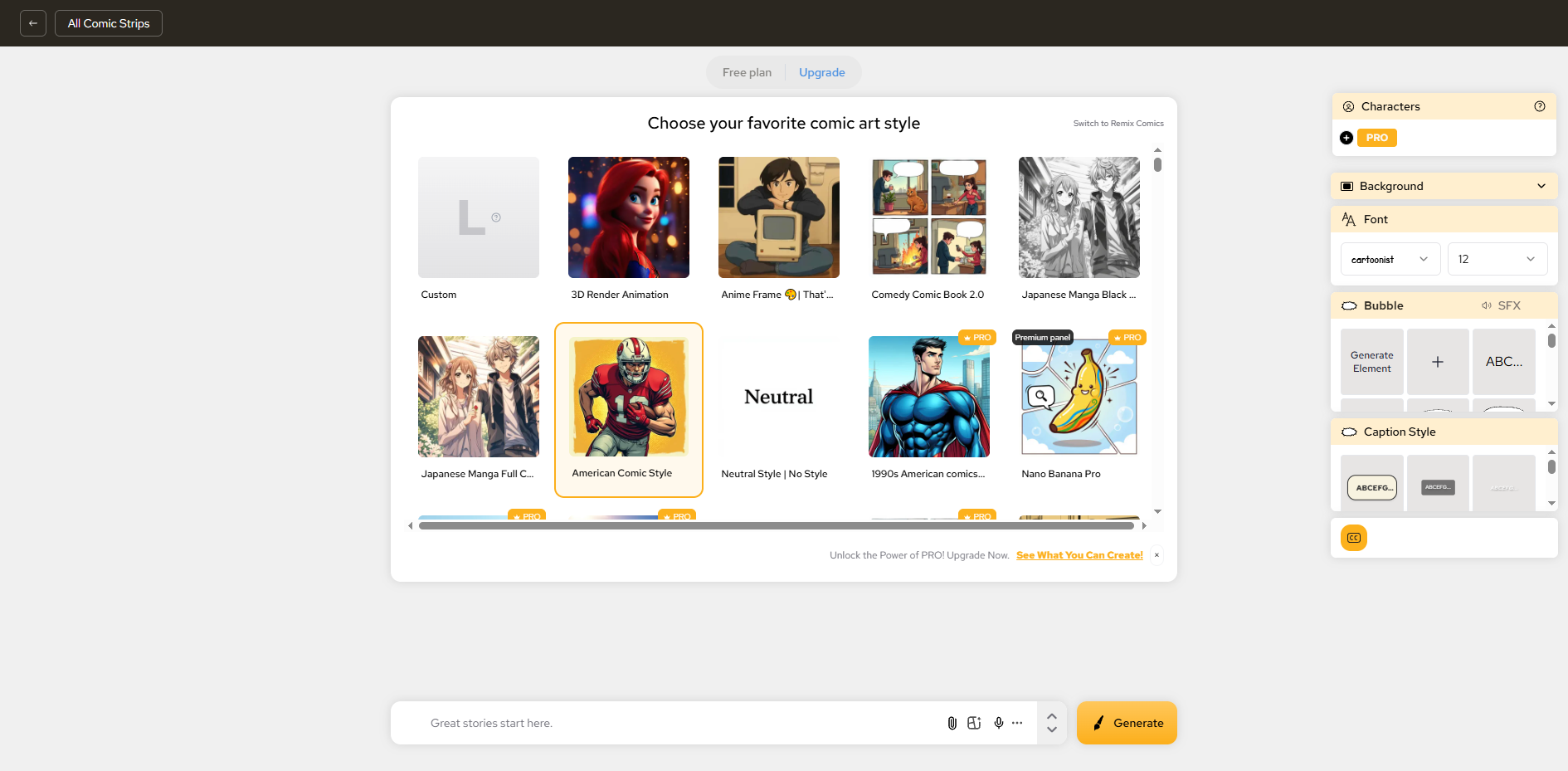
Why it stands out: CSV table input sets it apart for production teams that track shots in spreadsheets. The free tier is genuinely usable for small projects.
Limitation: The interface feels cluttered to first-time users. Animatic export is gated behind paid plans.
4. Pixmax AI
Pixmax is a full-pipeline AI storyboard generator where the board is not the endpoint but the middle of a production chain — script in, finished video out, with storyboarding as one editable stage.
How to use it:
Here is a beginner-friendly guide of the workflow:
- Import Your Script: Drag in your script (up to 100,000 words). Pixmax will automatically break it down into detailed shots, including camera angles, lighting, mood, and dialogue.
- Set Up Your Assets: Tweak the shot list if needed, then head to the Asset Library. You can easily create characters and scenes with AI, reuse existing ones, or upload your own references.
- Create & Generate: Once you’re happy with the storyboard, generate your video prompts and start creating clips using multiple AI models—all without leaving the workspace.
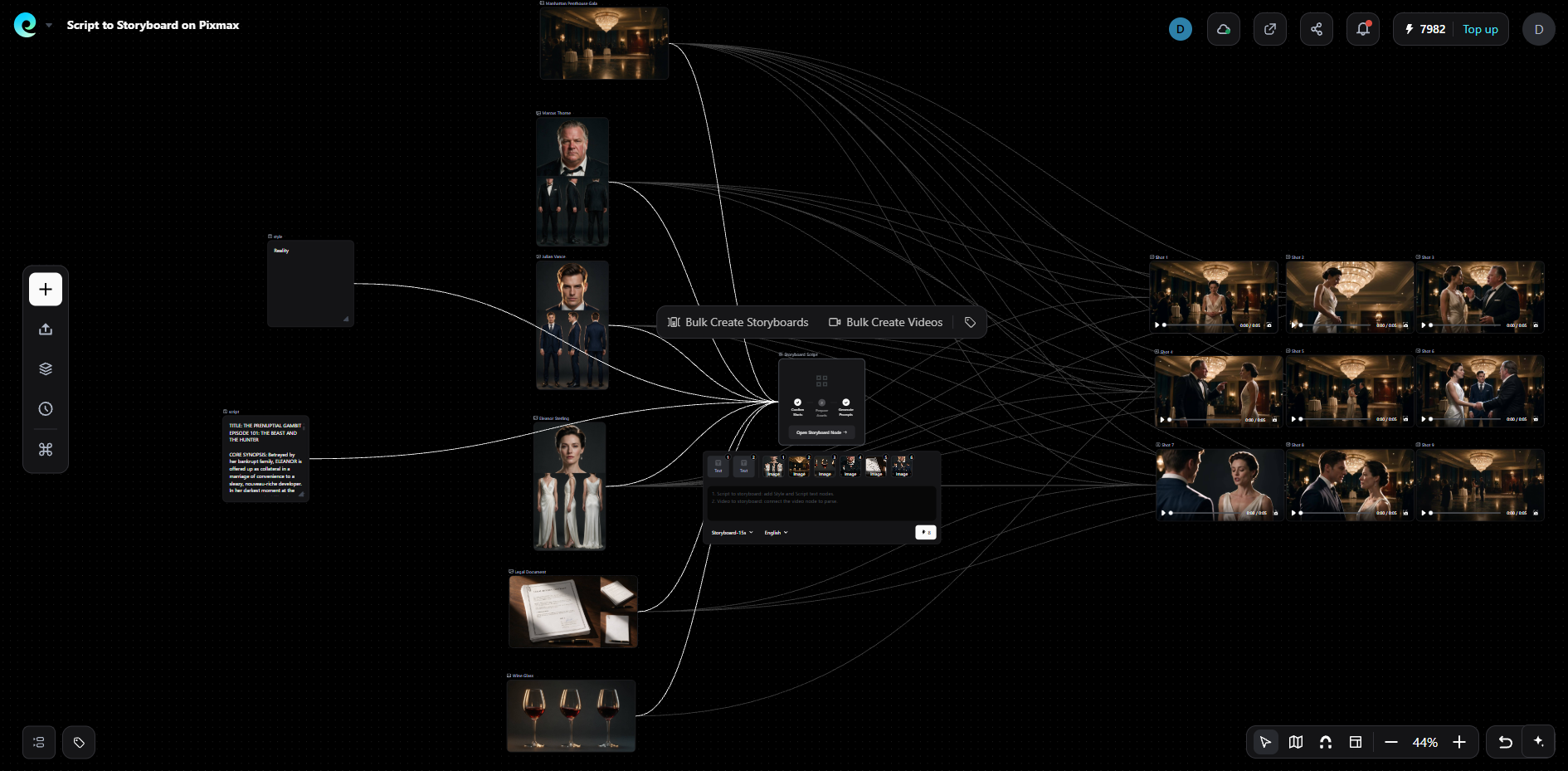
Pixmax stands out through three core capabilities:
- Consistency at Scale: Characters and props remain identical across all panels and clips, eliminating identity drift.
- Reusable Workflows: One-click short drama templates automate the journey from plot idea to storyboard, shot planning, and 9:16 episode cutdowns.
- Cinematic Shot Control: Precise control over camera, lighting, and framing ensures the storyboard vision translates accurately to generation.
With 30+ models (Seedance 2.5, Kling 3.0, Veo 3.1, Wan 3.0) available in one workspace, you match a model to each scene instead of forcing one engine to handle an entire film.
Limitation: More powerful than a simple pitch-board generator — overkill if you only need a few static frames. Its strength is the full script-to-video pipeline.
5. Genspark AI Storyboard Generator
Genspark is a free AI storyboard generator that focuses on script-to-board conversion with three-step simplicity: paste a scene, approve the shot list, generate frames. It supports film, commercial, music video, and animation styles.
How to use it: Paste a scene from your script or describe the action. The AI proposes coverage (wide, medium, close-up) for each shot. You approve or edit the shot list before frames are drawn.
Why it stands out: The shot list approval step forces the AI to follow your directing choices rather than imposing its own framing logic.
Limitation: Limited editing after generation. No built-in animatic or video export.
6. Loopa
Loopa is a free AI storyboard generator that uses AI agents to handle research, scene visualization, shot planning, and storyboard generation automatically from scripts, PPTs, or production ideas.
How to use it: Describe your project in natural language. Loopa's agents handle the research and visualization pipeline, then produce structured storyboard panels.
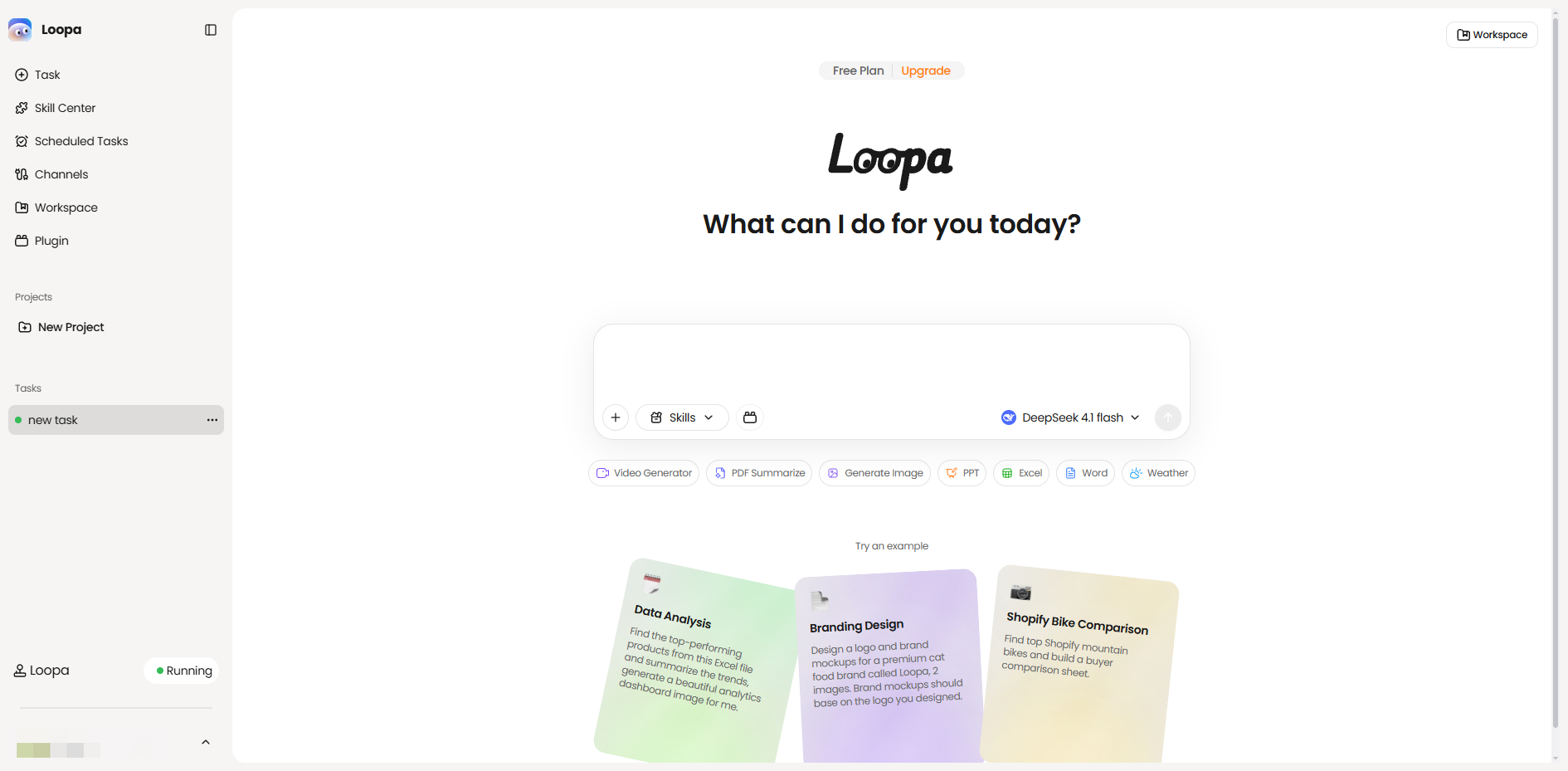
Why it stands out: The agent-based approach interprets creative intent rather than mechanically parsing scenes — useful for rough concepts that aren't yet formal scripts.
Limitation: Newer tool with a smaller user base. Output quality depends on how well the agent interprets your input.
7. Storyflow
Storyflow is an AI storyboard maker on an infinite canvas — start from a script or a single idea, let AI generate frames, then reorder, annotate, and pin references beside each panel. Used by teams at Pixar, Nike, and Red Bull.
How to use it: Open the canvas, describe your video or paste a script. AI generates a full storyboard with scenes and structure. Drag frames into order, add shot notes, and share a view-only link.
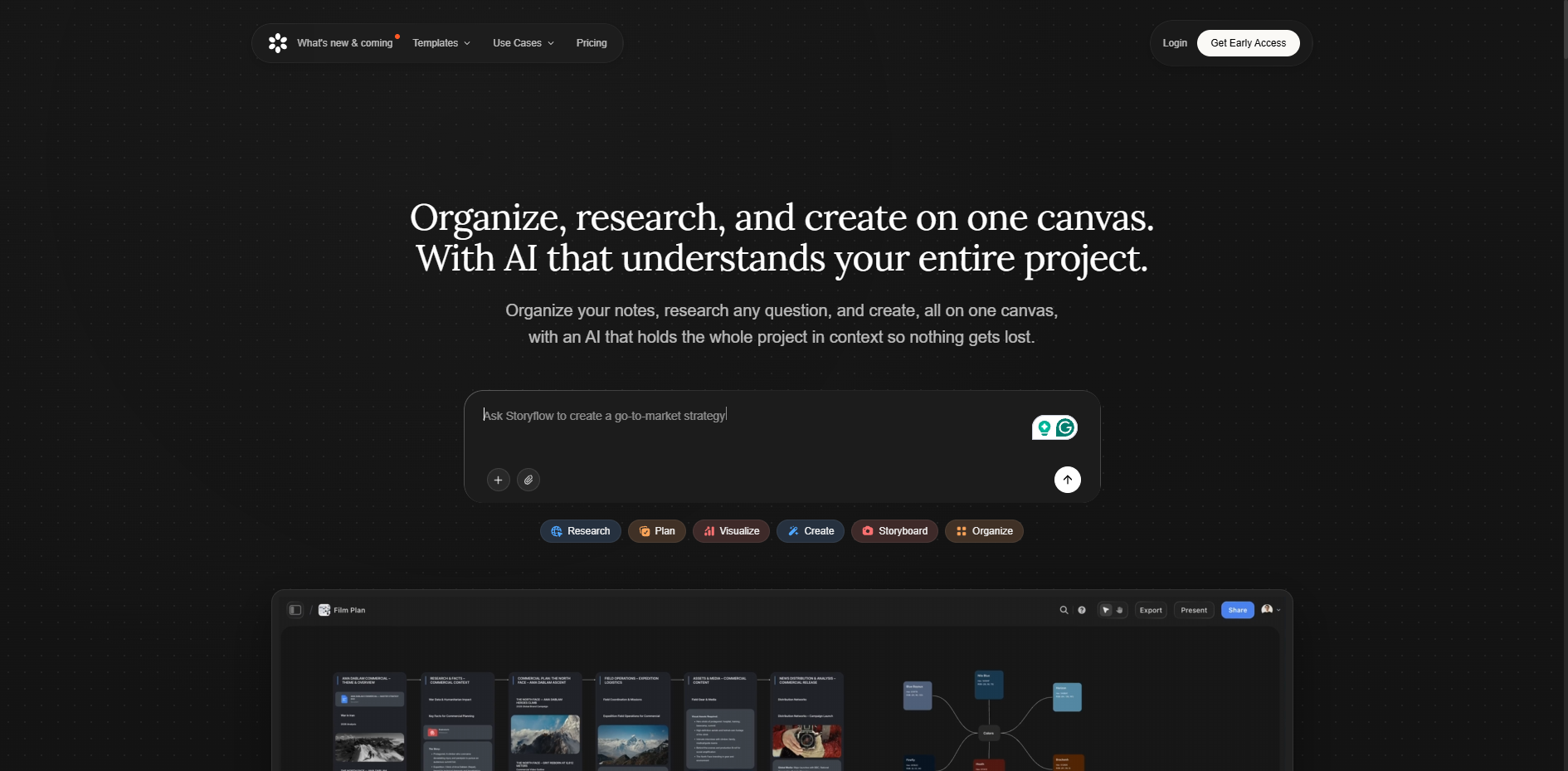
Why it stands out: The infinite canvas lets you place shot lists, references, and mood boards alongside the storyboard panels in one workspace.
Limitation: Paid-only during early access; a free plan launches late 2026. Plans start at $7.99/month.
8. Higgsfield Popcorn
Higgsfield is an AI storyboard tool that generates visually consistent multi-scene sequences from text prompts and reference images, generating up to 8 scenes per pass with locked characters, objects, and environments.
How to use it: Upload a reference image to guide style matching, then enter your scene descriptions. Higgsfield generates an 8-scene sequence. Use the final image as a new reference input to extend the board infinitely, shot by shot.
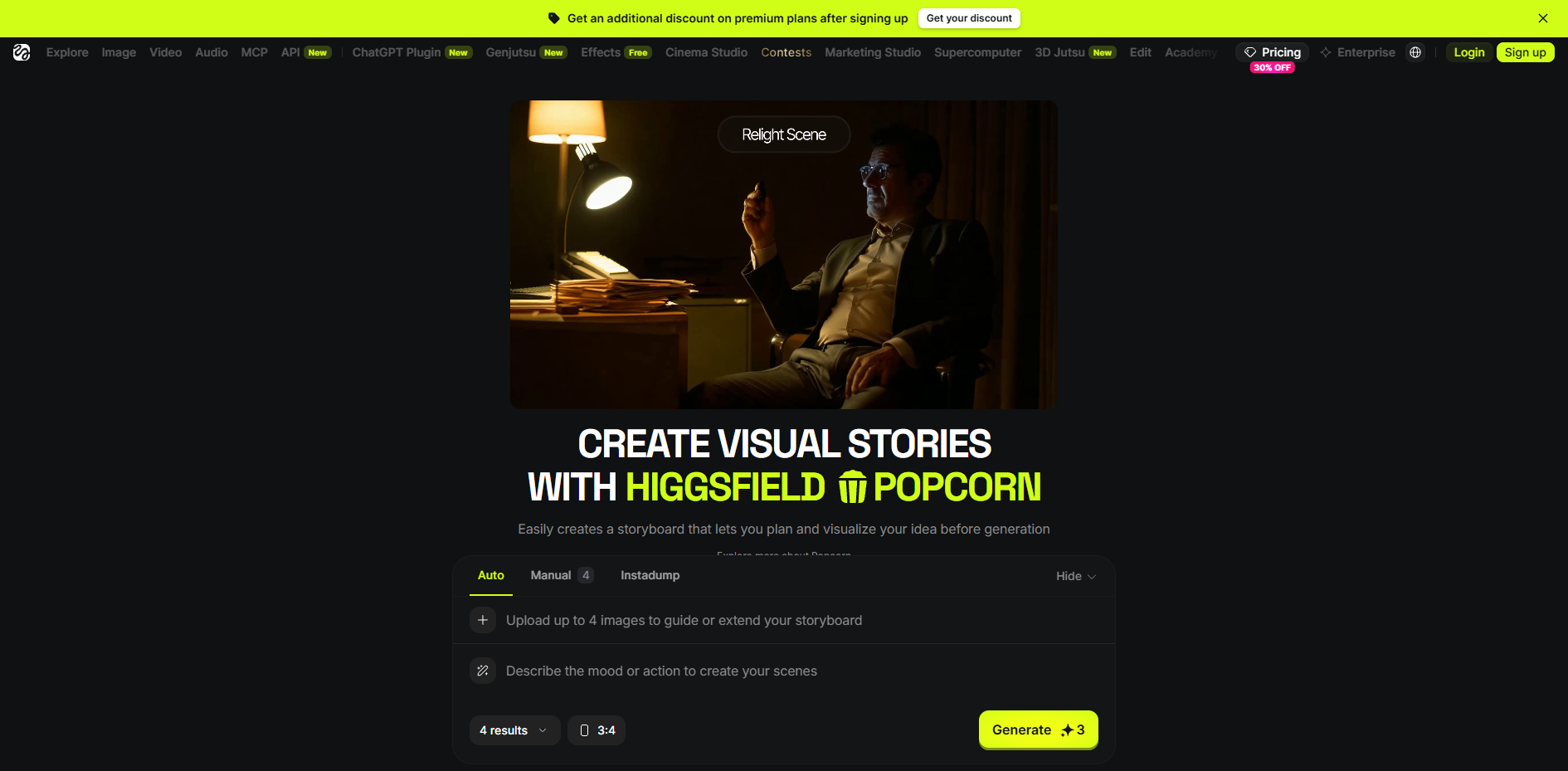
Why it stands out: Export to Sora 2 in one click means the storyboard can flow directly into video generation — one of the shortest paths from panel to moving image. Free daily credits let you test the full workflow without paying.
Limitation: Limited to 8 frames per generation pass. Multi-angle shots and long scripts require chaining. Character consistency works best with a strong reference image.
How to Choose the Right AI Storyboard Generator
Match the tool to your project's actual needs:
| Criterion | What to Check |
|---|---|
| Character consistency | Does it lock character identity at the profile level, or re-roll each frame? |
| Script format support | Final Draft, Fountain, PDF, plain text — check before you start |
| Editability | Can you regenerate one weak frame without rebuilding the entire board? |
| Shot logic output | Does it produce camera angles and shot types, or just images? |
| Pipeline connection | If the board feeds AI video, the shortest path wins |
The r/filmmaking community consistently warns against accepting AI boards without human review. Treat every AI output as a first draft — check shot order, framing, and character continuity before the board reaches a client or crew.
Common Mistakes to Avoid
- Skipping the character sheet. A few minutes of reference setup saves hours of continuity repair across panels.
- Vague shot descriptions. Describe subject, action, framing, lighting, and mood in 30–60 words per panel.
- Using pronouns instead of names. Profile-based tools connect to names — "Elena in the kitchen" beats "she."
- Changing style mid-project. Realistic in Scene 1, anime in Scene 3 resets identity mapping.
- Treating the first output as final. Generate variations, pick the strongest, iterate.
FAQs
Can AI generate a storyboard from a script?
Yes. An AI storyboard generator parses your script into scenes and produces visual frames with shot notes in minutes. Dedicated tools like Storyboarder.ai and LlamaGen handle screenplays directly. Tools like Pixmax go further by connecting the storyboard to video generation in the same workflow.
What is the best free AI storyboard generator?
It depends on your project. Adobe Firefly Boards is the best free option for teams already using Adobe tools. Storyboarder.ai excels at script-to-board conversion with unlimited iterations. Higgsfield provides free daily credits with one-click export to Sora 2. For storyboards that need to become finished video with locked characters and cinematic shot control, Pixmax provides the most complete pipeline.
How do AI storyboard tools keep characters consistent?
The best tools lock character identity at the profile level: a canonical reference image or structured character description is created once and reused across every panel. Pixmax extends this by reusing the same character assets across storyboard frames and generated video clips. Multi-character scenes and extreme camera angles remain the hardest cases for every tool in 2026.
Do I need drawing skills to create a storyboard with AI?
No. All eight tools covered here work without drawing ability. The skill that still matters is directing — judging shot logic, pacing, and visual continuity.
Can I use a free AI storyboard generator for commercial projects?
Some free tiers include commercial usage rights; others do not. Adobe Firefly and Pixmax both offer commercial-friendly terms on their paid plans. Always check the specific tool's licensing before publishing client work or monetized content.
What is the difference between an AI storyboard generator and an AI image generator?
An AI image generator produces standalone images from prompts. An AI storyboard generator is purpose-built for sequential visual planning — it parses scripts, maintains shot order, preserves character consistency across frames, and outputs organized boards with camera direction notes.
Conclusion
The best free AI storyboard generator in 2026 depends on whether you need a quick pitch board, a production-grade shot plan, or a pipeline that feeds directly into AI video.
Adobe Firefly leads for Adobe-integrated teams. Storyboarder.ai and LlamaGen offer the strongest script-first workflows.
Higgsfield compresses the path from storyboard to video through Sora 2 export.
Pixmax stands apart for full productions — its story templates, asset library, and cinematic shot control carry characters, scenes, and camera plans from storyboard to finished clips without the consistency breaks that plague tool-hopping workflows.
In every case, treat AI as the drafter and yourself as the director. Thanks for reading.