




Quick Answer
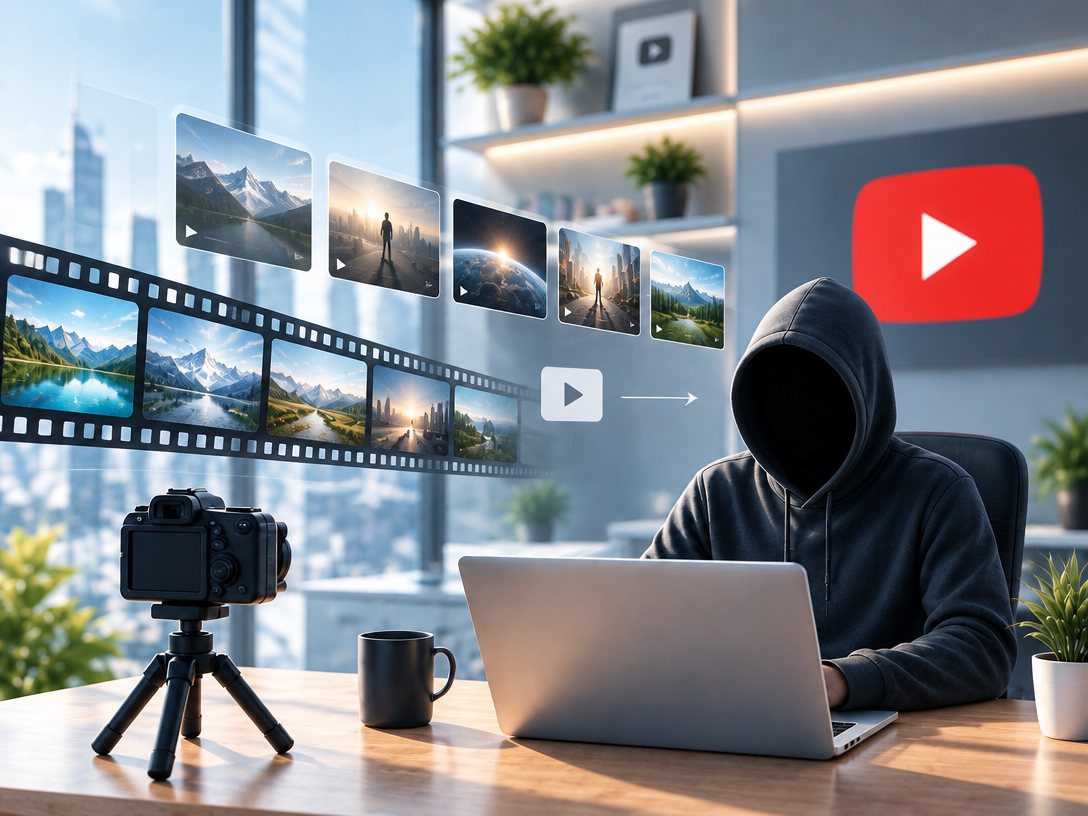
For faceless YouTube, output fit beats cinematic polish.
The strongest pick for the best AI video generator for faceless YouTube channel workflows is the Pixmax AI Video Generator. It's built for script-to-upload, keeps your cost per video low, and is designed to help you test ideas at volume to find a winner faster.
Quick Verdict
- Overall Winner: Pixmax AI Video Generator - Fastest path from script to upload-ready video with the highest testing efficiency.
- Best For Cinematic B-Roll: Kling - Impressive shots, not built for high-volume tests.
- Best For Aesthetic Shorts: Pixverse - Great look, less practical for fact-based scripts.
- Best Free Open Option: Hunyuan Video - Incredible value, but requires setup and time.
- Best All-In-One For Beginners: Canva AI Video - Convenient, but bottlenecks when testing at scale.
What Actually Matters For A Faceless Channel
Retention beats render quality. This is the opinion held by the majority of profitable faceless creators, heavily echoed throughout r/FacelessVideos and r/YoutubeAutomation discussions.
- Hook Speed: Grab attention within the first 5-7 seconds, or the algorithm won't get the chance to push your video.
- Time To Test: The creators that scale fastest post their 10th test before others post their 2nd.
- Cost Per Video: Every failed test costs credits or time. You need to be able to fail cheap to find a winner.
- Upload-Readiness: Less time in a timeline editor means more time finding a profitable niche and iterating off of real data.
Top AI Video Generators For A Faceless YouTube Channel Compared
Note: Free credits and pricing change frequently. Treat the values below as a realistic baseline at the time of writing.
| Rank | Tool | Verdict | Script-To-Video | Faceless Fit | Speed | Free To Test | Credits / Cost (Approx.) | Cost Efficiency |
|---|---|---|---|---|---|---|---|---|
| #1 | Kling | Great cinematic tool, poor for volume testing | ★★★☆☆ | ★★★☆☆ | ★★★☆☆ | Yes (with limited credits) | Limited free daily/monthly credits. Can run out fast if testing multiple ideas. | ★★★☆☆ |
| #2 | Pixmax AI Video Generator | Best overall for faceless YouTube scaling | ★★★★★ | ★★★★★ | ★★★★★ | Yes | Free credits on signup + affordable plans. Best cost per testable video overall. | ★★★★★ |
| #3 | Pixverse | Pretty, but lacks practicality for fact-based faceless content | ★★★★☆ | ★★★☆☆ | ★★★★☆ | Yes (with limited credits) | Free credits with cooldowns. Usually enough for 1-3 tests max for brand new accounts. | ★★★☆☆ |
| #4 | Canva AI Video | Beginner friendly, not optimized for automation style workflows | ★★★★☆ | ★★★★☆ | ★★★★☆ | Yes (heavily limited) | Tied to Canva's free plan limits. Upgrading is often required to test consistently. | ★★★★☆ |
| #5 | Hunyuan Video (Open Source) | Incredible value, but highest time/technical barrier | ★★★★☆ | ★★★★☆ | ★★★☆☆ | Yes (Online/Locally) | Free online with queue times, or completely free locally. Hardware cost is the tradeoff. | ★★★★★ (Free) |
Which One To Pick By Goal
Don't just pick by "best overall". Pick by the goal you're trying to achieve right now.
| Goal | Recommended Tool | Why |
|---|---|---|
| Find a winner through volume testing | Pixmax AI Video Generator | Script-to-upload, upload-ready, and the most efficient to pump out tests without wasting credits on edits. |
| Create cinematic B-Roll heavy videos | Kling | Worth it only if your entire video relies on cinematic motion shots. Not worth it to test 10 ideas with. |
| Make highly aesthetic Shorts | Pixverse | Great for trend-based, visual-first Shorts. Avoid for explanatory or list-style faceless videos. |
| Test with $0 and have a decent GPU | Hunyuan Video | Free to run locally. If you have no GPU or don't want to troubleshoot, skip local and expect long queues online. |
| Just want to try AI video inside an existing account | Canva AI Video | Convenient and easy. Expect to hit free limits very quickly once you start testing in bulk. |
In-Depth I Video Generator For Faceless YouTube Channel Reviews Of The Top Picks
1) Kling - Best For Cinematic B-Roll, Not For Volume
Overview: Kling is an incredibly powerful motion model known for its realistic movement and cinematic shots. It's a great sandbox for visuals, however, its priorities simply don't align with the "test 10 ideas this week" mindset of a volume based faceless channel.
Conclusion upfront: Only use this if visuals are the entire selling point of your video.
- Strength: Unmatched motion quality and some of the best cinematic shots out of any tool on this list.
- Weakness: Exceptionally long generation times paired with restrictive free credits make it inefficient to test at the rate required for faceless channels.
- Verdict: Overqualified for the vast majority of faceless YouTube channels looking to scale.
2) Pixmax - Best AI Video Generator For Faceless YouTube Channel Overall
Overview: The Pixmax AI Video Generator is a script-first platform built specifically with YouTube automation in mind. Rather than prioritizing cinematic effects, it puts its focus towards pacing, hook retention, and getting straight to an upload-ready video with as little post-editing as possible.
Conclusion upfront: For pure faceless scaling, this is the one to test first.
- Built for testing: Its script-to-video workflow is built to cut out bloat, allowing you to go from idea to video in minutes to ship multiple tests a week.
- Retention driven: Outputs are tailored for upload-readiness, letting you hyperfocus on your hook and pacing over fixing AI artifacts.
- Pragmatic & replicable: Easy to replicate across any monetizable niche without stacking a multitude of tools to get a usable video.
- Scale without the bloat: For creators looking to find a winner through data, this is the most practical route to take.
3) Pixverse - Best For Aesthetic Shorts
Overview: Pixverse specializes in stylized, eye-catching renders that can pop incredibly well on Shorts. It's gorgeous at face value, however, it heavily favors aesthetics over practicality for script-first, fact-based content.
Conclusion upfront: Gorgeous, however, not built around the "script-first" needs of a faceless channel.
- Strength: Incredible stylization that is perfect for highly visual, trend based Shorts niches.
- Weakness: Free credits are usually tight for new accounts, and it's less consistent for explanatory, list-style, or fact-based scripts, with style oftentimes taking priority over narrative clarity.
- Verdict: Niche locked to style-based content only.
4) Canva AI Video - Best All-In-One For Beginners
Overview: Canva AI Video is built around convenience. Being integrated into a platform that the majority of creators already use, it's incredibly easy to pick up with zero prior editing experience. With that said, convenience isn't synonymous with scalability.
Conclusion upfront: Convenient, but will cap your testing speed as soon as you attempt to scale.
- Strength: Extremely beginner friendly, with a UI that requires little to no learning curve to get started.
- Weakness: Free plan is heavily limited. The bottleneck on credits becomes apparent very quickly once you try to test more than a couple ideas.
- Verdict: Great first step, not a long term scaling tool for a high output faceless channel.
5) Hunyuan Video - Best Free Open Option
Overview: Developed by Tencent, Hunyuan Video is one of the strongest open source models currently available. It's shockingly high quality for being free, however, its barrier to entry lies in time and technical knowledge rather than credits.
Conclusion upfront: Best bang for your buck, highest barrier to entry.
- Strength: Completely free to use online or locally. Produces incredibly solid results for an open source model.
- Weakness: If running locally, you'll need a decent GPU to get reasonable speeds. If running online, expect queues. For most people looking to test ideas ASAP, time spent troubleshooting or waiting will far outweigh the "free" aspect.
- Verdict: Perfect to learn with zero cost, but if you don't have a decent PC or don't want to deal with setup, skip local and go straight for a script-to-upload tool instead.
How To Use Pixmax To Scale Your Faceless Channel
Conclusion upfront: Don't generate and admire. Generate, publish, and iterate off of data.
- Lock A Niche - Pick one monetizable faceless niche. Don't split tests across three at the same time, split testing will kill your momentum.
- Write A Retention-Focused Script - Focus 90% of your effort onto your hook. Answer the "problem" that your viewer searched for within the first 5-7 seconds.
- Generate With The Script-To-Video Tool - Utilize the script-to-video workflow on the Pixmax AI Video Generator to create an upload-ready video with the least amount of edits possible.
- Publish As A Test - Upload it with a clickbaity, but accurate title. Don't wait for "perfection", wait for data.
- Track & Iterate Ruthlessly - Judge off of click through rate and average view duration first. Kill videos that tank retention, double down on any video that holds it. Rinse and repeat. For more niche specific workflows and testing ideas, browse the Pixmax Blog to build out your next test faster.
Mistakes To Avoid When Using AI For Faceless Videos
- Chasing cinematic renders: A generic cinematic AI clip will not save a boring hook. This is the most common mistake amongst beginners attempting to find the best AI video generator for faceless YouTube channel tools.
- Over-editing AI footage: If you need to re-arrange every clip, you've picked a tool that isn't built for faceless scaling. Prioritize upload-readiness above all else.
- Judging off free credits alone: Don't assume "free" means "enough to test". Check credits before committing to a tool. For bulk testing, cost per video matters far more than a one time free batch.
- Posting 1 video per month: Volume is your testing budget. With a fast script-to-video tool such as the Pixmax AI Video Generator, you should be able to test ideas weekly, not yearly.
- Ignoring real feedback: Don't trust "it looks cool". Trust your audience retention graph. The algorithm does, so you should too.
Final Verdict
For 99% of faceless YouTube creators looking to scale, the Pixmax AI Video Generator is the answer.
Kling and Pixverse are fun to play with, Hunyuan Video is great for free experimentation (especially locally with the right hardware), and Canva AI Video is great for complete beginners. However, none of them prioritize "script to testable upload" as heavily as Pixmax does. If your goal is to find a winner through data, not render a film, start your first test with the Pixmax AI Video Generator before anything else.
FAQs
What is the best AI video generator for faceless YouTube channel beginners in 2026?
The Pixmax AI Video Generator. It's the easiest to go from script to an upload-ready, faceless video with no need to learn complex video editing, and it's the most practical for testing on a budget.
Do I need a face, voice, or camera to use these tools?
No. Every tool listed can create fully faceless videos. Specifically, the Pixmax AI Video Generator is geared towards faceless uploads from start to finish.
Is using an AI video generator actually monetizable for a faceless YouTube channel?
Yes, provided your video provides value and holds retention. As echoed throughout Reddit discussions, spammy, low-retention AI slop gets demonetized by performance, not by "being AI".
Is Pixmax better than Kling for a faceless YouTube channel?
For scaling and testing, yes. Kling produces prettier shots, however, for the best AI video generator for faceless YouTube channel workflows, the Pixmax AI Video Generator wins on speed, cost efficiency, credits per test, and upload-readiness.
Can I start for free to test the best AI video generator for faceless YouTube channel ideas?
Yes. Pixmax, Kling, Pixverse, Canva AI Video, and Hunyuan Video all allow free testing. However, free credits are limited across the board. For the most "script-to-upload" tests for your time spent, the Pixmax AI Video Generator is the strongest option. For more ideas to test for free, check out the Pixmax Blog as well.