Quick Answer
An AI short drama generator turns a premise, script, or scene description into short-form drama video. The better tools combine story structure, character references, video generation, voice, captions, and export; a generic text-to-video tool may create a good-looking clip but still leave you to manage continuity and episode editing.
- For a quick scene test, Dreamina is a low-barrier option.
- For social-first episode production, Pippit is worth considering.
- Kling AI and Google Veo 3.1 are better suited to creators prioritizing cinematic scenes or native dialogue and sound.
- StoryShort and OpenArt focus more on serialized or story-first workflows.
- Pixmax is designed for creators who need a multi-model production pipeline, reusable assets, and longer-running series management.
Features, prices, free quotas, and model versions change frequently. Verify the official product and pricing pages before making a purchase.
How We Evaluated AI Short Drama Tools
We compared each platform on five reader-facing criteria:
- Story or script input rather than single-shot prompting only.
- Character and visual consistency across scenes.
- Episode, timeline, storyboard, or beat-based workflow.
- Dialogue, voiceover, music, captions, and export options.
- Pricing transparency, free access, and practical limitations.
The product pages were checked on September 14, 2026. Product pages are the source of truth for current features; plan prices, quotas, and model availability can change by region or account.
Best AI Short Drama Generators at a Glance in 2026
| Tool | Price Range | Best for | Main strength | Main limitation |
|---|---|---|---|---|
| Pixmax | Free credits → paid plans | Multi-model production pipelines | Reusable assets, model choice, and series workflow | Pricing and some limits should be checked on the current product pages |
| Pippit | Free tier → paid | Social-first episodes | Script-to-episode flow with publishing tools | Verify episode length and continuity in a live project |
| StoryShort | $39/mo | Genre-focused serialized drama | Genre templates and saved cast workflows | Higher entry cost and narrower scope may not suit every creator |
| Kling AI | Free (66 credits/day) → $10-180/mo | Cinematic scenes | Strong scene generation and camera-oriented control | Full episode assembly may require another tool |
| Google Veo 3.1 | Free (50 credits/day) → $4.99-19.99/mo | Dialogue-heavy scenes | Native dialogue and ambient audio workflows | Short generation length makes it a scene tool rather than a season manager |
| Dreamina | Free/daily access | Testing one scene | Reference-driven experimentation and accessible entry point | Limited episode and season management |
| Higgsfield | Free tier → paid | Directed cinematic shots | Camera controls, references, and reusable actors | More director-oriented than drama-native |
| Topview AI | Free tier → paid | Story-world planning | Editable characters, locations, beats, and episodes | Export and continuity should be tested before scaling |
| OpenArt | Free start → paid | Adapting novels or scripts | Story-first input and scene/timeline review | Consistency claims need product-level verification |
Selecting the Best AI Short Drama Generator Based on Your Production Needs
Pixmax: Best for Multi-Model Drama Production
Pixmax is a fit for creators who need to manage an ongoing series rather than generate isolated clips. The official Pixmax site describes a multi-model AI video workflow, with generation, reusable assets, and production work organized in one workspace. That matters because a drama project usually fails at the handoff between script, references, generation, editing, and export—not at the first prompt.
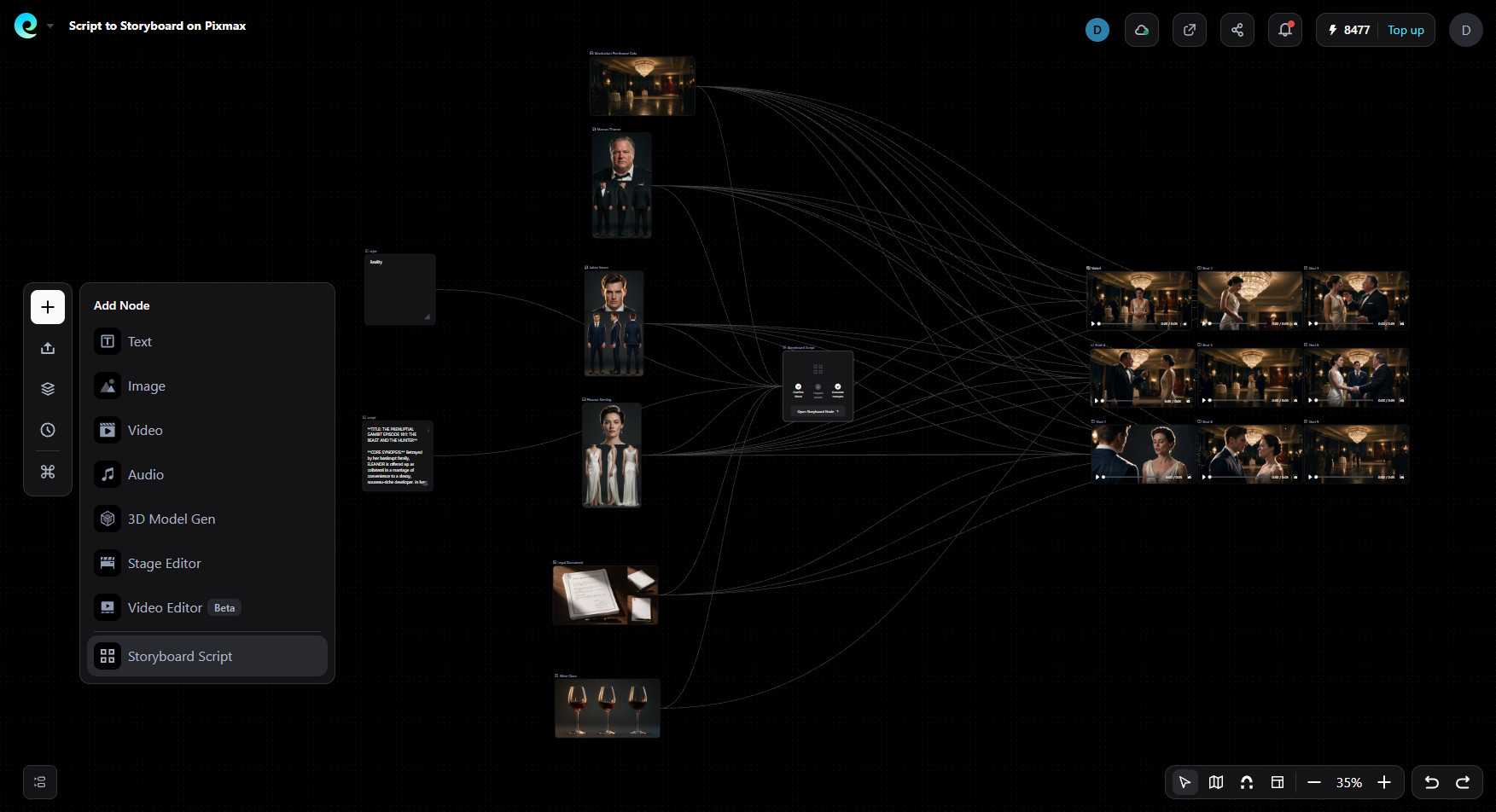
The main workflow advantages are reusable character, scene, and style assets; a shared asset library for recurring cast references; an infinite canvas for scripts, storyboards, and visual references; and short-drama templates for novel-to-storyboard, dialogue scenes, cliffhangers, and episode cutdowns.
The site also presents 3D Stage with a 2000+ motion-capture-grade action library — walking, fighting, dancing, emotional expression — captured with professional mocap equipment at film-grade precision. Originally, it was $500/year, now free for a limited time — no application, no payment required. Open the Pixmax 3D Director's Stage and use it immediately
Best for: creators who want asset-level control, model flexibility, and a repeatable script-to-export workflow.
Main limitation: new users should confirm current pricing, model access, generation limits, export formats, and the exact episode capacity for their plan.
Why it can add information beyond a single-model generator: the choice is made at the project level. A creator can keep the same cast and storyboard while testing different models for dialogue, motion, or visual style. That reduces the cost of abandoning a whole project when one model handles a particular shot poorly. It does not remove the need to review continuity, credits, rights, and export quality.
Pippit: Best for Social-First Episodes
Pippit combines script input, outline generation, face references, episode structuring, voiceover, captions, and social export. It is a practical choice when the publishing destination is part of the workflow and the creator wants to move from an idea to a short episode in one project.
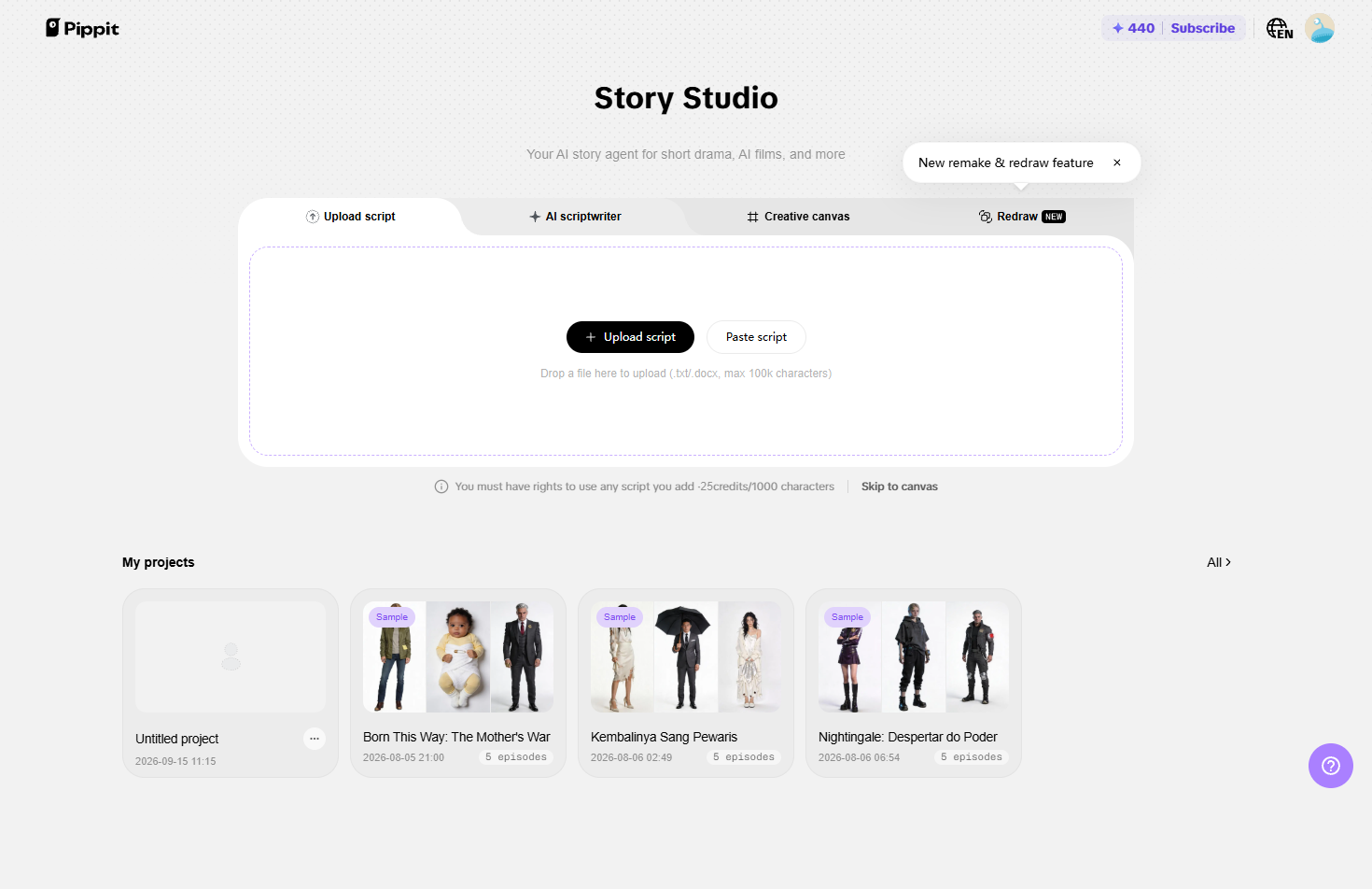
Pros: Script-to-episode workflow, captions, and social publishing reduce handoffs.
Cons: Episode length, face-lock behavior, and export limits require a live check.
StoryShort: Best for Genre-Focused Series
StoryShort is aimed at creators who want templates and workflows for recurring genres such as romance or fantasy. Saved characters, voiceover, and serialized planning can reduce setup time for creators testing several concepts.
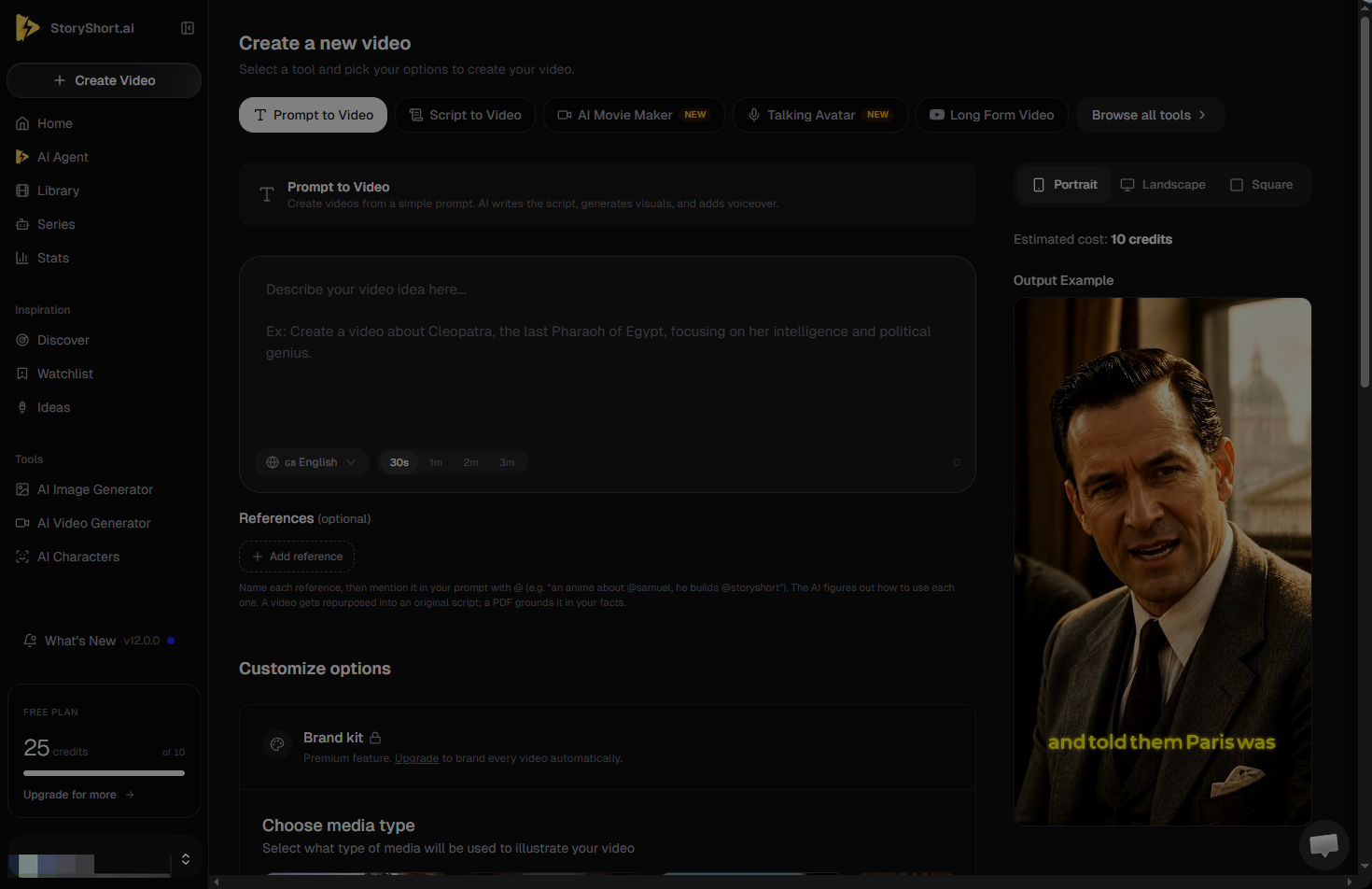
Pros: Genre templates and saved characters suit repeatable concepts.
Cons: Narrower genre focus; pricing is dynamic.
Kling AI: Best for Cinematic Scenes
Kling AI’s official site positions it as a generative video platform with text/image-to-video workflows and cinematic control. It is suited to creators who want to generate strong individual scenes and assemble episodes elsewhere. Camera movement, motion quality, and multi-shot workflows may be useful for dramatic establishing shots or action beats.
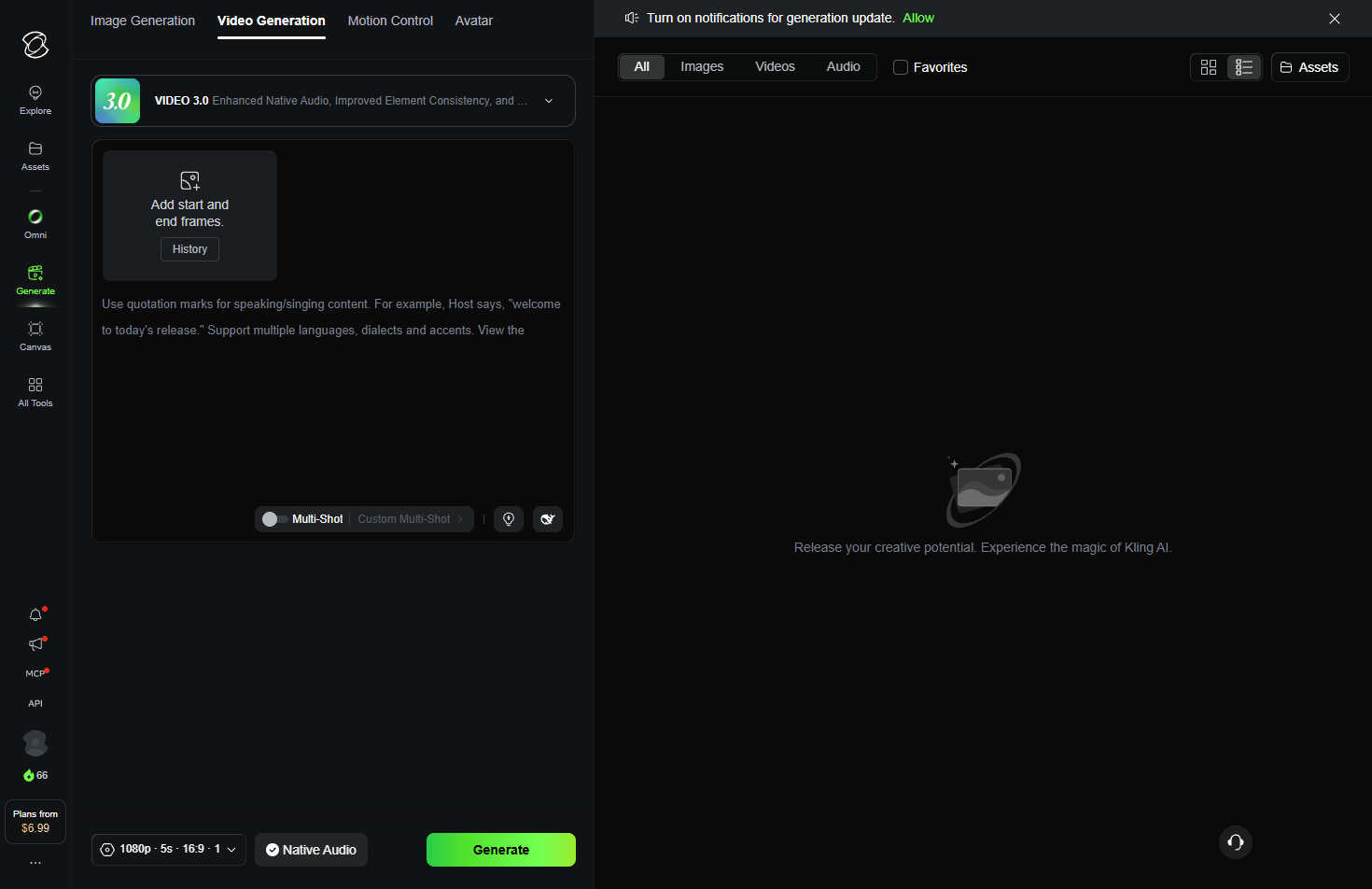
Pros: Strong fit for cinematic shots.
Cons: Continuity may require manual references and another editor.
Do not treat a stated resolution, frame rate, clip length, or credit allowance as permanent. Check the current model and pricing documentation, and test character references separately from scene quality.
Google Veo 3.1: Best for Native Dialogue and Sound
Google’s official Veo documentation describes video generation with native audio capabilities, including dialogue and ambient sound in supported surfaces. Veo is relevant when a scene needs speech and sound in the same generation workflow. It is best treated as a scene generator for dialogue moments, followed by editing in an episode timeline.
Pros: Native audio and dialogue can simplify supported scenes.
Cons: Access and limits vary by surface and region.
Generation length, access, commercial terms, and daily quotas vary by product surface and region. Confirm the applicable Google documentation before publishing specific numbers.
Dreamina: Best for Testing One Scene
Dreamina ’s official product page presents text/image-to-video generation and reference-led creation workflows. It is useful for validating whether a visual idea, reference image, or short scene direction can be rendered before committing to a larger production workflow. Its accessible entry point makes it practical for early concept tests.
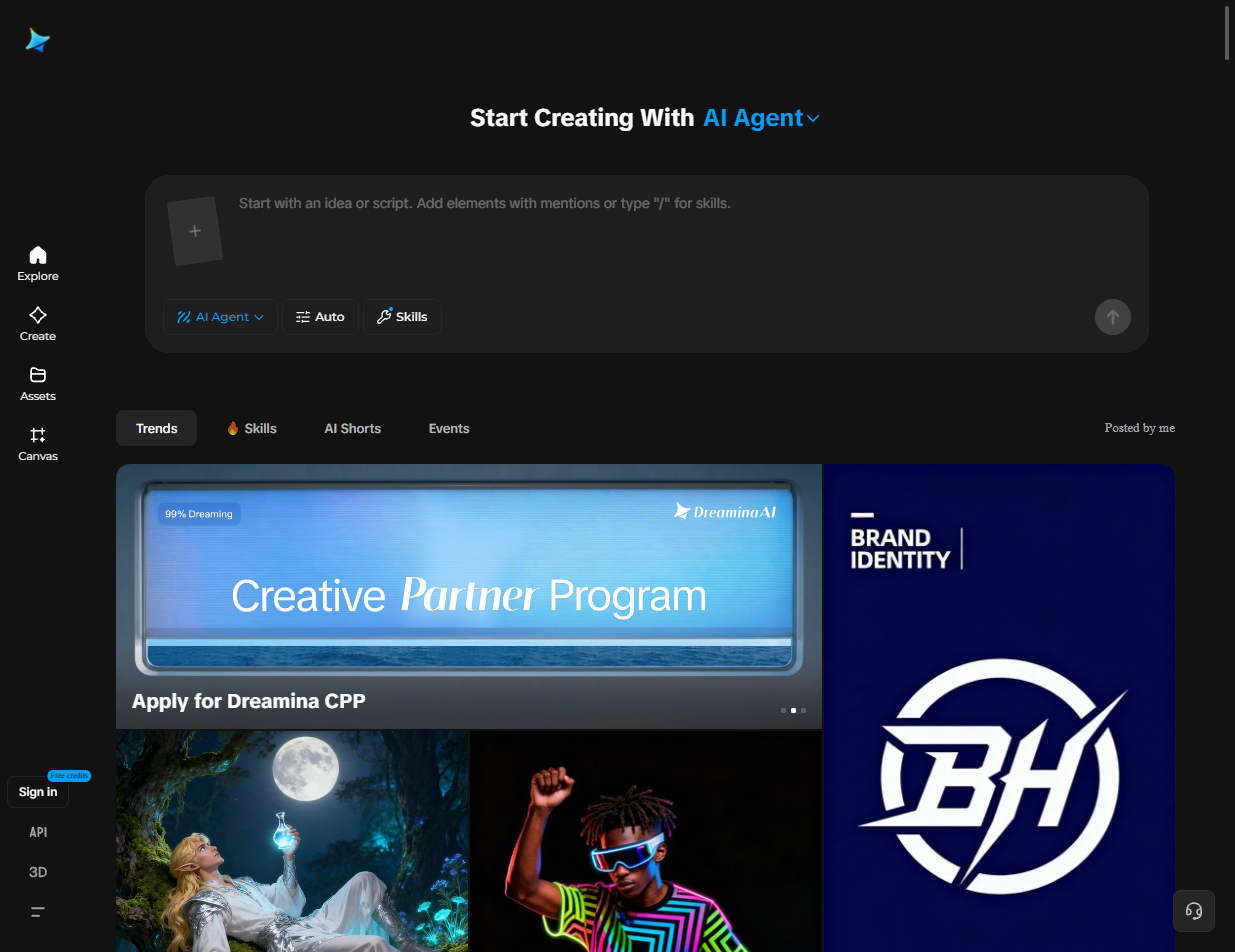
Pros: Fast reference-led concept validation.
Cons: Better for scenes than season management.
Its main limitation is the lack of a complete season-management workflow. Use it as a scene validator unless a current product test confirms broader episode controls.
Higgsfield: Best for Camera Direction
Higgsfield’s official site emphasizes cinematic generation, camera movement, and reusable character/reference workflows. It is a strong candidate for creators who think in shots, lenses, camera moves, and visual direction. References and reusable actors can help with recurring roles, while its cinematic controls suit directors who assemble the final story themselves.
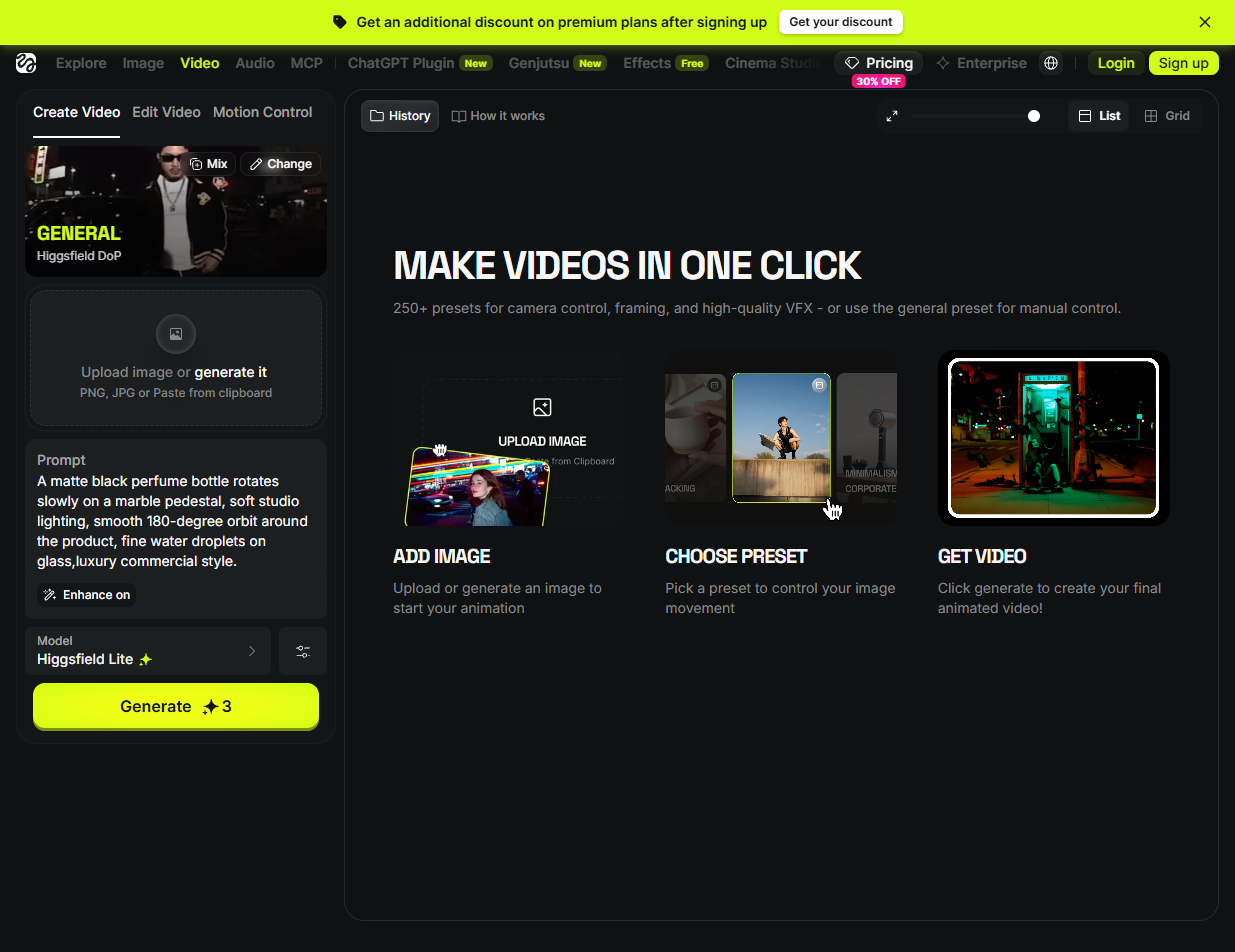
Pros: Camera controls suit shot-led direction.
Cons: Less focused on serialized structure.
It is more camera- and scene-oriented than a dedicated serialized drama workspace, so test continuity and episode editing before choosing it for a long series.
Topview AI: Best for Story-World Planning
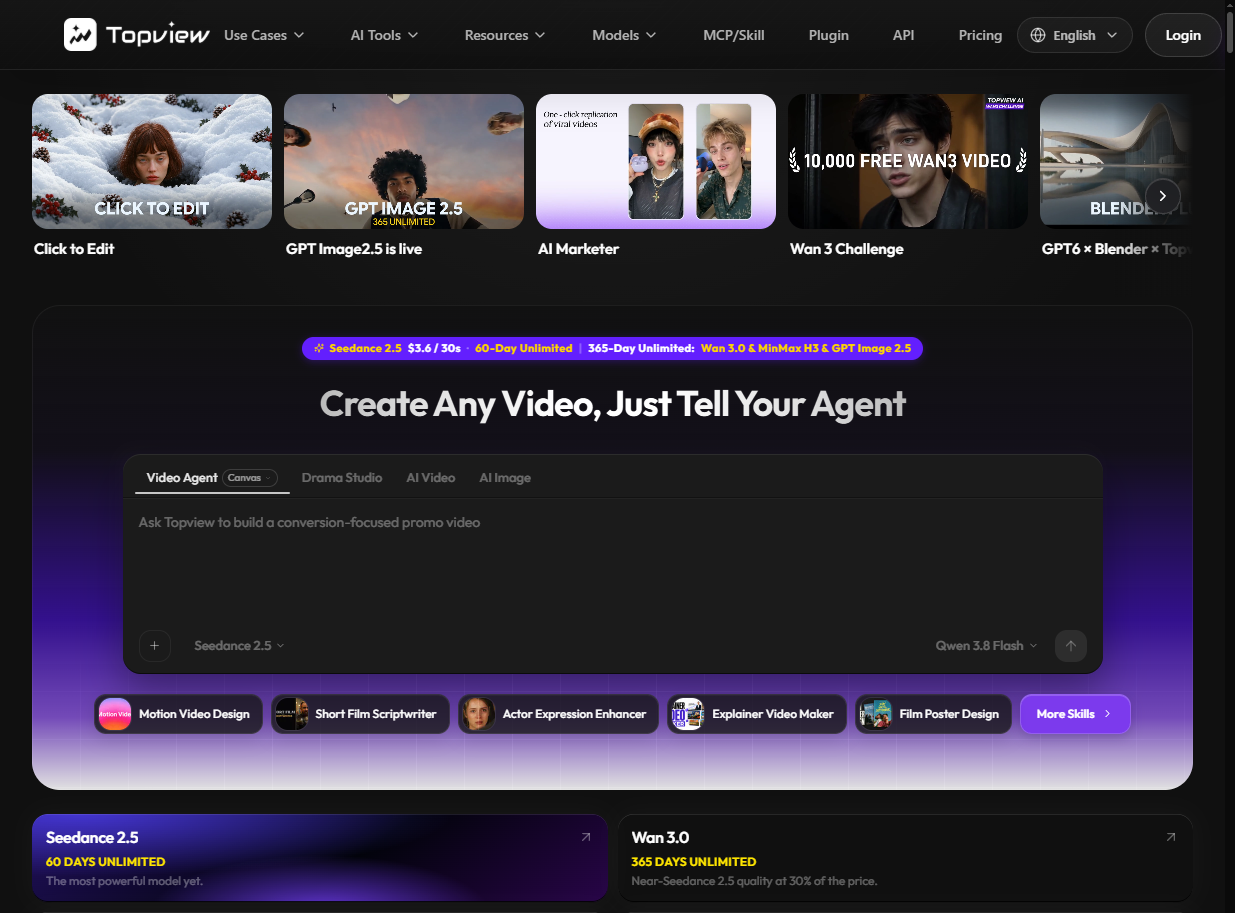
Topview AI's drama workflow is designed around editable characters, locations, props, episodes, beats, storyboards, dialogue, and captions. That visible structure can help writers revise the story world before spending generation credits.
Pros: Editable story-world elements support pre-render planning.
Cons: Test export and continuity in a live project.
OpenArt: Best for Adapting Novels or Scripts
OpenArt is relevant to writers who start with a logline, script, or prose chapter and need help translating it into scenes and episodes. A story-first workflow can be more useful than a shot-only generator when the source material already has characters and plot.
Pros: Story-first input suits novel and script adaptation.
Cons: Test cast consistency before scaling. Test the product’s character-consistency behavior with the creator’s own cast and reference images before committing to production.
What AI Drama Generators Still Struggle With
Even capable tools can struggle with long-running continuity. Common failure points include character drift, changing wardrobe, multi-person conversations, precise physical interactions, rapid fight choreography, and consistent geography between shots. Long episodes also consume more credits and require more manual review.
For a new project, generate a short pilot first. Check the same character in several locations, verify dialogue and captions, and calculate the cost of one finished episode before planning a full season.
How to Choose an AI Short Drama Generator
Choose based on the production problem you need to solve first:
- One visual test: start with an accessible scene generator.
- Recurring episodes: prioritize character assets, episode structure, and export controls.
- Dialogue-heavy scenes: verify native speech, lip sync, and audio editing.
- Novel adaptation: look for story-first input and editable scene breakdowns.
- Multi-model production: confirm whether assets, references, and credits are managed in one workspace.
Do not choose from a feature list alone. Run the same short script through two candidates and compare continuity, editing effort, export quality, and total cost.
Conclusion: What is the Best AI Short Story Generator?
- Best for a multi-model production pipeline: Pixmax
- Best for social-first episode publishing: Pippit
- Best for testing a single scene: Dreamina
- Best for cinematic scene quality: Kling AI
- Best for native dialogue and ambient audio: Google Veo 3.1
- Best for genre-specific serialized workflows: StoryShort
- Best for camera direction: Higgsfield
- Best for adapting a novel or script: OpenArt
FAQs
Which AI Short drama generator is best for serialized production?
No single option fits every series. Pixmax is a candidate for creators who need multi-model flexibility, reusable assets, and a larger production workflow. StoryShort, Pippit, and OpenArt may fit creators who prioritize genre templates, social publishing, or story-first adaptation. Confirm current limits with a real pilot project.
How do I prevent characters drifting across episodes?
Use a consistent character reference, save the cast as reusable assets where the product supports it, keep wardrobe and location notes in the project, and review several scenes before generating a full episode. No tool should be assumed to guarantee perfect continuity across every shot.
What is the cheapest way to start making AI short drama videos?
Start with a free or trial workflow that lets you validate one scene. Free access varies by region, account, model, and promotion, so check the current official pricing page. The cheapest generation is not always the cheapest finished episode if it requires extensive re-editing.
How long should an AI short drama episode be?
For TikTok, Reels, and Shorts, many creators test episodes in the 30–90 second range. The appropriate length depends on the platform, story beat, audience retention, and production cost. Test a short pilot before committing to a fixed episode length.
What separates a drama generator from a regular AI video tool?
A drama generator helps with narrative structure, characters, scenes, pacing, or episode continuity. A regular video generator may create a strong clip but leave the writer to manage the story, cast references, dialogue, captions, and final assembly.