Quick Answer
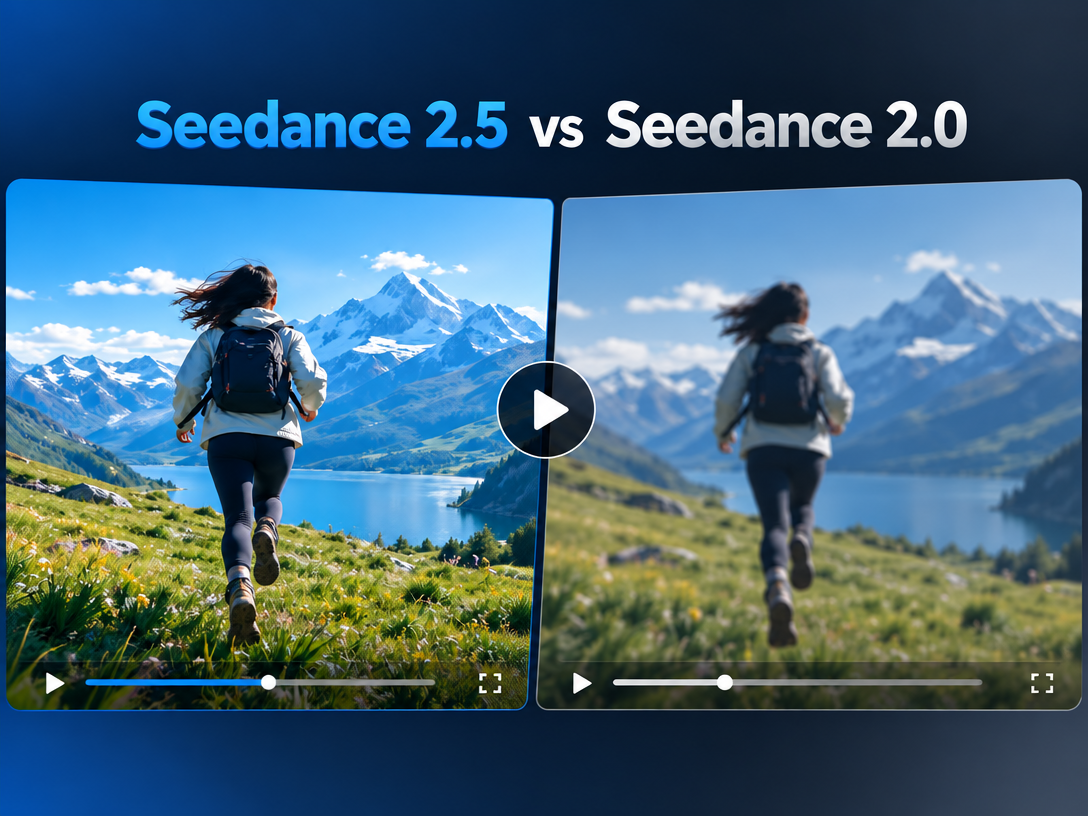
Seedance 2.5 is the stronger choice for production work because it supports longer continuous generation, more reference inputs, localized editing, synchronized audio, and higher-resolution output. Seedance 2.0 remains practical for short tests, simple concepts, and users who prioritize speed over control.
The right choice depends on one question: Do you need a finished production sequence or a quick visual draft?
| Requirement | Better Choice |
|---|---|
| Short concept tests | Seedance 2.0 |
| Longer narrative shots | Seedance 2.5 |
| Multiple image, video, or audio references | Seedance 2.5 |
| Fast experimentation | Seedance 2.0 |
| Product ads and cinematic campaigns | Seedance 2.5 |
| Local corrections after generation | Seedance 2.5 |
What Changed From Seedance 2.0 To 2.5?
Seedance 2.5 improves the production workflow by increasing continuity, reference control, and post-generation editability.
According to Dreamina’s comparison guide, the major changes include:
- Longer generation: Seedance 2.5 can create continuous sequences of up to 30 seconds, while Seedance 2.0 is generally used for shorter clips.
- More references: Seedance 2.5 supports up to 50 multimodal references, compared with a smaller reference set in Seedance 2.0.
- Localized editing: Creators can adjust a specific object or region without regenerating the entire video.
- Improved audio: Seedance 2.5 focuses more strongly on synchronized sound and dialogue timing.
- Higher output quality: 4K upscaling, stronger camera control, and more stable motion make the newer model more suitable for commercial delivery.
- Pre-production planning: White-model or 3D blocking references can help creators test framing before committing to a final render.
The practical benefit is simple: Seedance 2.5 reduces stitching, continuity repair, and full-scene re-renders.
Seedance 2.5 Vs Seedance 2.0: Feature Comparison
| Feature | Seedance 2.5 | Seedance 2.0 |
|---|---|---|
| Best use | Production-ready sequences | Fast drafts and tests |
| Continuous video | Up to 30 seconds | Typically shorter clips |
| Multimodal references | Up to 50 | More limited |
| Localized editing | Supported | Less flexible |
| Audio synchronization | Stronger control | Suitable for basic use |
| Camera direction | More precise | Basic to moderate |
| Output workflow | Generate, refine, upscale | Generate and review |
| Learning curve | Higher | Lower |
Which Model Is Better For AI Video Production?
Seedance 2.5 is better when continuity, character consistency, camera movement, or localized revisions affect the final result.
Choose Seedance 2.5 if you are creating:
- Product demonstrations
- Social video ads
- Short-film scenes
- Multi-shot narrative sequences
- Recurring-character content
- Brand videos that require repeated revisions
Choose Seedance 2.0 if you need:
- A fast storyboard preview
- A simple image-to-video test
- A short social clip
- Several low-commitment creative variations
A common mistake is judging models only by visual sharpness. The bigger production question is how much correction the model allows after the first generation. A slightly better first frame matters less than avoiding a complete re-render when one product angle, hand, subtitle, or background detail is wrong.
How To Choose Between Seedance 2.5 And Seedance 2.0
Use this decision path:
- Define the final duration. If the scene needs sustained action or several connected beats, start with Seedance 2.5.
- Count the references. If the prompt depends on multiple characters, products, locations, or style images, Seedance 2.5 offers more control.
- Separate drafts from deliverables. Use Seedance 2.0 for exploration; use Seedance 2.5 when the output must survive review.
- Check the correction cost. If one small error would force a full regeneration, the newer model is usually the more efficient option.
- Test the same prompt in both models. Compare continuity, subject identity, camera movement, audio timing, and unwanted visual changes.
A Practical Workflow With Pixmax
Pixmax is useful when Seedance generation is only one part of a larger video workflow.
Inside Pixmax’s Seedance 2.5 model page, creators can use the model as part of a broader AI video production process:
- Start with the creative brief. Define the audience, message, format, duration, and visual reference.
- Build the sequence. Break the concept into scenes, camera actions, subject movement, lighting, and audio intent.
- Generate with Seedance 2.5. Use reference assets and precise prompts for continuity.
- Review the entire timeline. Check identity drift, awkward transitions, lip sync, text rendering, and background changes.
- Refine the weak section. Adjust the affected scene or prompt instead of rebuilding the complete concept.
- Prepare the final asset. Use Pixmax’s AI Video Agent when the project requires repeatable script, storyboard, generation, and revision steps.
This is where Pixmax fits naturally: it connects model selection with planning, generation, refinement, and export. It does not replace creative judgment; it makes repeated production easier to manage.
Common Mistakes To Avoid
- Choosing Seedance 2.5 only because it is newer.
- Using too many references without assigning each reference a clear role.
- Writing one vague prompt for a sequence that contains several shots.
- Judging a draft before checking the full timeline.
- Treating upscaling as a fix for broken motion or poor composition.
- Regenerating everything when only one region needs correction.
Community discussions in r/StableDiffusion on Reddit also reflect a recurring concern among AI creators: repeatability and control often matter more than a single impressive sample.
FAQ
Is Seedance 2.5 better than Seedance 2.0?
Yes, for longer, more controlled, and more editable AI video production. Seedance 2.0 is still suitable for quick drafts and simple clips.
Is Seedance 2.5 free?
Availability and credits depend on the platform providing the model. Check the current plan and usage terms before starting a commercial project.
Can Seedance 2.5 generate 30-second videos?
Dreamina’s published comparison describes continuous generation of up to 30 seconds. Actual limits can vary by interface, account, region, or workflow.
Which model is better for video ads?
Seedance 2.5 is usually the better fit because ads often need product consistency, controlled camera movement, audio timing, and multiple revisions.
Should beginners use Seedance 2.0 or 2.5?
Beginners can start with Seedance 2.0 to learn prompting, then move to Seedance 2.5 when they need longer scenes or tighter control.
Final Verdict
Seedance 2.0 is a fast drafting model. Seedance 2.5 is a more capable production model. If your priority is continuity, references, localized corrections, audio, and commercial refinement, choose Seedance 2.5. If you are testing ideas quickly, Seedance 2.0 remains efficient.
For creators who need a repeatable workflow around either model, Pixmax provides a practical production workspace for planning, generating, refining, and organizing AI video projects.