




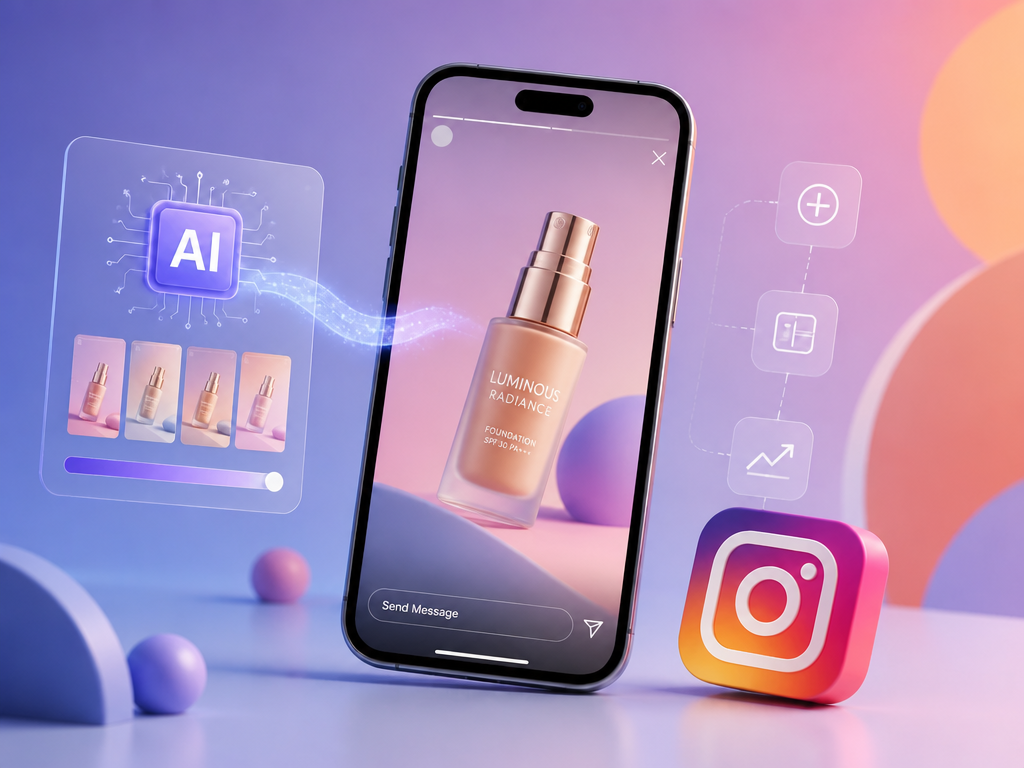
Quick Answer: How do you create Instagram Stories ads?
Open Meta Ads Manager → Create → pick an objective → set Instagram Stories in Manual Placements → upload a 9:16 (1080×1920) creative → set a CTA (Shop Now, Learn More, Sign Up) → check the Safe Zone overlay → Publish. Keep video under 16 seconds — anything longer gets auto-split into multiple Story cards.
This guide shows you how to create Instagram Stories ads that convert, not just get approved. You'll get the control route (Ads Manager), the speed route (boost in-app), and the smart route (AI-generated creative). The difference between wasted budget and a winning ad is rarely the platform — it's the creative and the discipline most tutorials skip.
What Are Instagram Stories Ads?
Instagram Stories ads are full-screen vertical ads shown between organic Stories. They look native to users but carry a "Sponsored" label and a call-to-action bar.
| Format | Key limits | Best for |
|---|---|---|
| Single image | Static, 5–6s display | Simple offers, hero product shots |
| Video | <16s per card | Demos, UGC, storytelling |
| Carousel | Up to 10 tappable cards | Multi-product, step-by-step narratives |
| Collection | Product browsing | E-commerce |
One fact most tutorials miss: Story ads do not disappear after 24 hours. They run as long as your campaign budget lasts.
Method 1: Create Instagram Stories Ads in Meta Ads Manager (Most Control)
This is the standard, most reliable way to create an ad on Instagram — it unlocks targeting, A/B tests, placement control, and tracking.
Steps:
- Go to `business.facebook.com/adsmanager` and click Create.
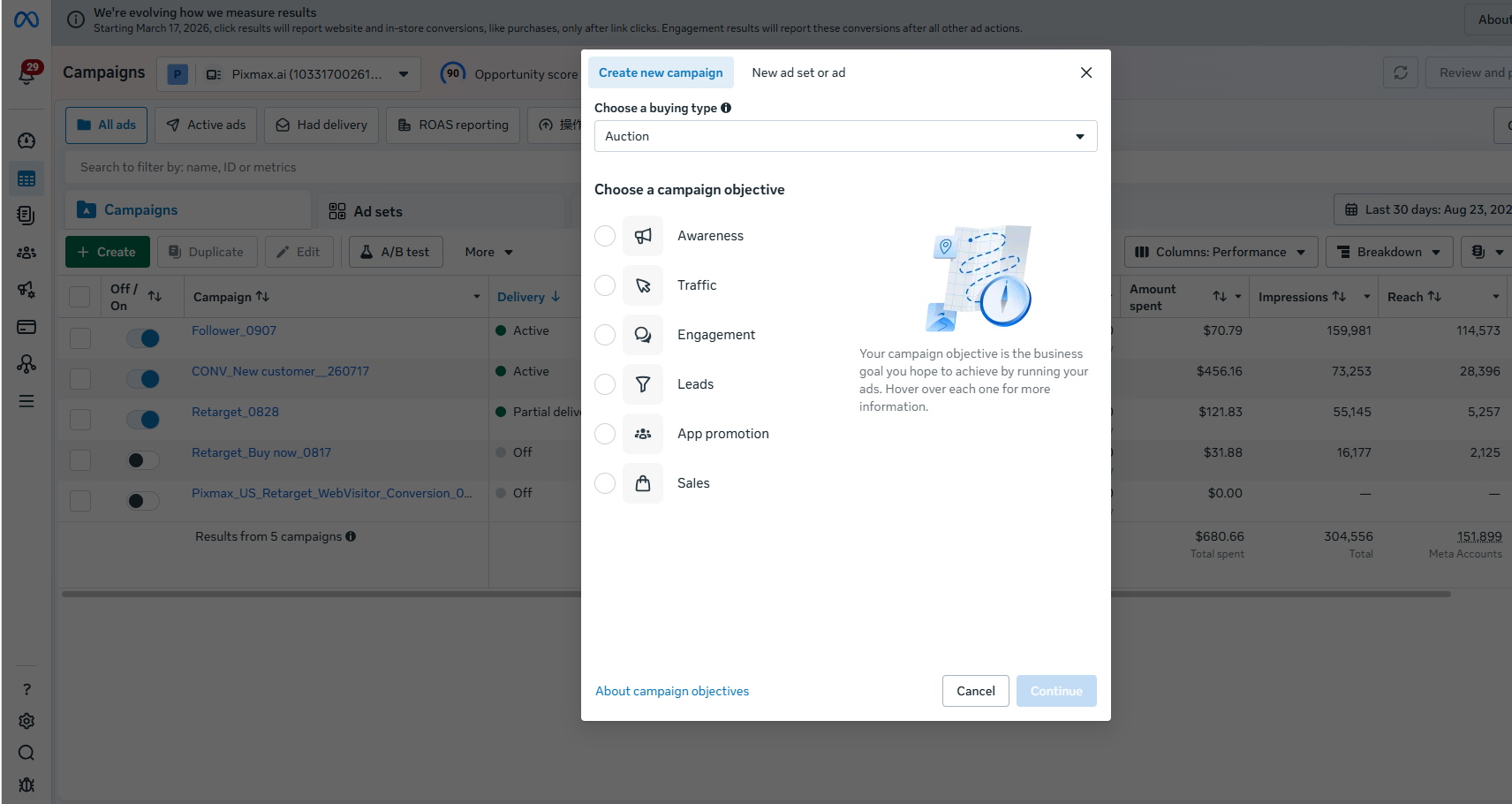
- Pick an objective: Awareness, Traffic, Engagement, Leads, App Promotion, or Sales. This choice locks after launch — don't pick Traffic if you actually want Sales.
- Set budget and audience. A daily budget of $5–$20 is enough to test; a lifetime budget works if you prefer fixed spend.
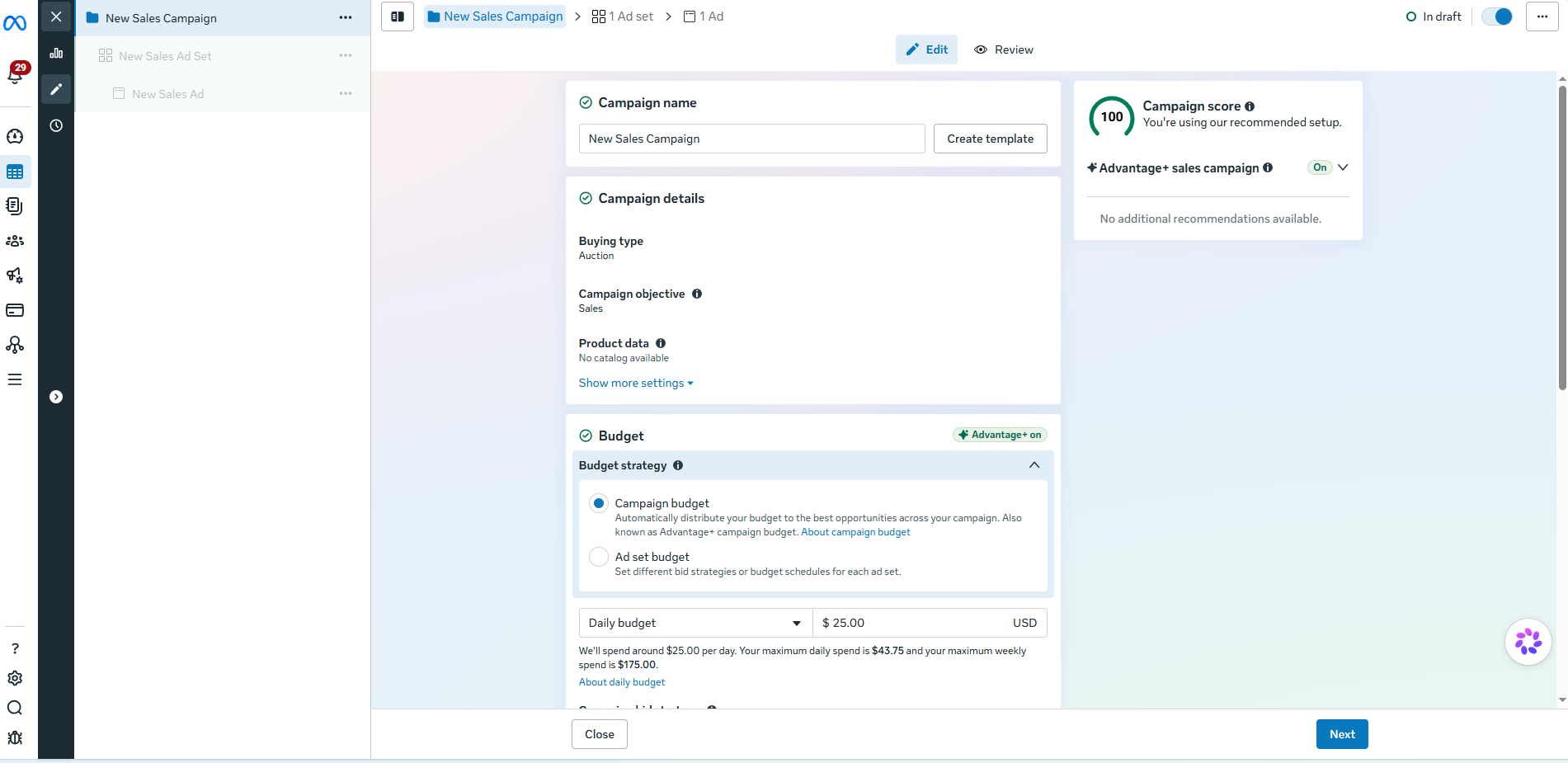
- In Manual Placements, select Instagram → Stories (add Reels only if your creative is vertical-first). Never dump a 9:16 asset into square feed slots that crop it.
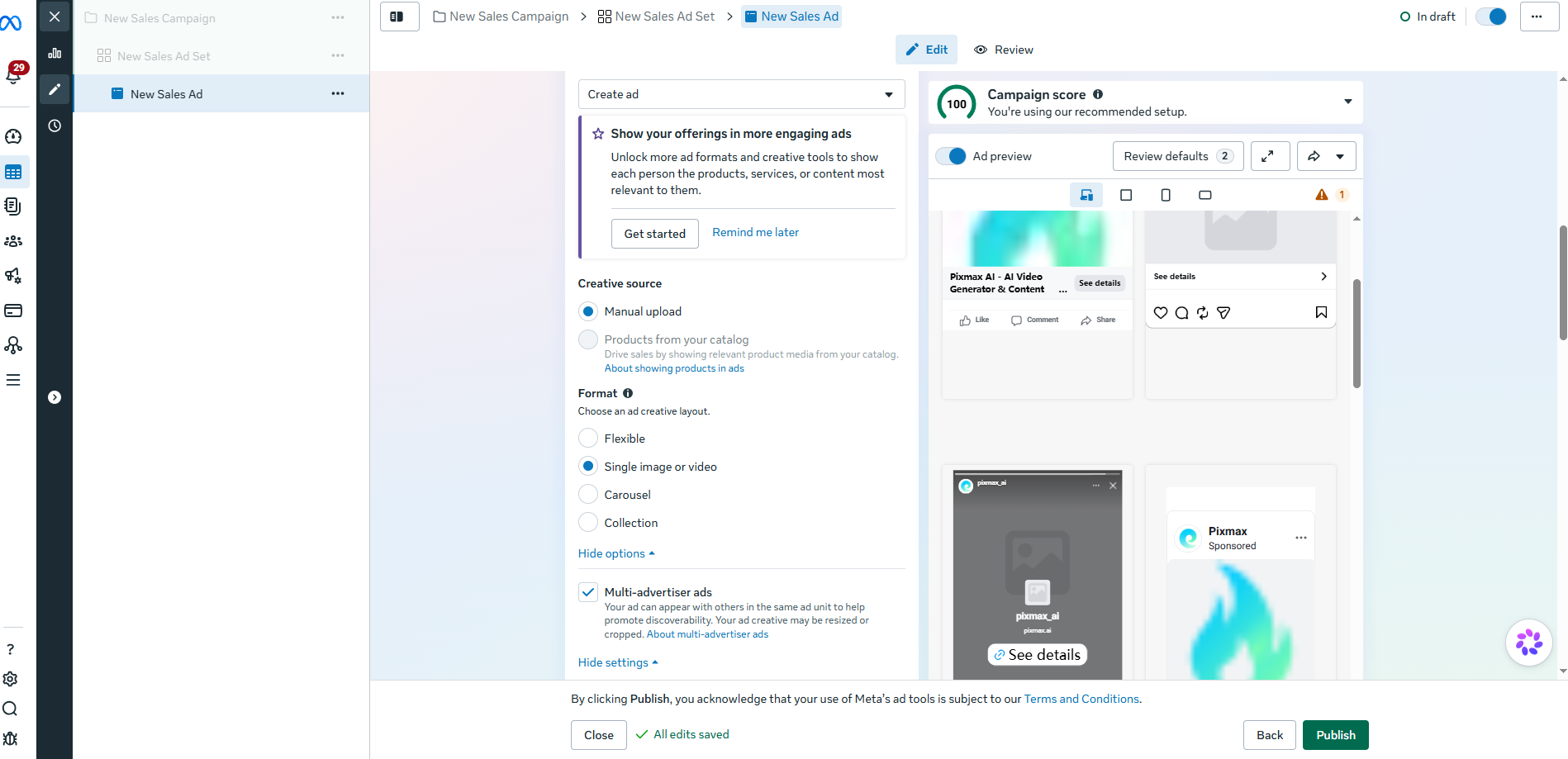
- Upload 1080×1920 creative, write 1–3 lines of primary text, set a destination URL, and choose one CTA.
- Turn on the Safe Zone overlay; keep your text, logo, and offer inside the central band.
- Preview in the Stories view (not the Feed preview), then publish. Reviews usually take under an hour.
The campaign objective is the only setting you can't change after launch — choose the action you want, not the one that sounds ambitious.
Method 2: Boost a Story From the Instagram App (Fastest)
Boosting promotes an active organic story directly in-app with three taps: More (⋯) → Boost Story → pick a goal (profile visits, website, messages), an audience, and a budget.
Use it when an organic story already earned replies or taps — turning proven content into paid reach is the cheapest way to create Instagram ads.
Its limits: no placement control, no separate Stories/Feed assets, no real A/B testing. Spend a few dollars first, then graduate to Ads Manager.
Method 3: Generate Creative Instagram Ad With Pixmax (Fastest to Launch)
This is the powerful method most guides ignore: generate placement-native 9:16 ad creative with AI before you ever open Ads Manager.
Beginners lose hours editing video — or ship a recycled feed asset that gets letterboxed. AI production removes both failures. Use Pixmax as the platform:
- Paste your script or product idea into Pixmax — it auto-generates characters, scenes, and storyboards.
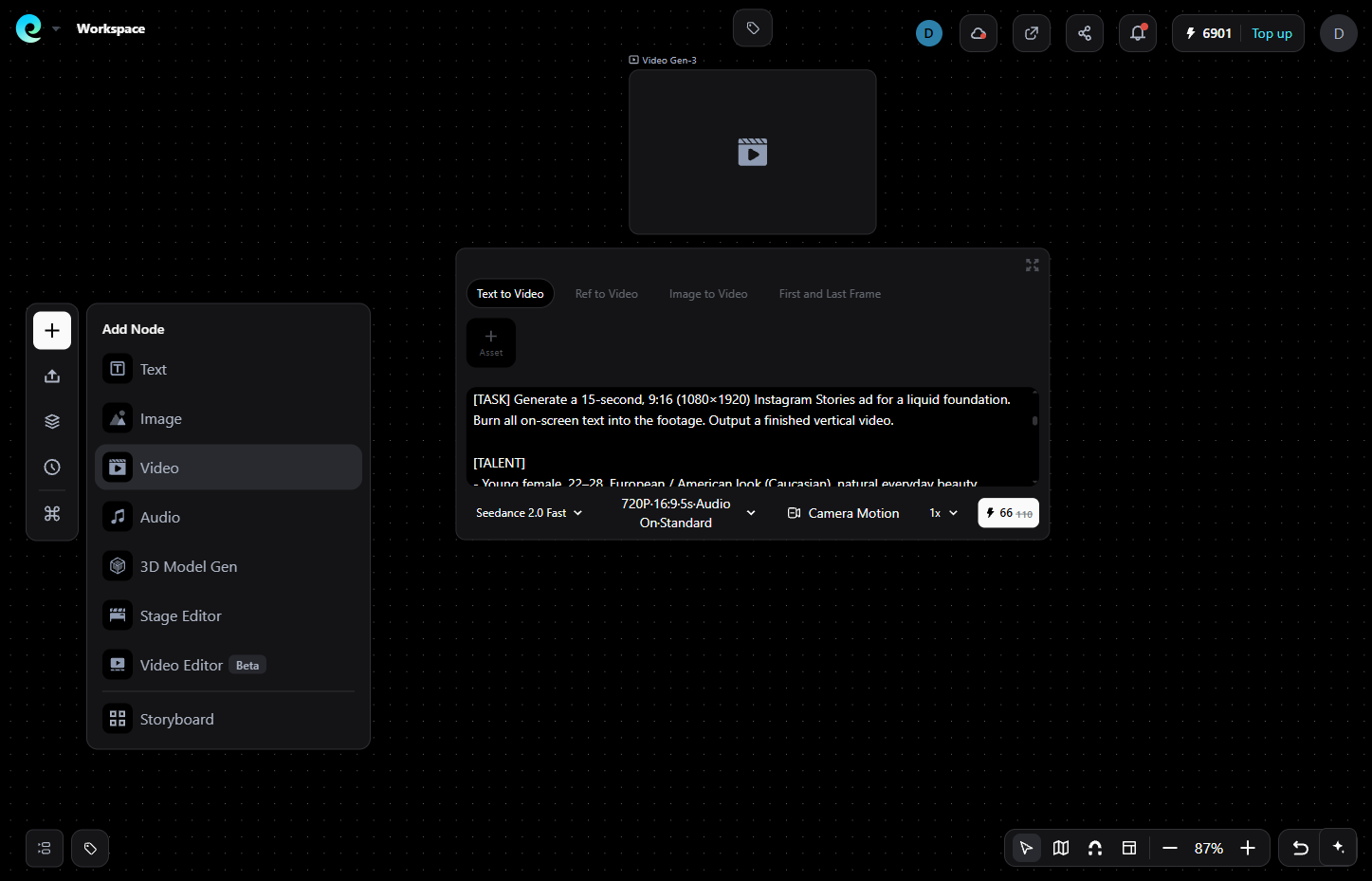
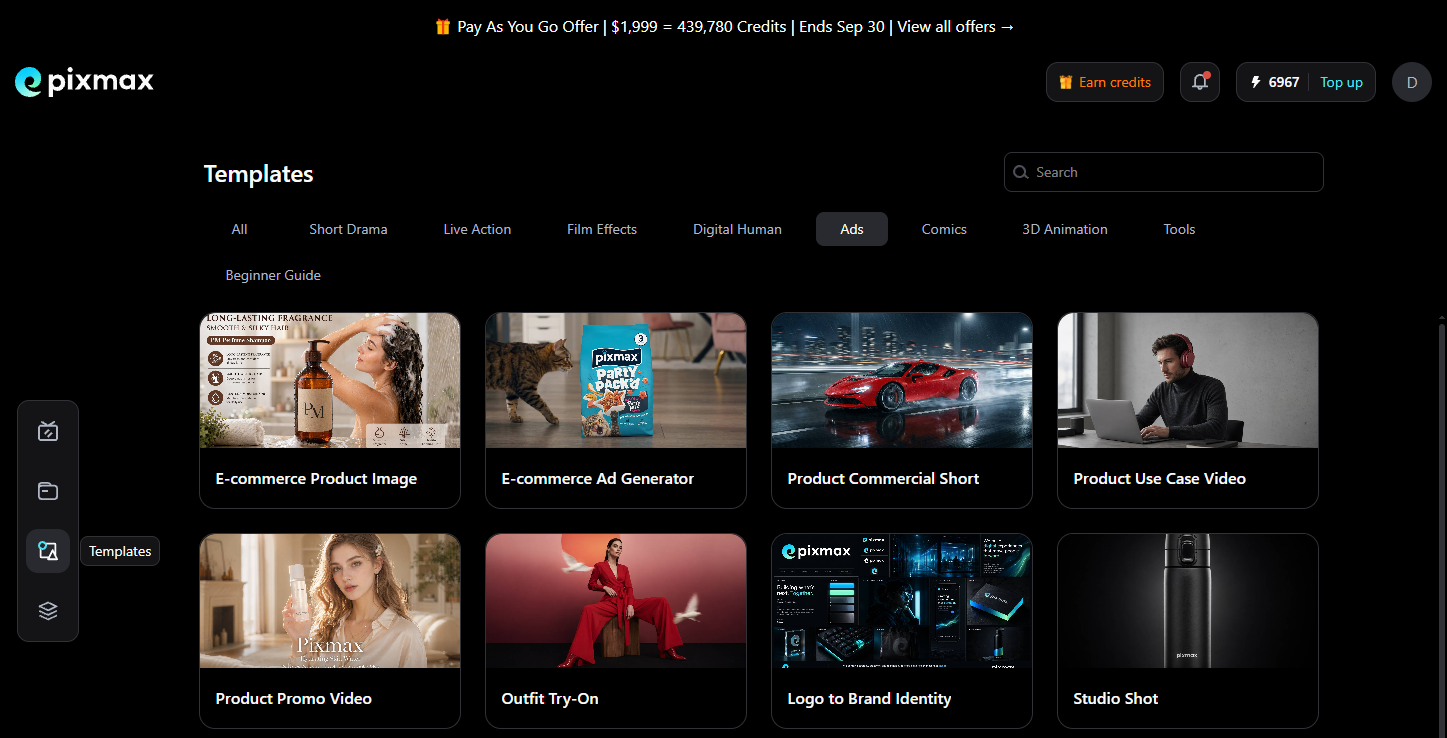
- Apply an AI Ad Template or e-commerce template built for vertical output; keep brand style consistent with the Asset Library.
- Export a purpose-built 1080×1920 (9:16) video with captions and audio baked in.
- Upload that file into Meta Ads Manager and run Method 1.
Why it wins: you get camera-crew-quality vertical footage without a team, plus unlimited variations for A/B tests — the single activity that moves cost-per-result the most. Pixmax runs top video, image, text, and audio models under one credit system, and you can try it free.
The Specs That Decide Approval
Meta's story specs are unforgiving. Get these right before you create an Instagram Stories ad:
| Element | Spec |
|---|---|
| Resolution | 1080×1920 px (min 600 px wide) |
| Aspect ratio | 9:16 |
| Image | JPG/PNG, ≤30 MB |
| Video | MP4/MOV, H.264, ≤4 GB |
| Duration | 1–60s; under 16s = one card, 16s+ = split into cards |
| Safe zone | ~14% top, ~20–35% bottom (CTA), ~6% sides |
The old "20% text rule" is no longer a hard Meta enforcement, but heavy text still reduces delivery in practice. Keep on-screen copy to 5–7 words and let the visual carry the message.
Creative Rules: Make the First 2 Seconds Earn the Rest
Swipe-away happens fastest in the first two seconds — so your ad either hooks immediately or it's skipped by the time a viewer finishes a blink.
- Lead with the payoff. No slow logo intro, no build-up to a reveal. The best moment belongs on frame one.
- Design for sound off. The full message must be readable from captions and text overlay; audio is a bonus, never a crutch.
- Native beats polished. This isn't an opinion — it's the repeated take from spenders on r/InstagramMarketing, who consistently report glossy studio ads dying while simple phone-shot video converts.
- Use motion in frame one. A static frame invites a tap forward; even image ads should pick a frame with tension.
- One message, one CTA. Test 3–4 hooks per product instead of perfecting a single ad.
Mistakes That Waste Money
- Recycling feed or square assets — letterboxing wastes up to 30–50% of the screen you paid for. Build 9:16 native.
- Ignoring the safe zone — your offer gets buried under the CTA overlay.
- Over-targeting. Community and Meta's own guidance agree: broad targeting plus strong creative beats heavy interest stacking.
- Killing campaigns after one bad day. Give the pixel 2–3 days of data; then fight fatigue by rotating creative, not by deleting campaigns.
- Previewing in Feed view. The Stories preview is the only honest look at what users see.
Final Verdict
Creating Instagram Stories ads is a ten-minute setup; making them convert is a creative decision. Use Ads Manager for control, boost proven organic stories for speed, and use Pixmax to generate native 9:16 video without a production team. Follow the Quick Answer, respect the specs, and test hooks. Thanks for reading.
FAQs
How long should an Instagram Stories ad be?
Keep it under 16 seconds — anything longer gets auto-split into multiple Story cards. The productive window is 6–15 seconds, and the hook must land by second two.
What size is an Instagram Stories ad?
1080×1920 px at 9:16 (minimum 600 px wide). Video: H.264 MP4/MOV up to 4 GB. Image: JPG/PNG up to 30 MB.
How much does it cost to run Instagram Stories ads?
There's no fixed price — you set a daily or lifetime budget. $5–$20/day is a sensible testing start; your creative and audience quality decide the actual CPM and CPC.
Can I use AI to create Instagram Stories ads?
Yes. Platforms like Pixmax generate 9:16 vertical video from a script in minutes, then you publish the file through Meta Ads Manager with full placement control.
What's the difference between boosting a Story and creating a Stories ad?
Boosting is faster but gives you limited targeting, no placement control, and no A/B testing. Ads Manager gives you objectives, placements, tracking, testing, and structured creative split by format.