



Wan 2.7, Camera Motion & Project Copy
· Update
🚀 New Features
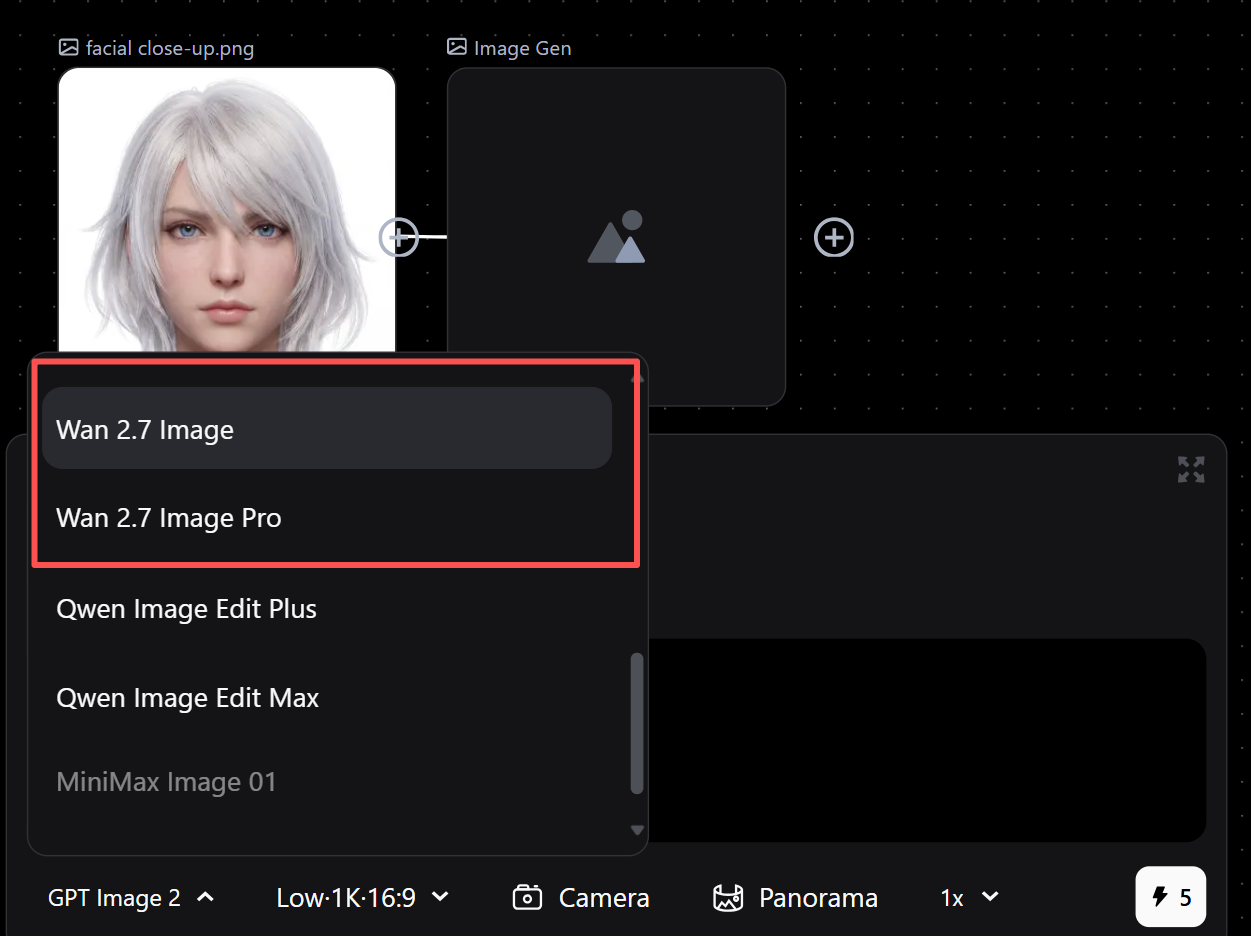
- Wan 2.7 Image/Pro Model: Now available for users, fully supported in Image-to-Image generation.
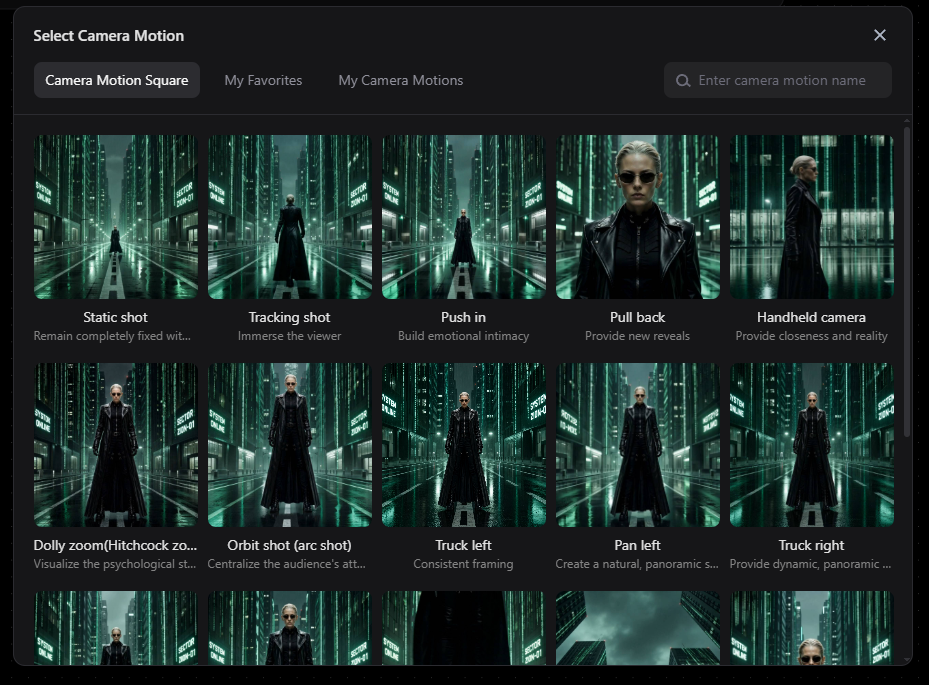
- Camera Motion: Added to video generation. Insert specific camera movement prompts directly for dynamic cinematic effects.
- Project Duplication: One-click copy of entire projects (including all canvas data) via the top-right menu. Batch duplication coming soon.
✨ Improvements
- Generation Time Display: Full-screen view now shows start and end timestamps for images and videos.
- History Download: Directly download assets from the history panel.
- Inpainting & Marking Tools:
- Brush defaults to maximum size for faster coverage.
- Added keyboard shortcuts for Undo, Redo, and Delete.