
'%3e%3cpath%20id='Vector'%20d='M8.0074%200.858015C8.09804%200.858015%208.18779%200.875868%208.27153%200.910556C8.35528%200.945243%208.43137%200.996085%208.49546%201.06018C8.55955%201.12427%208.6104%201.20036%208.64508%201.2841C8.67977%201.36785%208.69762%201.4576%208.69762%201.54824C8.69762%201.63889%208.67977%201.72864%208.64508%201.81238C8.6104%201.89612%208.55955%201.97221%208.49546%202.03631C8.43137%202.1004%208.35528%202.15124%208.27153%202.18593C8.18779%202.22062%208.09804%202.23847%208.0074%202.23847H2.4128C2.2795%202.23798%202.14742%202.26378%202.02411%202.3144C1.9008%202.36503%201.78869%202.43947%201.69419%202.53348C1.59969%202.62749%201.52466%202.73922%201.4734%202.86227C1.42214%202.98531%201.39566%203.11726%201.39546%203.25056V13.0263C1.39744%2013.2947%201.50583%2013.5514%201.69683%2013.74C1.88784%2013.9286%202.14586%2014.0338%202.4143%2014.0324H13.6012C13.8699%2014.0338%2014.1282%2013.9284%2014.3192%2013.7395C14.5103%2013.5505%2014.6185%2013.2935%2014.6201%2013.0248V8.13542C14.626%207.95463%2014.702%207.78322%2014.832%207.65743C14.962%207.53163%2015.1358%207.4613%2015.3167%207.4613C15.4976%207.4613%2015.6714%207.53163%2015.8014%207.65743C15.9314%207.78322%2016.0074%207.95463%2016.0133%208.13542V13.0233C16.0118%2013.3386%2015.9483%2013.6505%2015.8262%2013.9412C15.7042%2014.2319%2015.5261%2014.4957%2015.3022%2014.7176C15.0782%2014.9395%2014.8127%2015.1151%2014.5208%2015.2344C14.229%2015.3537%2013.9165%2015.4143%2013.6012%2015.4128H2.41205C1.7757%2015.4158%201.1642%2015.1661%200.711918%2014.7184C0.259635%2014.2708%200.0035724%2013.6619%20-3.77186e-08%2013.0255L-3.77186e-08%203.24981C0.0011795%202.93434%200.0645214%202.6222%200.186405%202.33122C0.308288%202.04025%200.486323%201.77615%200.710333%201.55402C0.934342%201.33189%201.19993%201.15609%201.49192%201.03667C1.78392%200.917241%202.09658%200.856534%202.41205%200.858015H8.0074Z'%20fill='var(--fill-0,%20white)'/%3e%3cpath%20id='Vector_2'%20d='M5.94571%205.79615C5.94631%205.63186%205.99277%205.471%206.07986%205.33168C6.16695%205.19237%206.2912%205.08014%206.43863%205.00764C6.58694%204.93436%206.75258%204.90337%206.91736%204.91806C7.08213%204.93275%207.23967%204.99256%207.37269%205.09091L10.7488%207.59899C10.8593%207.6806%2010.949%207.78699%2011.0109%207.90961C11.0727%208.03222%2011.105%208.16764%2011.105%208.30498C11.105%208.44231%2011.0727%208.57773%2011.0109%208.70034C10.949%208.82296%2010.8593%208.92935%2010.7488%209.01096L7.37269%2011.522C7.23961%2011.62%207.08213%2011.6795%206.91751%2011.6939C6.75288%2011.7083%206.58747%2011.6772%206.43938%2011.6038C6.29198%2011.5311%206.1678%2011.4188%206.08084%2011.2793C5.99389%2011.1399%205.9476%2010.9789%205.94722%2010.8146V5.7969L5.94571%205.79615ZM7.33968%209.81898L9.3796%208.30498L7.34043%206.78948V9.81898H7.33968ZM12.8562%200.926288C12.8985%200.825545%2012.9696%200.739528%2013.0605%200.679036C13.1515%200.618543%2013.2583%200.586271%2013.3675%200.586271C13.4768%200.586271%2013.5836%200.618543%2013.6746%200.679036C13.7655%200.739528%2013.8366%200.825545%2013.8788%200.926288L14.2495%201.82659C14.3059%201.96232%2014.4138%202.0702%2014.5496%202.12668L15.4574%202.49281C15.5584%202.53325%2015.645%202.60304%2015.706%202.69317C15.767%202.7833%2015.7996%202.88964%2015.7996%202.99847C15.7996%203.10731%2015.767%203.21364%2015.706%203.30377C15.645%203.3939%2015.5584%203.46369%2015.4574%203.50414L14.5496%203.87251C14.4822%203.9002%2014.421%203.94098%2014.3694%203.99249C14.3179%204.044%2014.2771%204.10522%2014.2495%204.17261L13.8788%205.07291C13.8366%205.17365%2013.7655%205.25967%2013.6746%205.32016C13.5836%205.38065%2013.4768%205.41292%2013.3675%205.41292C13.2583%205.41292%2013.1515%205.38065%2013.0605%205.32016C12.9696%205.25967%2012.8985%205.17365%2012.8562%205.07291L12.4864%204.17261C12.4587%204.1052%2012.418%204.04396%2012.3664%203.99244C12.3149%203.94093%2012.2537%203.90016%2012.1863%203.87251L11.2785%203.50414C11.1774%203.46369%2011.0908%203.3939%2011.0298%203.30377C10.9688%203.21364%2010.9362%203.10731%2010.9362%202.99847C10.9362%202.88964%2010.9688%202.7833%2011.0298%202.69317C11.0908%202.60304%2011.1774%202.53325%2011.2785%202.49281L12.187%202.12668C12.2545%202.09907%2012.3157%202.05832%2012.3672%202.0068C12.4188%201.95527%2012.4595%201.89401%2012.4871%201.82659L12.8562%200.926288Z'%20fill='var(--fill-0,%20white)'/%3e%3c/g%3e%3cdefs%3e%3cclipPath%20id='clip0_0_47'%3e%3crect%20width='16'%20height='16'%20fill='white'/%3e%3c/clipPath%3e%3c/defs%3e%3c/svg%3e)

'/%3e%3c/g%3e%3c/svg%3e)
'/%3e%3c/g%3e%3c/svg%3e)
'/%3e%3c/g%3e%3c/svg%3e)

'/%3e%3c/g%3e%3c/svg%3e)
Seedance 2.0 AI Video Generator: Create Cinematic Videos from Text Prompts
Blog
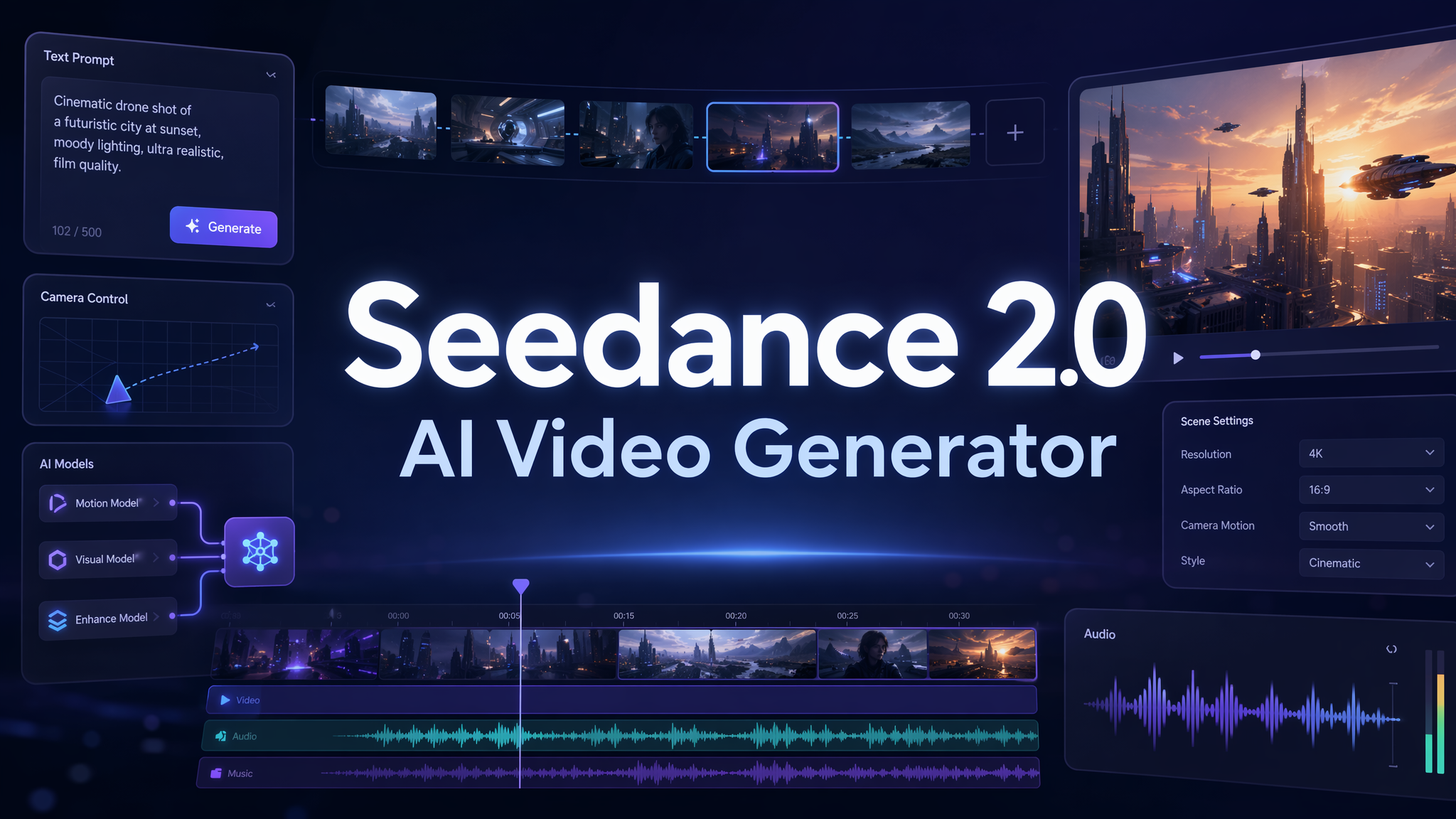
A few years ago, making a cinematic video meant choosing between two hard paths: hiring a production team or spending hours inside editing software. You needed a script, a storyboard, camera direction, music, sound design, motion graphics, and a lot of patience. For creators, marketers, small studios, and e-commerce teams, that workflow was often too slow for the pace of modern content.
That is exactly why Seedance 2.0 feels important. As a new-generation AI video generator, Seedance 2.0 is not just about turning words into moving images. Its biggest promise is higher-quality AI video generation through stronger motion stability and audio-video joint generation. In plain English, that means the video should move more naturally, feel more cinematic, and connect visuals with sound in a more believable way. For anyone using text to video AI to create social videos, product showcases, short dramas, or branded content, this is a meaningful step forward. At Pixmax.ai, we see Seedance 2.0 as part of a broader shift: AI video is moving from experimental clips to structured creative workflows.
What Is Seedance 2.0? A New AI Video Generator for Cinematic Creation
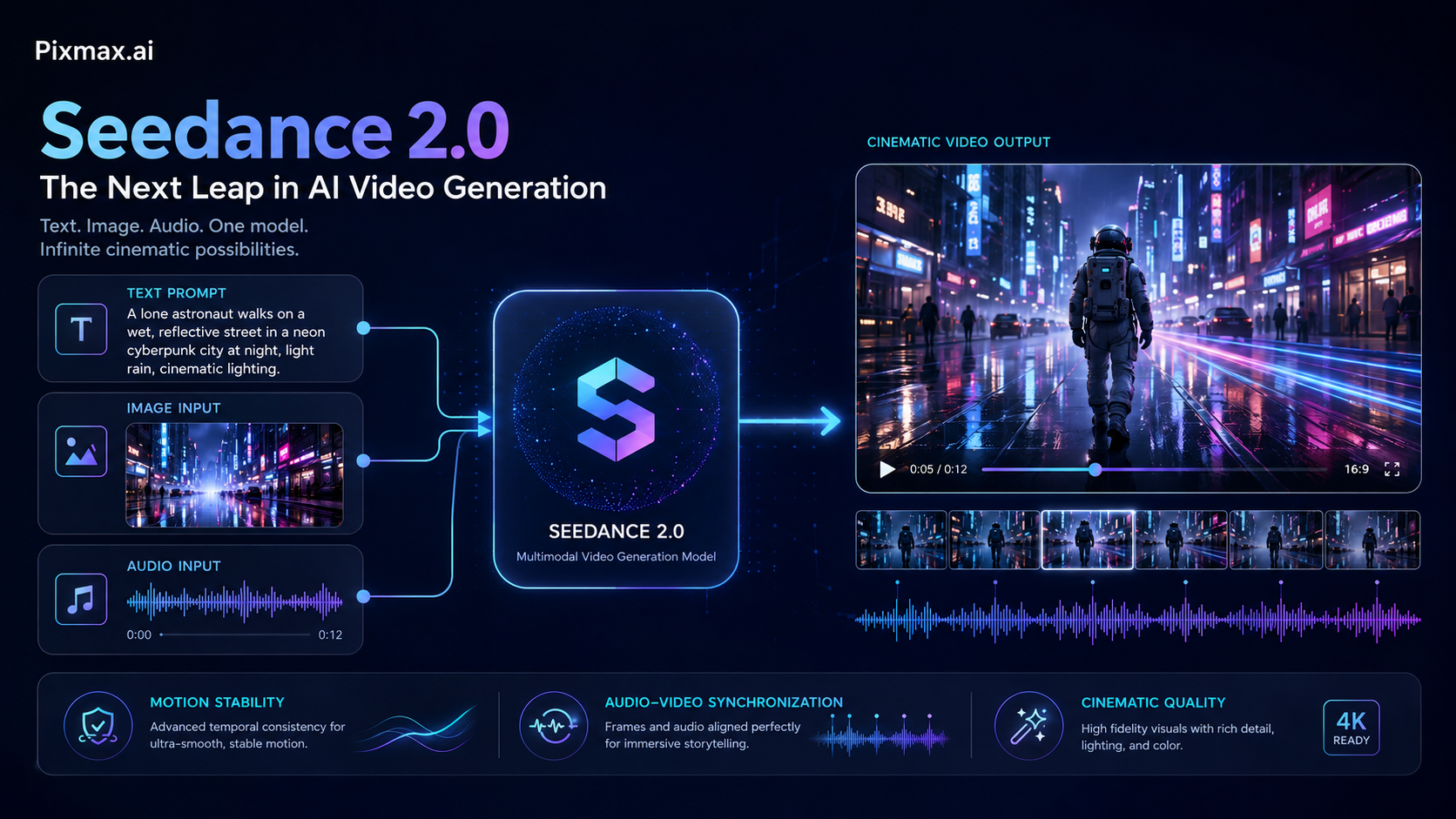
Seedance 2.0 is an advanced AI video generation model designed to create high-quality videos from prompts and multimodal creative inputs. Compared with earlier AI video tools, its value is not only in generating beautiful frames, but in making those frames move in a more stable, coherent, and production-ready way.
For creators, this distinction matters. A single impressive frame is no longer enough. Real video needs camera movement, subject consistency, environmental continuity, rhythm, and emotional timing. If a character walks through a street, the body movement should feel natural. If the camera pans across a product, the product should not melt or drift. If a scene includes sound, the audio should feel connected to the visual action rather than pasted on afterward.
Seedance 2.0 is especially interesting because it highlights two areas that have long been difficult for AI video generation: motion stability and audio-video joint generation. Motion stability helps reduce the awkward shaking, object distortion, and inconsistent movement that often appear in AI-generated clips. Audio-video joint generation points toward a more unified creative process where visuals and sound are generated together, instead of being treated as separate production layers.
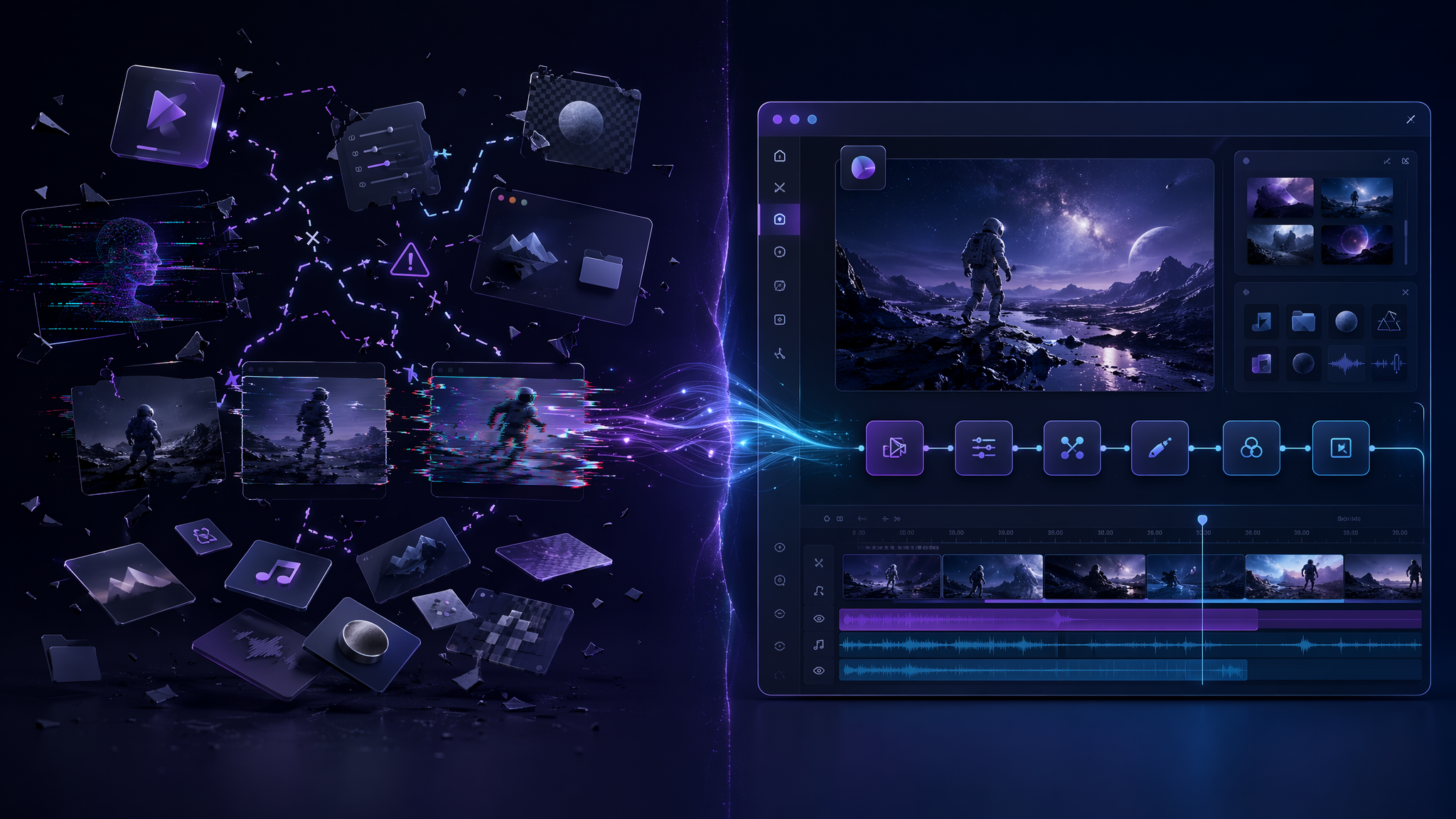
This is why Seedance 2.0 fits naturally into the future of an AI video creation platform. It gives creators a stronger model foundation. But the model alone is not the full workflow. To turn a prompt into a usable video asset, creators still need planning, iteration, reusable workflows, references, team review, and creative control. That is where Pixmax.ai comes in.
Why Traditional AI Video Tools Still Frustrate Creators
AI video tools have improved fast, but many creators still run into the same problems. The first problem is inconsistency. A video may look great in the first two seconds, then suddenly lose the character鈥檚 face, change the outfit, distort the product, or break the scene logic. This is especially painful for brand videos, e-commerce advertising, short dramas, and virtual human content, where consistency is not a nice-to-have. It is the difference between usable and unusable.
The second problem is weak motion. Many AI video generators can create motion, but not always meaningful motion. A prompt like 鈥渁 woman walking through a neon city at night - may produce movement, but the walking rhythm, camera direction, background motion, and emotional pacing may not work together. The result looks like an AI demo rather than a polished visual story.
The third problem is workflow fragmentation. A creator may use one tool for scriptwriting, another for image generation, another AI video maker for text to video AI, another platform for sound, and another app for editing. This becomes messy very quickly. For individual creators, it slows down publishing. For studios and enterprise teams, it creates version-control issues, inconsistent outputs, and unnecessary production overhead.
The fourth problem is that many AI tools are built around isolated generation instead of repeatable creation. A serious creative team does not just need one lucky clip. It needs a repeatable process: idea to prompt, prompt to visual direction, visual direction to video, video to revision, and revision to final asset. Without that structure, AI video generation remains exciting but hard to scale.
Seedance 2.0 helps solve part of the quality problem by pushing AI video toward better motion and more integrated audio-visual output. Pixmax.ai helps solve the workflow problem by giving creators an all-in-one AI creative workspace where leading AI models can become part of a larger production system.
Seedance 2.0 Is Powerful, But Workflow Is Where AI Video Becomes Useful
At Pixmax.ai, we believe the next phase of AI video creation will not be won by a single model alone. Models matter a lot, of course. Seedance 2.0 is exciting because it improves the baseline quality of AI video generation. But in real creative work, output quality is only one part of the equation. What creators really need is control, repeatability, and speed.
Think about how a marketing team creates a product campaign. They may need five short videos for TikTok, three variations for Instagram Reels, a cinematic product teaser for YouTube Shorts, and a few vertical ad creatives for paid social. The team does not simply need one video. They need a system that can generate, compare, refine, and reuse ideas across formats.
That is why Pixmax.ai is designed as an AI video creation platform, not just a single AI video generator. We help creators, studios, marketers, and enterprise teams turn ideas into cinematic videos, visual stories, e-commerce ads, AI comic dramas, live-action short dramas, and virtual human content. The goal is not to replace creative taste. The goal is to remove the production friction between imagination and execution.
With Pixmax.ai, creators can work with leading AI generation models in one workspace, build reusable workflows, collaborate with team members, and manage creative projects more efficiently. For a solo creator, this means faster content production. For a studio, it means more scalable visual storytelling. For a brand, it means the ability to test more ideas without waiting weeks for traditional production cycles.
Seedance 2.0 fits into this vision because it raises the ceiling of what text to video AI can produce. Its motion stability makes it better suited for cinematic scenes, moving subjects, and story-driven content. Its audio-video joint generation points toward richer, more immersive clips. But to turn that potential into consistent output, creators need a workflow layer. That is where Pixmax.ai gives the AI video maker experience more structure, control, and production value.
In other words, Seedance 2.0 can help generate the scene. Pixmax.ai helps you build the creative system around the scene.
How Seedance 2.0 Works for Text to Video AI and Cinematic Video Creation
The simplest way to understand Seedance 2.0 is this: you describe what you want, and the AI video generator interprets that description into a short video. But strong results rarely come from vague prompts. The quality of your prompt determines how much creative direction the model receives.
A weak prompt might be:
鈥淐reate a futuristic city video. - /p>
That may produce something visually interesting, but it gives the model very little guidance. What time of day is it? What is the camera doing? Is the mood peaceful, dramatic, cyberpunk, luxurious, or dystopian? Is there a main subject? Should the video feel like a movie trailer, a product ad, or a social media hook?
A stronger Seedance 2.0 prompt might be:
鈥淎 cinematic 8-second video of a young woman walking through a rainy neon street in Tokyo at night. The camera slowly tracks behind her at shoulder height. Reflections shimmer on the wet pavement. The mood is mysterious and elegant, with soft blue and magenta lighting, realistic motion, subtle ambient city sound, and a slow dramatic pace. - /p>
This prompt works better because it gives the AI video generator several layers of direction: subject, action, environment, camera movement, lighting, mood, motion style, and audio atmosphere.
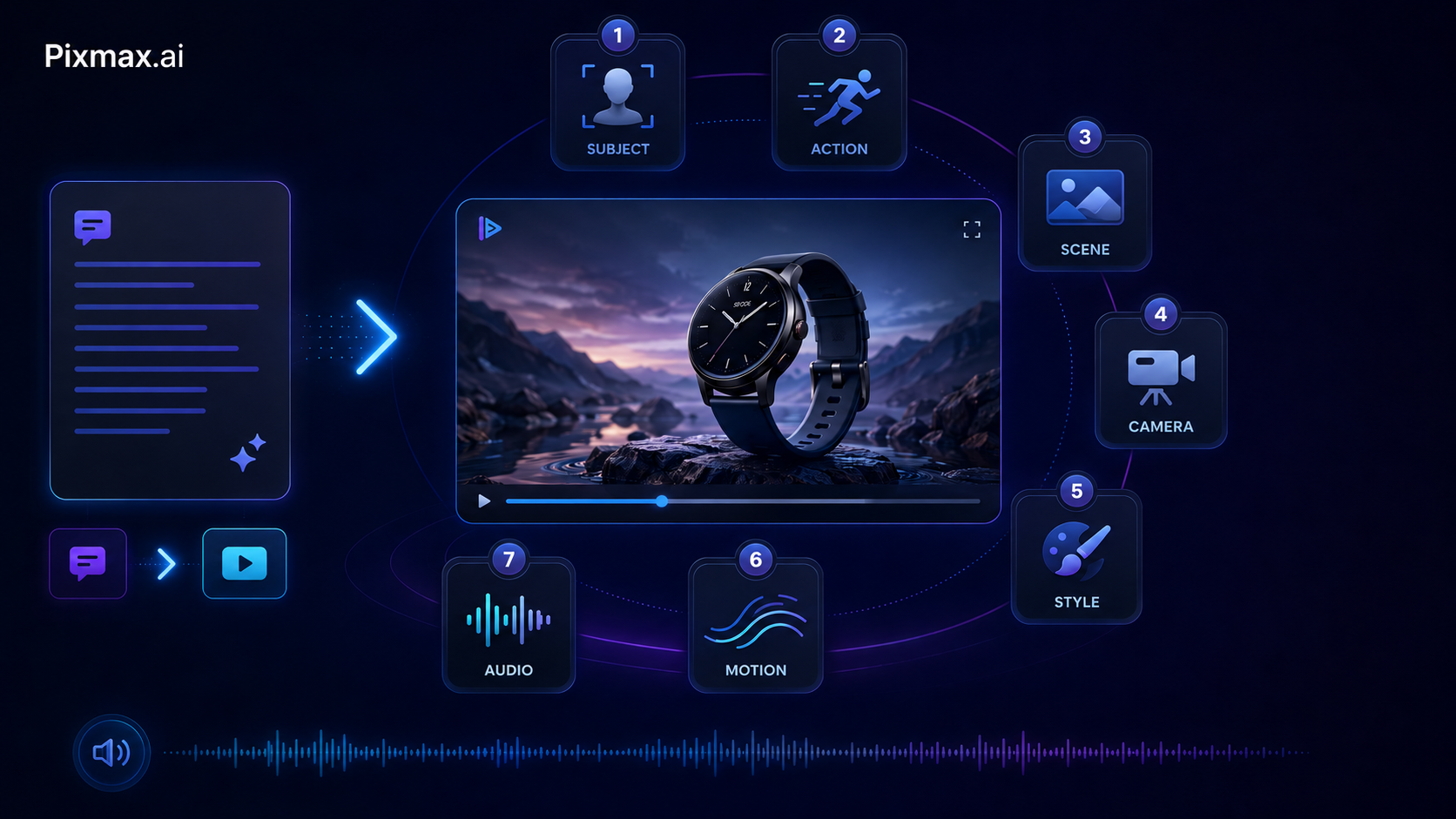
A useful formula for text to video AI is:
Subject + Action + Scene + Camera + Style + Motion + Audio
For example:
- Subject: A luxury skincare bottle
- Action: Rotating slowly on a glass platform
- Scene: Minimal studio with water reflections
- Camera: Slow macro push-in
- Style: Premium commercial lighting
- Motion: Smooth, stable, elegant
- Audio: Soft liquid sound and clean ambient tone
The final prompt could become:
鈥淐reate a premium 6-second product video of a luxury skincare bottle rotating slowly on a glass platform. Use a minimal studio background with soft water reflections. The camera makes a smooth macro push-in toward the bottle. Lighting should feel clean, elegant, and high-end. Motion should be stable and realistic, with subtle liquid sound and a calm ambient tone. - /p>
This is where Seedance 2.0 becomes useful for different video types.
For social media videos, Seedance 2.0 can help creators generate fast, eye-catching clips for TikTok, Instagram Reels, YouTube Shorts, and X. These videos need immediate visual impact. A strong prompt should include a hook, a visual surprise, and clear movement.
For e-commerce advertising videos, the focus should be product clarity. Prompts should describe the product, background, lighting, camera angle, and product motion. Avoid overloaded scenes. The product must remain recognizable.
For cinematic storytelling, prompts should include character emotion, scene setting, camera language, and narrative tone. Instead of asking for 鈥渁 sad man in a room, - say 鈥渁 close-up shot of a tired man sitting beside a window at dawn, warm light across his face, slow handheld camera, quiet emotional atmosphere. - /p>
For AI comic dramas and short dramas, consistency becomes more important. You should describe character details, outfit, setting, and emotional beats carefully. If you are building a series, use reusable prompt structures so every clip follows the same creative logic.
For virtual human marketing, prompts should focus on facial expression, gesture, body posture, voice tone, and brand environment. The character should feel intentional, not random. Seedance 2.0's motion stability can be especially valuable here because unnatural movement quickly breaks audience trust.
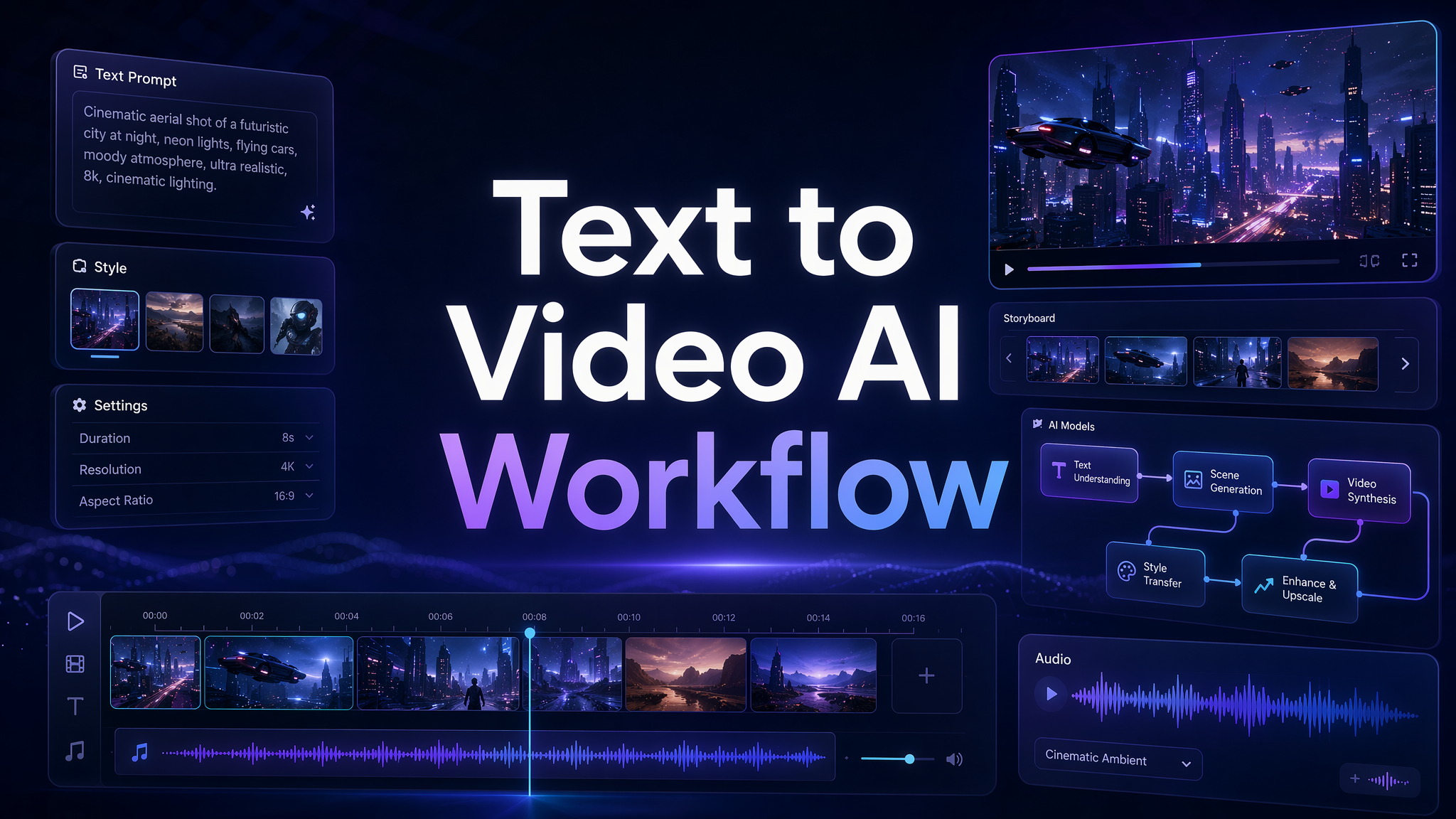
Inside Pixmax.ai, we think of AI video generation as a workflow, not a one-click miracle. A practical workflow looks like this:
Start with the creative goal: ad, story, product demo, social clip, or character scene.
Write a focused prompt using subject, action, scene, camera, style, motion, and audio.
Generate the first version with an AI video generator such as Seedance 2.0.
Review the output for motion quality, subject consistency, visual clarity, and emotional impact.
Refine the prompt with more specific direction.
Save successful prompt patterns as reusable workflows.
Adapt the final asset for social media, paid ads, product pages, or campaign use.
This is the difference between playing with an AI video maker and building a real AI video creation process. The first gives you occasional good clips. The second gives you a scalable creative engine.
Best Prompt Tips for Seedance 2.0 AI Video Generation
To get better results from Seedance 2.0, write prompts like a director, not like a search query. The model needs creative instruction. It helps to be specific, visual, and structured.
First, define the main subject clearly. If the subject is a person, describe age range, outfit, expression, and action. If the subject is a product, describe shape, material, color, and brand feeling. If the subject is a scene, describe the location and visual focus.
Second, control the camera. Camera language is one of the easiest ways to make AI video generation feel more cinematic. Use phrases like 鈥渟low push-in, - 鈥渨ide establishing shot, - 鈥渉andheld documentary style, - 鈥渓ow-angle tracking shot, - 鈥渕acro close-up, - or 鈥渟mooth aerial movement. - /p>
Third, describe motion quality. Since Seedance 2.0 emphasizes motion stability, give it a clear motion target. Use words like 鈥渟mooth, - 鈥渞ealistic, - 鈥渟ubtle, - 鈥渟low, - 鈥渃ontrolled, - 鈥渇luid, - or 鈥渘atural. - Avoid asking for too many actions in one short clip.
Fourth, include mood and lighting. AI video generation improves when the emotional tone is clear. A scene can feel dreamy, tense, luxurious, playful, nostalgic, cinematic, editorial, or documentary-like. Lighting can be soft, dramatic, golden-hour, neon, high-key, low-key, or natural.
Fifth, use audio direction when relevant. Because Seedance 2.0 supports audio-video joint generation, audio should be part of the prompt when it matters. You can describe ambient sound, music mood, sound effects, voice tone, or rhythmic pacing. For example: 鈥渟oft ocean waves, - 鈥渟ubtle footsteps, - 鈥渨arm cinematic background music, - or 鈥渜uiet city ambience. - /p>
Finally, keep each prompt focused. The best AI video prompts usually do not try to describe an entire movie. They describe one strong visual moment. A short AI-generated video works best when it has one subject, one action, one mood, and one clear camera idea.
The Future of AI Video Creation: From Single Clips to Creative Operating Systems
Seedance 2.0 shows where AI video is heading. The future is not just higher resolution or prettier frames. It is more coherent motion, richer multimodal generation, and tighter connections between text, image, video, and audio. As models improve, creators will spend less time fighting technical limitations and more time shaping ideas.
But the bigger shift is happening at the workflow level. The creative industry is moving from tool-based production to system-based production. In the old workflow, every asset had to pass through separate tools and specialized roles. In the new workflow, a creator can move from idea to prompt, from prompt to video, from video to campaign assets, and from campaign assets to performance testing in a much shorter loop.
This does not make human creativity less important. It makes taste, direction, and strategy more important. When everyone has access to an AI video generator, the winning advantage becomes knowing what to create, why it matters, and how to build a repeatable creative pipeline around it.
Pixmax.ai is building for that future. We want to give creators and teams an all-in-one AI creative workspace where leading models, reusable workflows, collaboration, and professional creative control come together. Whether you are creating e-commerce ads, social media videos, AI comic dramas, short dramas, virtual human content, or cinematic visual stories, the goal is the same: make high-quality visual creation faster, easier, and more scalable.
Seedance 2.0 is one powerful step in this direction. Pixmax.ai is where that model power can become a practical creative workflow.
Create Cinematic AI Videos with Pixmax.ai
If you are ready to turn prompts into cinematic videos, Pixmax.ai gives you a faster way to explore AI video generation, build reusable workflows, and create high-quality visual content with leading AI models.
Explore Pixmax.ai - Discover the product and start your creative journey.
Join our Discord - Meet the community, share your work, and learn from other creators.
Follow us on social media — Stay updated with new features, model releases, workflow ideas, and creative highlights.
Read more
Browse All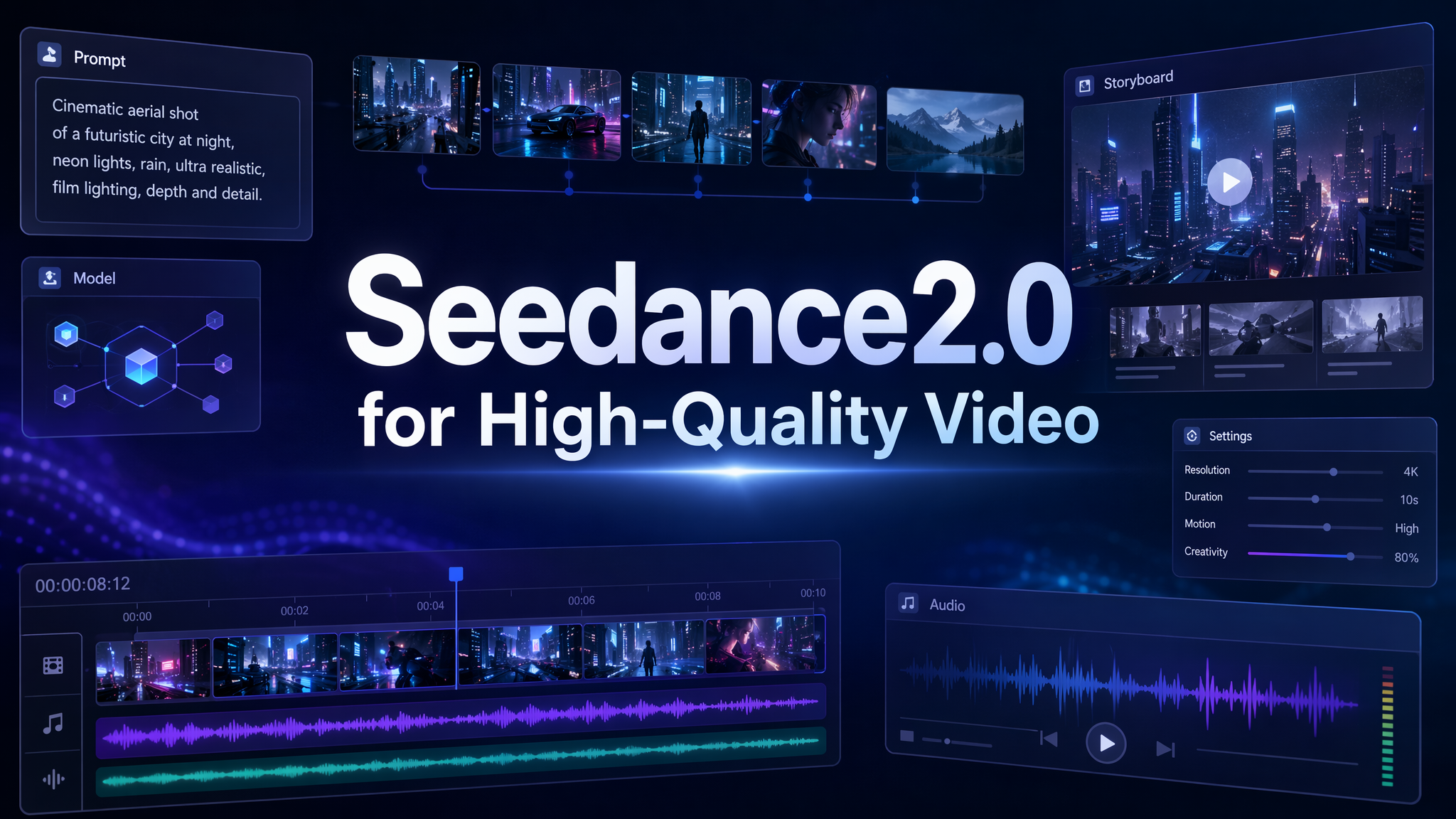

Create with Pixmax
Streamline your entire creative workflow with Pixmax, the all-in-one AI video creation platform built for maximum efficiency.