
Asset Library
Save, organize, search, and reuse images, videos, prompts, templates, and brand assets in one place.
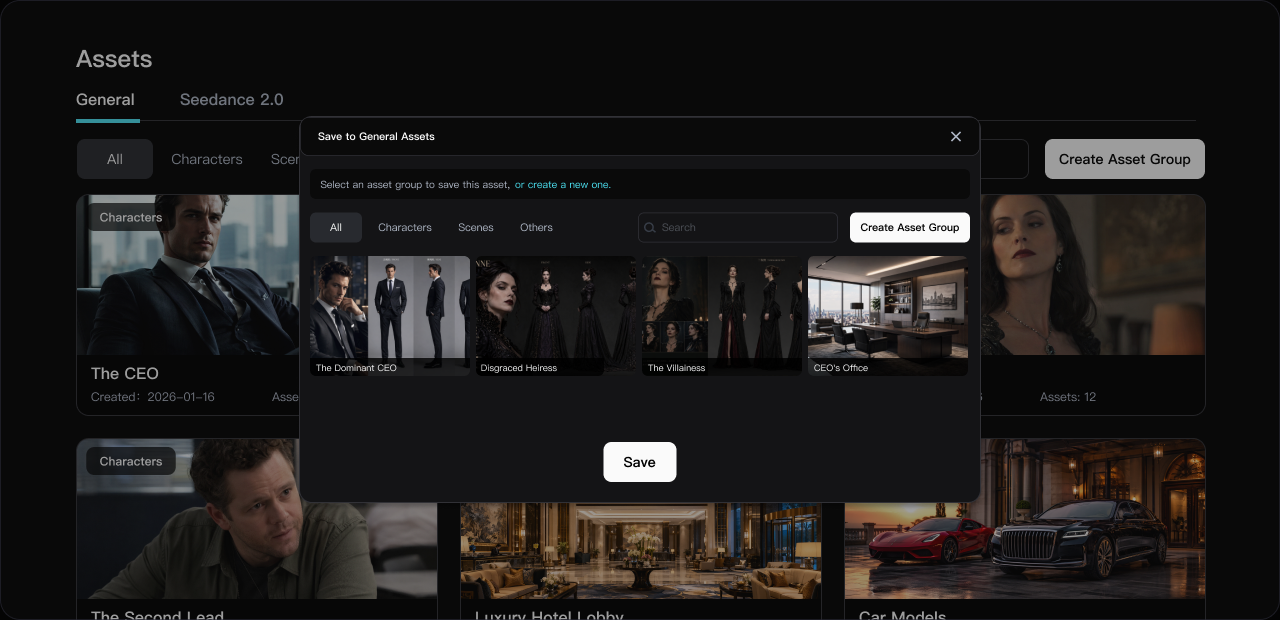
Find and Organize Creative Assets Quickly
Filter assets by project, type, tag, character, scene, or style, and locate the right materials in seconds.
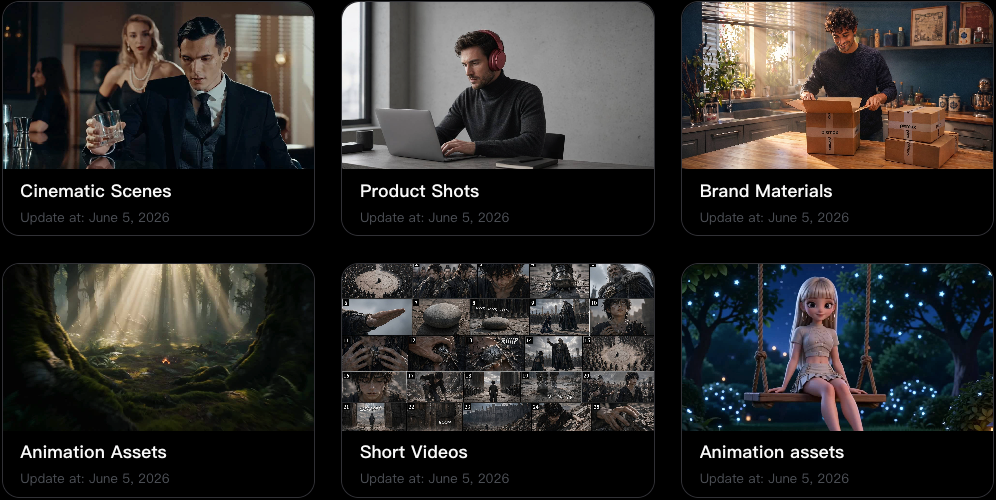
Batch Export Creative Assets
Package images, videos, audio, and project materials together to speed up delivery, review, and post-production.
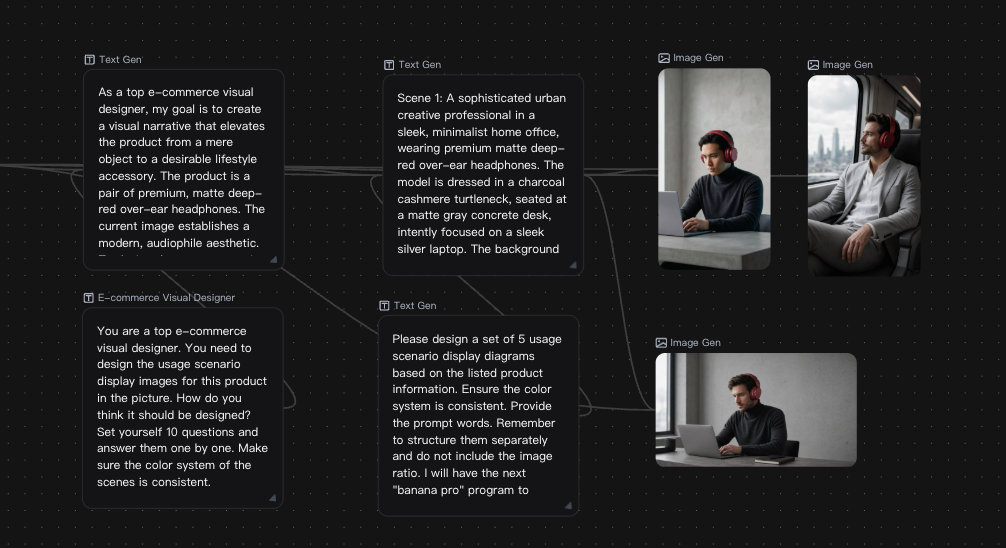
Share Assets Across the Whole Team
Share, review, and deliver creative assets across campaigns, productions, and post-production workflows.
Asset Reuse for Every Production Scenario
Reuse organized visual assets across ads, short dramas, post-production, animation, and product showcases.
E-commerce Advertising
Live-Action Short Drama
Film Post-Production
2D AI Comic Drama
Classic Films
CG Animation
Product Showcase
Asset Library FAQ
Pixmax supports images, videos, audio files, storyboards, prompts, and other creative project assets. You can organize materials by project, type, tag, character, scene, or style.
Select the assets you need and export them together in one step. This helps reduce repetitive downloads and speeds up delivery and review.
Yes. Pixmax makes it easy to search and filter assets by project, type, tags, characters, scenes, and other categories, even in large content libraries.
Yes. Exported assets can be packaged for editing, post-production, and handoff workflows, making material delivery and collaboration smoother.