
AI Cinematic Control
Take full control of camera movement, framing, depth, perspective, and lighting to create immersive cinematic visuals.
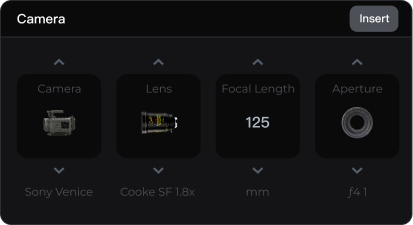
AI Cinematic Control capabilities
Professional Camera Control
Choose camera bodies and lens styles freely, customize focal length and aperture settings, and create cinematic shots with distinct visual styles.
 Select camera bodies
 Choose lens brands
 Adjust aperture settings
 Customize focal length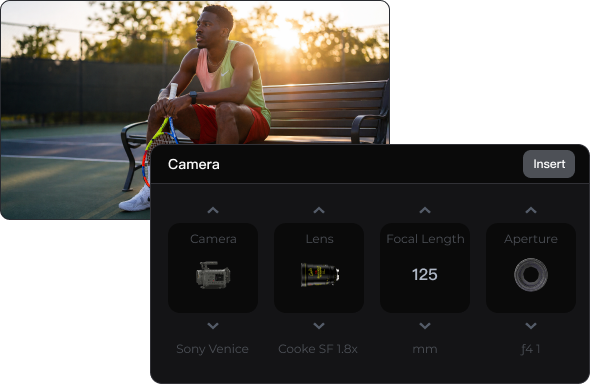
Multi-Angle View Control
Adjust angles with intuitive 3D controls. Precisely manage rotation, tilt, and zoom for fast multi-view cinematic composition.
 Wide-angle switching
 3D drag-and-rotate controls
 Adjust rotation, tilt, and zoom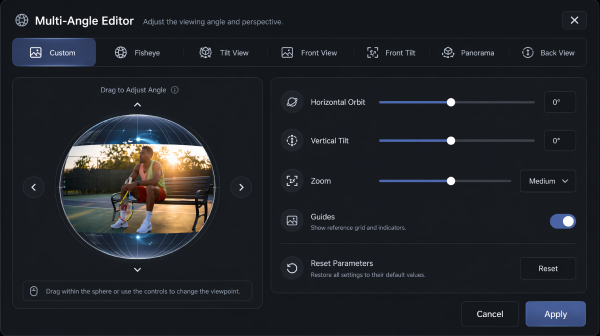
Full Lighting Control
Adjust brightness and color temperature, control key light direction, and add rim lighting to build rich cinematic depth and atmosphere.
 Adjust global color temperature
 Adjust global brightness
 Set key light direction
 Add independent rim lighting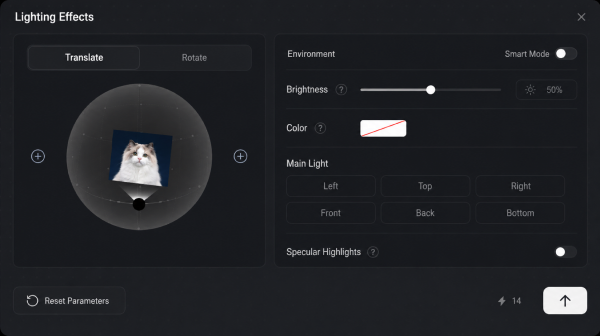
Why Does Pixmax Feel Cinematic?
Stiff camera movement
Unrealistic lighting and shadows
Inconsistent spatial depth
Flat and emotionless visuals
Natural cinematic camera motion
Professional, layered lighting
Accurate spatial composition
Emotion-rich storytelling visuals
Built for Every Cinematic Workflow
Apply cinematic camera, perspective, and lighting control across the video production scenarios that matter most.
E-commerce Advertising
Live-Action Short Drama
Film Post-Production
2D AI Comic Drama
Classic Films
CG Animation
Product Showcase
AI Cinematic Control FAQ
You can control perspectives with intuitive 3D drag controls or directly adjust rotation, tilt, and zoom values for precise camera positioning.
Yes. Adjust brightness, color temperature, key light direction, and rim lighting to build professional cinematic lighting and atmosphere.
Yes. You can switch to wide-angle views with one click or generate multiple renders from different camera perspectives for comparison and final output.
Yes. With intuitive controls, drag-and-drop interaction, and preset parameters, even beginners can quickly create professional camera and lighting effects.